---
category: general
scraped_at: '2025-11-12T14:09:16.934936'
title: Microsoft Teams
url: /docs/deploy-ms-teams
---
# Microsoft Teams
Connect Voiceflow to Microsoft Teams through the Dialog API
# Get started
Microsoft Teams is a collaboration platform that brings together chat, video meetings, file storage, and integration with other applications in one place. It is designed to help teams stay organized, share information, and communicate more effectively. With Microsoft Teams, you can create a team for your project, department, or organization, and invite members to join.
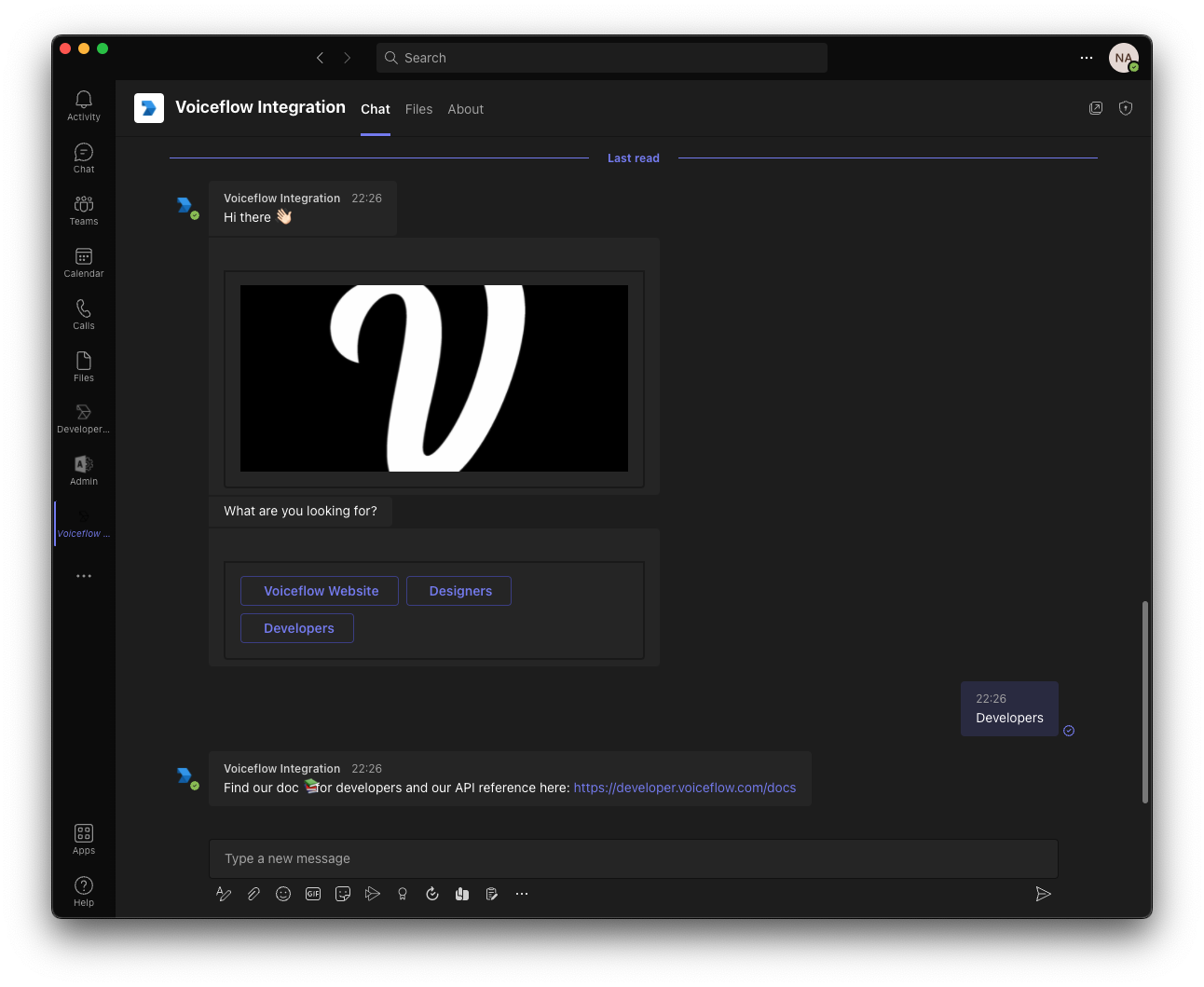
This integration guide will provide you with the steps and information needed to integrate your assistant with Microsoft Teams.
> 📘
>
> ### Prerequisites
>
> Before starting the integration, you will need the following:
>
> 1. A Microsoft Teams account
> 2. A new Microsoft Team App: [Setup Guide](https://learn.microsoft.com/en-us/microsoftteams/platform/concepts/build-and-test/teams-developer-portal)
# Instructions & Code Repository
You can find our open source code and step-by-step instructions on using our Dialog Manager API with it below.
<https://github.com/voiceflow-gallagan/api-integration-msteams/tree/e7a30eb4164fc5fbe097f2d1d7e82746d383f1d8>
Updated 6 months ago
---
[Documentation Copilot](/docs/react-embedded-educhat)[Shopify In-Store Copilot](/docs/custom-interface-shopify)
Ask AI
* [Table of Contents](#)
* + [Get started](#get-started)
+ [Instructions & Code Repository](#instructions--code-repository)
