---
category: general
scraped_at: '2025-11-12T14:08:10.187276'
title: Cards tool
url: /docs/cards-tool
---
# Cards tool
Visually display information on cards.
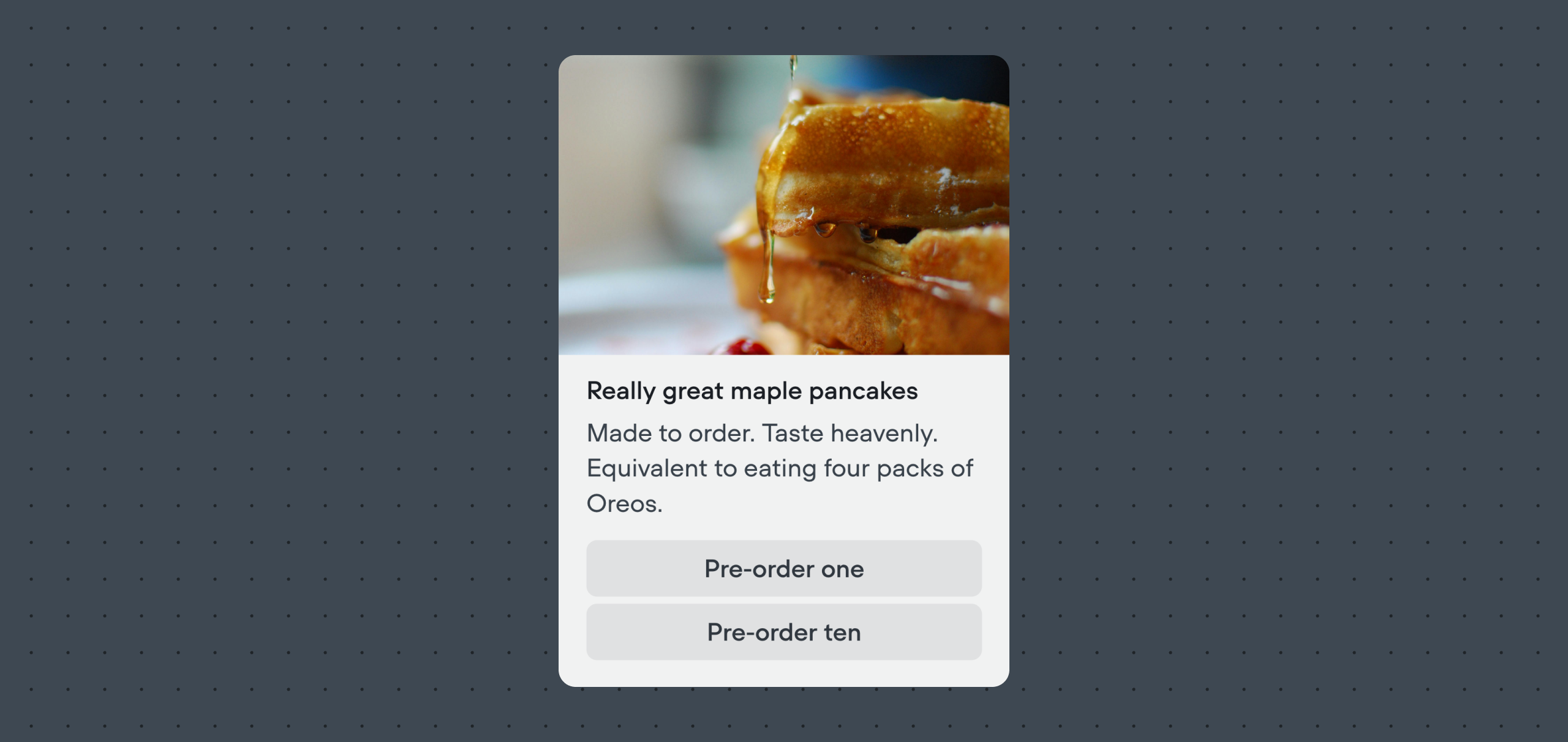
The Cards tool lets your AI agent present information in a card format with a title, image, description, and optional buttons. Cards are helpful when you want to highlight products, services, or key details in a more structured and visual way, rather than only sending plain text.
Many users pull information about products using an [Integration](/docs/integrations), then visually display it using cards. The agent step is capable of automatically transforming JSON responses from integration tools into cards automatically, provided it is well-prompted and has enough information to work off.
## Sending cards from inside the Agent step
[](https://yz5du1veb1.ufs.sh/f/9fKud4NeF5NSAYgF4B1Kl1B6rYuRkbtVx0PgEXca7OMvFIiy)
Inside an [Agent step](/docs/agents), enable the **Cards** option on the sidebar. Then, set the **LLM description** to describe to your agent when and how it should use the Cards tool.
We also recommend updating your agent's **Instructions** to also specify when cards should be sent. This will dramatically increase your agent's success rate of sending cards at the correct time.
## Manually sending cards
You can also manually send buttons to a user using the [Card step](/docs/cards-carousels).
[Doc
## Card step
Manually send cards from outside the Agent step.
Read doc →](./cards-carousels)
Updated about 2 months ago
---
[Buttons tool](/docs/buttons-tool)[Carousels tool](/docs/carousels-tool)
Ask AI
* [Table of Contents](#)
* + [Sending cards from inside the Agent step](#sending-cards-from-inside-the-agent-step)
+ [Manually sending cards](#manually-sending-cards)
