---
category: general
scraped_at: '2025-11-12T14:06:53.331980'
title: Blocks
url: /docs/blocks
---
# Blocks
Group related steps into organized sections.
Blocks are used to group multiple [steps](/docs/steps-1) together on the canvas. They help keep your assistant organized and make it easier to manage complex workflows. Each block has a name and colour, and can contain any number of steps.
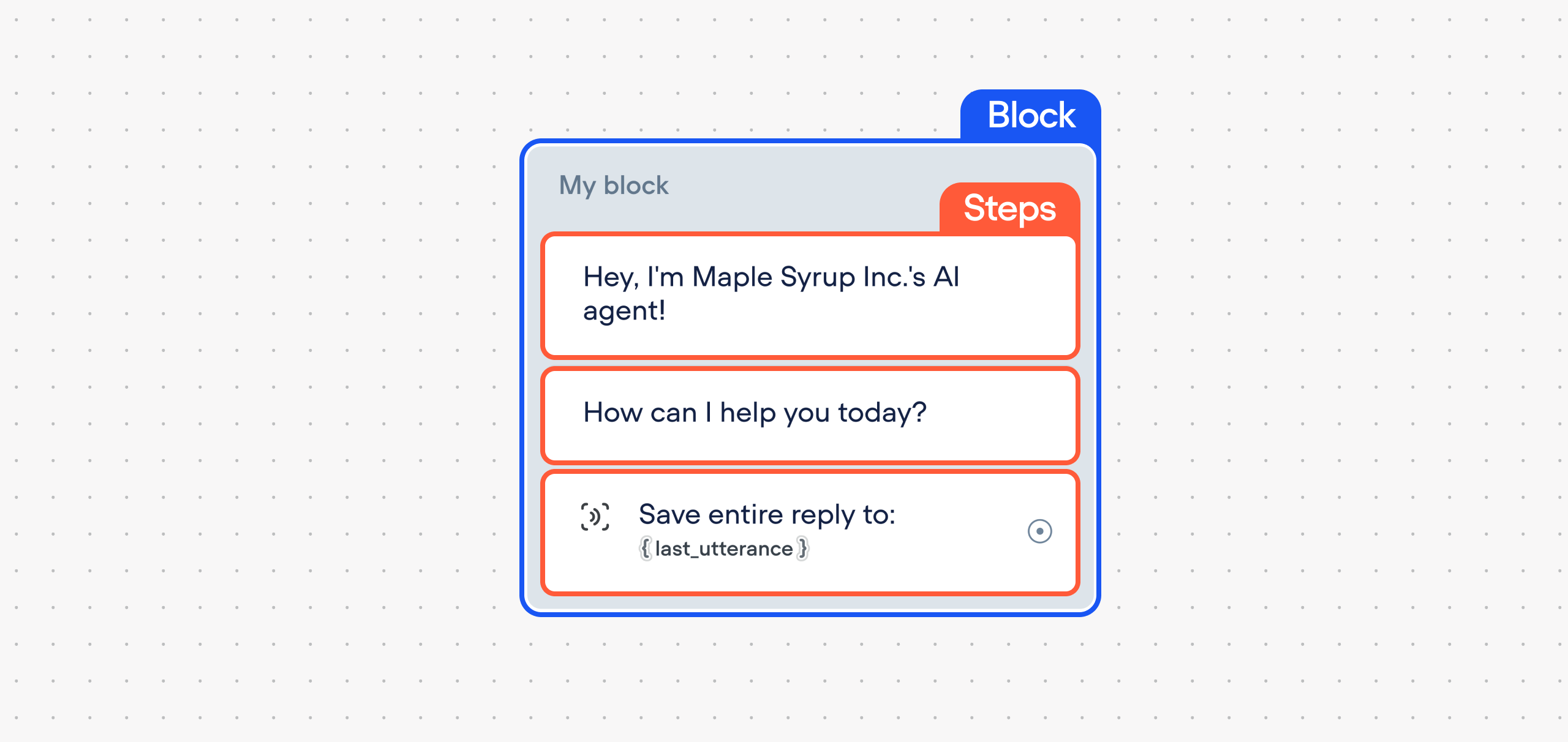
Blocks are especially useful when:
* Structuring your conversation into logical sections (e.g. onboarding, booking, support)
* Jumping between parts of the project using [Actions](/docs/actions)
* Reusing flow structures with the [Template library](/docs/templates)
## Creating and editing blocks
You can create a block in two ways:
* Drag a step onto an empty area of the canvas - this automatically creates a new block.
* Drag a step into an existing block to add it to that block.
You can rename a block by clicking its label and entering a new name. Use colours to visually group sections of your project.
[](https://yz5du1veb1.ufs.sh/f/9fKud4NeF5NSxE2EkKimEag8BWSoQbTdFYpDN5wRPeli0j21)
## Deleting blocks
To delete a block:
* Right-click on the block's background and select **delete**
* Select the block and press `Delete` or `Backspace` on your keyboard.
Deleting a block will also remove all steps inside it, unless you move them out first.
## Connecting blocks
You can connect a path to an entire block or to a specific step inside a block.
* If you connect to a block, the conversation will run through all its steps in order.
* If you connect to a step inside a block, the conversation will jump to that specific step and continue from there
To create a connection, click the port (circle) on the right side of a step, then drag the path to your target block or step.
[](https://yz5du1veb1.ufs.sh/f/9fKud4NeF5NSlEuXOr094EsumPty2pBL3kDrzTnQ6SWYIVNH)
Updated 5 months ago
---
[Workflows](/docs/workflows)[Steps](/docs/steps-1)
Ask AI
* [Table of Contents](#)
* + [Creating and editing blocks](#creating-and-editing-blocks)
+ [Deleting blocks](#deleting-blocks)
+ [Connecting blocks](#connecting-blocks)
