---
category: general
scraped_at: '2025-11-12T14:08:07.884760'
title: Buttons tool
url: /docs/buttons-tool
---
# Buttons tool
Let users select from pre-defined choices using buttons.
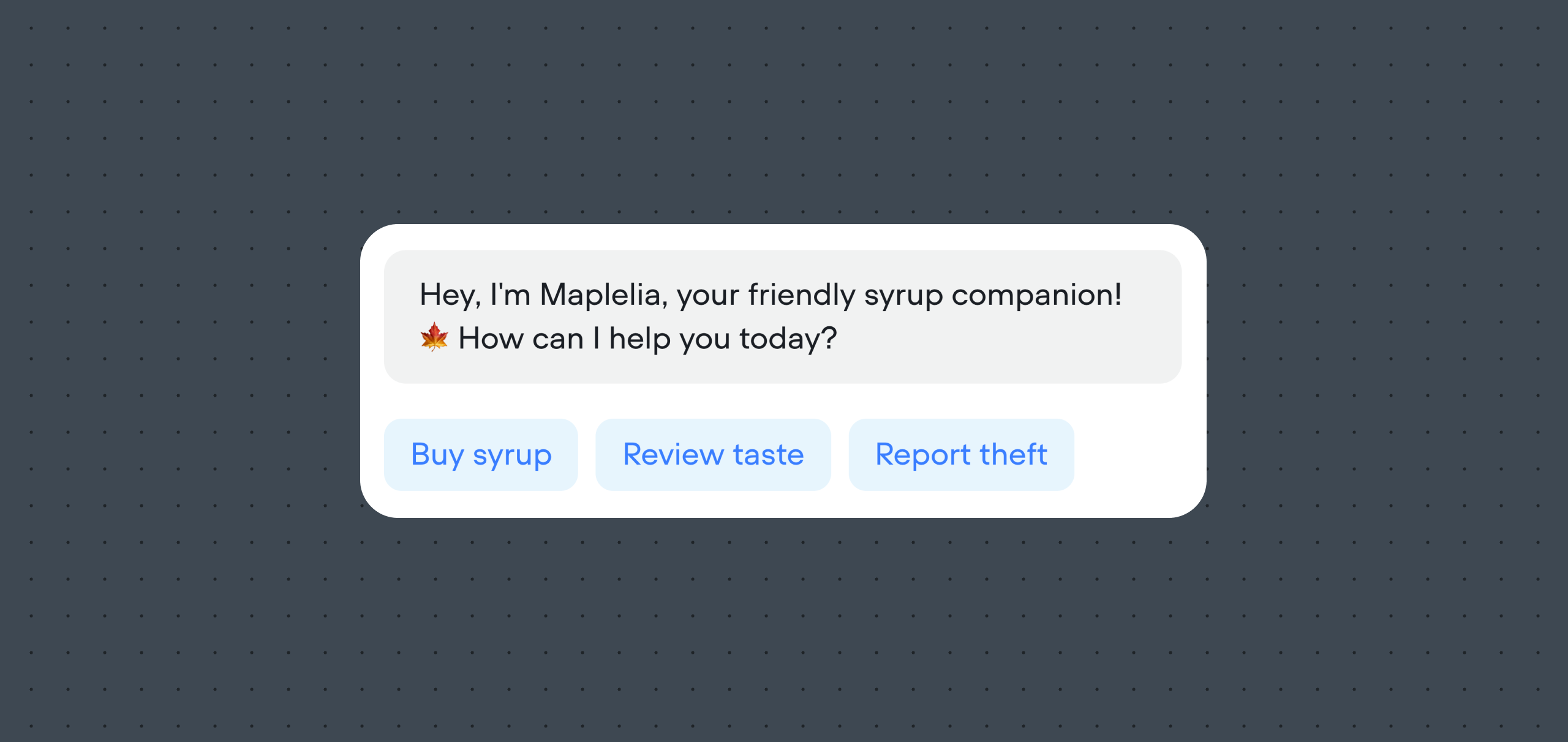
The Buttons tool lets your AI agent send up to five buttons at once, giving users a clear set of choices to click on. This is useful when you want to guide the conversation with specific options instead of relying only on free-text input. When a user clicks a button, the text on that button is sent back to the agent as if the user had typed it.
## Sending buttons from inside the Agent step
[](https://yz5du1veb1.ufs.sh/f/9fKud4NeF5NShTQdst7RAecUY5SiGX3h7ots6mNzP01FZfr4)
Inside an [Agent step](/docs/agents), enable the **Buttons** option on the sidebar. Then, set the **LLM description** to describe to your agent when and how it should use the Buttons tool.
We also recommend updating your agent's **Instructions** to also specify when buttons should be sent. This will dramatically increase your agent's success rate of sending buttons at the correct time.
## Manually sending buttons
You can also manually send buttons to a user using the [Button step](/docs/buttons-v2).
[Doc
## Button step
Allow the user to choose from buttons outside the Agent step.
Read doc →](./buttons-v2)
Updated about 2 months ago
---
[Call forwarding tool](/docs/call-forwarding)[Cards tool](/docs/cards-tool)
Ask AI
* [Table of Contents](#)
* + [Sending buttons from inside the Agent step](#sending-buttons-from-inside-the-agent-step)
+ [Manually sending buttons](#manually-sending-buttons)
