
A
licenseA
qualityC
maintenanceA Model Context Protocol server that enables LLMs to interact with MindManager mind maps, allowing retrieval of mind map structures and export to formats like Mermaid, Markdown, and JSON.
11
11
MIT

Markdown コンテンツをインタラクティブなマインドマップに変換するための Model Context Protocol (MCP) サーバー。
pip install mindmap-mcp-serverまたはuvxを使用します:
uvx mindmap-mcp-serverあるいは、 dockerより安全かつ簡単に使用します。
Related MCP server: MarkItDown MCP Server
macOS と Linux では 3 つのインストール方法が正常にテストされています。
Windowsユーザーで、このMCPのnpxで問題が発生している場合は、Dockerメソッドの使用を検討してください。あるいは、Visual Studio Codeをご利用の場合は、 「Markmap」拡張機能を使用すると、コマンドラインツールを操作するよりも簡単な解決策が得られる可能性があります。
このパッケージでは、コマンドpythonまたはuvxを使用してサーバーを実行するときに、Node.js がインストールされている必要があります。
このサーバーをclaude_desktop_config.jsonに追加します。
{
  "mcpServers": {
    "mindmap": {
      "command": "uvx",
      "args": ["mindmap-mcp-server", "--return-type", "html"]
    }
  }
}
または
推奨:
{
  "mcpServers": {
    "mindmap": {
      "command": "uvx",
      "args": ["mindmap-mcp-server", "--return-type", "filePath"]
    }
  }
}--return-typeを使用してマインドマップ コンテンツの戻り値の型を指定します。必要に応じてhtmlまたはfilePathを選択できます。htmlマインドマップの HTML コンテンツ全体を返し、AI クライアントのアーティファクトでプレビューできます。
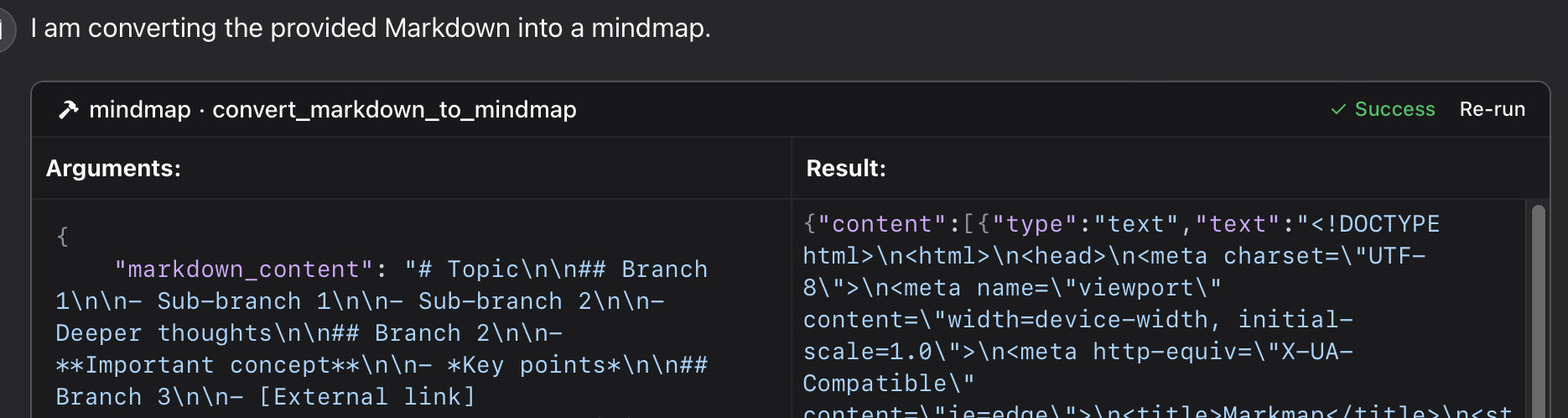
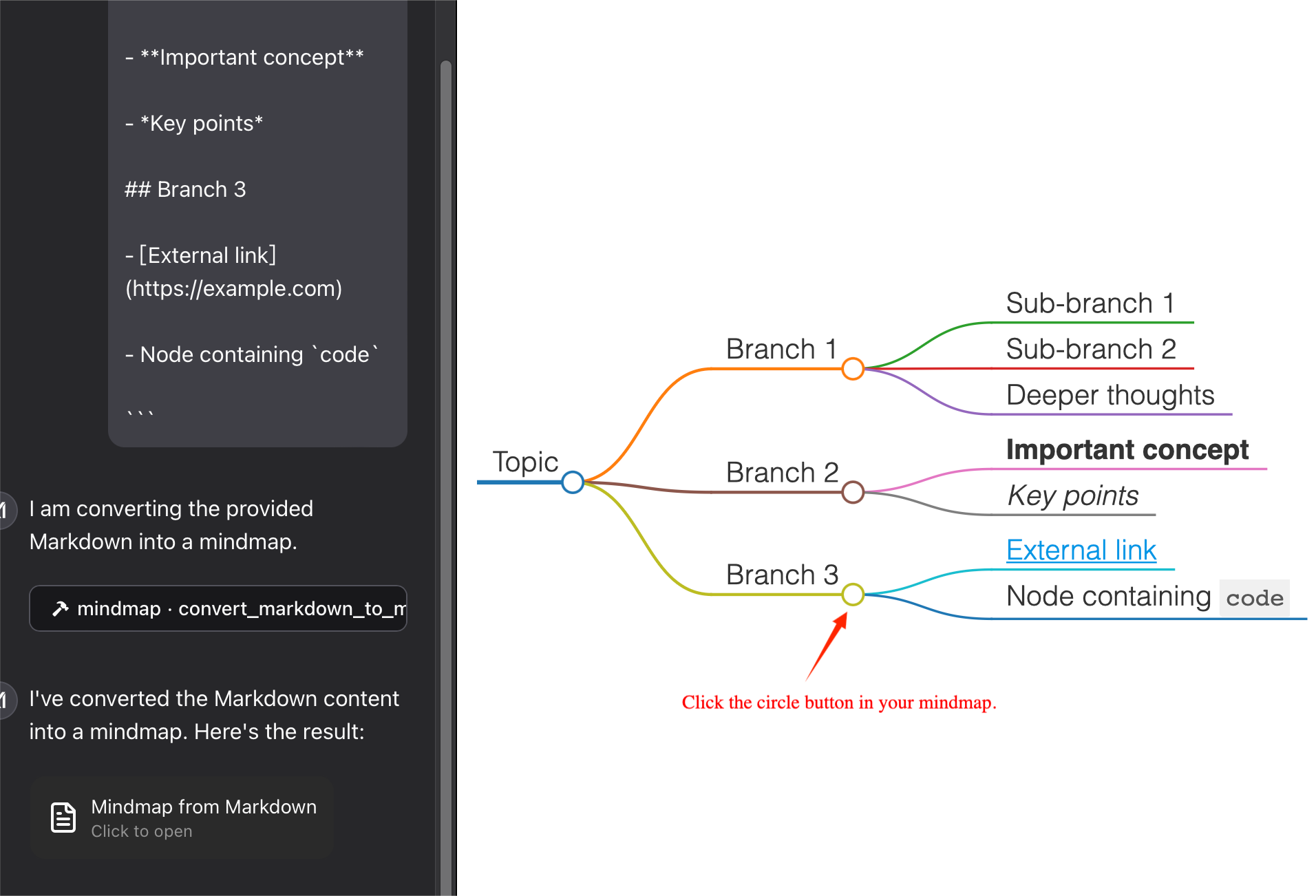
filePathマインドマップをファイルに保存し、そのファイルパスを返します。このファイルはブラウザで開くことができます。トークンも保存できます。
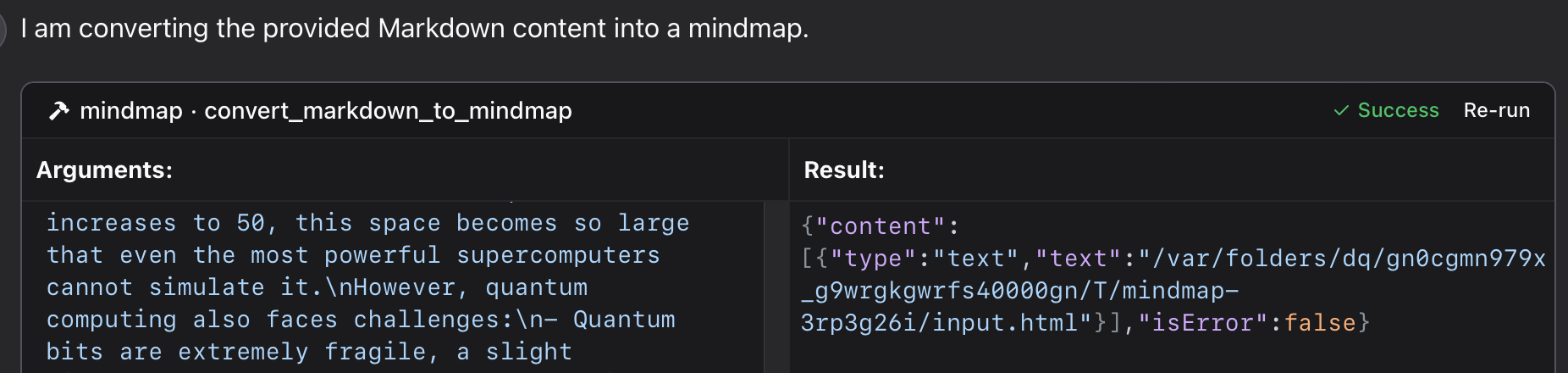
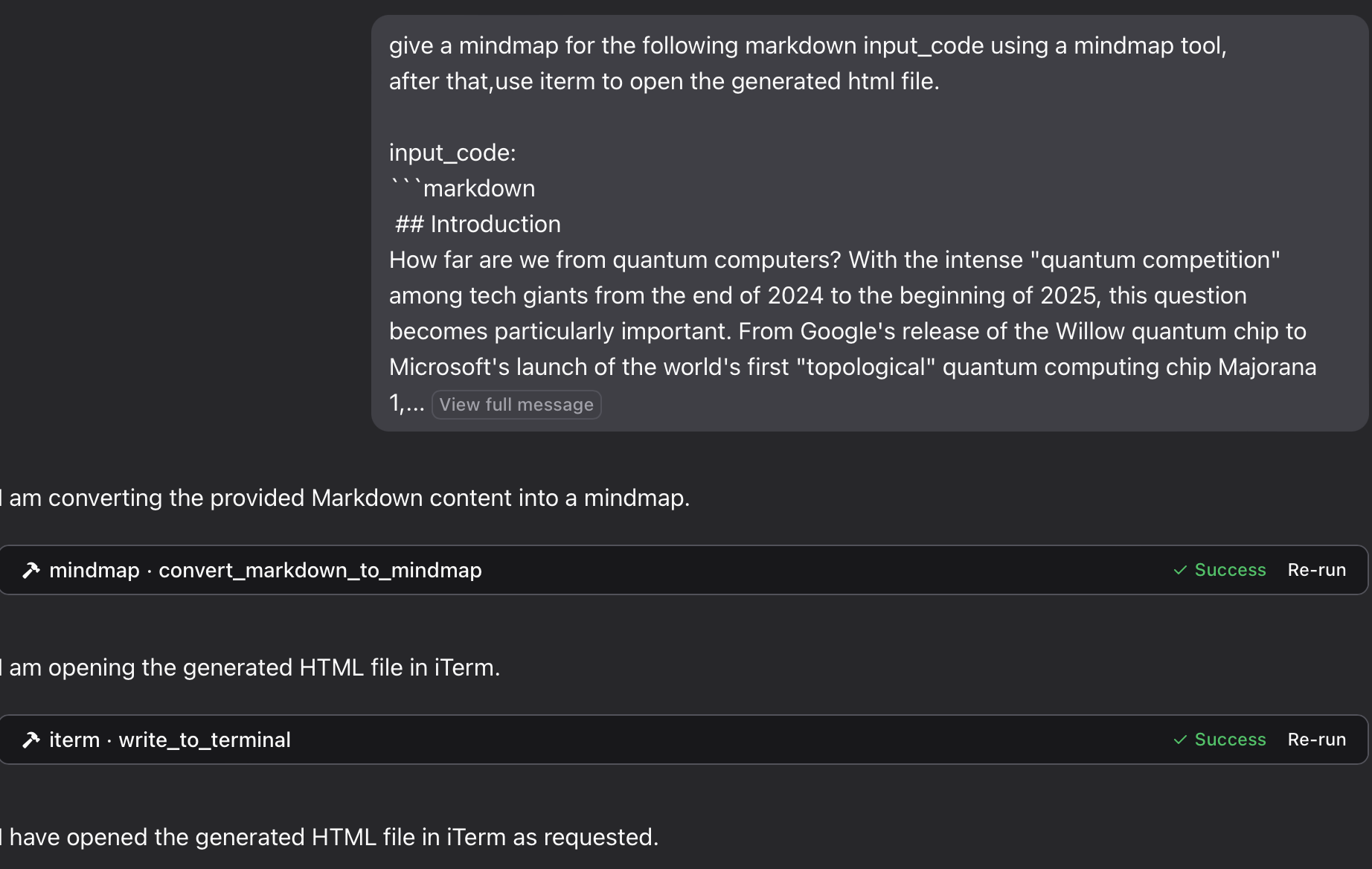
このリポジトリ内の特定の Python ファイルを使用する:
{
  "mcpServers": {
    "mindmap": {
      "command": "python",
      "args": ["/path/to/your/mindmap_mcp_server/server.py", "--return-type", "html"]
    }
  }
}
または
{
  "mcpServers": {
    "mindmap": {
      "command": "python",
      "args": ["/path/to/your/mindmap_mcp_server/server.py", "--return-type", "filePath"]
    }
  }
}
マインドマップ コンテンツの戻り値の型を指定するには--return-typeを使用します。必要に応じてhtmlまたはfilePathを選択できます。詳細については、`uvx` の使用を参照してください。
まず、イメージをプルします。
docker pull ychen94/mindmap-converter-mcp次に、サーバーを設定します。
{
  "mcpServers": {
    "mindmap-converter": {
      "command": "docker",
      "args": ["run", "--rm", "-i", "-v", "/path/to/output/folder:/output", "ychen94/mindmap-converter-mcp:latest"]
    }
  }
}
⚠️ /path/to/output/folderマインドマップを保存するシステム上の実際のパス (macOS では/Users/username/Downloads 、Windows ではC:\\Users\\username\\Downloadsなど) に置き換えます。
Docker コンテナで提供されるツールサーバーは次の MCP ツールを提供します。
マークダウンからマインドマップコンテンツへ
Markdown を HTML マインド マップに変換し、HTML コンテンツ全体を返します。
コマンドdockerでは、引数-vと/path/to/output/folder:/output使用しません。
パラメータ:
• markdown (文字列、必須): 変換するMarkdownコンテンツ
• ツールバー(ブール値、オプション):ツールバーを表示するかどうか(デフォルト:true)
最適な用途:HTMLコンテンツのサイズが問題にならないシンプルなマインドマップ。AIクライアントのアーティファクトを使用してマインドマップをプレビューできます。
マークダウンからマインドマップファイルへ
Markdown を HTML マインド マップに変換し、マウントされたディレクトリ内のファイルに保存します。
パラメータ:
• markdown (文字列、必須): 変換するMarkdownコンテンツ
• ファイル名(文字列、オプション):カスタムファイル名(デフォルト:自動生成されたタイムスタンプ名)
• ツールバー(ブール値、オプション):ツールバーを表示するかどうか(デフォルト:true)
最適な用途: 複雑なマインドマップ、または後で使用するためにトークンを保存する場合。
ブラウザでHTMLファイルを開いてマインドマップを表示できます。また、 iterm-mcp-serverや他の端末のmcpサーバーを使えば、ワークフローを中断することなくブラウザでファイルを開くことができます。
ファイルが見つかりません
マインドマップ ファイルにアクセスできない場合:
1 Dockerコンテナにボリュームが正しくマウントされているか確認する
2 パスの形式がオペレーティングシステムに合っているか確認する
3 Dockerがディレクトリにアクセスする権限を持っていることを確認する
Dockerコマンドが見つかりません
1 Dockerがインストールされ、PATHに入っていることを確認する
2 Dockerへの絶対パスを使ってみる
クロードにサーバーが表示されない
1 設定変更後にClaude for Desktopを再起動します
2 Claudeのログで接続エラーを確認する
3 Dockerが実行中であることを確認する
高度な使用法
他のMCPクライアントとの使用
このサーバーは、Claude for Desktop だけでなく、MCP 対応のあらゆるクライアントで動作します。このサーバーは、Model Context Protocol (MCP) バージョン 1.0 仕様を実装しています。
このサーバーはmarkmap-cliライブラリを使用して Markdown コンテンツをマインドマップに変換するためのツールを提供します。
Markdown をインタラクティブなマインドマップ HTML に変換する
オフライン対応のマインドマップを作成するオプション
ツールバーを非表示にするオプション
HTMLコンテンツまたはファイルパスを返す
Claude では、次のように尋ねることができます。
「マインドマップ ツールを使用して、次のマークダウン コードのマインドマップを作成します。」
# Project Planning
## Research
### Market Analysis
### Competitor Review
## Design
### Wireframes
### Mockups
## Development
### Frontend
### Backend
## Testing
### Unit Tests
### User Testing
「
マインドマップをファイルに保存し、iTerm MCP サーバーを使用してブラウザで開く場合:
「マインドマップ ツールを使用して次のマークダウン input_code のマインドマップを作成し、その後、iterm を使用して生成された HTML ファイルを開きます。input_code:
markdown content「
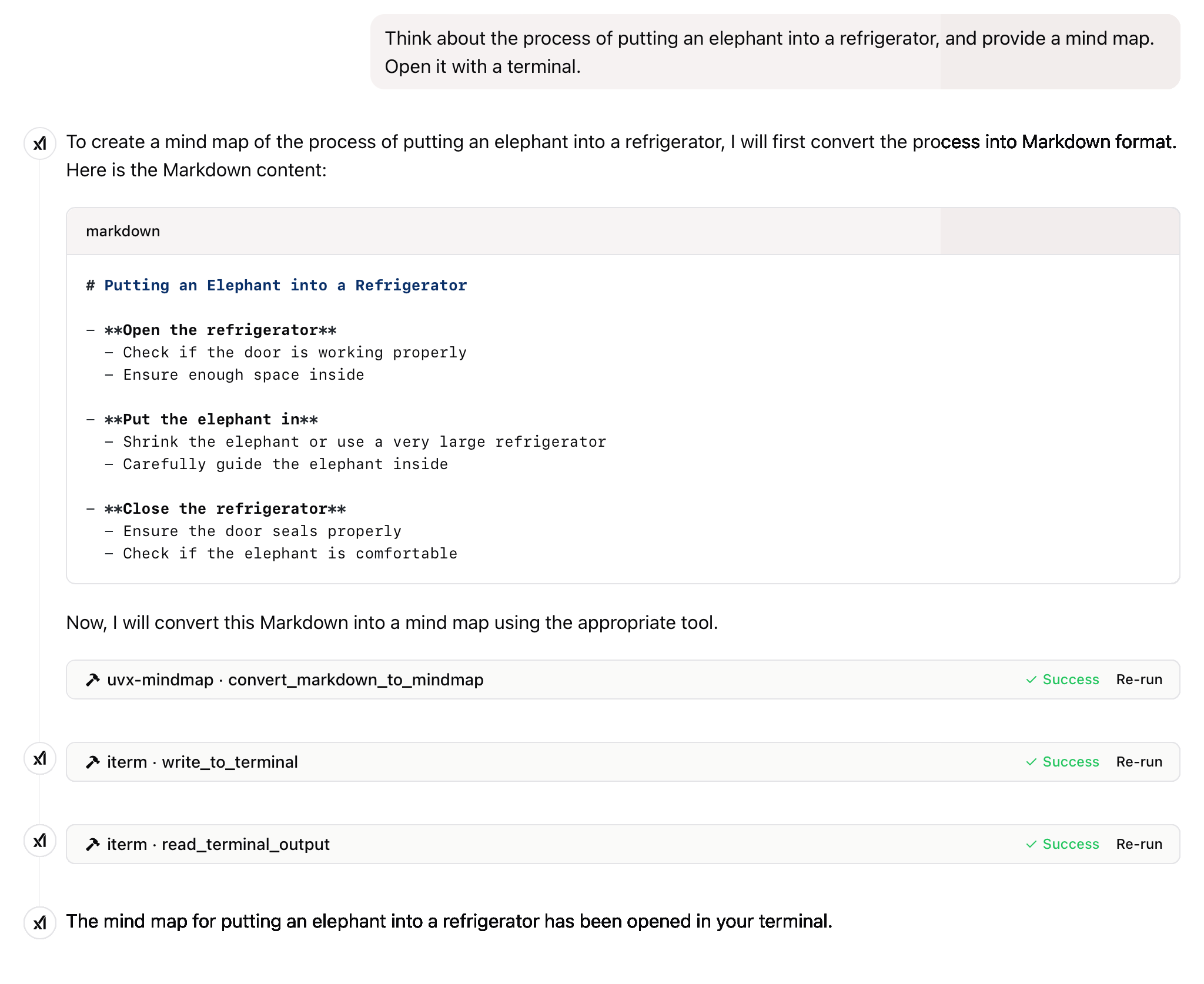
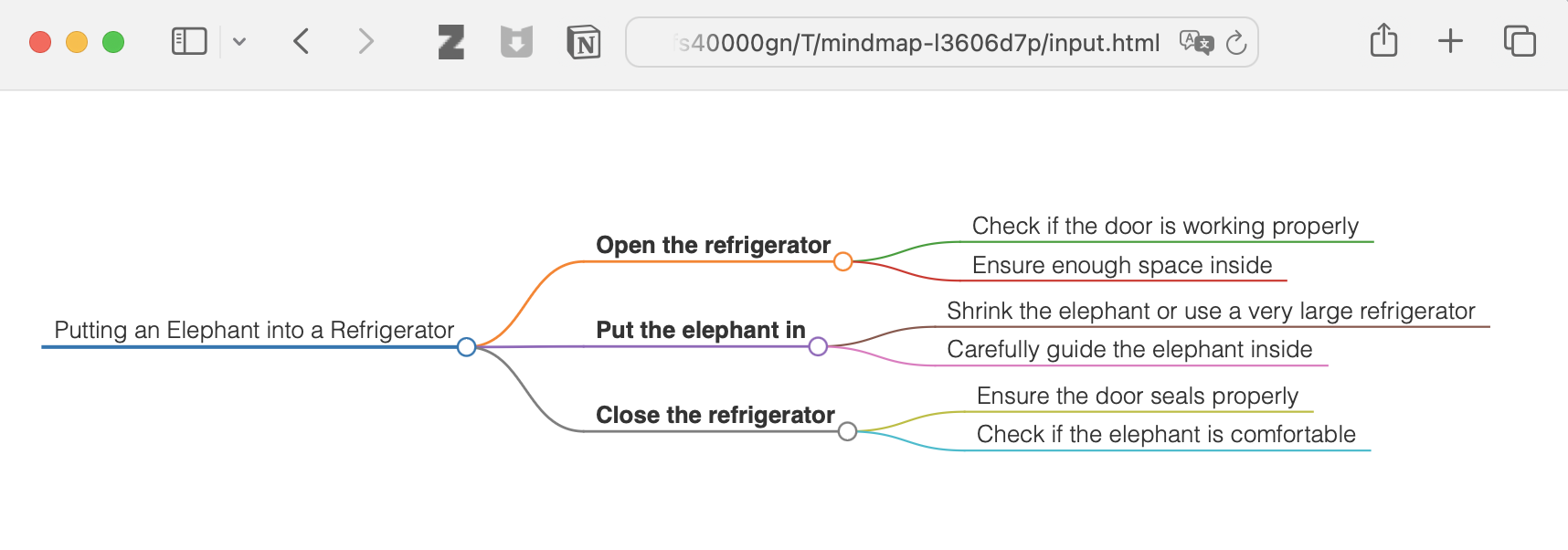
「象を冷蔵庫に入れるプロセスを考えて、マインドマップを作成してください。ターミナルで開いてください。 」
その他
このプロジェクトはMITライセンスの下でライセンスされています。詳細については、このプロジェクトリポジトリのLICENSEファイルをご覧ください。
このプロジェクトが役に立った場合は、ぜひ星⭐️を付けてください。
技術の進歩は、一般大衆を搾取するのではなく、すべての個人に利益をもたらすべきだ。
Convert Markdown content to a mindmap mind map.
Args:
    markdown_content: The Markdown content to convert

Returns:
    Either the HTML content or the file path to the generated HTML,
    depending on the --return-type server argument
| Name | Required | Description | Default |
|---|---|---|---|
| markdown_content | Yes |
| Name | Required | Description |
|---|---|---|
| result | Yes |
Does the description disclose side effects, auth requirements, rate limits, or destructive behavior?
No annotations are provided, so the description carries the full burden of behavioral disclosure. It mentions the return behavior (HTML content or file path based on server argument), which adds some context, but lacks details on error handling, performance, or side effects. For a tool with no annotations, this is insufficient to fully inform the agent.
Agents need to know what a tool does to the world before calling it. Descriptions should go beyond structured annotations to explain consequences.
Is the description appropriately sized, front-loaded, and free of redundancy?
The description is well-structured and concise, with a clear purpose statement followed by brief sections for arguments and returns. Each sentence serves a functional role without unnecessary elaboration, though minor redundancy ('mindmap mind map') slightly detracts from perfection.
Shorter descriptions cost fewer tokens and are easier for agents to parse. Every sentence should earn its place.
Given the tool's complexity, does the description cover enough for an agent to succeed on first attempt?
Given the tool's moderate complexity (one parameter, no annotations, but with an output schema), the description is reasonably complete. It covers the purpose, parameter meaning, and return behavior, and the presence of an output schema reduces the need to detail return values. However, it could benefit from more behavioral context to achieve full completeness.
Complex tools with many parameters or behaviors need more documentation. Simple tools need less. This dimension scales expectations accordingly.
Does the description clarify parameter syntax, constraints, interactions, or defaults beyond what the schema provides?
The description adds meaningful semantics beyond the input schema, which has 0% coverage. It explains that 'markdown_content' is 'The Markdown content to convert', clarifying the parameter's purpose. Since there is only one parameter and the schema provides no description, this compensation is effective, though not exhaustive.
Input schemas describe structure but not intent. Descriptions should explain non-obvious parameter relationships and valid value ranges.
Does the description clearly state what the tool does and how it differs from similar tools?
The description clearly states the tool's purpose: converting Markdown content to a mindmap. It specifies the verb 'convert' and the resource 'Markdown content', making the function unambiguous. However, since there are no sibling tools mentioned, it cannot demonstrate differentiation from alternatives, which prevents a perfect score.
Agents choose between tools based on descriptions. A clear purpose with a specific verb and resource helps agents select the right tool.
Does the description explain when to use this tool, when not to, or what alternatives exist?
The description provides no guidance on when to use this tool versus alternatives, prerequisites, or exclusions. It only states what the tool does without context for its application, leaving the agent to infer usage scenarios independently.
Agents often have multiple tools that could apply. Explicit usage guidance like "use X instead of Y when Z" prevents misuse.
Recent tool additions, removals, and schema changes observed during successful MCP inspections.
convert_markdown_to_mindmapScored across 1 tool
With only one tool, there is no possibility of ambiguity or overlap between tools. The tool has a single, clearly defined purpose of converting Markdown to mindmaps, so an agent cannot misselect between multiple options.
The single tool name follows a clear verb_noun pattern (convert_markdown_to_mindmap), which is consistent within itself. There are no other tools to compare against, so naming consistency is inherently perfect.
A single tool is too few for a server named 'Mindmap MCP Server', which suggests a broader mindmap-related domain. This minimal toolset feels thin and incomplete for the apparent scope, limiting functionality to just one conversion operation.
The tool surface is severely incomplete for a mindmap domain. While it covers conversion from Markdown, there are obvious gaps such as creating mindmaps from scratch, editing existing mindmaps, exporting to other formats, or managing mindmap files, which will likely cause agent failures in broader workflows.
Turn outlines and hierarchical notes into interactive mind maps through a hosted remote MCP server.
A comprehensive Model Context Protocol (MCP) server that enables AI assistants to interact with yo…
A Model Context Protocol server for Wix AI tools
Turn AI conversations into visual knowledge maps. Create, connect, search, and organize thoughts.