
A
licenseB
qualityD
maintenanceA secure terminal execution server that enables controlled command execution with security features and resource limits via the Model Context Protocol (MCP).
1
30 npm
11
MIT


Node.js/TypeScriptで実装されたMCPサーバー。LLMとユーザー間のインタラクティブな通信を容易にします。**注:**このサーバーは、通知やコマンドラインプロンプトを表示するためにユーザーのオペレーティングシステムに直接アクセスする必要があるため、MCPクライアント(Claude Desktop、VS Codeなど)と並行してローカルで実行されるように設計されています。
(注: このプロジェクトはまだ初期段階です。)
**概要を知りたいですか?**紹介ブログ記事をご覧ください: AIアシスタントの推測を阻止する - interactive-mcpのご紹介
このサーバーは、モデル コンテキスト プロトコル (MCP) を介して次のツールを公開します。
request_user_input : ユーザーに質問し、回答を返します。定義済みのオプションを表示できます。
message_complete_notification : 簡単な OS 通知を送信します。
start_intensive_chat : 永続的なコマンドライン チャット セッションを開始します。
ask_intensive_chat : アクティブな集中チャットセッション内で質問します。
stop_intensive_chat : アクティブな集中チャットセッションを閉じます。
Related MCP server: Interactive Feedback MCP
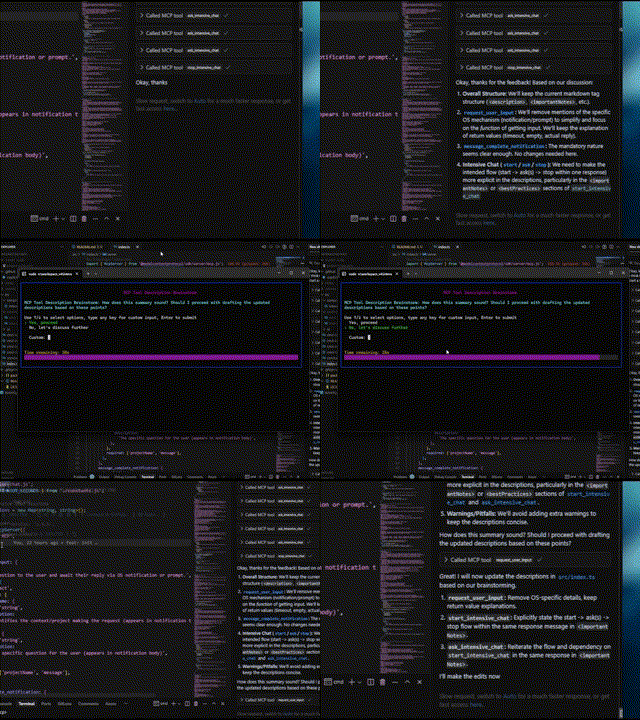
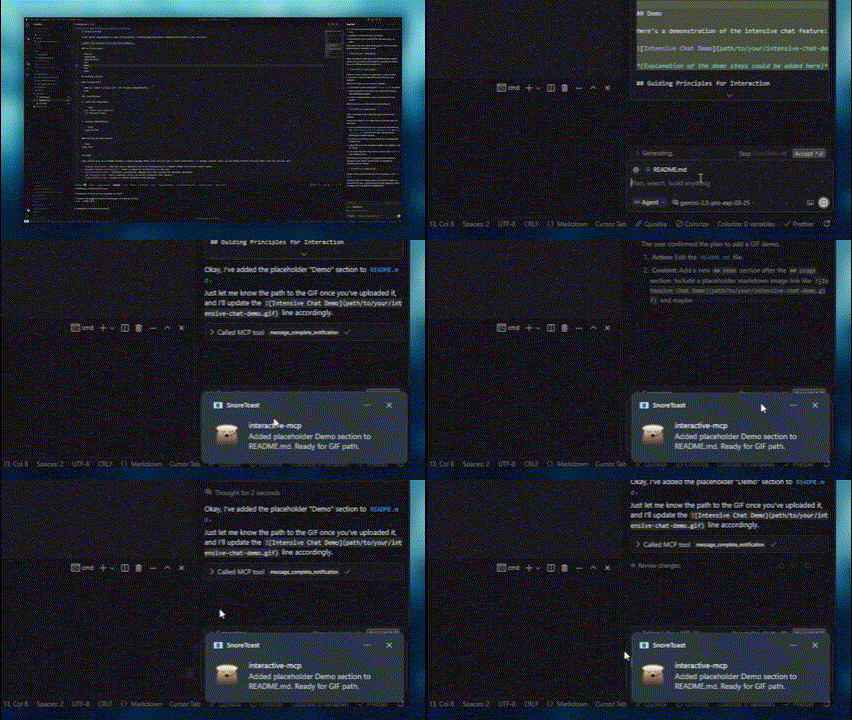
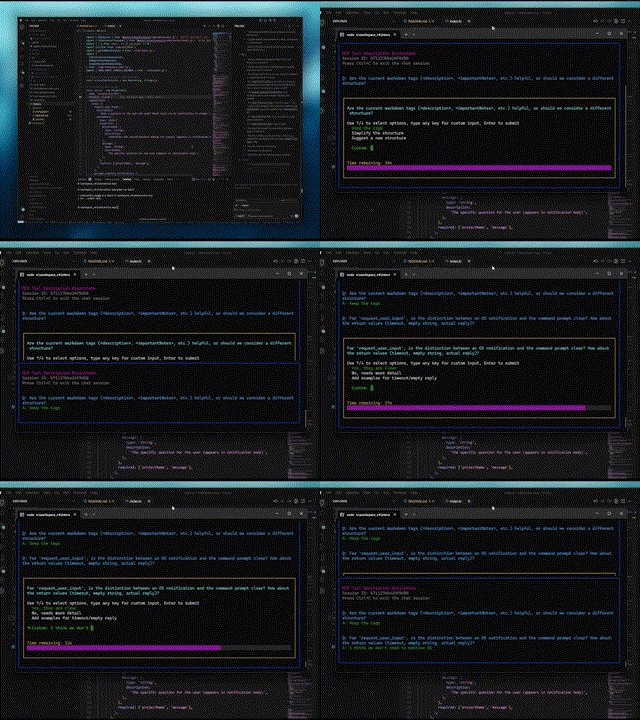
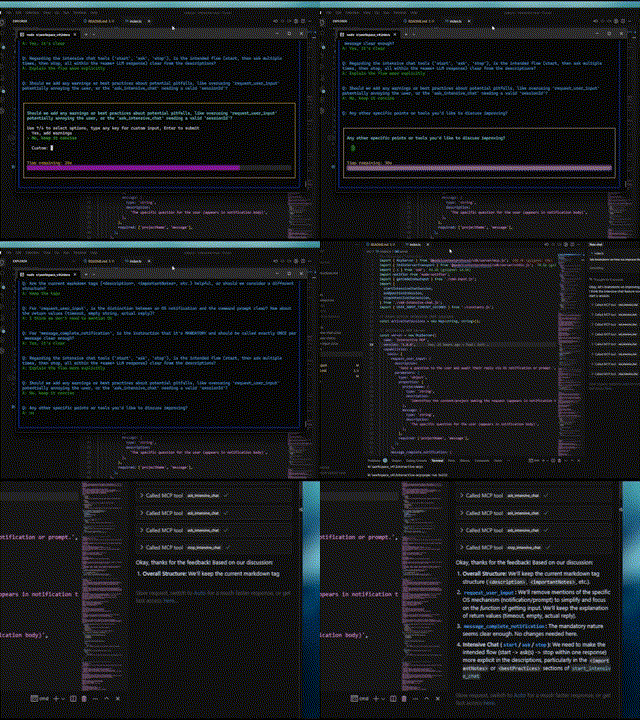
インタラクティブ機能のデモを次に示します。
通常の質問 | 完了通知 |
|
|
集中チャット開始 | 集中チャット終了 |
|
|
このサーバーは、次のような LLM がローカル マシン上のユーザーと直接対話する必要があるシナリオに最適です。
対話型のセットアップまたは構成プロセス。
コード生成または変更中にフィードバックを収集します。
ペアプログラミングにおける指示の明確化やアクションの確認。
LLM 操作中にユーザー入力または確認を必要とするワークフロー。
このセクションではinteractive-mcpサーバーを使用するように MCP クライアントを構成する方法について説明します。
デフォルトでは、ユーザープロンプトは30秒後にタイムアウトします。クライアントの設定時に、コマンドラインフラグをargs配列に直接追加することで、タイムアウトや無効化ツールなどのサーバーオプションをカスタマイズできます。
npxコマンドが使用可能であることを確認してください。
次の最小限の構成をclaude_desktop_config.json (Claude Desktop) またはmcp.json (Cursor) に追加します。
{
  "mcpServers": {
    "interactive": {
      "command": "npx",
      "args": ["-y", "interactive-mcp"]
    }
  }
}
特定のバージョン
{
  "mcpServers": {
    "interactive": {
      "command": "npx",
      "args": ["-y", "interactive-mcp@1.9.0"]
    }
  }
}
カスタムタイムアウト(30秒)の例:
{
  "mcpServers": {
    "interactive": {
      "command": "npx",
      "args": ["-y", "interactive-mcp", "-t", "30"]
    }
  }
}ユーザー設定 (JSON) ファイルまたは.vscode/mcp.jsonに次の最小限の構成を追加します。
{
  "mcp": {
    "servers": {
      "interactive-mcp": {
        "command": "npx",
        "args": ["-y", "interactive-mcp"]
      }
    }
  }
}macOS でデフォルトのTerminal.appを使用してよりスムーズなエクスペリエンスを得るには、次のプロファイル設定を検討してください。
(シェルタブ): 「シェルの終了時」 (ターミナル > 設定 > プロファイル > [あなたのプロファイル] > シェル)で、 **「シェルが正常に終了した場合は閉じる」または「ウィンドウを閉じる」**を選択します。これにより、MCPサーバーの起動時と停止時のウィンドウ管理が容易になります。
このセクションは、主にサーバーの修正や貢献を希望する開発者向けです。MCPクライアントでサーバーを使用するだけの場合は、上記の「クライアント設定」セクションをご覧ください。
**Node.js:**バージョンの互換性についてはpackage.json確認してください。
**pnpm:**パッケージ管理に使用します。Node.js をインストールした後、 npm install -g pnpmでインストールしてください。
リポジトリをクローンします。
git clone https://github.com/ttommyth/interactive-mcp.git
cd interactive-mcp
依存関係をインストールします:
pnpm installpnpm startinteractive-mcpサーバーは以下のコマンドラインオプションを受け入れます。これらのオプションは通常、MCP クライアントの JSON 設定でargs配列に直接追加することで設定します(「クライアント設定」の例を参照)。
オプション | エイリアス | 説明 |
|
| ユーザー入力プロンプトのデフォルトのタイムアウト(秒単位)を設定します。デフォルトは 30 秒です。 |
|
| 特定のツールまたはグループ(カンマ区切りのリスト)を無効にします。サーバーがそれらを宣伝したり登録したりすることを防ぎます。オプション: |
**例:**クライアント構成args配列に複数のオプションを設定する:
// Example combining options in client config's "args":
"args": [
  "-y", "interactive-mcp",
  "-t", "30", // Set timeout to 30 seconds
  "--disable-tools", "message_complete_notification,intensive_chat" // Disable notifications and intensive chat
]ビルド: pnpm build
リント: pnpm lint
フォーマット: pnpm format
この MCP サーバーと対話する場合 (例: LLM クライアントとして)、明確さを確保し、予期しない変更を減らすために、次の原則に従ってください。
**インタラクションの優先順位付け:**提供されている MCP ツール ( request_user_input 、 start_intensive_chatなど) を頻繁に利用して、ユーザーとやり取りします。
明確化を求める:要件、指示、または状況が不明瞭な場合は、先に進む前に必ず明確にするための質問をしてください。決めつけは禁物です。
**アクションの確認:**重要なアクション (ファイルの変更、複雑なコマンドの実行、アーキテクチャ上の決定など) を実行する前に、ユーザーと計画を確認します。
**オプションの提供:**可能な場合は常に、MCP ツールを通じて事前定義されたオプションをユーザーに提示し、迅速な意思決定を促進します。
これらの指示は、次のようにして LLM クライアントに提供できます。
# Interaction

- Please use the interactive MCP tools
- Please provide options to interactive MCP if possible

# Reduce Unexpected Changes

- Do not make assumption.
- Ask more questions before executing, until you think the requirement is clear enough.貢献を歓迎します!標準的な開発プラクティスに従ってください。(詳細は後日追加されます)。
MIT (詳細についてはLICENSEファイルを参照してください - 該当する場合、またはライセンスを直接指定してください)。
| Name | Required | Description | Default |
|---|---|---|---|
| question | Yes | Question to ask the user | |
| sessionId | Yes | ID of the intensive chat session | |
| predefinedOptions | No | Predefined options for the user to choose from (optional) |
Does the description disclose side effects, auth requirements, rate limits, or destructive behavior?
Despite missing annotations, the description discloses key behaviors: returns user's answer or indicates non-response, maintains chat history, and supports predefined options. However, it lacks details on error cases or rate limits.
Agents need to know what a tool does to the world before calling it. Descriptions should go beyond structured annotations to explain consequences.
Is the description appropriately sized, front-loaded, and free of redundancy?
The description is well-structured with labeled sections and front-loaded summary. However, some repetition exists (e.g., features overlap with usage notes). Could be slightly more concise.
Shorter descriptions cost fewer tokens and are easier for agents to parse. Every sentence should earn its place.
Given the tool's complexity, does the description cover enough for an agent to succeed on first attempt?
Given no output schema, the description explains return behavior. For a tool with 3 parameters and simple interaction, it covers essential aspects: session requirement, repeated use, and optional options. Missing potential edge cases.
Complex tools with many parameters or behaviors need more documentation. Simple tools need less. This dimension scales expectations accordingly.
Does the description clarify parameter syntax, constraints, interactions, or defaults beyond what the schema provides?
Input schema has 100% coverage, but the description adds value with examples and clarifies optional nature of 'predefinedOptions'. This exceeds the baseline 3 by providing practical usage context.
Input schemas describe structure but not intent. Descriptions should explain non-obvious parameter relationships and valid value ranges.
Does the description clearly state what the tool does and how it differs from similar tools?
The description clearly states it asks a new question in an active intensive chat session previously started, with specific verb and resource. It distinguishes from siblings like 'start_intensive_chat' and 'stop_intensive_chat' by focusing on continuation.
Agents choose between tools based on descriptions. A clear purpose with a specific verb and resource helps agents select the right tool.
Does the description explain when to use this tool, when not to, or what alternatives exist?
The 'whenToUseThisTool' section explicitly lists scenarios for use, and importantNotes highlight the prerequisite session ID and repeated usage within the same response. This provides clear guidance on when and how to use vs alternatives.
Agents often have multiple tools that could apply. Explicit usage guidance like "use X instead of Y when Z" prevents misuse.
| Name | Required | Description | Default |
|---|---|---|---|
| message | Yes | Notification body | |
| projectName | Yes | Notification title |
Does the description disclose side effects, auth requirements, rate limits, or destructive behavior?
No annotations provided, so description carries behavioral info. It specifies cross-platform OS notifications and best practices like consistent projectName usage. Lacks details on potential side effects, but for a simple notification tool this is sufficient.
Agents need to know what a tool does to the world before calling it. Descriptions should go beyond structured annotations to explain consequences.
Is the description appropriately sized, front-loaded, and free of redundancy?
The description is well-structured into sections (description, notes, when to use, features, best practices, parameters, examples). It is detailed but each section adds necessary value; no redundancy.
Shorter descriptions cost fewer tokens and are easier for agents to parse. Every sentence should earn its place.
Given the tool's complexity, does the description cover enough for an agent to succeed on first attempt?
For a simple tool with 2 string parameters and no output schema, the description is fully complete: it explains purpose, usage, parameters, examples, and best practices. No gaps remain.
Complex tools with many parameters or behaviors need more documentation. Simple tools need less. This dimension scales expectations accordingly.
Does the description clarify parameter syntax, constraints, interactions, or defaults beyond what the schema provides?
Schema has 100% coverage with concise descriptions. The description adds value by explaining parameter use (title vs body) and providing examples, exceeding the baseline of 3.
Input schemas describe structure but not intent. Descriptions should explain non-obvious parameter relationships and valid value ranges.
Does the description clearly state what the tool does and how it differs from similar tools?
The description clearly states the tool notifies when a response completes and must be used exactly once per message. It distinguishes itself from sibling chat tools by focusing on signaling completion.
Agents choose between tools based on descriptions. A clear purpose with a specific verb and resource helps agents select the right tool.
Does the description explain when to use this tool, when not to, or what alternatives exist?
Explicit 'whenToUseThisTool' and 'importantNotes' provide comprehensive guidance: use at end of query, after tool sequences, or multi-step processes. The mandatory once-per-message rule is emphasized.
Agents often have multiple tools that could apply. Explicit usage guidance like "use X instead of Y when Z" prevents misuse.
| Name | Required | Description | Default |
|---|---|---|---|
| message | Yes | The specific question for the user (appears in the prompt) | |
| projectName | Yes | Identifies the context/project making the request (used in prompt formatting) | |
| predefinedOptions | No | Predefined options for the user to choose from (optional) |
Does the description disclose side effects, auth requirements, rate limits, or destructive behavior?
Without annotations, the description fully discloses behavior: pop-up display, return of user response or timeout after 60 seconds, context maintenance, graceful handling of empty responses, and formatting with project context. No contradictions.
Agents need to know what a tool does to the world before calling it. Descriptions should go beyond structured annotations to explain consequences.
Is the description appropriately sized, front-loaded, and free of redundancy?
The description is well-structured with sections but is lengthy (many sentences). Some redundancy between importantNotes and bestPractices (e.g., both emphasize frequent use). Could be tightened without losing clarity.
Shorter descriptions cost fewer tokens and are easier for agents to parse. Every sentence should earn its place.
Given the tool's complexity, does the description cover enough for an agent to succeed on first attempt?
For a simple 3-parameter tool with no output schema, the description is exceptionally complete: covers purpose, usage guidance, features, best practices, and examples. Leaves no gaps in understanding.
Complex tools with many parameters or behaviors need more documentation. Simple tools need less. This dimension scales expectations accordingly.
Does the description clarify parameter syntax, constraints, interactions, or defaults beyond what the schema provides?
Schema coverage is 100%, so baseline 3. The description's parameters section adds context beyond schema: e.g., projectName is 'used in prompt formatting', predefinedOptions are optional. This adds meaningful value.
Input schemas describe structure but not intent. Descriptions should explain non-obvious parameter relationships and valid value ranges.
Does the description clearly state what the tool does and how it differs from similar tools?
The description clearly states the tool sends a question to the user via a pop-up command prompt, with explicit purpose of clarifying requirements, confirming plans, or resolving ambiguity. It distinguishes from sibling tools like ask_intensive_chat by specifying a pop-up prompt rather than a chat message.
Agents choose between tools based on descriptions. A clear purpose with a specific verb and resource helps agents select the right tool.
Does the description explain when to use this tool, when not to, or what alternatives exist?
A dedicated 'whenToUseThisTool' section provides exhaustive scenarios, and 'bestPractices' explicitly instructs not to use the tool when another tool can answer the question, offering clear alternatives. This provides excellent decision support.
Agents often have multiple tools that could apply. Explicit usage guidance like "use X instead of Y when Z" prevents misuse.
| Name | Required | Description | Default |
|---|---|---|---|
| sessionTitle | Yes | Title for the intensive chat session |
Does the description disclose side effects, auth requirements, rate limits, or destructive behavior?
With no annotations provided, the description fully discloses behaviors: opens persistent console window, returns session ID, must be closed, configurable timeout, maintains chat history, and warns against unnecessary questions. This is comprehensive.
Agents need to know what a tool does to the world before calling it. Descriptions should go beyond structured annotations to explain consequences.
Is the description appropriately sized, front-loaded, and free of redundancy?
The description is well-structured with separate sections but contains some redundancy (e.g., 'Highly recommended' and 'Very useful' are similar). It is thorough but could be slightly more concise.
Shorter descriptions cost fewer tokens and are easier for agents to parse. Every sentence should earn its place.
Given the tool's complexity, does the description cover enough for an agent to succeed on first attempt?
Given the simple parameter list, no output schema, and missing annotations, the description covers all necessary aspects: purpose, usage, important notes, parameters, examples, and best practices. It feels complete for the tool's role.
Complex tools with many parameters or behaviors need more documentation. Simple tools need less. This dimension scales expectations accordingly.
Does the description clarify parameter syntax, constraints, interactions, or defaults beyond what the schema provides?
Only one parameter (sessionTitle) with 100% schema coverage. The description adds context that the title appears at the top of the console, which goes beyond the schema's description. A score of 4 is appropriate for the added value.
Input schemas describe structure but not intent. Descriptions should explain non-obvious parameter relationships and valid value ranges.
Does the description clearly state what the tool does and how it differs from similar tools?
The description clearly states it starts an intensive chat session for gathering multiple answers quickly. It uses specific verbs like 'start', 'gather', 'opens', and distinguishes from sibling tools such as ask_intensive_chat and stop_intensive_chat.
Agents choose between tools based on descriptions. A clear purpose with a specific verb and resource helps agents select the right tool.
Does the description explain when to use this tool, when not to, or what alternatives exist?
The description includes explicit when-to-use scenarios (e.g., collecting series of quick answers, multi-step processes) and when-not-to-use (e.g., prefer other tools if they can answer). It also provides important instructions on using ask_intensive_chat and closing with stop_intensive_chat in the same response.
Agents often have multiple tools that could apply. Explicit usage guidance like "use X instead of Y when Z" prevents misuse.
| Name | Required | Description | Default |
|---|---|---|---|
| sessionId | Yes | ID of the intensive chat session to stop |
Does the description disclose side effects, auth requirements, rate limits, or destructive behavior?
Given no annotations, the description carries full burden and discloses key behaviors: closes console window, frees system resources, marks session complete. It omits potential side effects like idempotency or error handling, but the core behavioral traits are well covered for a termination action.
Agents need to know what a tool does to the world before calling it. Descriptions should go beyond structured annotations to explain consequences.
Is the description appropriately sized, front-loaded, and free of redundancy?
Highly structured with clear sections (description, importantNotes, whenToUseThisTool, etc.). Every sentence adds value, and the core purpose is front-loaded. No unnecessary verbosity.
Shorter descriptions cost fewer tokens and are easier for agents to parse. Every sentence should earn its place.
Given the tool's complexity, does the description cover enough for an agent to succeed on first attempt?
For a tool with one required parameter and no output schema, the description is fully complete. It covers what it does, when to use, how to use (with example), and what to expect. No gaps remain for an agent to select and invoke correctly.
Complex tools with many parameters or behaviors need more documentation. Simple tools need less. This dimension scales expectations accordingly.
Does the description clarify parameter syntax, constraints, interactions, or defaults beyond what the schema provides?
Schema coverage is 100% for the single parameter 'sessionId', with the schema providing a description. The description repeats the same parameter info without adding new semantic meaning, so baseline 3 is appropriate.
Input schemas describe structure but not intent. Descriptions should explain non-obvious parameter relationships and valid value ranges.
Does the description clearly state what the tool does and how it differs from similar tools?
The description explicitly states 'Stop and close an active intensive chat session' with a specific verb and resource. It clearly distinguishes from siblings like 'start_intensive_chat' and 'ask_intensive_chat' by noting it must be called after all questions have been asked.
Agents choose between tools based on descriptions. A clear purpose with a specific verb and resource helps agents select the right tool.
Does the description explain when to use this tool, when not to, or what alternatives exist?
Provides explicit when-to-use conditions: after completing 'ask_intensive_chat', when the multi-step process is complete, and as the final action. Also includes a strong directive that it 'must be called' and 'should always be called', leaving no ambiguity about its role in the workflow.
Agents often have multiple tools that could apply. Explicit usage guidance like "use X instead of Y when Z" prevents misuse.
Recent tool additions, removals, and schema changes observed during successful MCP inspections.
v1.6.0ask_intensive_chatmessage_complete_notificationrequest_user_inputstart_intensive_chatstop_intensive_chatv1.10.0ask_intensive_chatmessage_complete_notificationrequest_user_inputstart_intensive_chatstop_intensive_chatv1.10.1ask_intensive_chatmessage_complete_notificationrequest_user_inputstart_intensive_chatstop_intensive_chatask_intensive_chatmessage_complete_notificationrequest_user_inputstart_intensive_chatstop_intensive_chatScored across 5 tools
Each tool has a clear, distinct purpose: start, ask, and stop intensive chat sessions; request general user input; and notify completion. No overlap, as ask_intensive_chat is contextual within an active session, while request_user_input is standalone. The descriptions further clarify their distinct use cases.
All tool names follow a consistent verb_noun pattern in snake_case (e.g., start_intensive_chat, request_user_input). The naming is predictable and logically groups related actions (start/ask/stop for intensive chat). No mixing of conventions.
With 5 tools, the server is well-scoped for its purpose of managing interactive user input and notifications. Each tool is necessary and there is no bloat. This count is ideal for such a focused domain.
The tool set covers the full lifecycle of an intensive chat session (start, ask questions, stop), plus a general user input tool and a completion notification. There are no obvious gaps for the stated purpose of gathering user input and signaling completion.
A comprehensive Model Context Protocol (MCP) server that enables AI assistants to interact with yo…
MCP server for AI dialogue using various LLM models via AceDataCloud
Remote MCP server for supportsheep: run AI interviews and manage support content for your blog.
Talk to your public-facing AI from any MCP client — Claude, ChatGPT, Cursor, Cline, Windsurf.