
A
licenseB
qualityD
maintenanceA secure terminal execution server that enables controlled command execution with security features and resource limits via the Model Context Protocol (MCP).
1
30 npm
11
MIT


Un servidor MCP implementado en Node.js/TypeScript facilita la comunicación interactiva entre los LLM y los usuarios. Nota: Este servidor está diseñado para ejecutarse localmente junto con el cliente MCP (p. ej., Claude Desktop, VS Code), ya que necesita acceso directo al sistema operativo del usuario para mostrar notificaciones y comandos de línea de comandos.
(Nota: Este proyecto está en sus primeras etapas.)
¿Quieres un resumen rápido? Consulta la entrada de introducción del blog: Deja que tu asistente de IA deje de adivinar: Presentamos interactive-mcp
Este servidor expone las siguientes herramientas a través del Protocolo de contexto de modelo (MCP):
request_user_input : Formula una pregunta al usuario y devuelve su respuesta. Puede mostrar opciones predefinidas.
message_complete_notification : envía una notificación simple del sistema operativo.
start_intensive_chat : inicia una sesión de chat de línea de comandos persistente.
ask_intensive_chat : hace una pregunta dentro de una sesión de chat intensiva activa.
stop_intensive_chat : cierra una sesión de chat intensiva activa.
Related MCP server: Interactive Feedback MCP
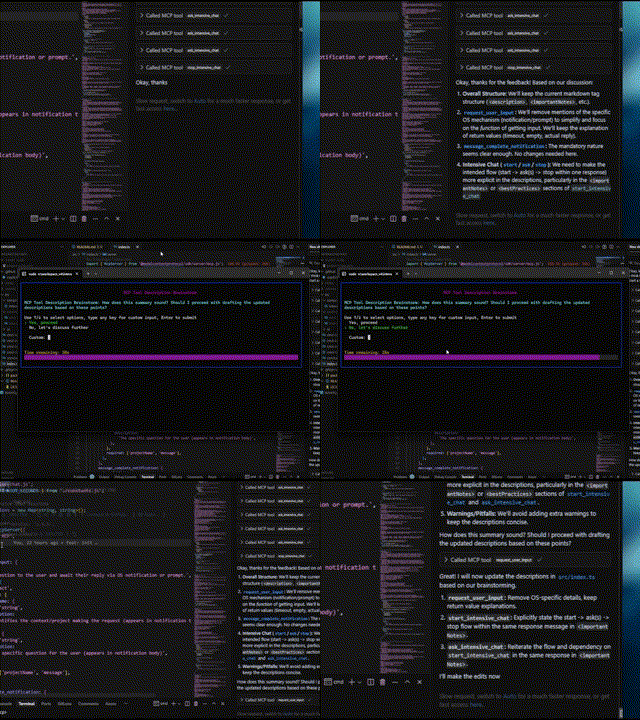
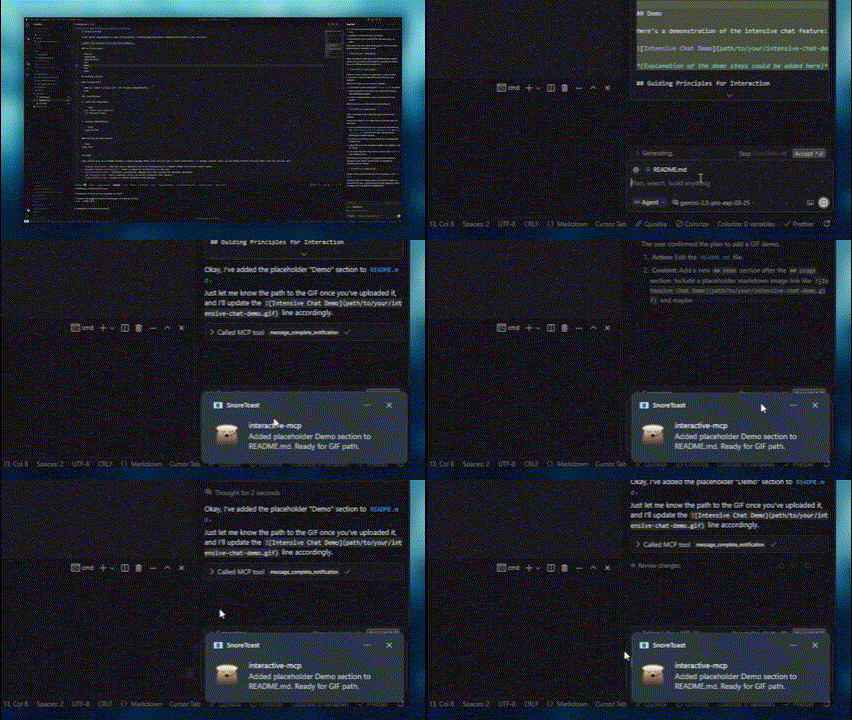
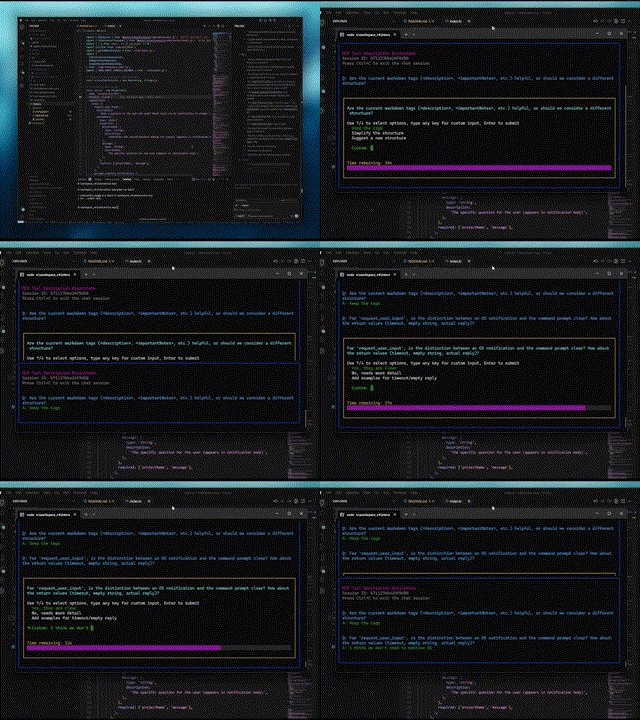
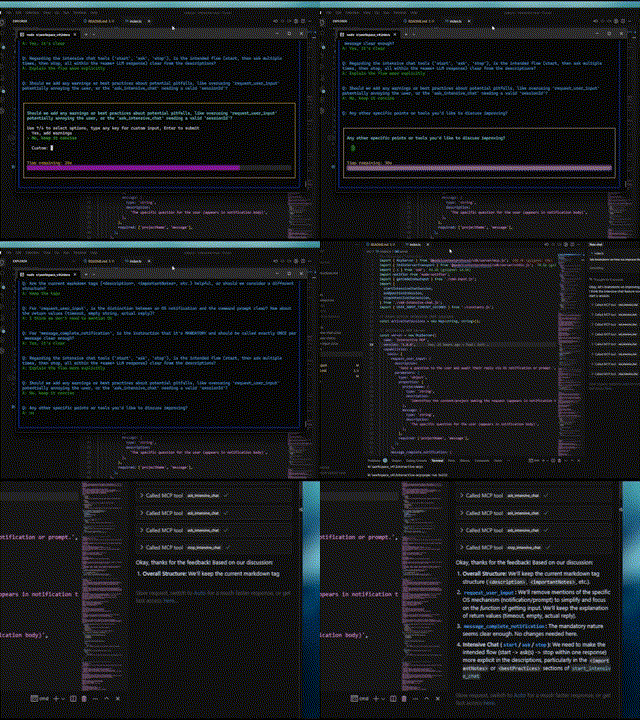
A continuación se muestran demostraciones de las funciones interactivas:
Pregunta normal | Notificación de finalización |
|
|
Inicio del chat intensivo | Fin del chat intensivo |
|
|
Este servidor es ideal para escenarios donde un LLM necesita interactuar directamente con el usuario en su máquina local, como:
Procesos de instalación o configuración interactivos.
Recopilación de comentarios durante la generación o modificación del código.
Aclarar instrucciones o confirmar acciones en programación en pares.
Cualquier flujo de trabajo que requiera entrada o confirmación del usuario durante la operación LLM.
Esta sección explica cómo configurar los clientes MCP para utilizar el servidor interactive-mcp .
De forma predeterminada, las solicitudes de usuario expiran a los 30 segundos. Puede personalizar las opciones del servidor, como el tiempo de espera o las herramientas deshabilitadas, añadiendo indicadores de línea de comandos directamente a la matriz args al configurar su cliente.
Asegúrese de tener el comando npx disponible.
Agregue la siguiente configuración mínima a su claude_desktop_config.json (Claude Desktop) o mcp.json (Cursor):
{
  "mcpServers": {
    "interactive": {
      "command": "npx",
      "args": ["-y", "interactive-mcp"]
    }
  }
}
Con versión específica
{
  "mcpServers": {
    "interactive": {
      "command": "npx",
      "args": ["-y", "interactive-mcp@1.9.0"]
    }
  }
}
Ejemplo con tiempo de espera personalizado (30 s):
{
  "mcpServers": {
    "interactive": {
      "command": "npx",
      "args": ["-y", "interactive-mcp", "-t", "30"]
    }
  }
}Agregue la siguiente configuración mínima a su archivo de configuración de usuario (JSON) o .vscode/mcp.json :
{
  "mcp": {
    "servers": {
      "interactive-mcp": {
        "command": "npx",
        "args": ["-y", "interactive-mcp"]
      }
    }
  }
}Para una experiencia más fluida en macOS usando la Terminal.app predeterminada, considere esta configuración de perfil:
(Pestaña Shell): En "Al salir del shell" ( Terminal > Configuración > Perfiles > [Su perfil] > Shell ), seleccione "Cerrar si el shell salió correctamente" o "Cerrar la ventana" . Esto facilita la administración de ventanas al iniciar y detener el servidor MCP.
Esta sección está dirigida principalmente a desarrolladores que desean modificar o contribuir al servidor. Si solo desea usar el servidor con un cliente MCP, consulte la sección "Configuración del cliente" más arriba.
Node.js: Verifique package.json para comprobar la compatibilidad de versiones.
pnpm: Se utiliza para la gestión de paquetes. Se instala mediante npm install -g pnpm después de instalar Node.js.
Clonar el repositorio:
git clone https://github.com/ttommyth/interactive-mcp.git
cd interactive-mcp
Instalar dependencias:
pnpm installpnpm startEl servidor interactive-mcp acepta las siguientes opciones de línea de comandos. Estas suelen configurarse en la configuración JSON del cliente MCP, añadiéndolas directamente a la matriz args (consulte los ejemplos de "Configuración del cliente").
Opción | Alias | Descripción |
|
| Establece el tiempo de espera predeterminado (en segundos) para las solicitudes de entrada del usuario. El valor predeterminado es 30 segundos. |
|
| Desactiva herramientas o grupos específicos (lista separada por comas). Impide que el servidor los anuncie o registre. Opciones: |
Ejemplo: Configuración de múltiples opciones en la matriz args de configuración del cliente:
// Example combining options in client config's "args":
"args": [
  "-y", "interactive-mcp",
  "-t", "30", // Set timeout to 30 seconds
  "--disable-tools", "message_complete_notification,intensive_chat" // Disable notifications and intensive chat
]Compilación: pnpm build
Pelusa: pnpm lint
Formato: pnpm format
Al interactuar con este servidor MCP (por ejemplo, como cliente LLM), tenga en cuenta los siguientes principios para garantizar la claridad y reducir cambios inesperados:
Priorizar la interacción: utilice las herramientas MCP proporcionadas ( request_user_input , start_intensive_chat , etc.) con frecuencia para interactuar con el usuario.
Aclaración: Si los requisitos, las instrucciones o el contexto no están claros, siempre haga preguntas aclaratorias antes de continuar. No haga suposiciones.
Confirmar acciones: antes de realizar acciones importantes (como modificar archivos, ejecutar comandos complejos o tomar decisiones arquitectónicas), confirme el plan con el usuario.
Proporcionar opciones: siempre que sea posible, presente al usuario opciones predefinidas a través de las herramientas MCP para facilitar decisiones rápidas.
Puede proporcionar estas instrucciones a un cliente LLM de la siguiente manera:
# Interaction

- Please use the interactive MCP tools
- Please provide options to interactive MCP if possible

# Reduce Unexpected Changes

- Do not make assumption.
- Ask more questions before executing, until you think the requirement is clear enough.¡Agradecemos sus contribuciones! Por favor, sigan las prácticas de desarrollo estándar. (Se añadirán más detalles más adelante).
MIT (consulte el archivo LICENSE para obtener más detalles, si corresponde, o especifique la licencia directamente).
| Name | Required | Description | Default |
|---|---|---|---|
| question | Yes | Question to ask the user | |
| sessionId | Yes | ID of the intensive chat session | |
| predefinedOptions | No | Predefined options for the user to choose from (optional) |
Does the description disclose side effects, auth requirements, rate limits, or destructive behavior?
Despite missing annotations, the description discloses key behaviors: returns user's answer or indicates non-response, maintains chat history, and supports predefined options. However, it lacks details on error cases or rate limits.
Agents need to know what a tool does to the world before calling it. Descriptions should go beyond structured annotations to explain consequences.
Is the description appropriately sized, front-loaded, and free of redundancy?
The description is well-structured with labeled sections and front-loaded summary. However, some repetition exists (e.g., features overlap with usage notes). Could be slightly more concise.
Shorter descriptions cost fewer tokens and are easier for agents to parse. Every sentence should earn its place.
Given the tool's complexity, does the description cover enough for an agent to succeed on first attempt?
Given no output schema, the description explains return behavior. For a tool with 3 parameters and simple interaction, it covers essential aspects: session requirement, repeated use, and optional options. Missing potential edge cases.
Complex tools with many parameters or behaviors need more documentation. Simple tools need less. This dimension scales expectations accordingly.
Does the description clarify parameter syntax, constraints, interactions, or defaults beyond what the schema provides?
Input schema has 100% coverage, but the description adds value with examples and clarifies optional nature of 'predefinedOptions'. This exceeds the baseline 3 by providing practical usage context.
Input schemas describe structure but not intent. Descriptions should explain non-obvious parameter relationships and valid value ranges.
Does the description clearly state what the tool does and how it differs from similar tools?
The description clearly states it asks a new question in an active intensive chat session previously started, with specific verb and resource. It distinguishes from siblings like 'start_intensive_chat' and 'stop_intensive_chat' by focusing on continuation.
Agents choose between tools based on descriptions. A clear purpose with a specific verb and resource helps agents select the right tool.
Does the description explain when to use this tool, when not to, or what alternatives exist?
The 'whenToUseThisTool' section explicitly lists scenarios for use, and importantNotes highlight the prerequisite session ID and repeated usage within the same response. This provides clear guidance on when and how to use vs alternatives.
Agents often have multiple tools that could apply. Explicit usage guidance like "use X instead of Y when Z" prevents misuse.
| Name | Required | Description | Default |
|---|---|---|---|
| message | Yes | Notification body | |
| projectName | Yes | Notification title |
Does the description disclose side effects, auth requirements, rate limits, or destructive behavior?
No annotations provided, so description carries behavioral info. It specifies cross-platform OS notifications and best practices like consistent projectName usage. Lacks details on potential side effects, but for a simple notification tool this is sufficient.
Agents need to know what a tool does to the world before calling it. Descriptions should go beyond structured annotations to explain consequences.
Is the description appropriately sized, front-loaded, and free of redundancy?
The description is well-structured into sections (description, notes, when to use, features, best practices, parameters, examples). It is detailed but each section adds necessary value; no redundancy.
Shorter descriptions cost fewer tokens and are easier for agents to parse. Every sentence should earn its place.
Given the tool's complexity, does the description cover enough for an agent to succeed on first attempt?
For a simple tool with 2 string parameters and no output schema, the description is fully complete: it explains purpose, usage, parameters, examples, and best practices. No gaps remain.
Complex tools with many parameters or behaviors need more documentation. Simple tools need less. This dimension scales expectations accordingly.
Does the description clarify parameter syntax, constraints, interactions, or defaults beyond what the schema provides?
Schema has 100% coverage with concise descriptions. The description adds value by explaining parameter use (title vs body) and providing examples, exceeding the baseline of 3.
Input schemas describe structure but not intent. Descriptions should explain non-obvious parameter relationships and valid value ranges.
Does the description clearly state what the tool does and how it differs from similar tools?
The description clearly states the tool notifies when a response completes and must be used exactly once per message. It distinguishes itself from sibling chat tools by focusing on signaling completion.
Agents choose between tools based on descriptions. A clear purpose with a specific verb and resource helps agents select the right tool.
Does the description explain when to use this tool, when not to, or what alternatives exist?
Explicit 'whenToUseThisTool' and 'importantNotes' provide comprehensive guidance: use at end of query, after tool sequences, or multi-step processes. The mandatory once-per-message rule is emphasized.
Agents often have multiple tools that could apply. Explicit usage guidance like "use X instead of Y when Z" prevents misuse.
| Name | Required | Description | Default |
|---|---|---|---|
| message | Yes | The specific question for the user (appears in the prompt) | |
| projectName | Yes | Identifies the context/project making the request (used in prompt formatting) | |
| predefinedOptions | No | Predefined options for the user to choose from (optional) |
Does the description disclose side effects, auth requirements, rate limits, or destructive behavior?
Without annotations, the description fully discloses behavior: pop-up display, return of user response or timeout after 60 seconds, context maintenance, graceful handling of empty responses, and formatting with project context. No contradictions.
Agents need to know what a tool does to the world before calling it. Descriptions should go beyond structured annotations to explain consequences.
Is the description appropriately sized, front-loaded, and free of redundancy?
The description is well-structured with sections but is lengthy (many sentences). Some redundancy between importantNotes and bestPractices (e.g., both emphasize frequent use). Could be tightened without losing clarity.
Shorter descriptions cost fewer tokens and are easier for agents to parse. Every sentence should earn its place.
Given the tool's complexity, does the description cover enough for an agent to succeed on first attempt?
For a simple 3-parameter tool with no output schema, the description is exceptionally complete: covers purpose, usage guidance, features, best practices, and examples. Leaves no gaps in understanding.
Complex tools with many parameters or behaviors need more documentation. Simple tools need less. This dimension scales expectations accordingly.
Does the description clarify parameter syntax, constraints, interactions, or defaults beyond what the schema provides?
Schema coverage is 100%, so baseline 3. The description's parameters section adds context beyond schema: e.g., projectName is 'used in prompt formatting', predefinedOptions are optional. This adds meaningful value.
Input schemas describe structure but not intent. Descriptions should explain non-obvious parameter relationships and valid value ranges.
Does the description clearly state what the tool does and how it differs from similar tools?
The description clearly states the tool sends a question to the user via a pop-up command prompt, with explicit purpose of clarifying requirements, confirming plans, or resolving ambiguity. It distinguishes from sibling tools like ask_intensive_chat by specifying a pop-up prompt rather than a chat message.
Agents choose between tools based on descriptions. A clear purpose with a specific verb and resource helps agents select the right tool.
Does the description explain when to use this tool, when not to, or what alternatives exist?
A dedicated 'whenToUseThisTool' section provides exhaustive scenarios, and 'bestPractices' explicitly instructs not to use the tool when another tool can answer the question, offering clear alternatives. This provides excellent decision support.
Agents often have multiple tools that could apply. Explicit usage guidance like "use X instead of Y when Z" prevents misuse.
| Name | Required | Description | Default |
|---|---|---|---|
| sessionTitle | Yes | Title for the intensive chat session |
Does the description disclose side effects, auth requirements, rate limits, or destructive behavior?
With no annotations provided, the description fully discloses behaviors: opens persistent console window, returns session ID, must be closed, configurable timeout, maintains chat history, and warns against unnecessary questions. This is comprehensive.
Agents need to know what a tool does to the world before calling it. Descriptions should go beyond structured annotations to explain consequences.
Is the description appropriately sized, front-loaded, and free of redundancy?
The description is well-structured with separate sections but contains some redundancy (e.g., 'Highly recommended' and 'Very useful' are similar). It is thorough but could be slightly more concise.
Shorter descriptions cost fewer tokens and are easier for agents to parse. Every sentence should earn its place.
Given the tool's complexity, does the description cover enough for an agent to succeed on first attempt?
Given the simple parameter list, no output schema, and missing annotations, the description covers all necessary aspects: purpose, usage, important notes, parameters, examples, and best practices. It feels complete for the tool's role.
Complex tools with many parameters or behaviors need more documentation. Simple tools need less. This dimension scales expectations accordingly.
Does the description clarify parameter syntax, constraints, interactions, or defaults beyond what the schema provides?
Only one parameter (sessionTitle) with 100% schema coverage. The description adds context that the title appears at the top of the console, which goes beyond the schema's description. A score of 4 is appropriate for the added value.
Input schemas describe structure but not intent. Descriptions should explain non-obvious parameter relationships and valid value ranges.
Does the description clearly state what the tool does and how it differs from similar tools?
The description clearly states it starts an intensive chat session for gathering multiple answers quickly. It uses specific verbs like 'start', 'gather', 'opens', and distinguishes from sibling tools such as ask_intensive_chat and stop_intensive_chat.
Agents choose between tools based on descriptions. A clear purpose with a specific verb and resource helps agents select the right tool.
Does the description explain when to use this tool, when not to, or what alternatives exist?
The description includes explicit when-to-use scenarios (e.g., collecting series of quick answers, multi-step processes) and when-not-to-use (e.g., prefer other tools if they can answer). It also provides important instructions on using ask_intensive_chat and closing with stop_intensive_chat in the same response.
Agents often have multiple tools that could apply. Explicit usage guidance like "use X instead of Y when Z" prevents misuse.
| Name | Required | Description | Default |
|---|---|---|---|
| sessionId | Yes | ID of the intensive chat session to stop |
Does the description disclose side effects, auth requirements, rate limits, or destructive behavior?
Given no annotations, the description carries full burden and discloses key behaviors: closes console window, frees system resources, marks session complete. It omits potential side effects like idempotency or error handling, but the core behavioral traits are well covered for a termination action.
Agents need to know what a tool does to the world before calling it. Descriptions should go beyond structured annotations to explain consequences.
Is the description appropriately sized, front-loaded, and free of redundancy?
Highly structured with clear sections (description, importantNotes, whenToUseThisTool, etc.). Every sentence adds value, and the core purpose is front-loaded. No unnecessary verbosity.
Shorter descriptions cost fewer tokens and are easier for agents to parse. Every sentence should earn its place.
Given the tool's complexity, does the description cover enough for an agent to succeed on first attempt?
For a tool with one required parameter and no output schema, the description is fully complete. It covers what it does, when to use, how to use (with example), and what to expect. No gaps remain for an agent to select and invoke correctly.
Complex tools with many parameters or behaviors need more documentation. Simple tools need less. This dimension scales expectations accordingly.
Does the description clarify parameter syntax, constraints, interactions, or defaults beyond what the schema provides?
Schema coverage is 100% for the single parameter 'sessionId', with the schema providing a description. The description repeats the same parameter info without adding new semantic meaning, so baseline 3 is appropriate.
Input schemas describe structure but not intent. Descriptions should explain non-obvious parameter relationships and valid value ranges.
Does the description clearly state what the tool does and how it differs from similar tools?
The description explicitly states 'Stop and close an active intensive chat session' with a specific verb and resource. It clearly distinguishes from siblings like 'start_intensive_chat' and 'ask_intensive_chat' by noting it must be called after all questions have been asked.
Agents choose between tools based on descriptions. A clear purpose with a specific verb and resource helps agents select the right tool.
Does the description explain when to use this tool, when not to, or what alternatives exist?
Provides explicit when-to-use conditions: after completing 'ask_intensive_chat', when the multi-step process is complete, and as the final action. Also includes a strong directive that it 'must be called' and 'should always be called', leaving no ambiguity about its role in the workflow.
Agents often have multiple tools that could apply. Explicit usage guidance like "use X instead of Y when Z" prevents misuse.
Recent tool additions, removals, and schema changes observed during successful MCP inspections.
v1.6.0ask_intensive_chatmessage_complete_notificationrequest_user_inputstart_intensive_chatstop_intensive_chatv1.10.0ask_intensive_chatmessage_complete_notificationrequest_user_inputstart_intensive_chatstop_intensive_chatv1.10.1ask_intensive_chatmessage_complete_notificationrequest_user_inputstart_intensive_chatstop_intensive_chatask_intensive_chatmessage_complete_notificationrequest_user_inputstart_intensive_chatstop_intensive_chatScored across 5 tools
Each tool has a clear, distinct purpose: start, ask, and stop intensive chat sessions; request general user input; and notify completion. No overlap, as ask_intensive_chat is contextual within an active session, while request_user_input is standalone. The descriptions further clarify their distinct use cases.
All tool names follow a consistent verb_noun pattern in snake_case (e.g., start_intensive_chat, request_user_input). The naming is predictable and logically groups related actions (start/ask/stop for intensive chat). No mixing of conventions.
With 5 tools, the server is well-scoped for its purpose of managing interactive user input and notifications. Each tool is necessary and there is no bloat. This count is ideal for such a focused domain.
The tool set covers the full lifecycle of an intensive chat session (start, ask questions, stop), plus a general user input tool and a completion notification. There are no obvious gaps for the stated purpose of gathering user input and signaling completion.
A comprehensive Model Context Protocol (MCP) server that enables AI assistants to interact with yo…
MCP server for AI dialogue using various LLM models via AceDataCloud
Remote MCP server for supportsheep: run AI interviews and manage support content for your blog.
Talk to your public-facing AI from any MCP client — Claude, ChatGPT, Cursor, Cline, Windsurf.