
Used for demonstrating multi-cluster Kubernetes operations through recorded terminal sessions that can be viewed within the documentation.
Provides full support for kubectl operations to interact with Kubernetes clusters, allowing creation, updating, and listing of resources such as Deployments, Pods, and Services across multiple clusters.
Provides platform-specific configuration instructions for installing and configuring the MCP server on macOS systems.
Click on "Install Server".
Wait a few minutes for the server to deploy. Once ready, it will show a "Started" state.
In the chat, type
@followed by the MCP server name and your instructions, e.g., "@Multi-Cluster MCP Serverlist all pods across all managed clusters"
That's it! The server will respond to your query, and you can continue using it as needed.
Here is a step-by-step guide with screenshots.
Open Cluster Management MCP Server
The OCM MCP Server provides a robust gateway for Generative AI (GenAI) systems to interact with multiple Kubernetes clusters through the Model Context Protocol (MCP). It facilitates comprehensive operations on Kubernetes resources, streamlined multi-cluster management, and delivered interactive cluster observability.
🚀 Features
🛠️ MCP Tools - Kubernetes Cluster Awareness
✅ Retrieve resources from the hub cluster (current context)
✅ Retrieve resources from the managed clusters
✅ Connect to a managed cluster using a specified
ClusterRole✅ Access resources across multiple Kubernetes clusters(via Open Cluster Management)
🔄 Retrieve and analyze metrics, logs, and alerts from integrated clusters
❌ Interact with multi-cluster APIs, including Managed Clusters, Policies, Add-ons, and more

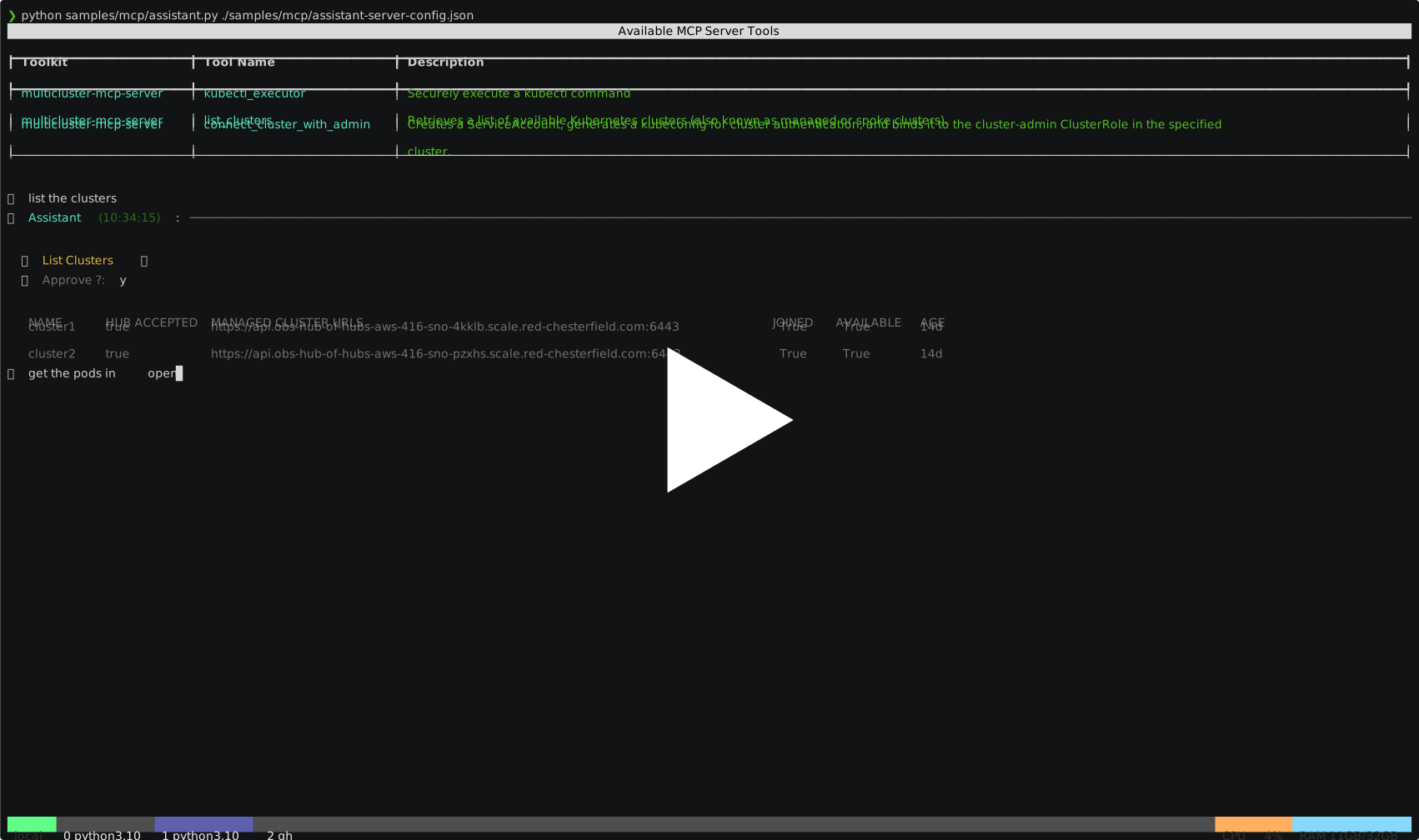
📦 Prompt Templates for Open Cluster Management (Planning)
Provide reusable prompt templates tailored for OCM tasks, streamlining agent interaction and automation
📚 MCP Resources for Open Cluster Management (Planning)
Reference official OCM documentation and related resources to support development and integration
📌 How to Use
Configure the server using the following snippet:
Note: Ensure kubectl is installed. By default, the tool uses the KUBECONFIG environment variable to access the cluster. In a multi-cluster setup, it treats the configured cluster as the hub cluster, accessing others through it.
Related MCP server: GKE Hub API MCP Server
License
This project is licensed under the MIT License.