---
title: What is McpMux
description: Configure MCP servers once, connect every AI client through a single endpoint. McpMux is a free desktop app and local gateway for MCP server management with encrypted credential storage.
---
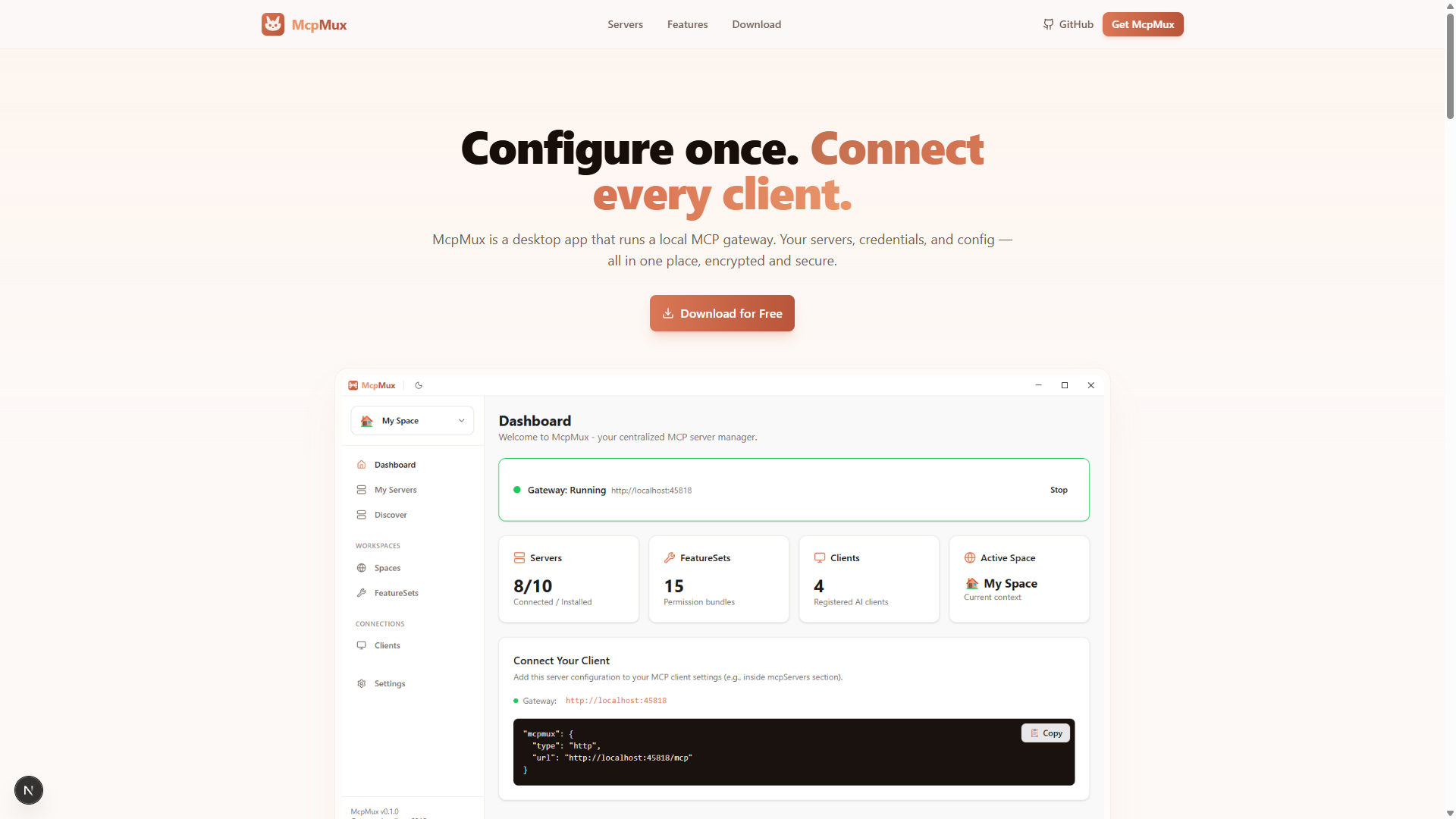
## The Problem
Every AI-powered development tool — Cursor, Claude Desktop, VS Code, Windsurf, ChatGPT, JetBrains — requires its own MCP server configuration. This means:
- **Duplicate configurations** across every tool, each with slightly different JSON formats
- **Plaintext credentials** scattered in config files on disk
- **No access control** — every client sees every tool from every server
- **Manual context switching** when moving between work, personal, and client projects
- **No visibility** into which servers are connected or what tools are available
## The Solution
**McpMux** is a free, open-source desktop app that solves all of these problems. Configure your MCP servers once in McpMux, then connect every AI client through a single `localhost:45818` endpoint.
```
AI Clients (Cursor, Claude, VS Code, …)
↓
McpMux Gateway (localhost:45818/mcp)
↓
MCP Servers (GitHub, Slack, PostgreSQL, …)
```
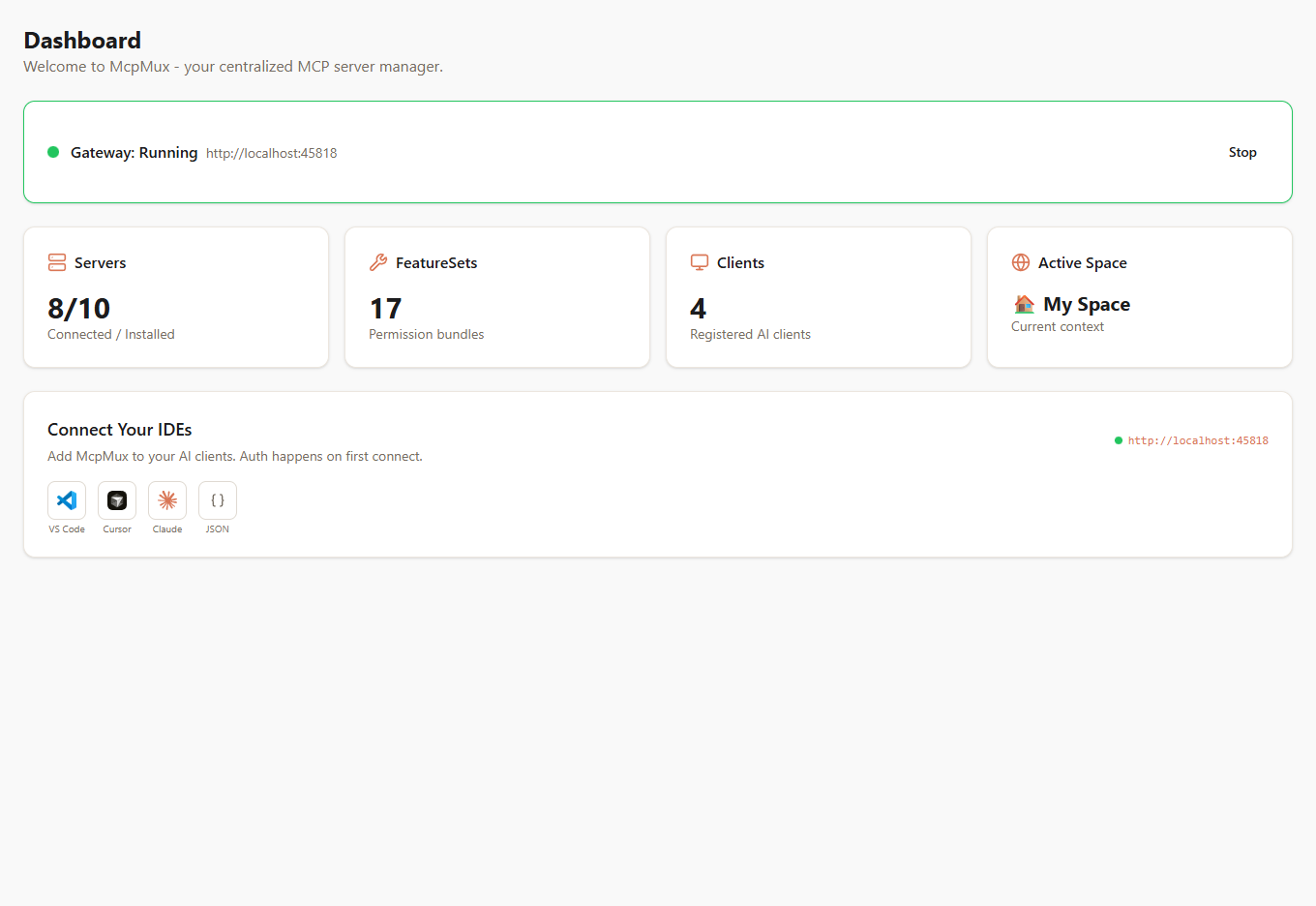
McpMux sits between your AI clients and your MCP servers. It handles:
- **Routing** — directs each MCP request to the correct server
- **Authentication** — manages OAuth tokens, API keys, and credentials
- **Permissions** — controls which tools each client can access via FeatureSets
- **Encryption** — stores all credentials with AES-256-GCM in the OS keychain
- **Isolation** — separates environments with Spaces (work, personal, client projects)
## Key Concepts
### [Spaces](/docs/spaces/)
Isolated workspaces with separate server configurations and credentials. Keep your work GitHub token completely separate from your personal one.
### [FeatureSets](/docs/feature-sets/)
Permission bundles that control which MCP tools, resources, and prompts each AI client can access. Create read-only views, role-based access, or domain-specific bundles.
### [Clients](/docs/clients/)
AI applications connected to McpMux. Configure connection modes (follow active Space, lock to a Space, or ask on change) and assign permissions per Space.
### [Servers](/docs/servers/)
MCP servers installed and managed through McpMux. Supports both local stdio servers and remote HTTP endpoints with automatic credential injection.
### [Gateway](/docs/gateway/)
The local HTTP server running on `localhost:45818` that routes MCP requests, manages OAuth tokens, filters tools by permissions, and pools server connections.
## Supported Clients
McpMux works with every MCP-compatible AI client:
- **Cursor** — AI code editor
- **Claude Desktop** — Anthropic's desktop app
- **Claude Code** — CLI coding assistant
- **VS Code** — with GitHub Copilot or Cline extensions
- **ChatGPT Desktop** — OpenAI's desktop app
- **Windsurf** — AI-powered IDE
- **JetBrains IDEs** — IntelliJ, WebStorm, PyCharm, and more
- **Zed** — next-generation code editor
- **Gemini CLI** — Google's command-line AI
## Get Started
Ready to try McpMux? Follow the [Getting Started guide](/docs/getting-started/) to install the app, add your first MCP server, and connect your AI client in under 5 minutes.
