


A
licenseA
qualityB
maintenanceMCP Server that enables LLMs to interact with the local filesystem.
13
796
14
MIT

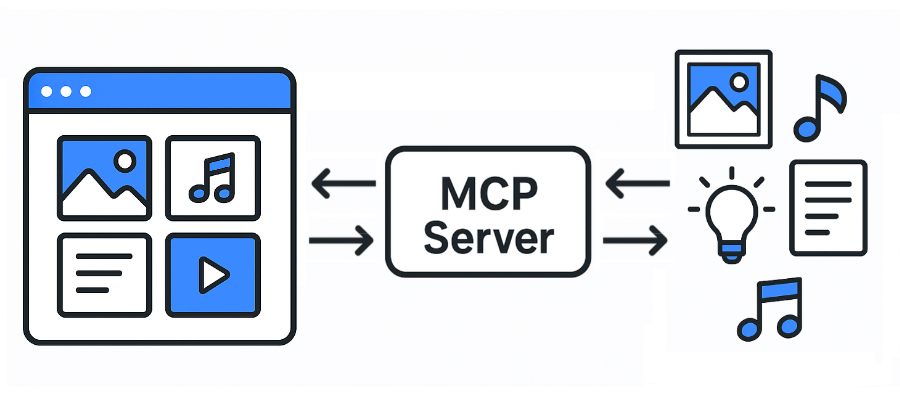
Eagle용 모델 컨텍스트 프로토콜(MCP) 서버. 위키
JPG / JPEG
PNG
PDF
SVG
MP4
MP3
FBX
OBJ
EPS
TIF / TIFF
WebP
BMP
ICO
RAW
등
독수리: https://eagle.cool/
Eagle API 문서: https://api.eagle.cool/
파이썬 3.13
Related MCP server: files-mcp-ts
필요한 종속성을 설치하세요:
지엑스피1
Eagle 앱을 실행하세요.
다음 명령을 실행하여 MCP 서버를 시작합니다.
uv run main.py
# To use a different endpoint:
# EAGLE_API_BASE_URL=http://localhost:12345 uv run main.py가장 인기 있는 MCP 클라이언트(Claude Desktop, Cursor 및 Windsurf)는 모두 다음 구성 형식을 사용합니다.
{
  "mcpServers": {
    "eagle-mcp-server": {
      "url": "http://localhost:8000/mcp"
    }
  }
}
VS 코드
"mcp": {
    "servers": {
        "eagle-mcp-server": {
            "type": "sse",
            "url": "http://localhost:8000/mcp"
        }
    }
}지원됨 | 작업 ID | API 엔드포인트 | 활성화됨(기본값) | 범주 |
✅ |
| /api/연결 | 엠씨피 | |
✅ |
| /api/애플리케이션/정보 | ⚫︎ | 애플리케이션 |
✅ |
| /api/폴더/생성 | ⚫︎ | 접는 사람 |
✅ |
| /api/폴더/이름 바꾸기 | 접는 사람 | |
✅ |
| /api/폴더/업데이트 | ⚫︎ | 접는 사람 |
✅ |
| /api/폴더/목록 | ⚫︎ | 접는 사람 |
✅ |
| /api/폴더/최근 목록 | 접는 사람 | |
✅ |
| /api/item/addFromURL | 목 | |
✅ |
| /api/item/addFromURLs | 목 | |
✅ |
| /api/item/addFromPath | ⚫︎ | 목 |
✅ |
| /api/item/addFromPaths | 목 | |
✅ |
| /api/item/addBookmark | 목 | |
✅ |
| /api/항목/정보 | ⚫︎ | 목 |
✅ |
| /api/항목/소스 | ⚫︎ | 목 |
✅ |
| /api/항목/썸네일 | 목 | |
✅ |
| /api/항목/목록 | ⚫︎ | 목 |
✅ |
| /api/item/moveToTrash | ⚫︎ | 목 |
✅ |
| /api/item/refreshPalette | 목 | |
✅ |
| /api/item/refresh썸네일 | 목 | |
✅ |
| /api/항목/업데이트 | ⚫︎ | 목 |
✅ |
| /api/라이브러리/정보 | ⚫︎ | 도서관 |
✅ |
| /api/라이브러리/히스토리 | 도서관 | |
✅ |
| /api/라이브러리/스위치 | 도서관 | |
✅ |
| /api/라이브러리/아이콘 | 도서관 | |
[ ] | ... | ... | ... |
MCP 서버 API 문서:
flowchart LR

    subgraph 192.168.1.100
        direction LR

        subgraph FileSystem [File System]
        end
        subgraph EagleApp [Eagle App<br/>localhost:41595]
        end
        subgraph MCPServer [MCP Server<br/>localhost:8000]
        end
        subgraph MCPClient [MCP Client]
        end
    end

    EagleApp ==> MCPServer e1@==> MCPClient
    MCPClient e2@==> MCPServer ==> EagleApp
    EagleApp ==> FileSystem
    FileSystem ==> EagleApp

    e1@{ animate: true }
e2@{ animate: true }[!TIP] 파일 시스템에 직접 액세스할 수 있습니다.
flowchart LR

    subgraph 192.168.1.100
        subgraph FileSystem [File System]
        end
        subgraph EagleApp [Eagle App<br/>localhost:41595]
        end
        subgraph MCPServer [MCP Server<br/>localhost:8000]
        end
    end

    subgraph 192.168.1.xxx
        subgraph MCPClient [MCP Client]
        end
    end

    EagleApp ==> MCPServer e1@==> MCPClient
    MCPClient e2@==> MCPServer ==> EagleApp
    EagleApp ==> FileSystem
    FileSystem ==> EagleApp

    e1@{ animate: true }
e2@{ animate: true }[!경고] 파일 시스템에 액세스할 수 없습니다.
flowchart LR

    subgraph 192.168.1.100
        subgraph FileSystem [File System]
        end
        subgraph EagleApp [Eagle App<br/>localhost:41595]
        end
    end

    subgraph 192.168.1.101
        subgraph MCPServer [MCP Server<br/>localhost:8000]
        end
    end

    subgraph 192.168.1.xxx
        subgraph MCPClient [MCP Client]
        end
    end

    EagleApp ==> MCPServer e1@==> MCPClient
    MCPClient e2@==> MCPServer ==> EagleApp
    EagleApp ==> FileSystem
    FileSystem ==> EagleApp

    e1@{ animate: true }
e2@{ animate: true }[!경고] 파일 시스템에 액세스할 수 없습니다.
This server cannot be installed
Unclaimed servers have limited discoverability.
If you are the server author, to access and configure the admin panel.
MCP server for Clipkit — gives AI agents a video toolbox via the Clipkit schema.
Agent-native MCP server over the public saagarpatel.dev corpus. Read-only, stateless.
A Model Context Protocol (MCP) server for Selise Blocks Cloud integration
We provide all the information about MCP servers via our MCP API.
curl -X GET 'https://glama.ai/api/mcp/v1/servers/tuki0918/eagle-mcp-server'
If you have feedback or need assistance with the MCP directory API, please join our Discord server