Glama
pvinis
by pvinis

剧作家 MCP 服务器🎭

铁匠徽章

一个使用 Playwright 提供浏览器自动化功能的模型上下文协议 (MLM) 服务器。该服务器使 LLM 能够与网页交互、截取屏幕截图、生成测试代码、从网页中提取网页数据,并在真实的浏览器环境中执行 JavaScript。

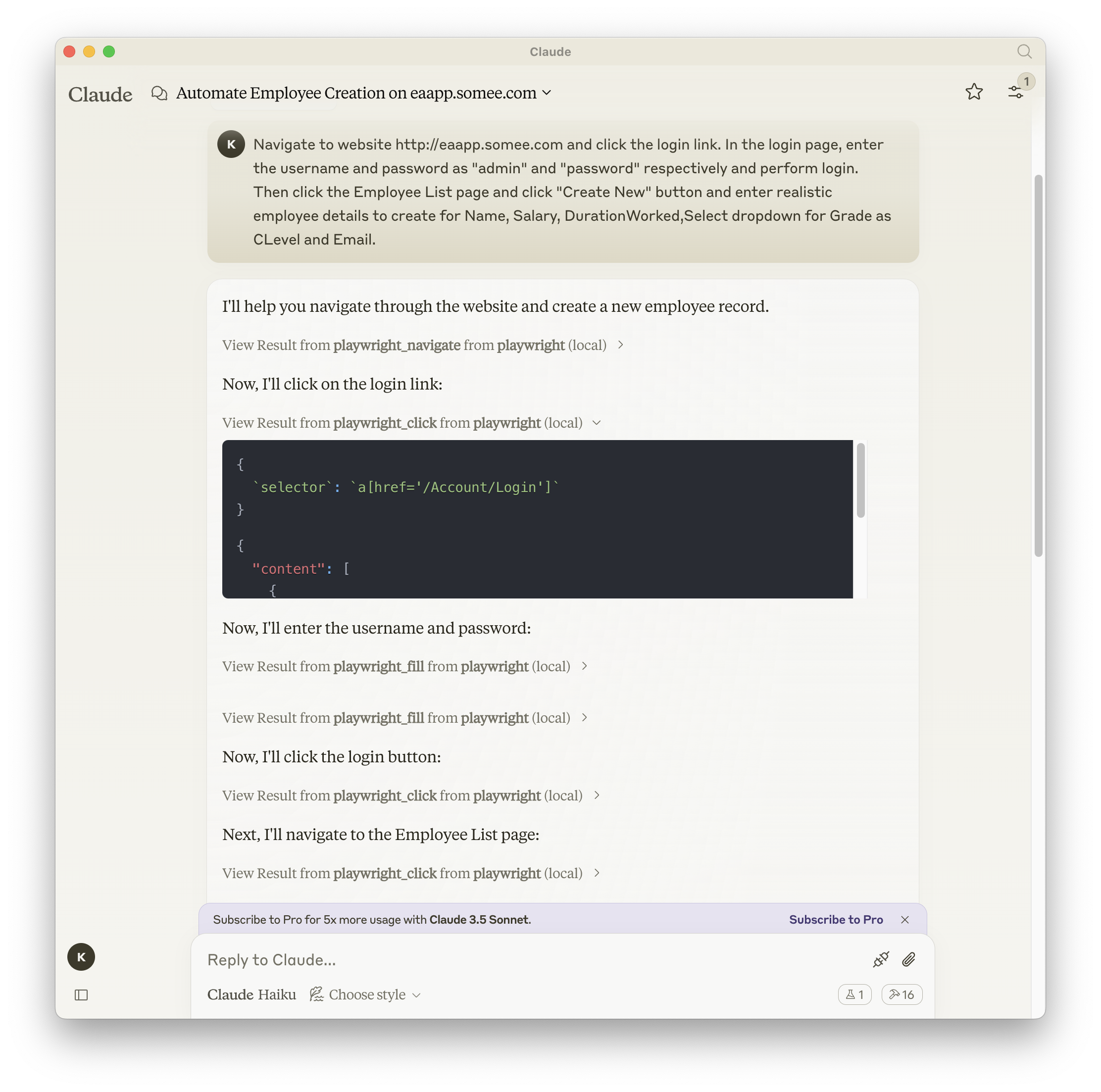
截屏

剧作家+克劳德

Related MCP server: Playwright MCP Server

文档| API 参考

安装

您可以使用 npm、mcp-get 或 Smithery 安装该软件包:

使用 npm:

npm install -g @executeautomation/playwright-mcp-server

使用 mcp-get:

npx @michaellatman/mcp-get@latest install @executeautomation/playwright-mcp-server

使用 Smithery

要通过Smithery自动为 Claude Desktop 安装 Playwright MCP:

npx -y @smithery/cli install @executeautomation/playwright-mcp-server --client claude

在 VS Code 中安装

使用以下按钮之一在 VS Code 中安装 Playwright MCP 服务器:

或者,您可以使用 VS Code CLI 安装 Playwright MCP 服务器:

# For VS Code
code --add-mcp '{"name":"playwright","command":"npx","args":["@executeautomation/playwright-mcp-server"]}'
# For VS Code Insiders
code-insiders --add-mcp '{"name":"playwright","command":"npx","args":["@executeautomation/playwright-mcp-server"]}'

安装后,ExecuteAutomation Playwright MCP 服务器将可与 VS Code 中的 GitHub Copilot 代理一起使用。

使用 Playwright Server 的配置

以下是使用 Playwright 服务器的 Claude Desktop 配置:

{
  "mcpServers": {
    "playwright": {
      "command": "npx",
      "args": ["-y", "@executeautomation/playwright-mcp-server"]
    }
  }
}

测试

该项目使用 Jest 进行测试。测试位于src/__tests__目录中。

运行测试

您可以使用以下命令之一运行测试:

# Run tests using the custom script (with coverage)
node run-tests.cjs

# Run tests using npm scripts
npm test           # Run tests without coverage
npm run test:coverage  # Run tests with coverage
npm run test:custom    # Run tests with custom script (same as node run-tests.cjs)

测试覆盖率报告将在coverage目录中生成。

星史

星空历史图

Install Server
A
license - permissive license
B
quality
C
maintenance

Resources

Unclaimed servers have limited discoverability.

Looking for Admin?

If you are the server author, to access and configure the admin panel.

Latest Blog Posts

MCP directory API

We provide all the information about MCP servers via our MCP API.

curl -X GET 'https://glama.ai/api/mcp/v1/servers/pvinis/mcp-playwright-stealth'

If you have feedback or need assistance with the MCP directory API, please join our Discord server