
Glama
PsMCP - MCP Server for Photoshop

PsMCP - MCP Server for Photoshop

PsMCP-MCP-Server-for-Photoshop

Watch the Demo Below

Watch Demo Video

Usage

Install Requirements

Activate your Python environment and install dependencies:

pip install -r requirements.txt

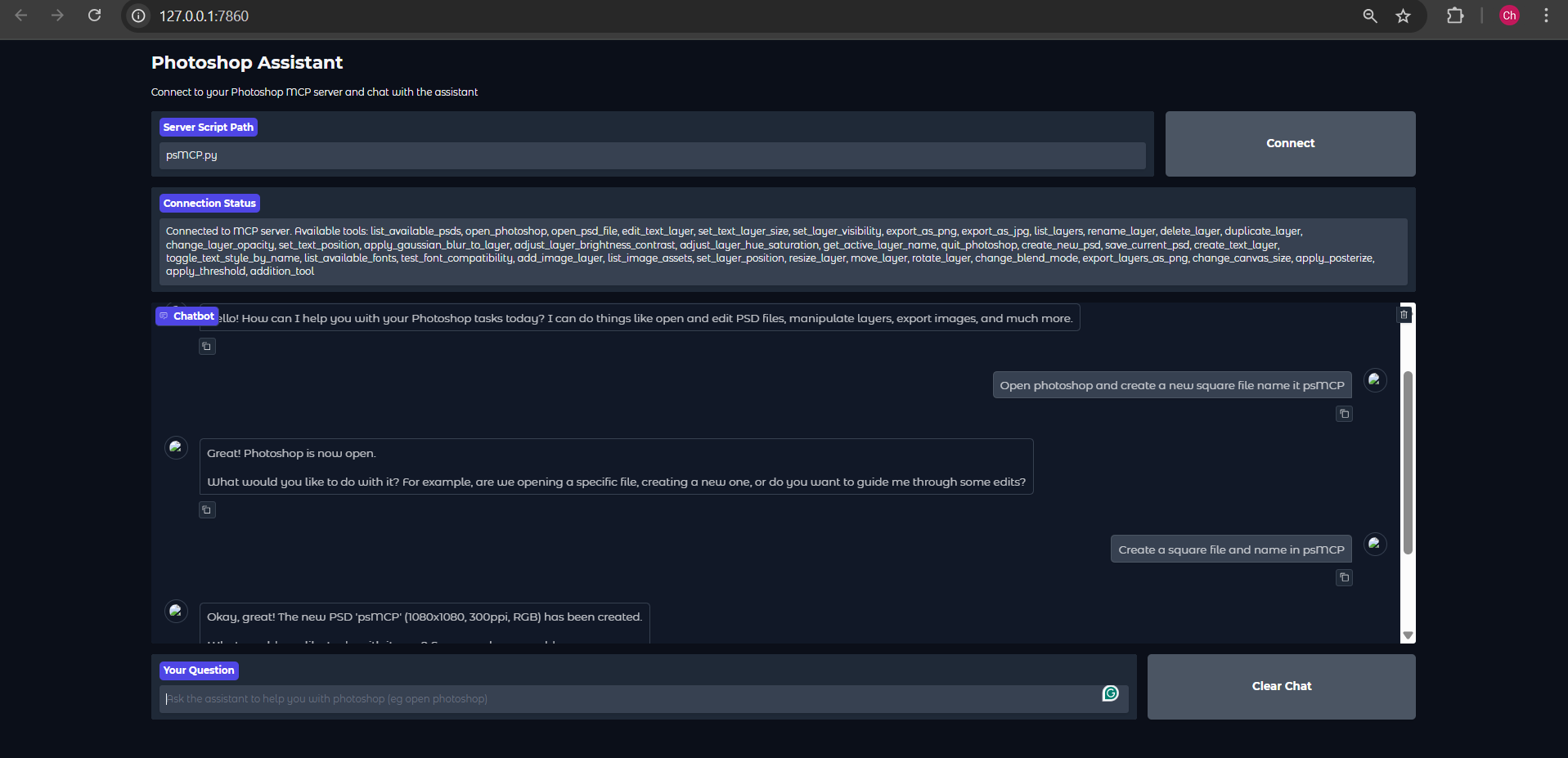
Run Using the Gradio Client Provided


Heads Up: The Gemini Gradio client I've provided, for some reason does only a maximum of one tool call for any request, use this just to test the tool. For actual usage use Claude ot Cursor


Gradio Example Set Gemini Key in .env

GEMINI_API_KEY = PASTE_YOUR_KEY_HERE

Set Directories for PSDs, Assets and Exports

PSD_DIRECTORY = "D:\\Photoshop Files"
EXPORT_DIRECTORY = "D:\\PsMCP-Exports"
ASSETS_DIR = "D:\\PsMCP-Assets"

Run the App and connect to the Server

python app.py

Configure Server with Any MCP Client (Claude, Cursor, etc)

Add Server to Config file as follows to access the tools

{
 "mcpServers": {
   "PhotoshopAdv": {
     "command": "uv",
     "args": [
       "--directory",
       "Path/To/Directory",
       "run",
       "psMCP.py"
     ],
     "timeout": 60000 
   }
 }
}

Related MCP server: photoshop-mcp-pro

Use Cases

  • Automate repetitive Photoshop tasks (e.g., inserting text, resizing, exporting).

  • Build custom design pipelines for batch PSD editing.

  • Rapidly generate marketing creatives from templates.

  • Toggle layers or apply effects dynamically through Python scripts.

  • Streamline creative asset versioning and export processes.

Tool Schema Changelog

Recent tool additions, removals, and schema changes observed during successful MCP inspections.

Loading tool schema changelog…

    Related MCP Connectors

    Related MCP Servers