PsMCP-Photoshop用MCPサーバー
以下のデモをご覧ください
使用法
インストール要件
Python 環境をアクティブ化し、依存関係をインストールします。
pip install -r requirements.txt
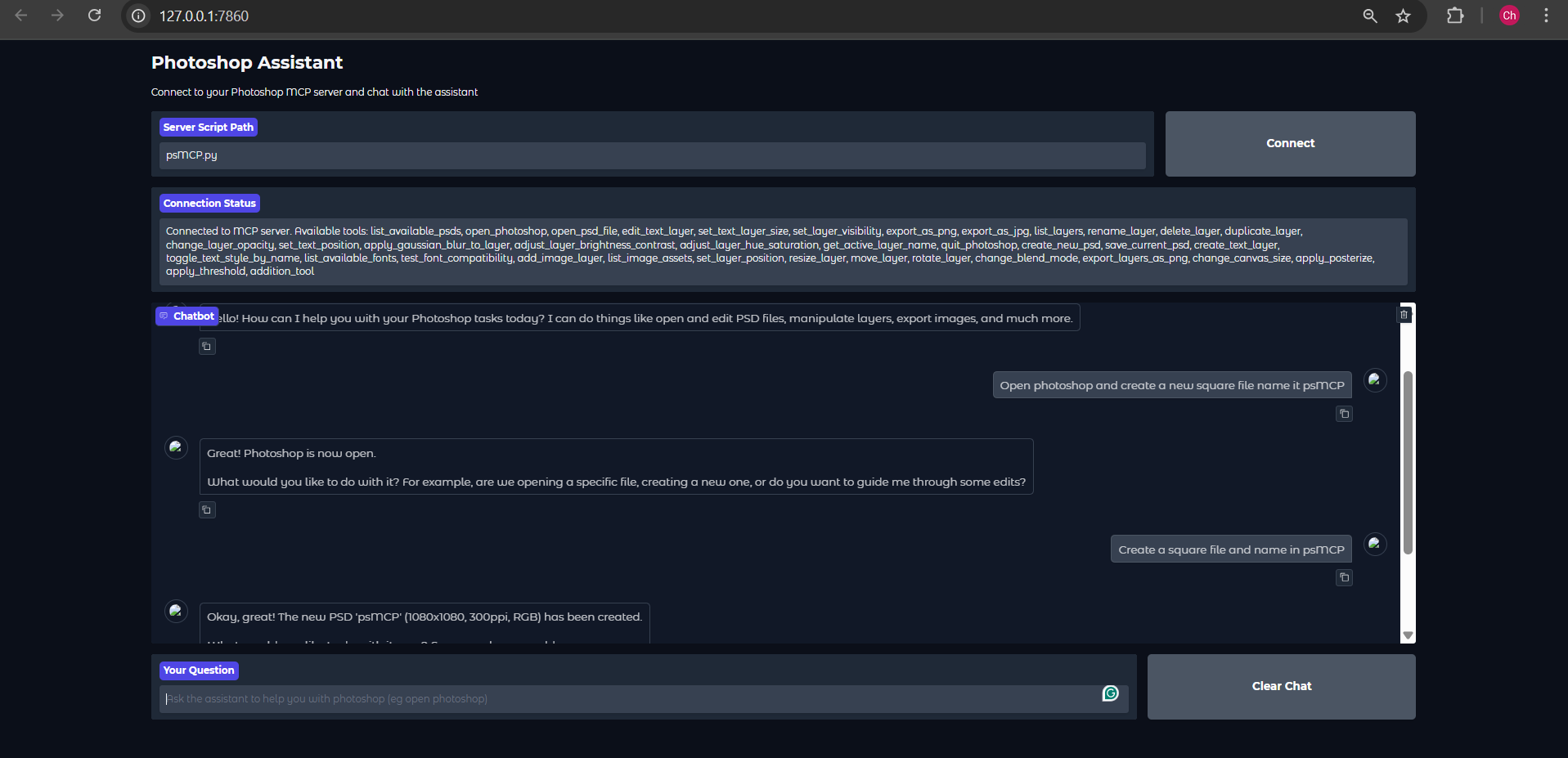
提供されているGradioクライアントを使用して実行する
注意:私が提供しているGemini Gradioクライアントは、何らかの理由で、リクエストごとにツール呼び出しを最大1回しか行いません。これはツールのテストにのみ使用してください。実際の使用にはClaude ot Cursorを使用してください。
 .env に Gemini キーを設定する
GEMINI_API_KEY = PASTE_YOUR_KEY_HERE
PSD、アセット、エクスポートのディレクトリを設定する
PSD_DIRECTORY = "D:\\Photoshop Files"
EXPORT_DIRECTORY = "D:\\PsMCP-Exports"
ASSETS_DIR = "D:\\PsMCP-Assets"
アプリを実行してサーバーに接続する
任意の MCP クライアント (Claude、Cursor など) を使用してサーバーを構成する
ツールにアクセスするには、次のように構成ファイルにサーバーを追加します。
{
 "mcpServers": {
   "PhotoshopAdv": {
     "command": "uv",
     "args": [
       "--directory",
       "Path/To/Directory",
       "run",
       "psMCP.py"
     ],
     "timeout": 60000
   }
 }
}
Related MCP server: Photoshop MCP Windows-First
ユースケース
反復的な Photoshop タスク (テキストの挿入、サイズ変更、エクスポートなど) を自動化します。
バッチ PSD 編集用のカスタム デザイン パイプラインを構築します。
テンプレートからマーケティングクリエイティブを迅速に生成します。
Python スクリプトを使用してレイヤーを切り替えたり、効果を動的に適用したりします。
クリエイティブ アセットのバージョン管理とエクスポートのプロセスを合理化します。


