Descope MCP Server
Introduction
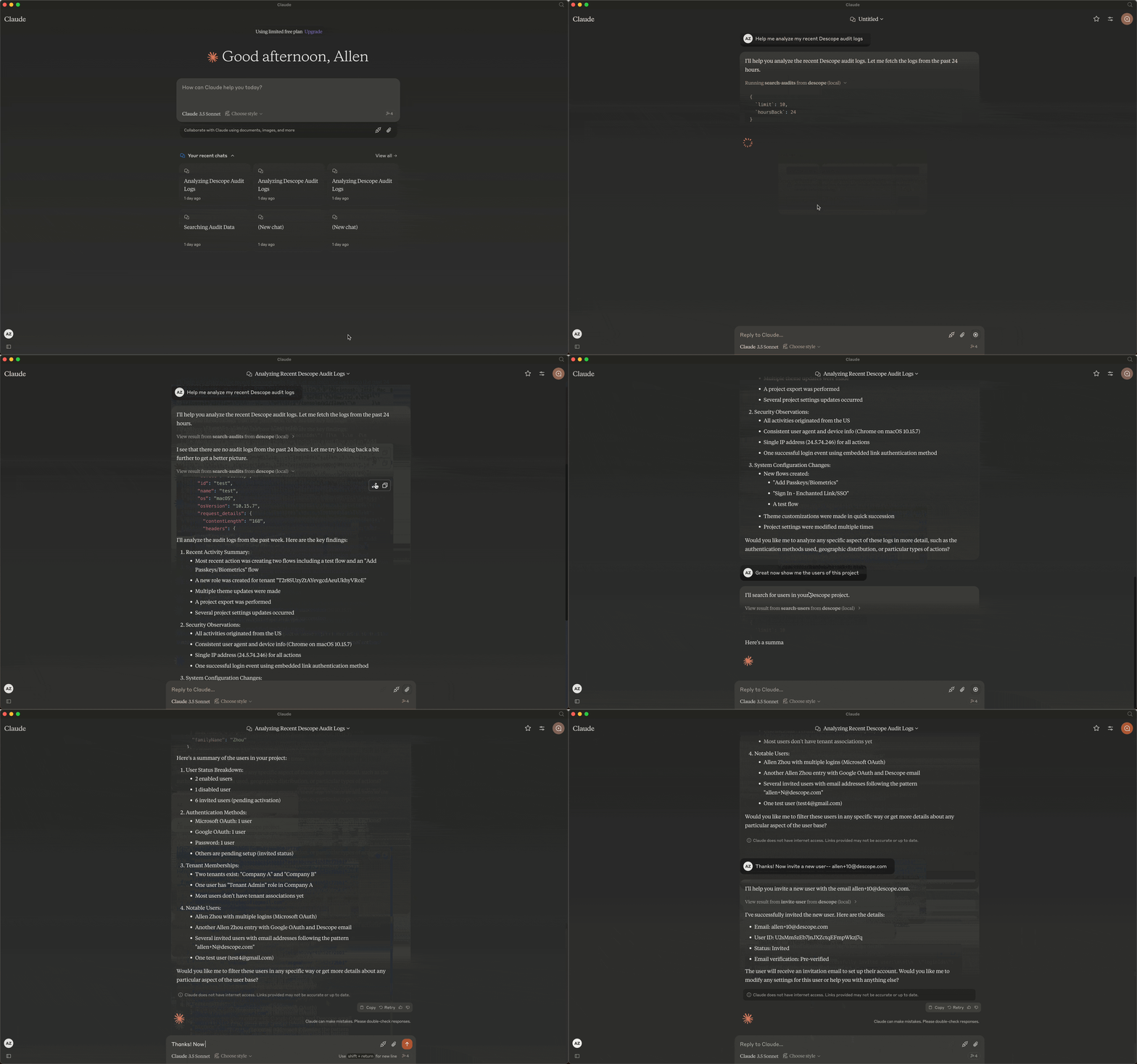
The Descope Model Context Protocol (MCP) server provides an interface to interact with Descope's Management APIs, enabling the search and retrieval of project-related information.
Related MCP server: Dify Management MCP
Available Tools
search-audits: Retrieves up to 10 audit log entries from your Descope project.
search-users: Retrieves up to 10 user records from your Descope project.
create-user: Creates a new user in your Descope project.
invite-user: Invites a new user to your Descope project.
Requirements
Before proceeding, make sure you have the following:
To confirm your Node.js installation, run:
node --version # Expected output: v18.0.0 or later
Setup Instructions
Installing via Smithery
To install Descope MCP Server for Claude Desktop automatically via Smithery:
npx -y @smithery/cli install @descope-sample-apps/descope-mcp-server --client claude
Manual Installation
Clone the repository:
git clone https://github.com/descope-sample-apps/descope-mcp-server.git
cd descope-mcp-server
Install the necessary dependencies:
Build the project:
Configuration
1. Configure Claude Desktop to recognize the Descope MCP server
To locate the claude_desktop_config.json file, open the Claude Desktop app and enable Developer Mode from the top-left menu bar.
Once enabled, go to Settings (also in the top-left menu), navigate to the Developer section, and click the Edit Config button to access and edit claude_desktop_config.json.
Alternatively, to open the configuration file via terminal:
On macOS:
code ~/Library/Application\ Support/Claude/claude_desktop_config.json
On Windows:
code %APPDATA%\Claude\claude_desktop_config.json
2. Add the Descope server configuration:
{
  "mcpServers": {
    "descope": {
      "command": "node",
      "args": ["/path/to/descope-mcp-server/build/index.js"],
      "env": {
        "DESCOPE_PROJECT_ID": "your-descope-project-id-here",
        "DESCOPE_MANAGEMENT_KEY": "your-descope-management-key-here"
      }
    }
  }
}
Replace your-descope-project-id-here and your-descope-management-key-here with your actual Descope Project ID and Management Key from app.descope.com/settings/project and app.descope.com/settings/company/managementkeys.
3. Restart Claude Desktop
To apply the changes:
Fully quit Claude Desktop (ensure it's not just minimized).
Relaunch Claude Desktop.
Check for the 🔌 icon to confirm the Descope server is connected.
Running the server
First, build the project:
1. Running the server on stdio
2. Running the server on SSE