

A
licenseNot graded
qualityD
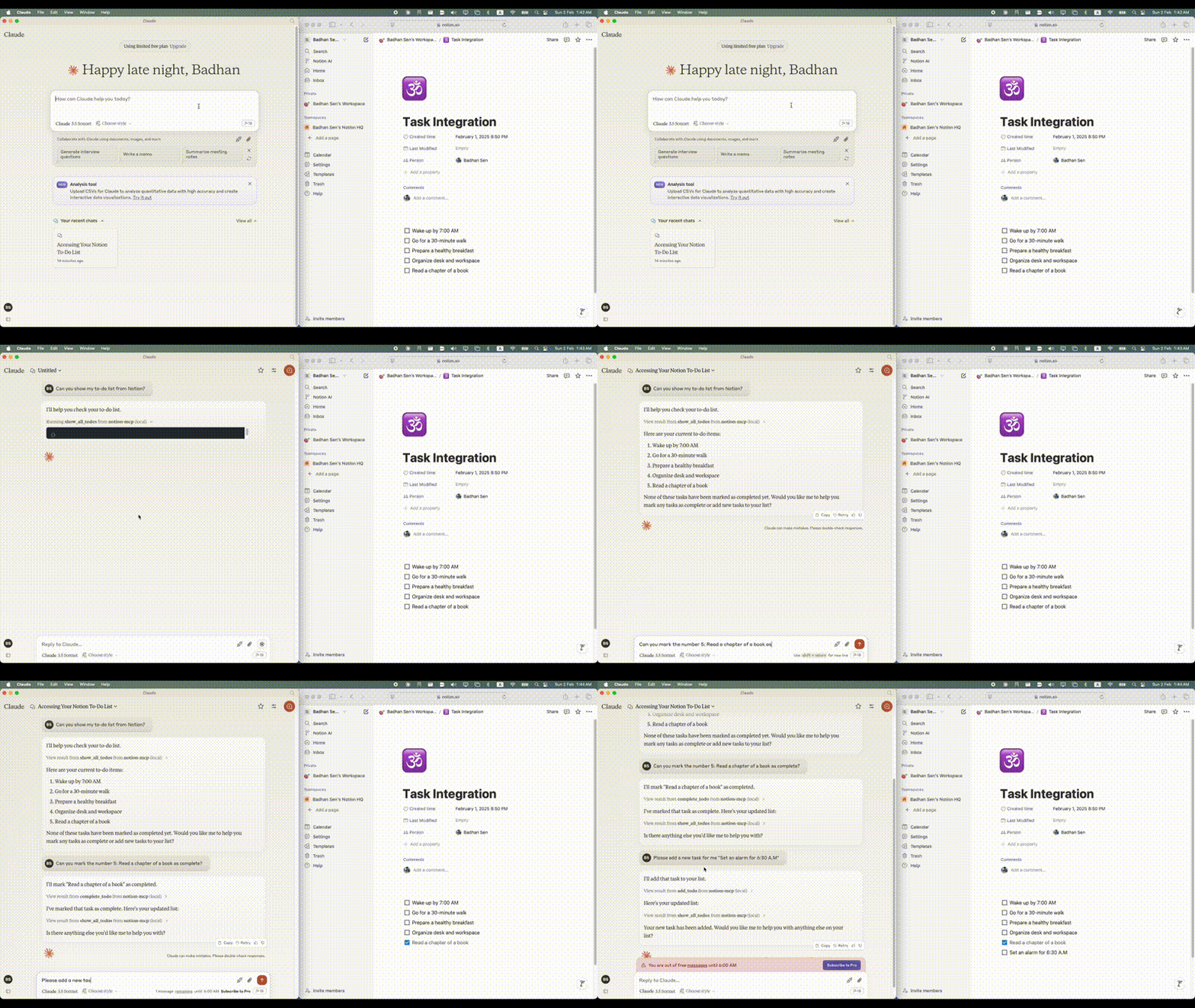
maintenanceA simple Model Context Protocol (MCP) server that integrates with Notion's API to manage my personal todo list through Claude.
208
MIT

一个简单的模型上下文协议 (MCP) 服务器,与 Notion 的 API 集成来管理我的个人待办事项列表。
Related MCP server: Notion MCP Server
Python 3.11 或更高版本
具有 API 访问权限的 Notion 帐户
Notion 集成代币
您想要管理待办事项列表的 Notion 页面
克劳德桌面克林特
要通过Smithery自动为 Claude Desktop 安装 Notion MCP:
npx -y @smithery/cli install @Badhansen/notion-mcp --client claude克隆存储库:
git clone https://github.com/Badhansen/notion-mcp.git
cd notion-mcp
设置Python环境:
uv venv
source .venv/bin/activate
uv pip install -e .
创建 Notion 集成:
创建新集成
复制 API 密钥
通过集成共享您的数据库/页面:
使用数据库/表或页面打开您的概念工作区。
点击“…”菜单→“添加连接”
选择您的集成(按名称搜索)
创建.env文件:
cp .env.example .env在.env中配置 Notion 凭证:
NOTION_TOKEN=<your-notion-api-token>
PAGE_ID=<your-notion-page-id>
NOTION_VERSION="2022-06-28"
NOTION_BASE_URL="https://api.notion.com/v1"
要按预期将其与 Claude Desktop 一起使用,您需要调整claude_desktop_config.json文件。前往Claude Desktop -> Settings -> Developer -> Edit Config 。现在添加Notion服务器配置。
{
    "mcpServers": {
        "notion-mcp": {
            "command": "uv",
            "args": [
                "--directory",
                "/Users/username/Projects/Python/notion-mcp/src" /* Path to your project */,
                "run",
                "server.py"
            ]
        }
    }
}项目结构:
notion-mcp/
├── docs/
├── src/
│ └── server.py
├── .env
├── .python-version
├── README.md
├── pyproject.toml
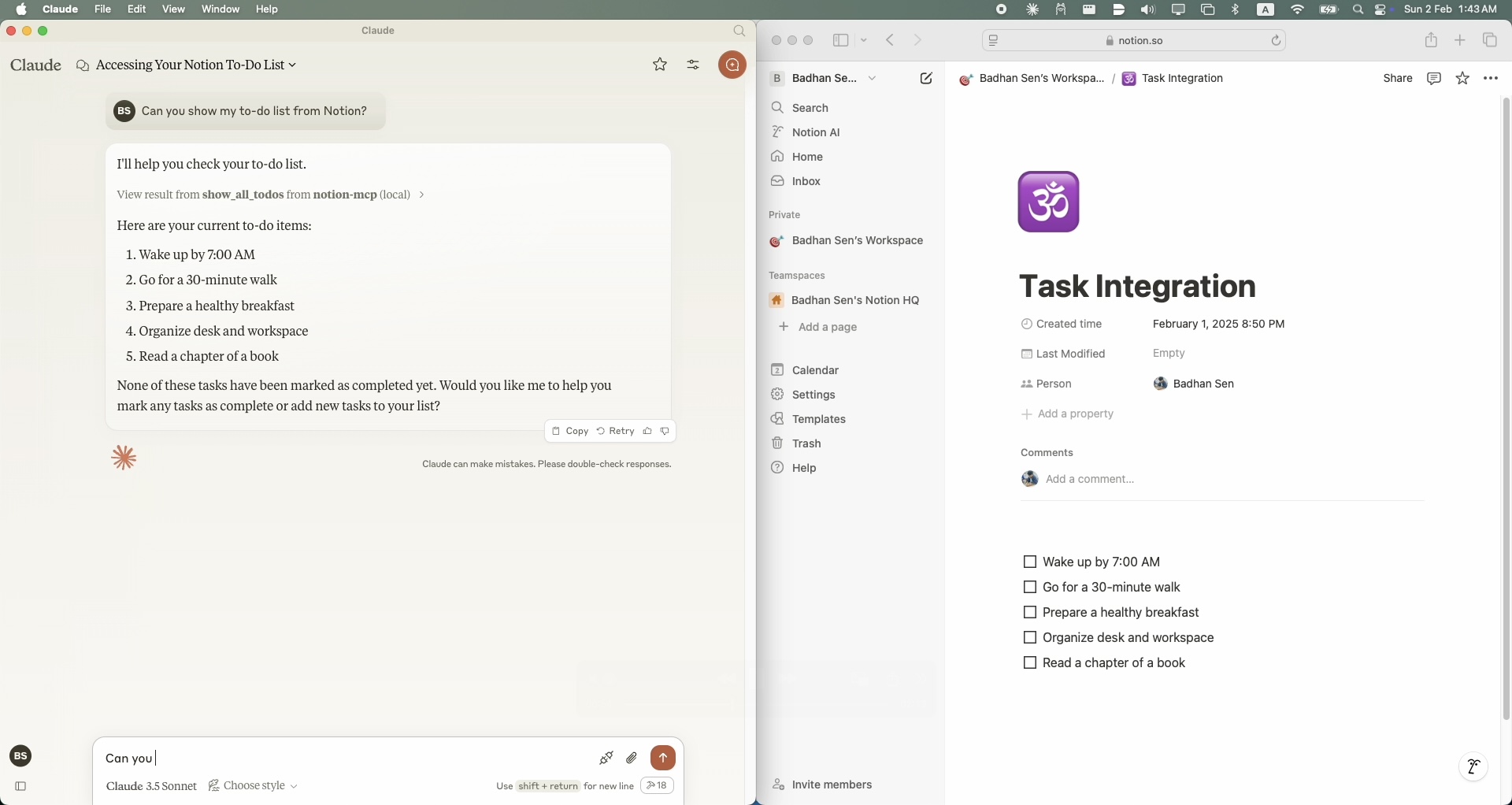
└── uv.lock要显示 Notion 工作区中的所有任务,请使用show_all_todos函数:
{
    "name": "show_all_todos",
    "arguments": {}
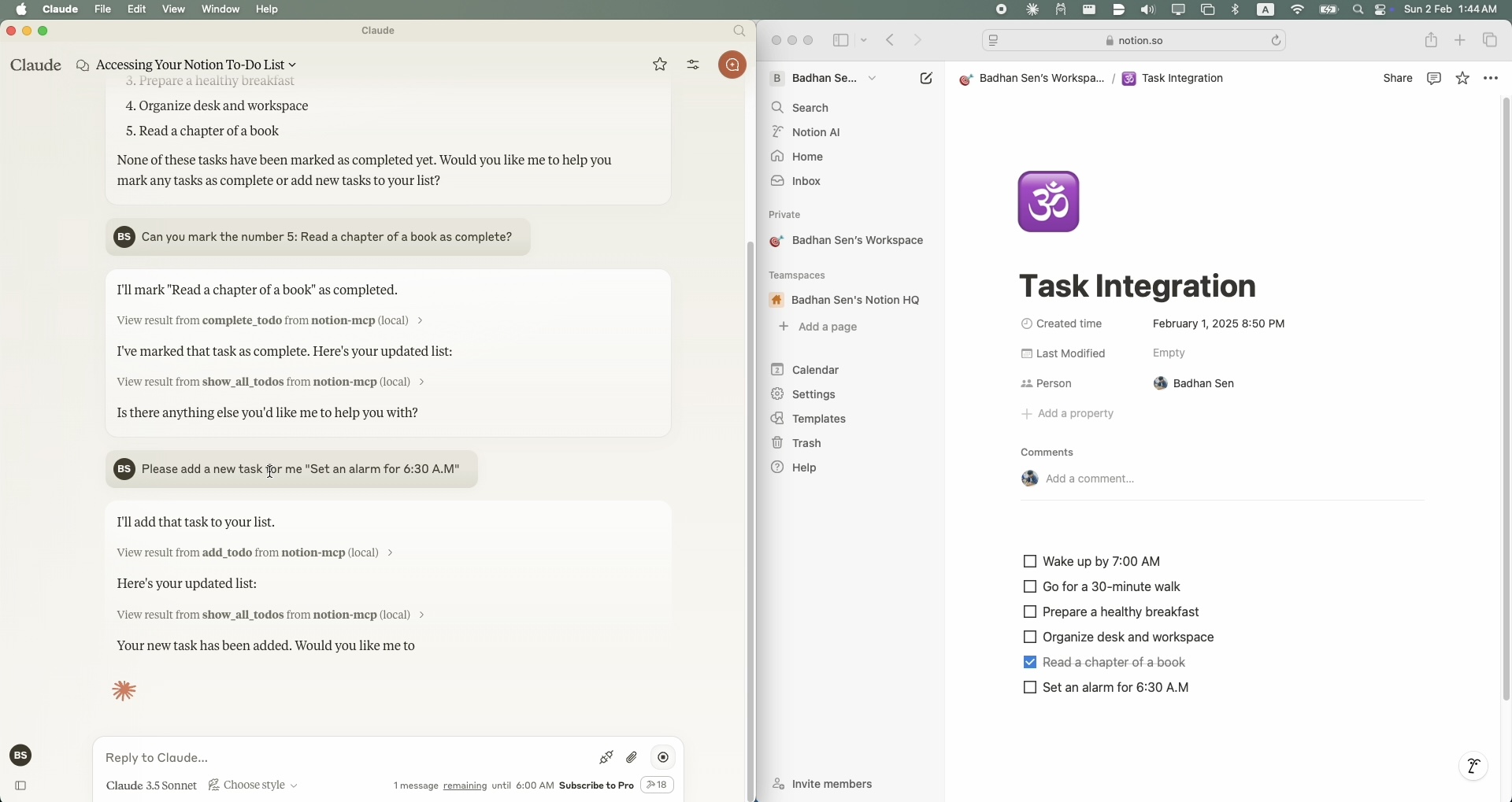
}要向 Notion 工作区添加新任务,请使用add_todo函数:
{
    "name": "add_todo",
    "arguments": {
        "task": "Your task description"
    }
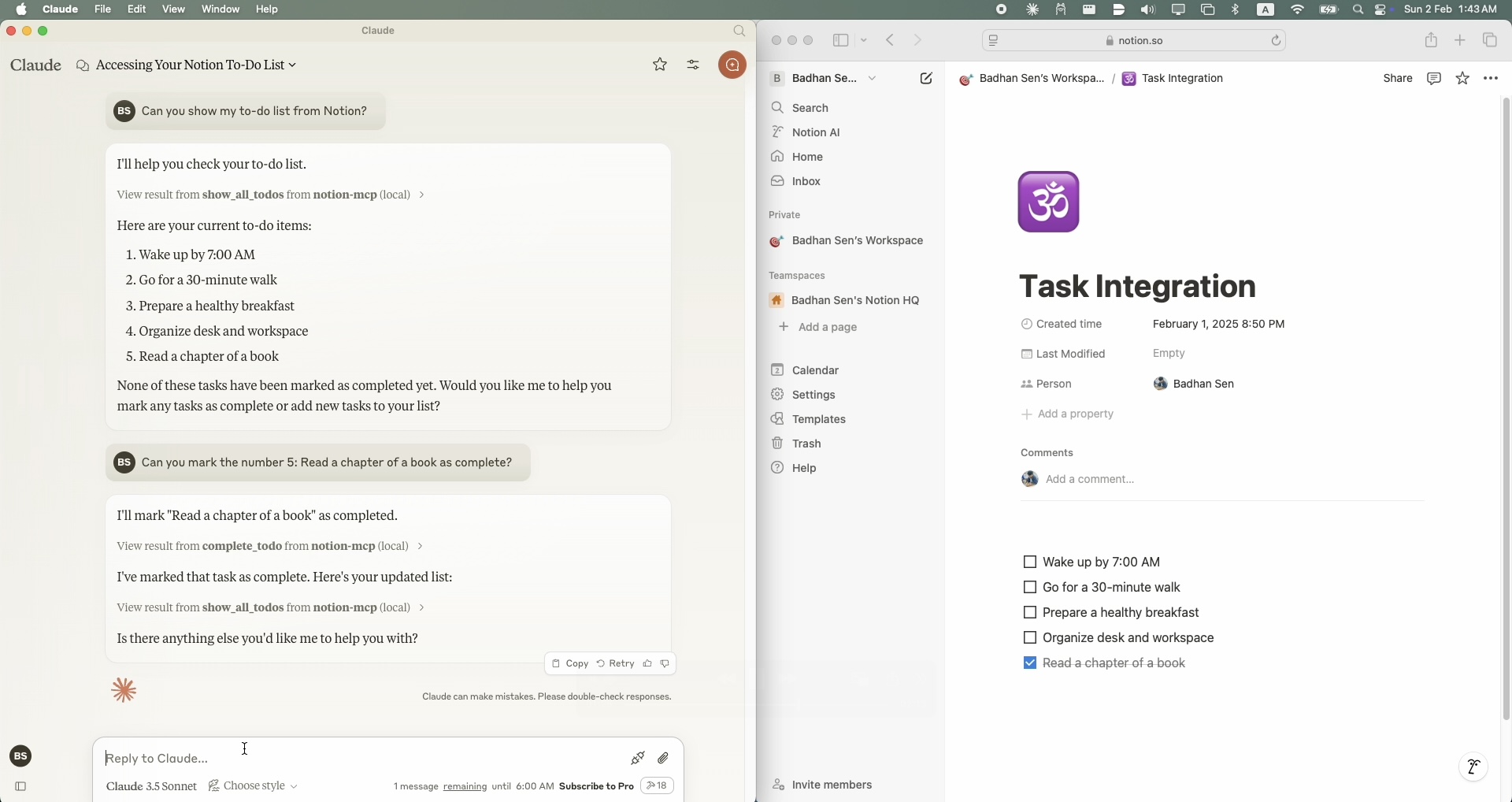
}要更新 Notion 工作区中的现有任务,请使用complete_todo函数:
{
    "name": "complete_todo",
    "arguments": {
        "task_id": "your-task-id"
    }
}分叉存储库
创建功能分支
提交拉取请求
MIT 许可证。详情请参阅 LICENSE 文件。
This server cannot be deployed
Official Todoist MCP server for AI assistants to manage tasks, projects, and workflows.
A comprehensive Model Context Protocol (MCP) server that enables AI assistants to interact with yo…
Nifty's MCP server — exposes tasks, projects, messages, and files as tools for AI agents.