

A
licenseNot graded
qualityD
maintenanceA simple Model Context Protocol (MCP) server that integrates with Notion's API to manage my personal todo list through Claude.
208
MIT

Notion API와 통합되어 개인 할 일 목록을 관리하는 간단한 MCP(Model Context Protocol) 서버입니다.
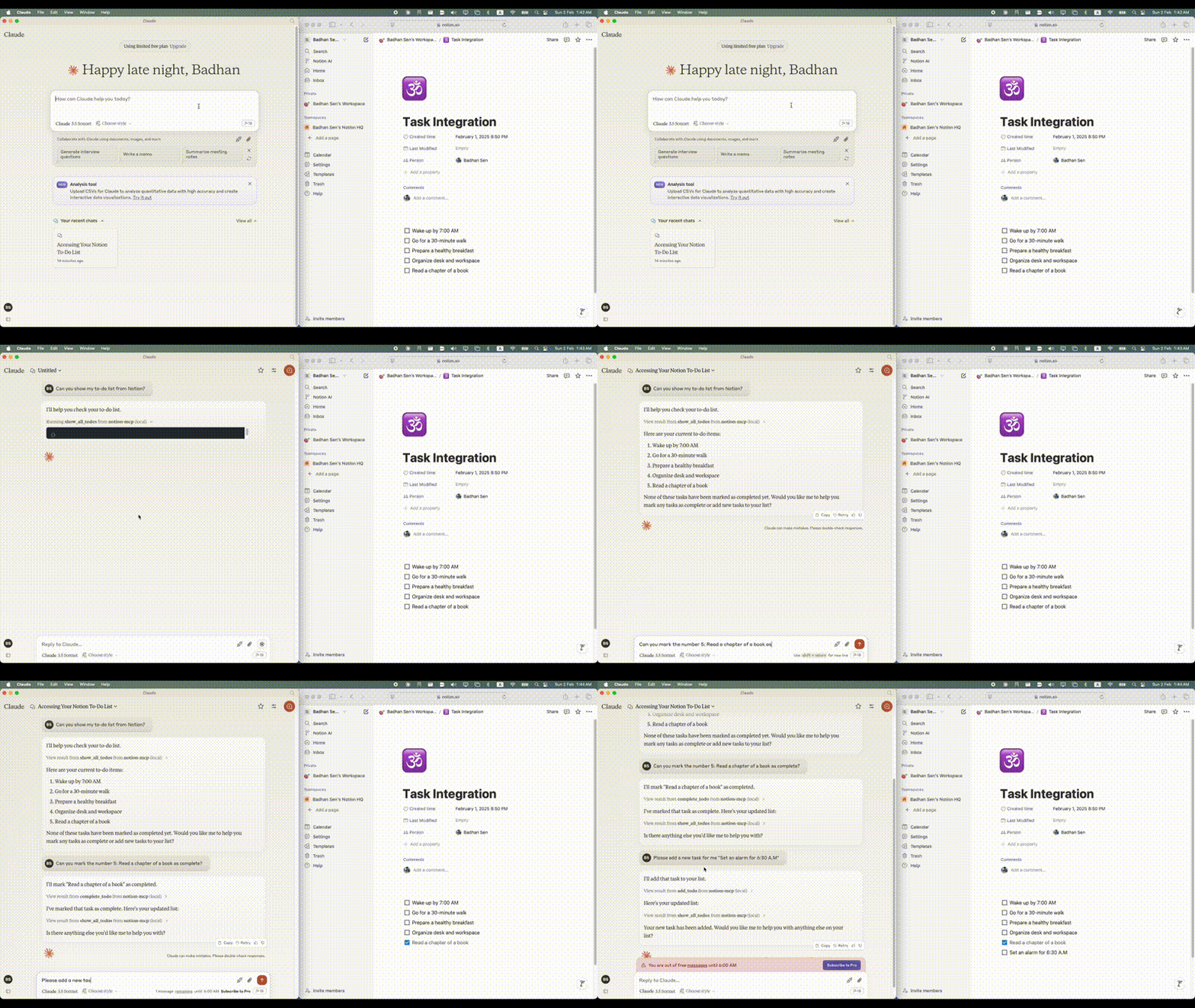
Related MCP server: Notion MCP Server
Python 3.11 이상
API 액세스가 가능한 Notion 계정
Notion 통합 토큰
할 일 목록을 관리하려는 Notion 페이지
클로드 데스크탑 클린트
Smithery 를 통해 Claude Desktop용 Notion MCP를 자동으로 설치하는 방법:
지엑스피1
저장소를 복제합니다.
git clone https://github.com/Badhansen/notion-mcp.git
cd notion-mcp
Python 환경 설정:
uv venv
source .venv/bin/activate
uv pip install -e .
Notion 통합을 만듭니다.
새로운 통합을 만듭니다
API 키를 복사하세요
통합을 통해 데이터베이스/페이지를 공유하세요:
데이터베이스/테이블이나 페이지가 있는 Notion 작업 공간을 엽니다.
"..." 메뉴 → "연결 추가"를 클릭하세요.
통합을 선택하세요(이름으로 검색)
.env 파일을 만듭니다.
cp .env.example .env.env 에서 Notion 자격 증명을 구성합니다.
NOTION_TOKEN=<your-notion-api-token>
PAGE_ID=<your-notion-page-id>
NOTION_VERSION="2022-06-28"
NOTION_BASE_URL="https://api.notion.com/v1"
Claude Desktop에서 원하는 대로 사용하려면 claude_desktop_config.json 파일을 수정해야 합니다. Claude Desktop -> Settings -> Developer -> Edit Config 으로 이동하세요. 이제 Notion 서버 구성을 추가하세요.
{
    "mcpServers": {
        "notion-mcp": {
            "command": "uv",
            "args": [
                "--directory",
                "/Users/username/Projects/Python/notion-mcp/src" /* Path to your project */,
                "run",
                "server.py"
            ]
        }
    }
}프로젝트 구조:
notion-mcp/
├── docs/
├── src/
│ └── server.py
├── .env
├── .python-version
├── README.md
├── pyproject.toml
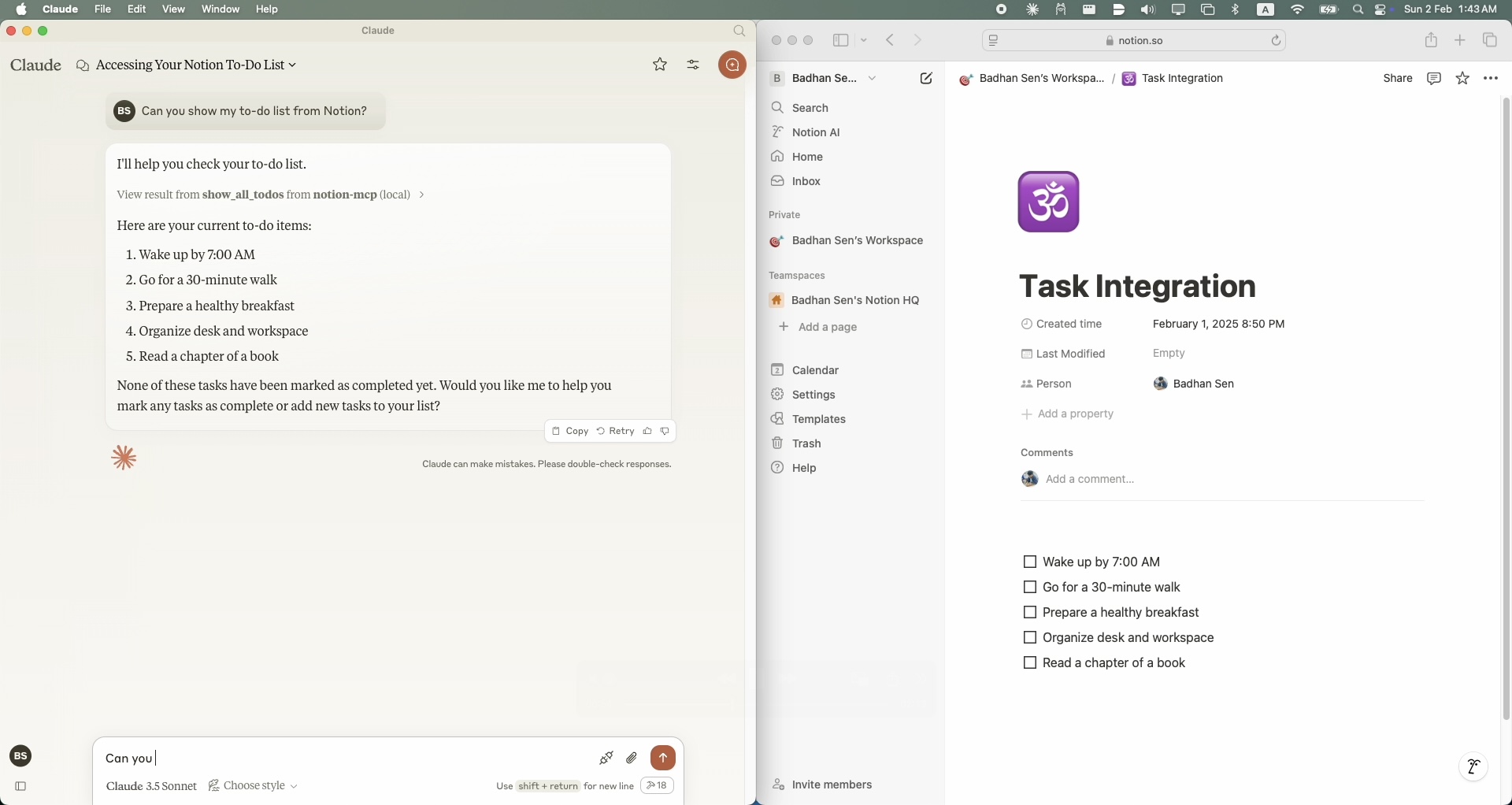
└── uv.lockNotion 작업 공간에서 모든 작업을 표시하려면 show_all_todos 함수를 사용하세요.
{
    "name": "show_all_todos",
    "arguments": {}
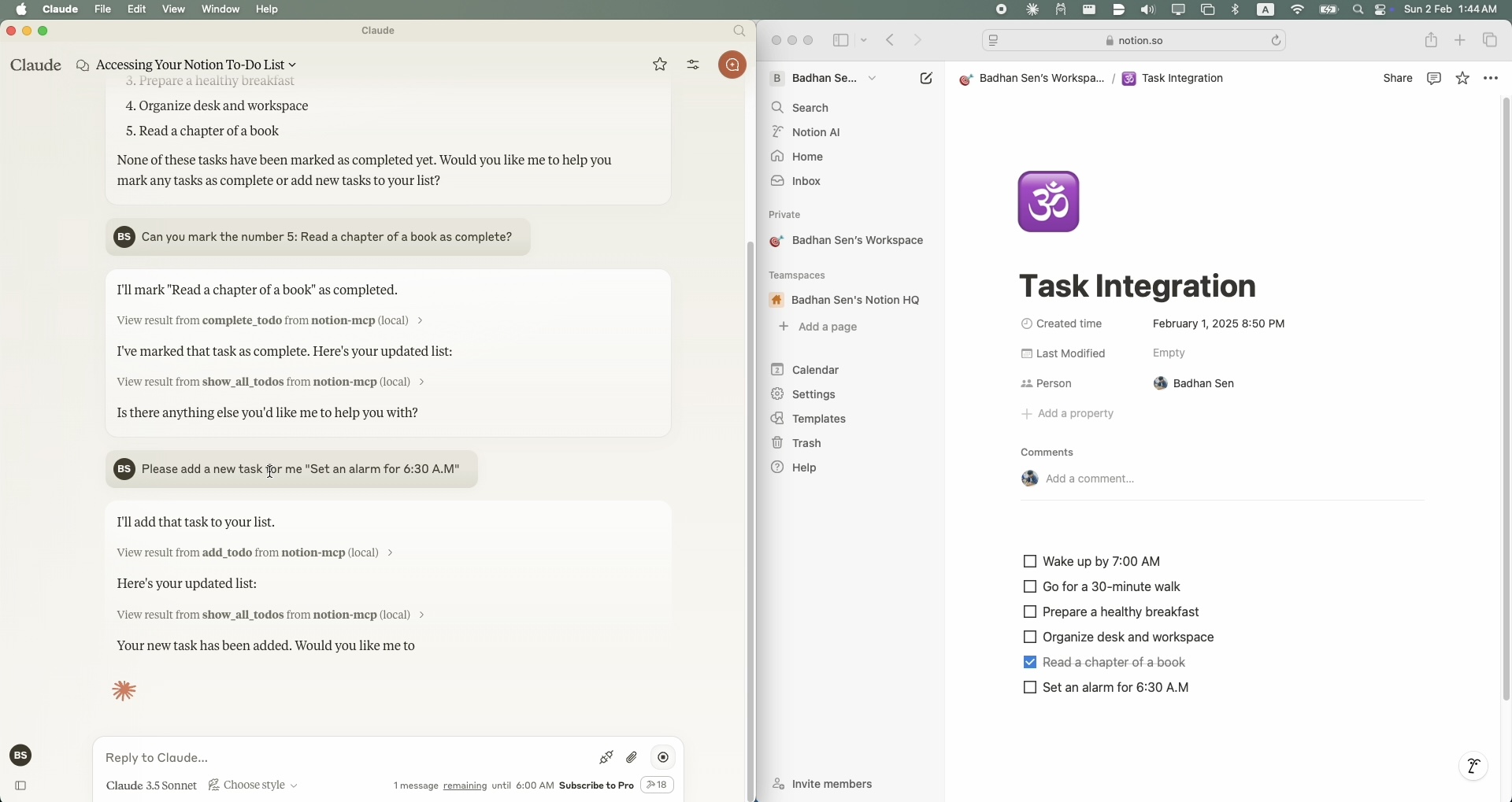
}Notion 작업 공간에 새 작업을 추가하려면 add_todo 함수를 사용하세요.
{
    "name": "add_todo",
    "arguments": {
        "task": "Your task description"
    }
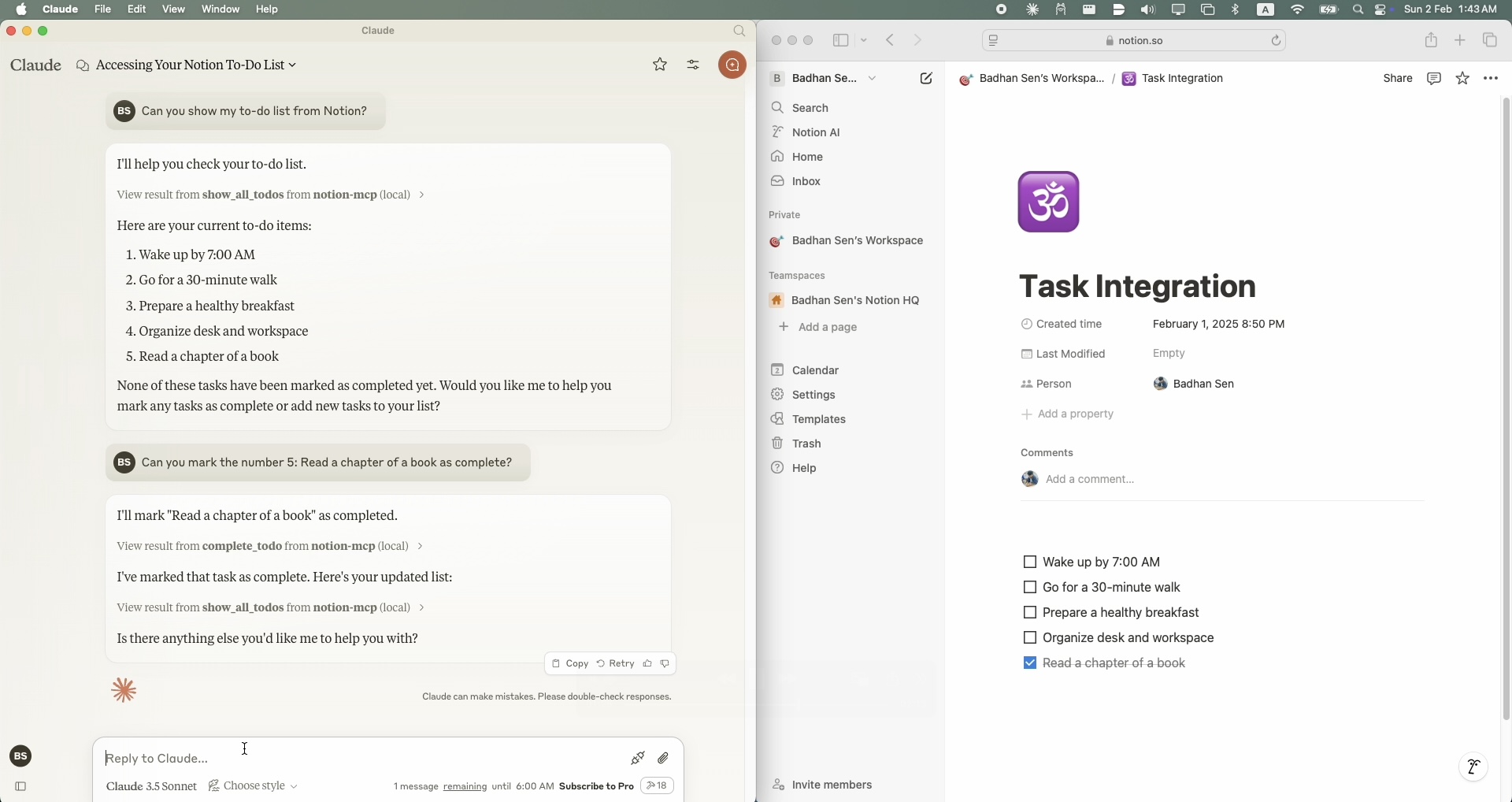
}Notion 작업 공간에서 기존 작업을 업데이트하려면 complete_todo 함수를 사용하세요.
{
    "name": "complete_todo",
    "arguments": {
        "task_id": "your-task-id"
    }
}저장소를 포크하세요
기능 브랜치 생성
풀 리퀘스트 제출
MIT 라이선스. 자세한 내용은 라이선스 파일을 참조하세요.
This server cannot be deployed
Official Todoist MCP server for AI assistants to manage tasks, projects, and workflows.
A comprehensive Model Context Protocol (MCP) server that enables AI assistants to interact with yo…
Nifty's MCP server — exposes tasks, projects, messages, and files as tools for AI agents.