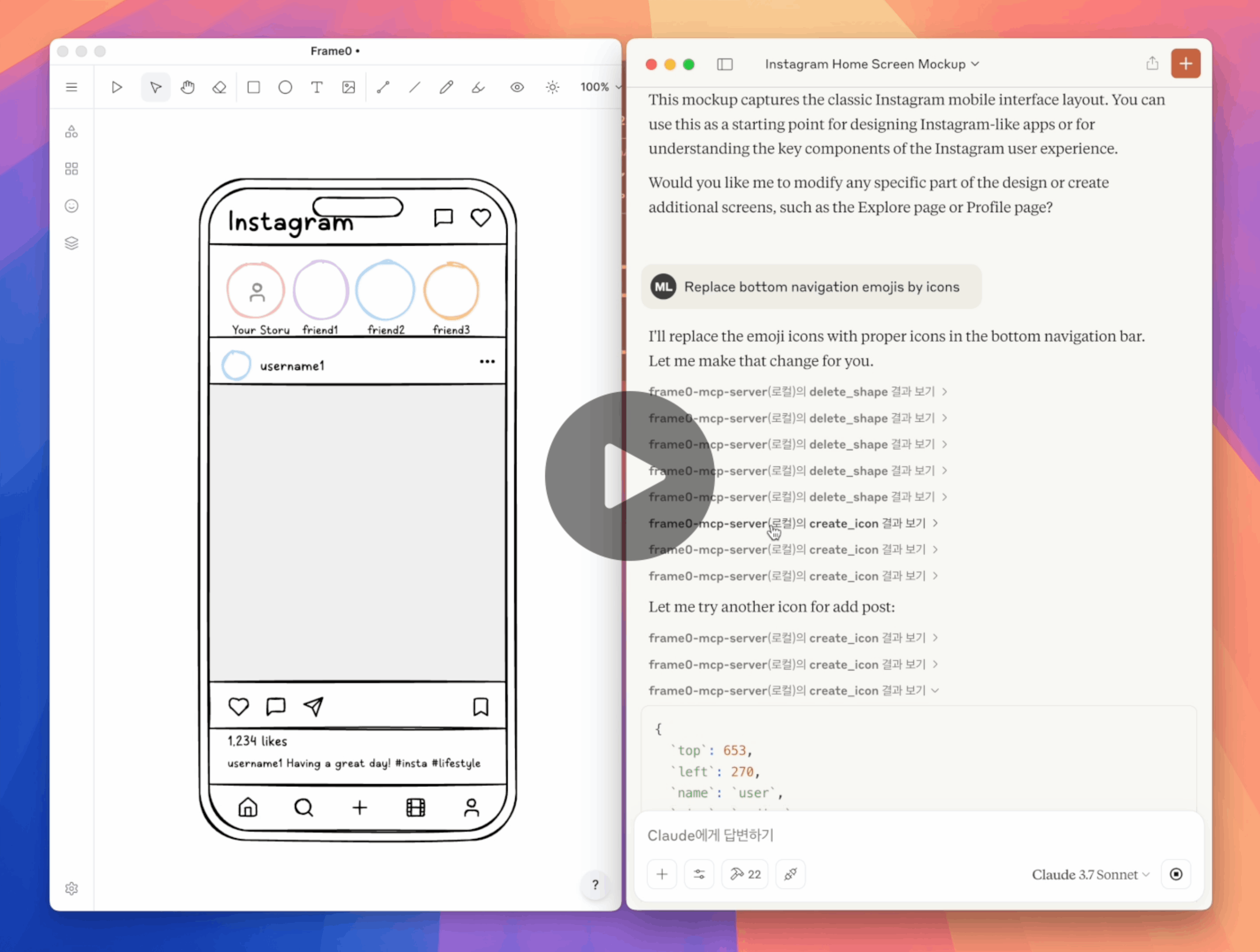
フレーム0 MCPサーバー
Frame0は、Balsamiqに代わる、モダンなアプリ向けのワイヤーフレームツールです。Frame0 MCP Serverを使用すると、プロンプトに従ってFrame0でワイヤーフレームを作成および変更できます。
設定
前提条件:
claude_desktop_config.jsonで Claude Desktop を以下のように設定します。
{
  "mcpServers": {
    "frame0-mcp-server": {
      "command": "npx",
      "args": ["-y", "frame0-mcp-server"]
    }
  }
}
--api-port=<port>オプション パラメータを使用すると、Frame0 の API サーバーに別のポート番号を使用できます。
Related MCP server: figma-pilot
プロンプトの例
「フレーム0に電話用のログイン画面を作成する」
「Frame0でスマホ用のInstagramホーム画面を作成」
「Frame0でテレビ用のNetflixホーム画面を作成する」
「ログインボタンの色を変更する」
「Twitterのソーシャルログインを削除する」
「絵文字をアイコンに置き換える」
「GoogleログインボタンからGoogleウェブサイトへのリンクを設定する」
ツール
create_frame
create_rectangle
create_ellipse
create_text
create_line
create_connector
create_icon
create_image
update_shape
duplicate_shape
delete_shape
get_available_icons
move_shape
align_shapes
group
ungroup
set_link
export_shape_as_image
add_page
update_page
duplicate_page
delete_page
get_current_page_id
set_current_page_by_id
get_page
get_all_pages
export_page_as_image
開発
このリポジトリをクローンします。
npm run buildでビルドします。
Claude Desktop のclaude_desktop_config.jsonを以下のように更新します。
Claude Desktop を再起動します。
{
  "mcpServers": {
    "frame0-mcp-server": {
      "command": "node",
      "args": ["<full-path-to>/frame0-mcp-server/build/index.js"]
    }
  }
}

