Coolify MCP Server
Coolify MCP 服务器
概述
这仍处于发展阶段。
Coolify MCP(模型上下文协议)服务器是 Coolify API 的集成层,允许用户通过标准化接口与各种资源和应用程序进行交互。该服务器使用 TypeScript 构建,并利用模型上下文协议 SDK 实现无缝通信。


Related MCP server: Coolify MCP Server
特征
列出资源和应用程序
获取特定应用程序的详细信息
启动、停止和重新启动应用程序
通过标签或UUID部署应用程序
系统状态健康检查
获取 Coolify API 的当前版本
安装
要设置 Coolify MCP 服务器,请按照以下步骤操作:
克隆存储库:
git clone <repository-url>
cd coolify-mcp安装依赖项:
npm install然后运行
npm build创建构建目录。
设置Claude配置:
您需要在claude_desktop_config.json文件中添加类似这样的内容:
"mcpServers": {
"coolify": {
"command": "node",
"args": [
"/full/path/to/mcp-coolify/build/index.js"
],
"env": {
"COOLIFY_ACCESS_TOKEN": "coolify_api_key",
"COOLIFY_BASE_URL": "https://your-coolify-url.co.uk"
}
}
}API 端点
服务器支持以下操作:
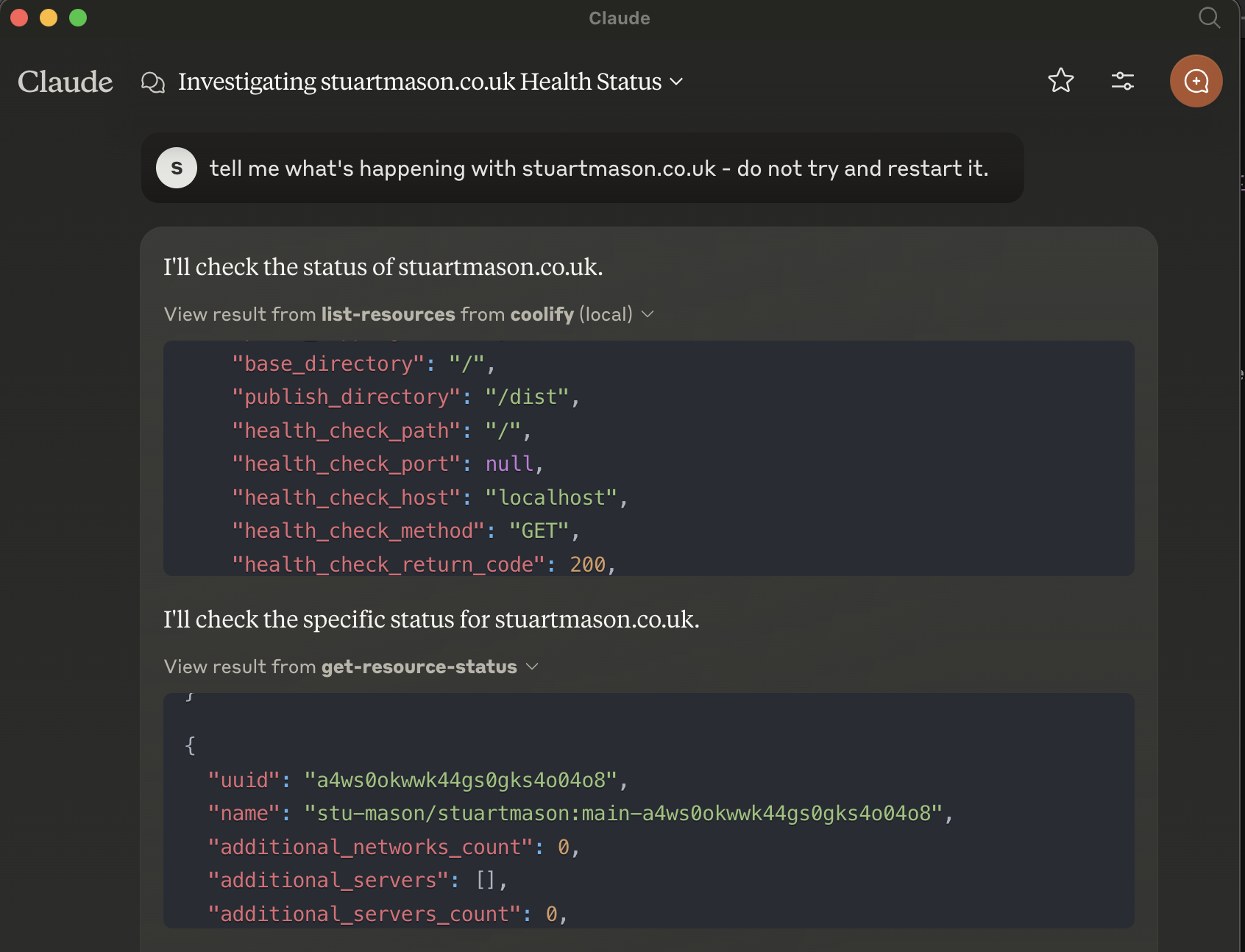
列出资源
请求:
list-resources响应: Coolify 中所有资源的列表。
列出应用程序
请求:
list-applications**响应:**所有应用程序的列表。
获取应用程序详细信息
请求:
get-application参数:
{"uuid": "<application-uuid>"}**响应:**指定应用程序的详细信息。
启动应用程序
请求:
start-application参数:
{"uuid": "<application-uuid>"}**响应:**启动操作的结果。
停止申请
请求:
stop-application参数:
{"uuid": "<application-uuid>"}**响应:**停止操作的结果。
重启应用程序
请求:
restart-application参数:
{"uuid": "<application-uuid>"}**响应:**重启操作的结果。
部署应用程序
请求:
deploy参数:
{"tag": "<tag-name>", "uuid": "<application-uuid>", "force": true}**响应:**部署操作的结果。
获取版本
请求:
get-version响应: Coolify API 的当前版本。
健康检查
请求:
health-check**响应:**系统健康状态。
贡献
欢迎贡献!如有任何改进或错误修复,请创建 issue 或提交 pull request。
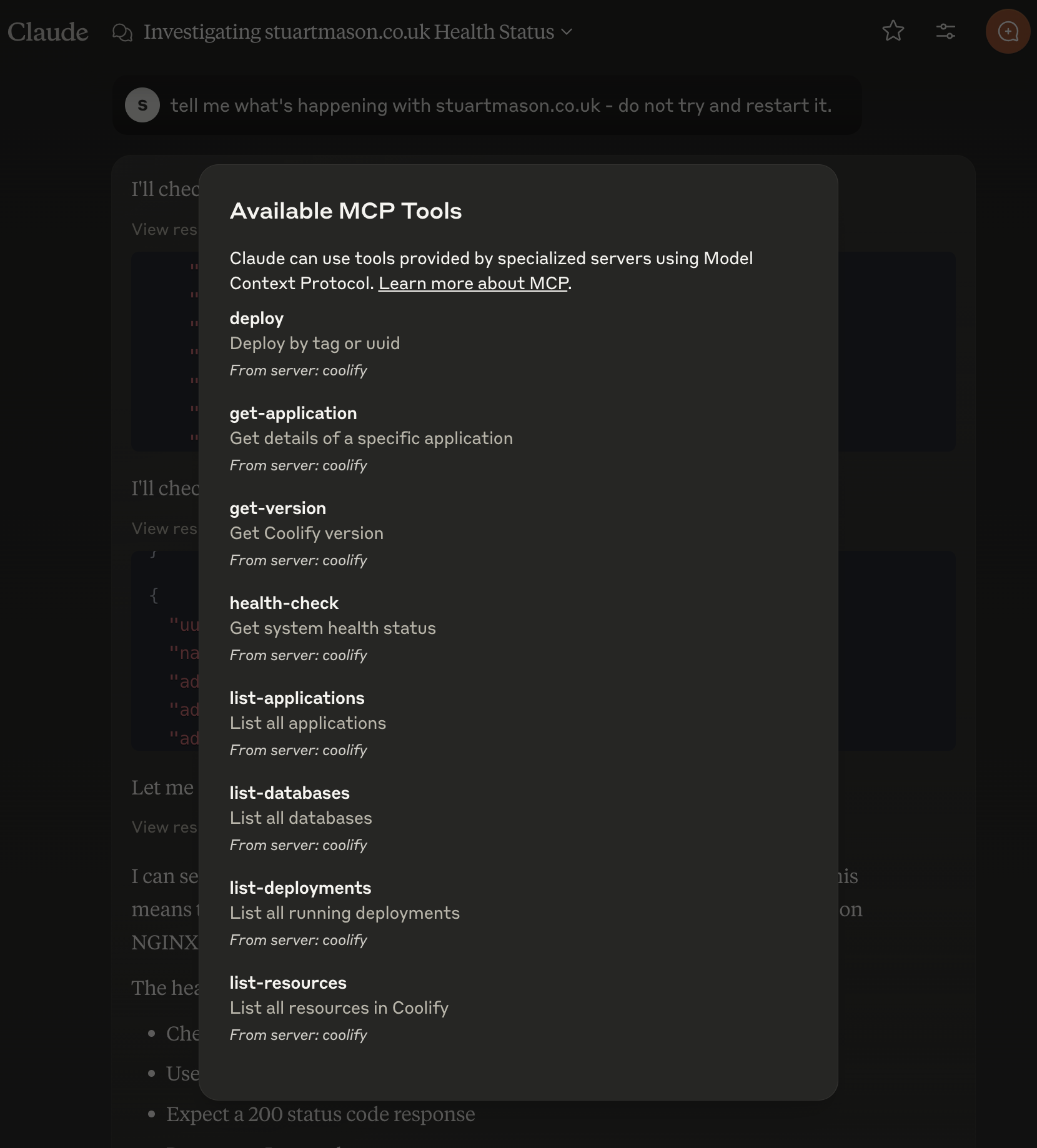
Available Tools
11 toolsdeployC
Deploy an application or service using a tag or UUID. This allows you to deploy new versions or updates to your applications.
Inputs: tag, uuid, force.
get-applicationA
Retrieve detailed information about a specific application using its UUID. This includes the application's status, configuration, and deployment details.
Inputs: uuid (required).
list-applicationsB
Fetch a list of all applications currently managed by Coolify. This provides an overview of all deployed applications.
Inputs: no named parameters.
list-databasesA
Fetch a list of all databases managed by Coolify. This provides an overview of all database instances.
Inputs: no named parameters.
list-deploymentsB
Retrieve a list of all running deployments in Coolify. This includes details about the deployment status and history.
Inputs: no named parameters.
list-resourcesB
Retrieve a comprehensive list of all resources managed by Coolify. This includes applications, services, databases, and deployments.
Inputs: no named parameters.
list-servicesB
Retrieve a list of all services managed by Coolify. This includes external services and microservices.
Inputs: no named parameters.
restart-applicationA
Restart a specific application using its UUID. This stops and then starts the application, applying any configuration changes.
Inputs: uuid (required).
start-applicationC
Start a specific application using its UUID. This initiates the application and makes it available for use.
Inputs: uuid (required).
stop-applicationB
Stop a specific application using its UUID. This halts the application and makes it unavailable.
Inputs: uuid (required).
update-applicationC
Update the settings of a specific application, such as health check configurations. This allows you to modify the application's behavior and monitoring settings.
Inputs: uuid (required), settings (required).
Tool Schema Changelog
Recent tool additions, removals, and schema changes observed during successful MCP inspections.
Loading tool schema changelog…
TDQS
Scored across 11 tools
Most tools have distinct purposes, but there is some overlap between list-applications and list-resources, as list-resources includes applications along with other resources, which could cause confusion about which to use for listing applications. The application lifecycle tools (start, stop, restart, update) are clearly differentiated from each other and from retrieval tools.
All tool names follow a consistent verb-noun pattern using kebab-case, such as deploy, get-application, list-applications, restart-application, etc. This uniformity makes the tool set predictable and easy to understand, with no deviations in naming conventions.
With 11 tools, the count is well-scoped for managing applications and resources in a deployment platform like Coolify. Each tool serves a clear purpose, covering deployment, retrieval, listing, and lifecycle management without being overly sparse or bloated.
The tool set provides strong coverage for application management, including CRUD-like operations (deploy, get, update, start/stop/restart) and listing functions. However, there are minor gaps, such as no tools for creating or deleting databases or services, which might be expected in a full resource management suite, though the focus seems to be on applications.
Related MCP Connectors
Deploy and manage applications, databases, domains, and git repos
Deploy apps from GitHub, read build/runtime logs, and manage your app's users from your AI agent.
Deploy and manage your apps, databases, storage, and scheduled jobs from your AI agent
Manage Fly.io apps, Machines, volumes, secrets, Managed Postgres, and Sprites with OAuth.
Related MCP Servers
- AlicenseDqualityFmaintenanceProvides programmatic and CLI tools for managing Coolify deployments, allowing users to control applications, services, databases, and infrastructure through natural language or command line.1030 npm7Good Luck With That Public
- AlicenseAqualityDmaintenanceEnables AI assistants to interact with Coolify self-hosted instances for application deployment, management, and monitoring. Features 4 unified tools optimized for VS Code's limits, covering app management, environment configuration, system administration, and built-in documentation.41MIT
- AlicenseBqualityCmaintenanceEnables control and management of Coolify self-hosted PaaS instances, allowing you to deploy applications, manage databases, monitor servers, and execute operations directly from AI assistants.8916 npm28MIT
- AlicenseBqualityDmaintenanceEnables management of Coolify instances to control applications, databases, and servers through the Model Context Protocol. It provides a comprehensive set of tools for deploying services and monitoring self-hosted infrastructure using natural language.1812 npm3MIT