Coolify MCP Server
Coolify MCP サーバー
概要
これはまだ開発途中です。
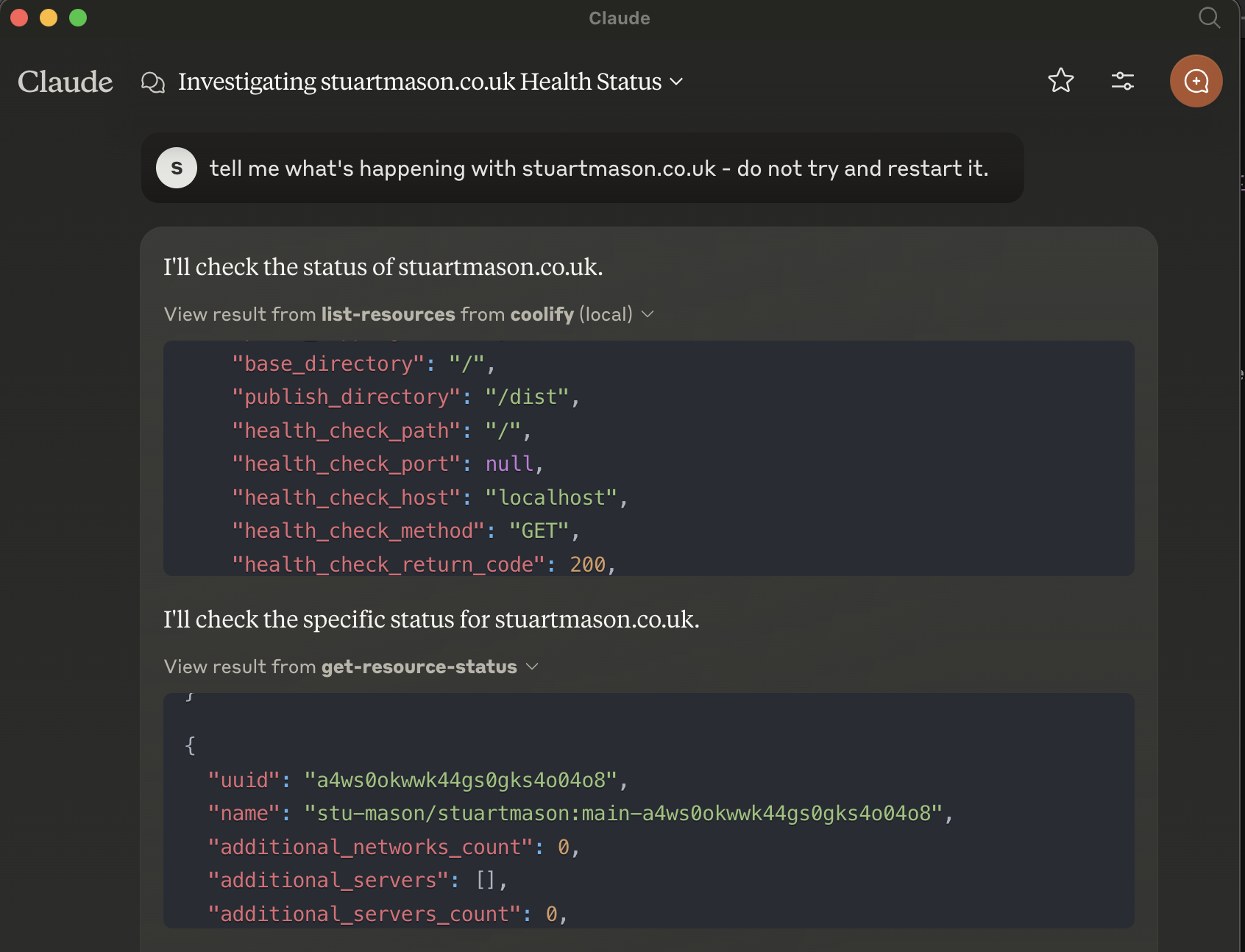
Coolify MCP(モデルコンテキストプロトコル)サーバーは、Coolify APIの統合レイヤーであり、ユーザーは標準化されたインターフェースを介して様々なリソースやアプリケーションとやり取りすることができます。このサーバーはTypeScriptで構築されており、シームレスな通信のためにモデルコンテキストプロトコルSDKを活用しています。
Related MCP server: Coolify MCP Server
特徴
リソースとアプリケーションを一覧表示する
特定のアプリケーションの詳細を取得する
アプリケーションの起動、停止、再起動
タグまたはUUIDでアプリケーションをデプロイする
システム状態のヘルスチェック
Coolify APIの現在のバージョンを取得する
インストール
Coolify MCP サーバーをセットアップするには、次の手順に従います。
リポジトリをクローンします。
git clone <repository-url>
cd coolify-mcp依存関係をインストールします:
npm install実行する
npm buildビルドディレクトリを作成します。
Claude Config を設定します:
claude_desktop_config.jsonファイルには次のような内容が必要です。
"mcpServers": {
"coolify": {
"command": "node",
"args": [
"/full/path/to/mcp-coolify/build/index.js"
],
"env": {
"COOLIFY_ACCESS_TOKEN": "coolify_api_key",
"COOLIFY_BASE_URL": "https://your-coolify-url.co.uk"
}
}
}APIエンドポイント
サーバーは次の操作をサポートします。
リソースの一覧
リクエスト:
list-resources応答: Coolify 内のすべてのリソースのリスト。
アプリケーションの一覧
リクエスト:
list-applications**応答:**すべてのアプリケーションのリスト。
アプリケーションの詳細を取得する
リクエスト:
get-applicationパラメーター:
{"uuid": "<application-uuid>"}**応答:**指定されたアプリケーションの詳細。
アプリケーションを開始する
リクエスト:
start-applicationパラメーター:
{"uuid": "<application-uuid>"}**応答:**開始操作の結果。
アプリケーションを停止する
リクエスト:
stop-applicationパラメーター:
{"uuid": "<application-uuid>"}**応答:**停止操作の結果。
アプリケーションを再起動
リクエスト:
restart-applicationパラメーター:
{"uuid": "<application-uuid>"}**応答:**再起動操作の結果。
アプリケーションのデプロイ
リクエスト:
deployパラメーター:
{"tag": "<tag-name>", "uuid": "<application-uuid>", "force": true}**応答:**デプロイ操作の結果。
バージョンを取得
リクエスト:
get-version応答: Coolify API の現在のバージョン。
健康チェック
リクエスト:
health-check**応答:**システムの健全性状態。
貢献
貢献を歓迎します!機能強化やバグ修正については、問題を報告したり、プルリクエストを送信してください。
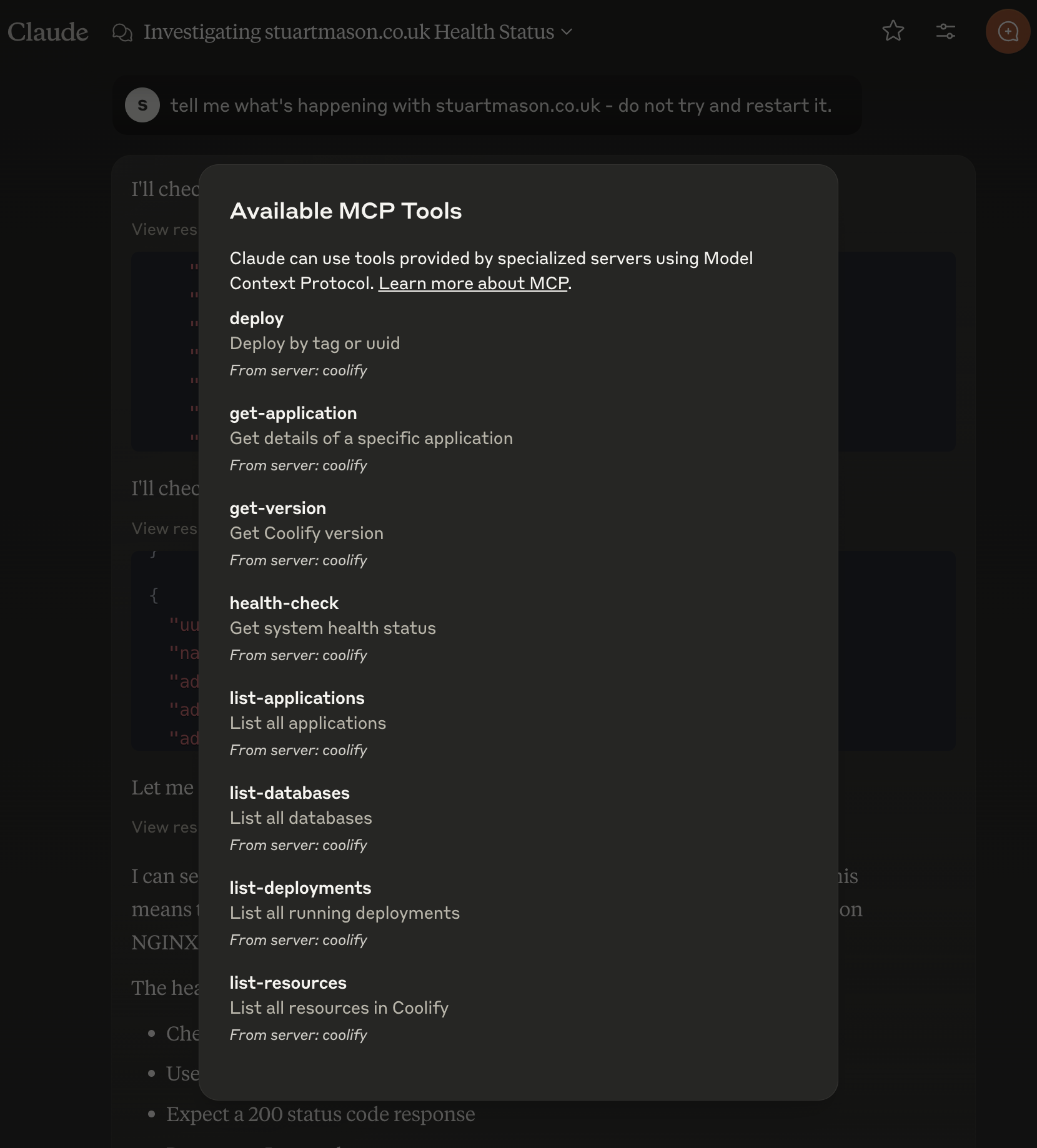
Available Tools
11 toolsdeployC
Deploy an application or service using a tag or UUID. This allows you to deploy new versions or updates to your applications.
Inputs: tag, uuid, force.
get-applicationA
Retrieve detailed information about a specific application using its UUID. This includes the application's status, configuration, and deployment details.
Inputs: uuid (required).
list-applicationsB
Fetch a list of all applications currently managed by Coolify. This provides an overview of all deployed applications.
Inputs: no named parameters.
list-databasesA
Fetch a list of all databases managed by Coolify. This provides an overview of all database instances.
Inputs: no named parameters.
list-deploymentsB
Retrieve a list of all running deployments in Coolify. This includes details about the deployment status and history.
Inputs: no named parameters.
list-resourcesB
Retrieve a comprehensive list of all resources managed by Coolify. This includes applications, services, databases, and deployments.
Inputs: no named parameters.
list-servicesB
Retrieve a list of all services managed by Coolify. This includes external services and microservices.
Inputs: no named parameters.
restart-applicationA
Restart a specific application using its UUID. This stops and then starts the application, applying any configuration changes.
Inputs: uuid (required).
start-applicationC
Start a specific application using its UUID. This initiates the application and makes it available for use.
Inputs: uuid (required).
stop-applicationB
Stop a specific application using its UUID. This halts the application and makes it unavailable.
Inputs: uuid (required).
update-applicationC
Update the settings of a specific application, such as health check configurations. This allows you to modify the application's behavior and monitoring settings.
Inputs: uuid (required), settings (required).
Tool Schema Changelog
Recent tool additions, removals, and schema changes observed during successful MCP inspections.
Loading tool schema changelog…
TDQS
Scored across 11 tools
Most tools have distinct purposes, but there is some overlap between list-applications and list-resources, as list-resources includes applications along with other resources, which could cause confusion about which to use for listing applications. The application lifecycle tools (start, stop, restart, update) are clearly differentiated from each other and from retrieval tools.
All tool names follow a consistent verb-noun pattern using kebab-case, such as deploy, get-application, list-applications, restart-application, etc. This uniformity makes the tool set predictable and easy to understand, with no deviations in naming conventions.
With 11 tools, the count is well-scoped for managing applications and resources in a deployment platform like Coolify. Each tool serves a clear purpose, covering deployment, retrieval, listing, and lifecycle management without being overly sparse or bloated.
The tool set provides strong coverage for application management, including CRUD-like operations (deploy, get, update, start/stop/restart) and listing functions. However, there are minor gaps, such as no tools for creating or deleting databases or services, which might be expected in a full resource management suite, though the focus seems to be on applications.
Related MCP Connectors
Deploy and manage applications, databases, domains, and git repos
Deploy apps from GitHub, read build/runtime logs, and manage your app's users from your AI agent.
Deploy and manage your apps, databases, storage, and scheduled jobs from your AI agent
Manage Fly.io apps, Machines, volumes, secrets, Managed Postgres, and Sprites with OAuth.
Related MCP Servers
- AlicenseDqualityFmaintenanceProvides programmatic and CLI tools for managing Coolify deployments, allowing users to control applications, services, databases, and infrastructure through natural language or command line.1030 npm7Good Luck With That Public
- AlicenseAqualityDmaintenanceEnables AI assistants to interact with Coolify self-hosted instances for application deployment, management, and monitoring. Features 4 unified tools optimized for VS Code's limits, covering app management, environment configuration, system administration, and built-in documentation.41MIT
- AlicenseBqualityCmaintenanceEnables control and management of Coolify self-hosted PaaS instances, allowing you to deploy applications, manage databases, monitor servers, and execute operations directly from AI assistants.8916 npm28MIT
- AlicenseBqualityDmaintenanceEnables management of Coolify instances to control applications, databases, and servers through the Model Context Protocol. It provides a comprehensive set of tools for deploying services and monitoring self-hosted infrastructure using natural language.1812 npm3MIT