
Mentioned in the author's profile, providing a link to their personal page on the Bento platform
Supports financial contributions to the author through the Buy Me A Coffee platform
Provides community support and collaboration through a dedicated Discord server for MCP server users
Hosts the MCP directory code repository, enabling version control and collaboration
Provides database integration for storing and managing MCP server directory data through Supabase's platform
Offers community support and collaboration through a dedicated Telegram channel for MCP server users
Click on "Install Server".
Wait a few minutes for the server to deploy. Once ready, it will show a "Started" state.
In the chat, type
@followed by the MCP server name and your instructions, e.g., "@1313show me the most popular MCP servers"
That's it! The server will respond to your query, and you can continue using it as needed.
Here is a step-by-step guide with screenshots.
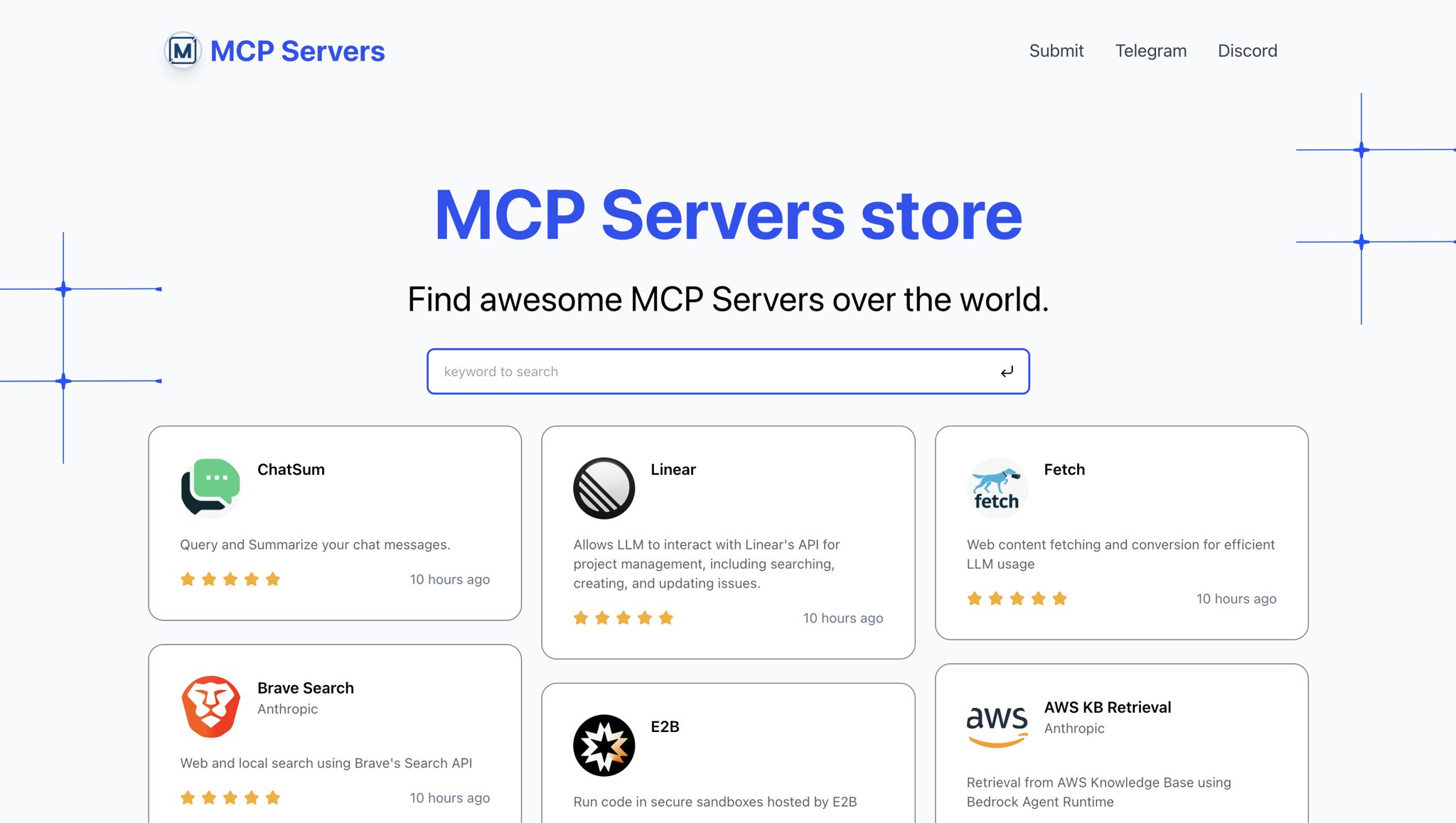
MCP Directory
a directory for Awesome MCP Servers.
live preview: https://mcp.so
Related MCP server: Currents
Quick Start
clone the repo
install dependencies
prepare database
create a database with Supabase
run the sql file in data/install.sql
set env variables
put a .env file in the root directory
with env variables:
run the dev server
preview the site
open http://localhost:3000 in your browser
