Glama

MCP 디렉토리

Awesome MCP Servers에 대한 디렉토리입니다.

라이브 미리보기: https://mcp.so
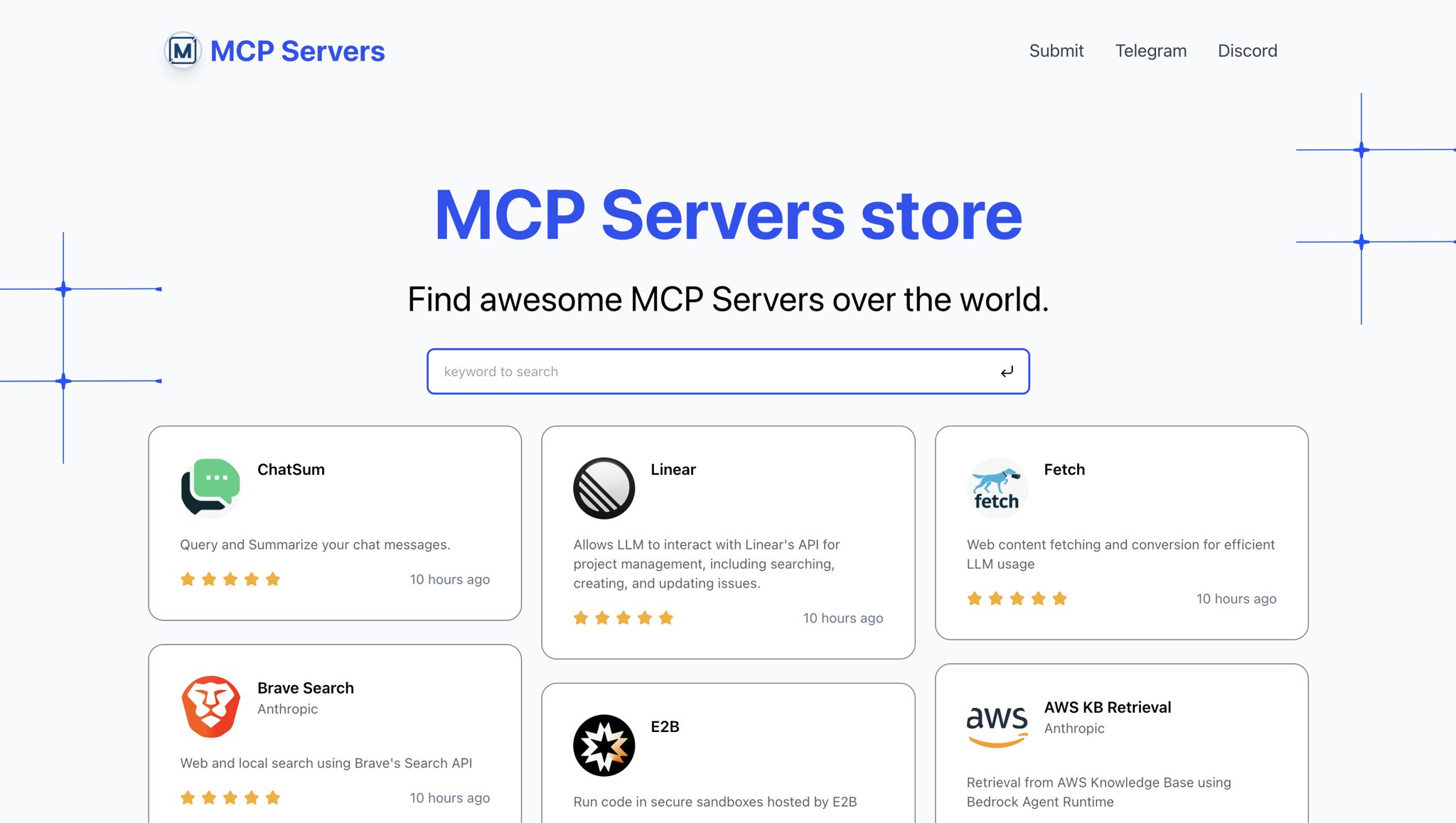
시사

Related MCP server: Currents

빠른 시작

  1. 저장소를 복제하다

지엑스피1

  1. 종속성 설치

pnpm install
  1. 데이터베이스 준비

Supabase 로 데이터베이스 생성

data/install.sql 에 있는 sql 파일을 실행하세요

  1. 환경 변수 설정

루트 디렉토리에 .env 파일을 넣으세요

env 변수 포함:

SUPABASE_URL="" SUPABASE_ANON_KEY="" NEXT_PUBLIC_WEB_URL="http://localhost:3000"
  1. 개발 서버를 실행하다

pnpm dev
  1. 사이트 미리보기

브라우저에서 http://localhost:3000을 엽니다.

지역 사회

저자 소개

-
security - not tested
A
license - permissive license
-
quality - not tested

Latest Blog Posts

MCP directory API

We provide all the information about MCP servers via our MCP API.

curl -X GET 'https://glama.ai/api/mcp/v1/servers/chatmcp/mcpso'

If you have feedback or need assistance with the MCP directory API, please join our Discord server