MarkView


原生 macOS Markdown 预览,带有适用于 Claude Code 的 MCP 服务器。Claude 编写 Markdown — MarkView 在您工作时,在真实的本地窗口中实时渲染它。
版本: macOS 应用(app 徽章)和 npm MCP 封装器(npm 徽章)版本独立。当 Swift 二进制文件更改时发布应用版本;当 MCP 服务器改进时发布 npm 补丁。两个徽章始终显示各自的最新版本。
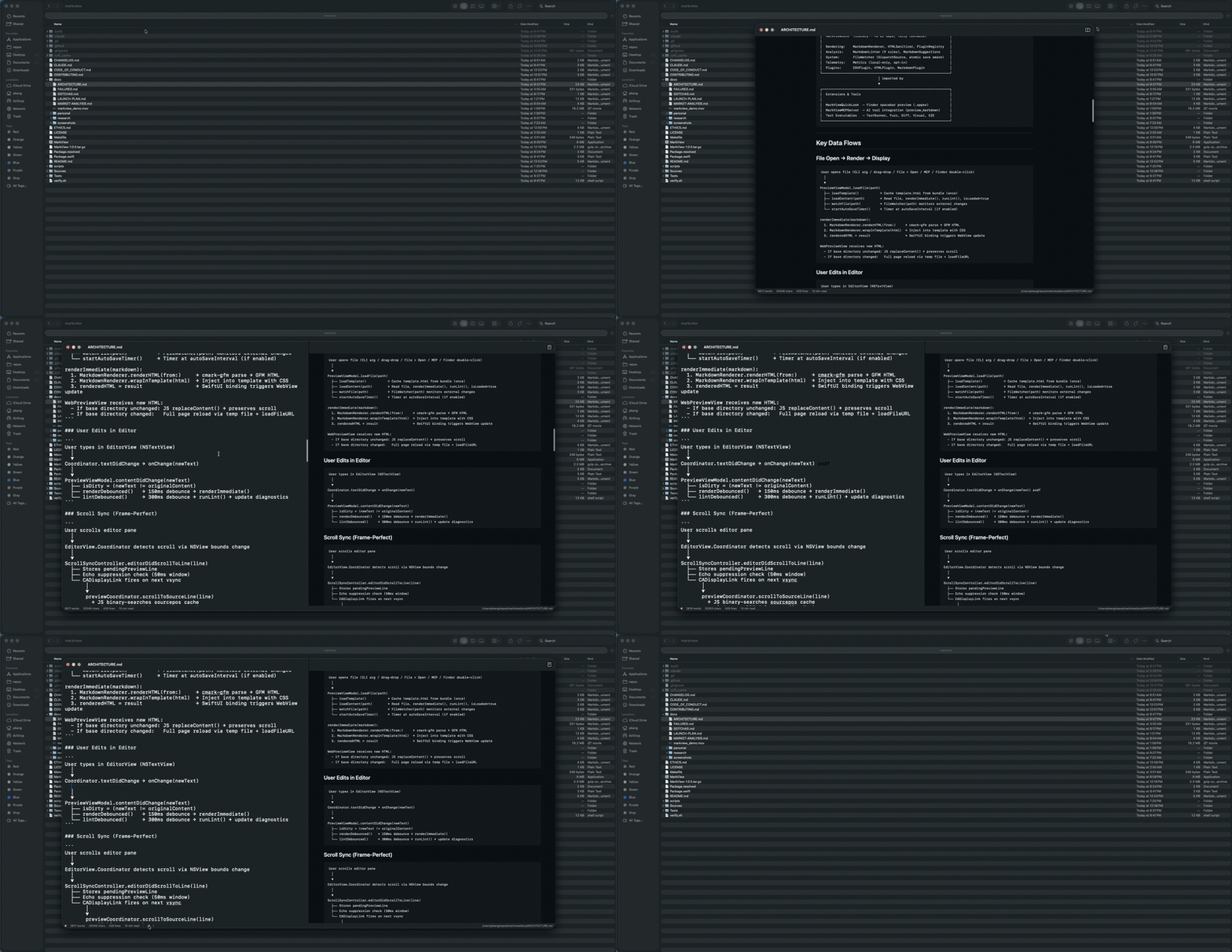
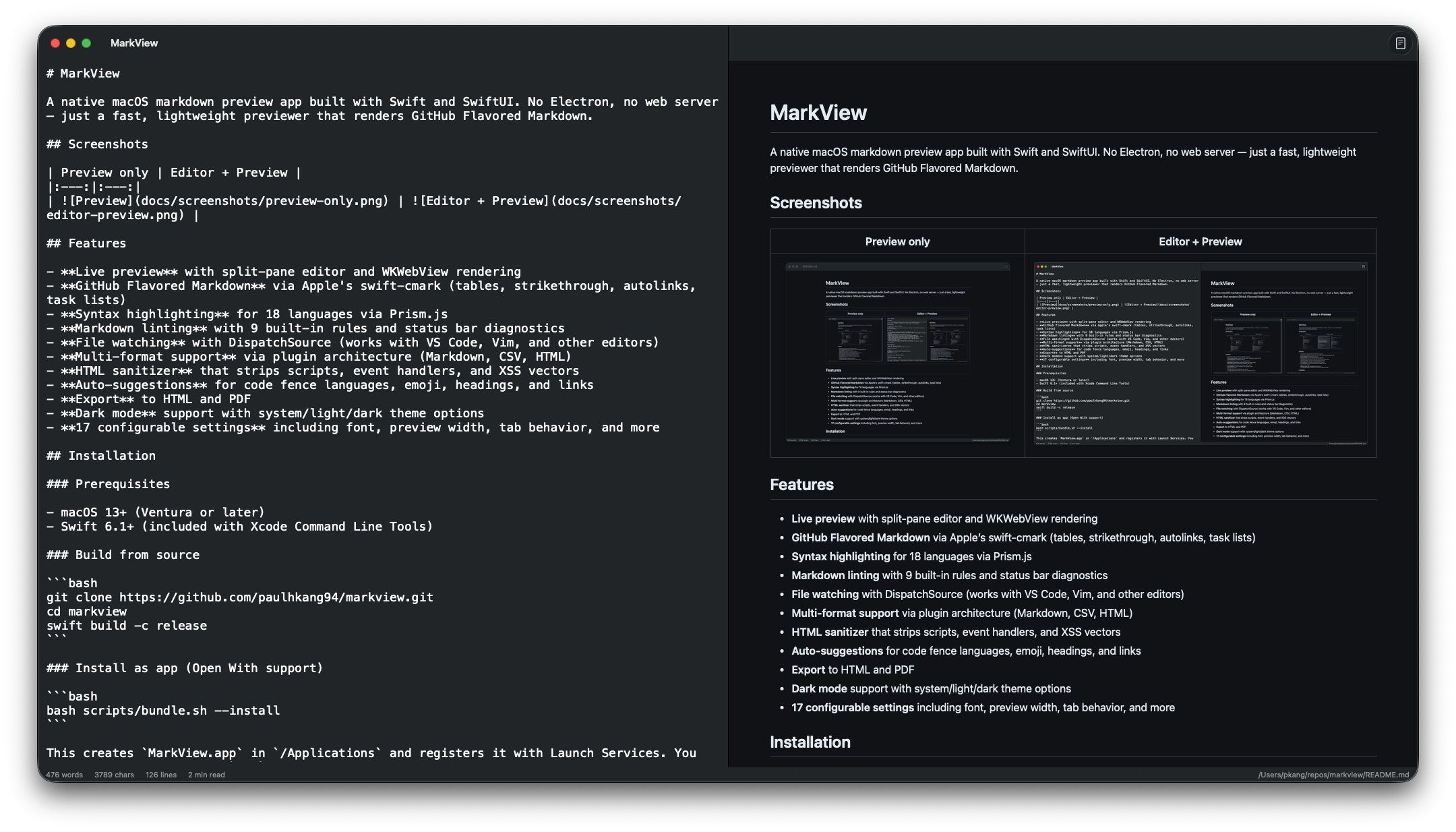
仅预览 | 编辑器 + 预览 |
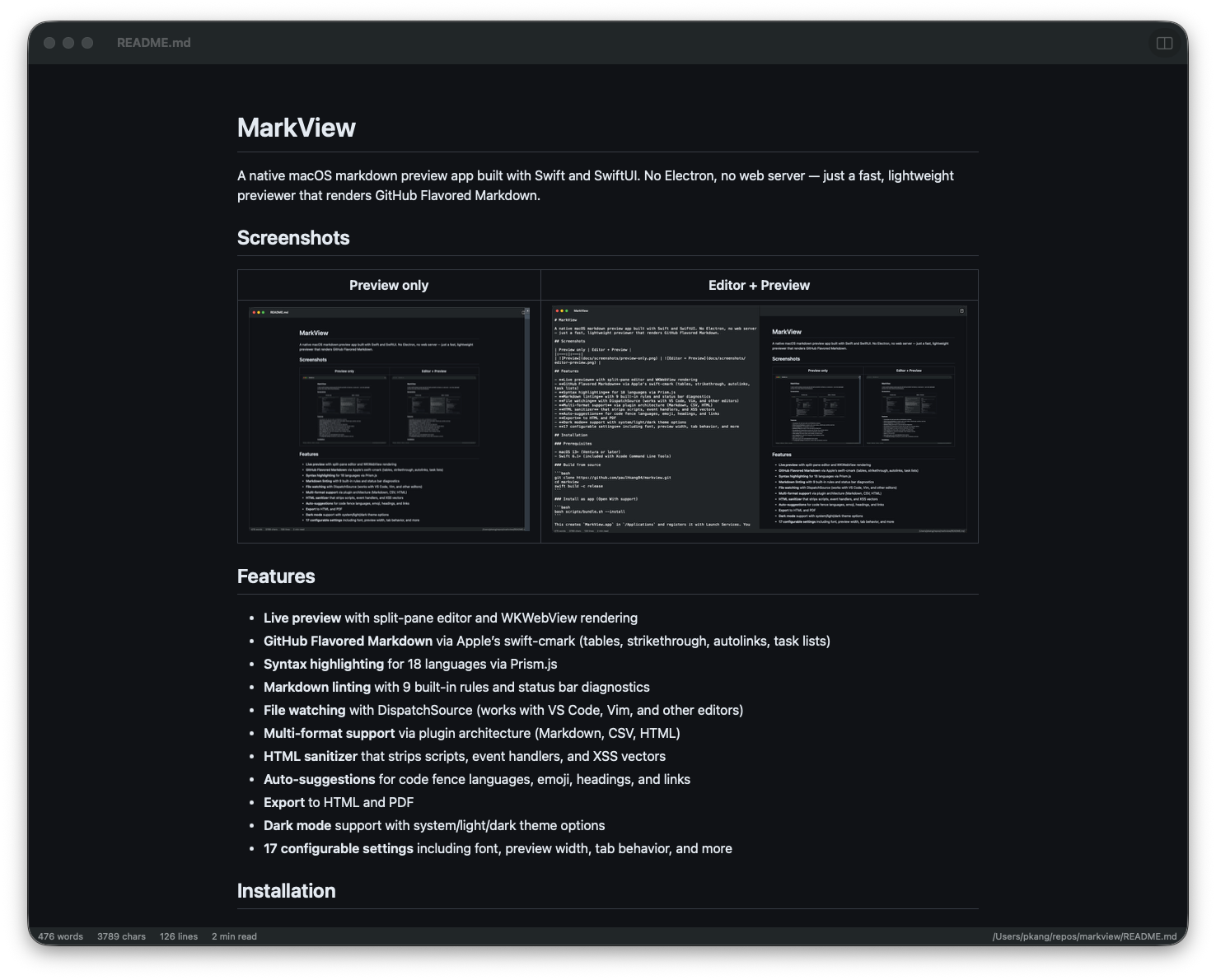
| 
|
快速入门 — Claude Code
一条命令将 MarkView 接入每个 Claude Code 会话:
claude mcp add --transport stdio --scope user markview -- npx mcp-server-markview
就是这样。Claude 现在可以调用 preview_markdown 在原生 macOS 窗口中渲染任何 Markdown 字符串,或者调用 open_file 直接打开任何 .md 文件。
工具 | 功能 |
preview_markdown
| 在实时重载的 MarkView 窗口中渲染 Markdown 内容 |
open_file
| 在 MarkView 中打开现有的 .md 文件 |
Claude Desktop 设置
添加到 ~/Library/Application Support/Claude/claude_desktop_config.json:
{
  "mcpServers": {
    "markview": {
      "command": "npx",
      "args": ["mcp-server-markview"]
    }
  }
}
注意: MCP 服务器应放在 ~/.claude.json (Claude Code) 或 claude_desktop_config.json (Claude Desktop) 中,而不是 ~/.claude/settings.json。
Related MCP server: Inkra MCP
安装
Homebrew (推荐)
# Full .app with Quick Look extension — Apple notarized, Gatekeeper approved
brew install --cask paulhkang94/markview/markview

# CLI only (builds from source)
brew tap paulhkang94/markview
brew install markview
从源码构建
先决条件: macOS 14+,Swift 6.0+ (Xcode 命令行工具)
git clone https://github.com/paulhkang94/markview.git
cd markview
swift build -c release
作为应用安装 (支持“打开方式”)
bash scripts/bundle.sh --install
在 /Applications 中创建 MarkView.app,并将其注册到 Launch Services,以便在 Finder 中通过右键点击 > 打开方式使用。
安装 CLI
bash scripts/install-cli.sh
在 ~/.local/bin/ 中创建 mdpreview 和 md 符号链接。
使用方法
CLI
mdpreview README.md       # Open a file
mdpreview                 # Open empty editor
Finder
右键点击任何 .md、.markdown、.mdown、.mkd 文件 > 打开方式 > MarkView
编程调用
open -a MarkView README.md
功能特性
GitHub Flavored Markdown:通过 swift-cmark 实现(表格、删除线、自动链接、任务列表、脚注)
Mermaid 图表 — 流程图、时序图、甘特图、ER 图和饼图
语法高亮:通过 Prism.js 实现(18 种语言)
Quick Look 集成 — 在 Finder 中按空格键即可预览 .md 文件,无需打开应用
Markdown Linting:内置 9 条规则和状态栏诊断
实时分屏编辑器:支持 WKWebView 渲染和双向滚动同步
文件监视:使用 DispatchSource — 适用于 VS Code、Vim 和其他编辑器
本地图像渲染 — 正确内联相对路径,如 
导出:支持 HTML 和 PDF
HTML 清理器 — 去除脚本、事件处理程序和 XSS 向量
拖放 — 将任何 .md 文件拖入窗口即可打开
查找与替换 — Cmd+F / Cmd+Option+F
保存时格式化 — 自动应用 Lint 修复
自动保存、字数统计、行号、滚动位置保留
深色模式 — 系统/浅色/深色主题选项,18 个可配置设置
架构
Sources/MarkViewCore/           # Library (no UI, fully testable)
  MarkdownRenderer.swift        # cmark-gfm C API wrapper
  FileWatcher.swift             # DispatchSource file monitoring
  MarkdownLinter.swift          # 9-rule pure Swift linting engine
  HTMLSanitizer.swift           # XSS prevention
  LanguagePlugin.swift          # Plugin protocol + registry
  Plugins/                      # CSV, HTML, Markdown plugins

Sources/MarkView/               # SwiftUI app (macOS 14+)
  ContentView.swift             # Split-pane editor + preview
  WebPreviewView.swift          # WKWebView with Prism.js
  ExportManager.swift           # HTML/PDF export

Sources/MarkViewMCPServer/      # MCP server for AI tool integration
  main.swift                    # stdio JSON-RPC (preview_markdown, open_file)

Tests/TestRunner/               # 403 standalone tests (no XCTest)
Tests/VisualTester/             # 5 visual regression tests + WCAG contrast
Tests/FuzzTester/               # 10K random input crash testing
Tests/DiffTester/               # Differential testing vs cmark-gfm CLI
详见 docs/ARCHITECTURE.md。
测试
swift run MarkViewTestRunner    # 403 tests
bash verify.sh                  # Full verification (build + tests)
bash verify.sh --extended       # + fuzz + differential
bash scripts/test-mcp.sh        # MCP protocol tests
开发
swift build
swift run MarkView
swift run MarkView /path/to/file.md
支持
许可证
MIT — 详见 LICENSE。
