MarkView


Claude Code用MCPサーバーを備えたmacOSネイティブのMarkdownプレビューアです。ClaudeがMarkdownを書くと、MarkViewが作業中にリアルタイムでネイティブウィンドウにレンダリングします。
バージョンについて: macOSアプリ(appバッジ)とnpm MCPラッパー(npmバッジ)は個別にバージョン管理されています。アプリのリリースはSwiftバイナリが変更された際に行われ、npmのパッチはMCPサーバーの改善時に行われます。両方のバッジには常にそれぞれの最新バージョンが表示されます。
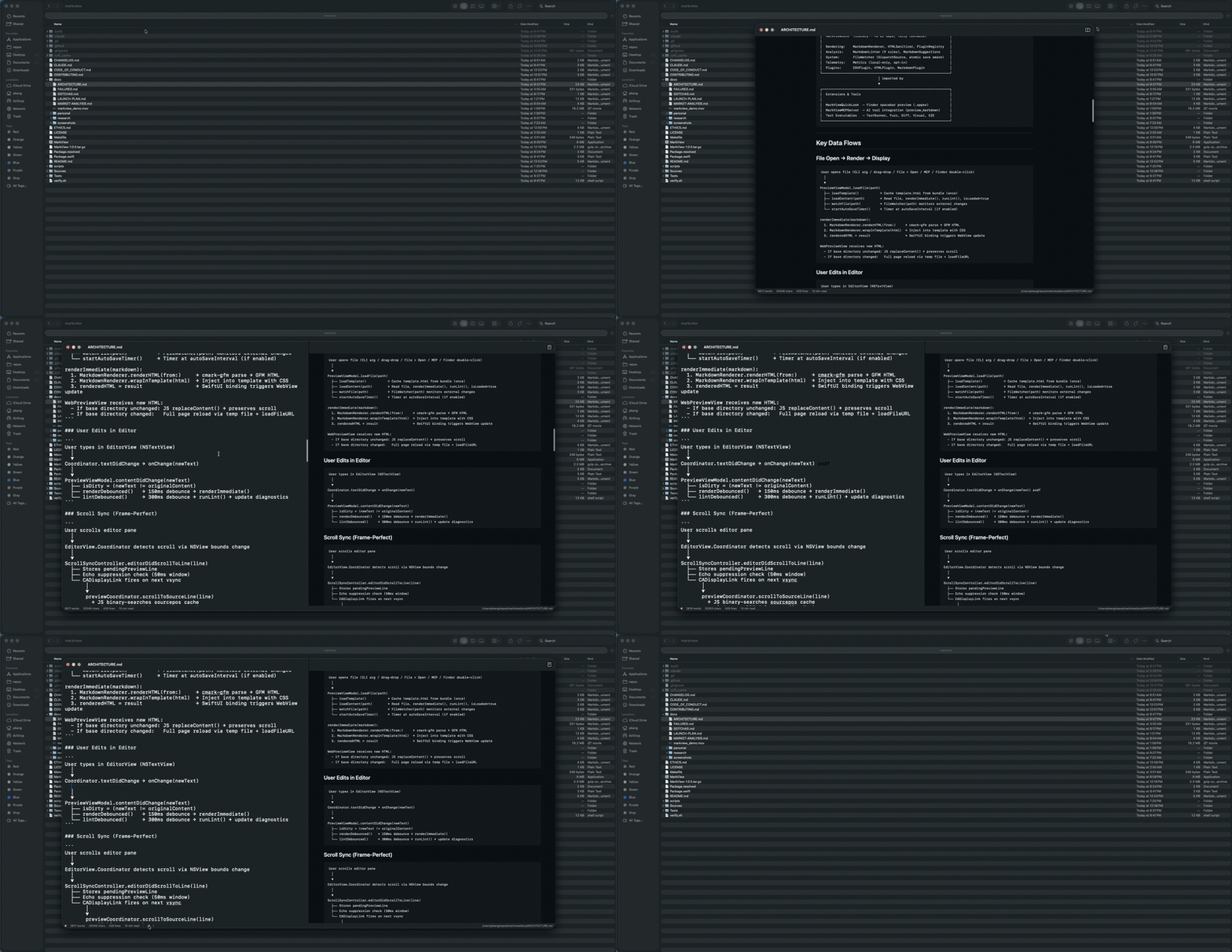
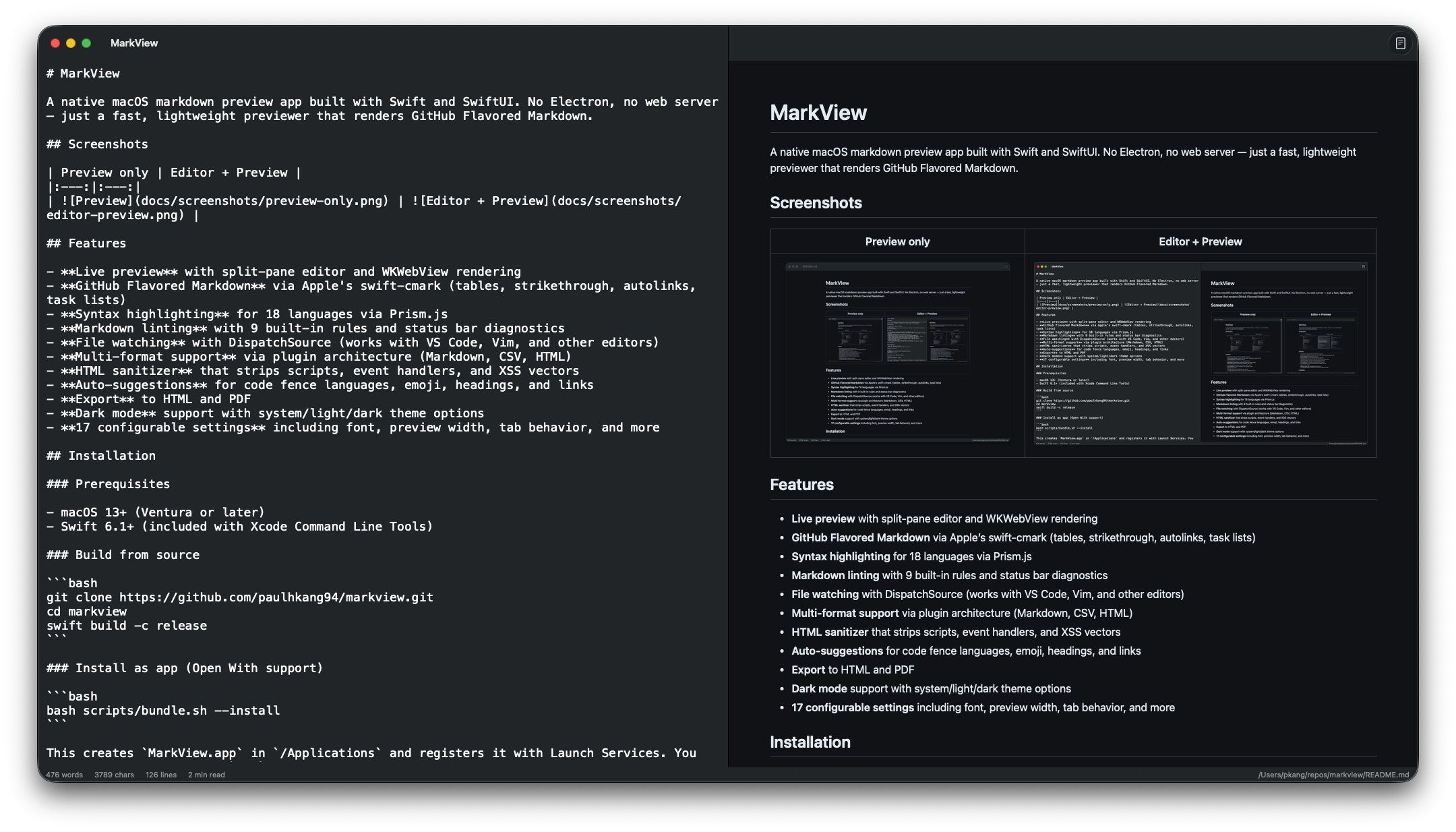
プレビューのみ | エディタ + プレビュー |
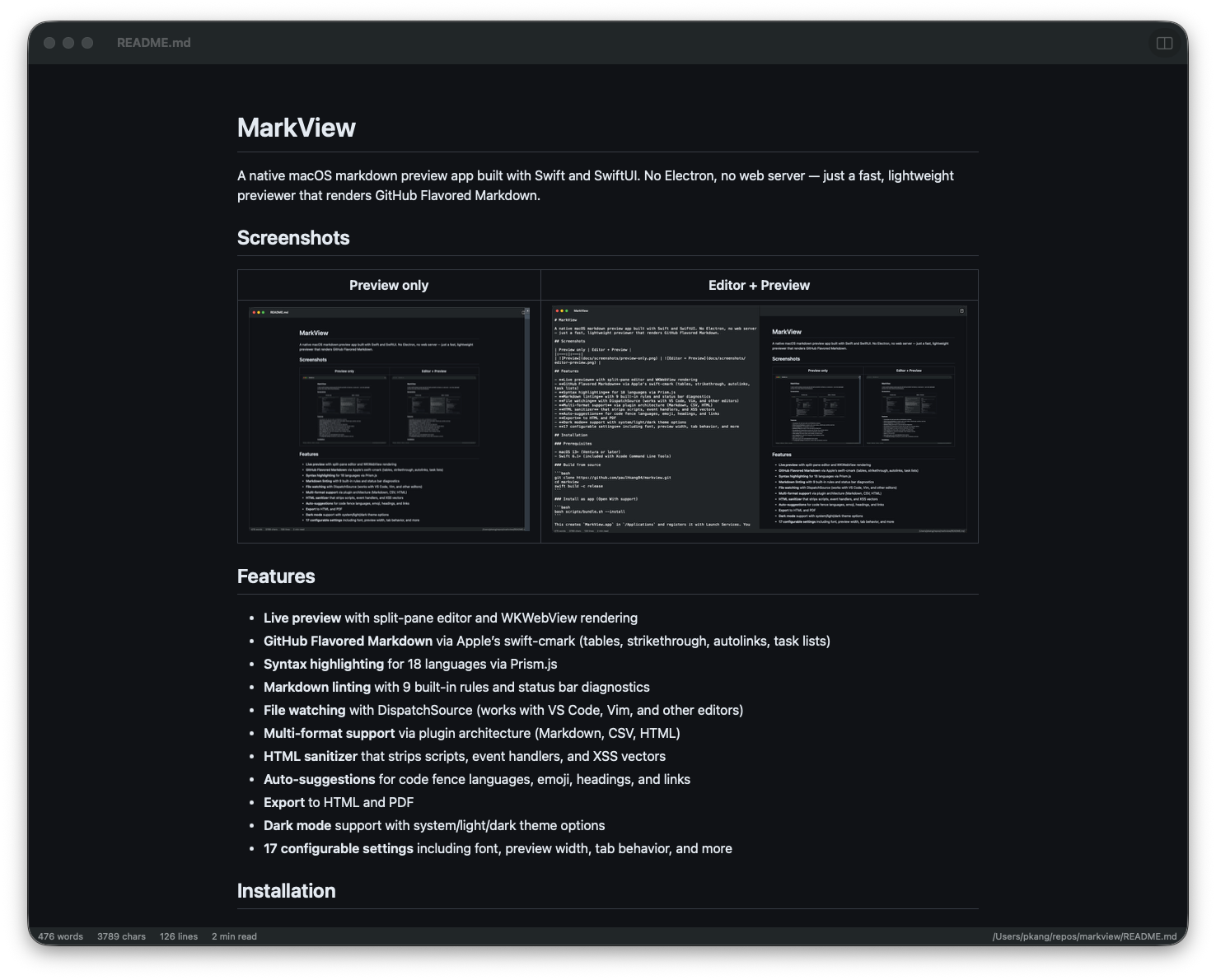
| 
|
クイックスタート — Claude Code
1つのコマンドでMarkViewをすべてのClaude Codeセッションに組み込めます:
claude mcp add --transport stdio --scope user markview -- npx mcp-server-markview
以上です。これでClaudeは preview_markdown を呼び出して任意のMarkdown文字列をmacOSネイティブウィンドウでレンダリングしたり、 open_file を呼び出して .md ファイルを直接開いたりできるようになります。
ツール | 機能 |
preview_markdown
| ライブリロード可能なMarkViewウィンドウでMarkdownコンテンツをレンダリング |
open_file
| 既存の .md ファイルをMarkViewで開く |
Claude Desktopの設定
~/Library/Application Support/Claude/claude_desktop_config.json に以下を追加します:
{
  "mcpServers": {
    "markview": {
      "command": "npx",
      "args": ["mcp-server-markview"]
    }
  }
}
注意: MCPサーバーは ~/.claude.json (Claude Code) または claude_desktop_config.json (Claude Desktop) に記述するものであり、 ~/.claude/settings.json ではありません。
Related MCP server: Inkra MCP
インストール
Homebrew (推奨)
# Full .app with Quick Look extension — Apple notarized, Gatekeeper approved
brew install --cask paulhkang94/markview/markview

# CLI only (builds from source)
brew tap paulhkang94/markview
brew install markview
ソースからビルド
前提条件: macOS 14以上、Swift 6.0以上 (Xcode Command Line Tools)
git clone https://github.com/paulhkang94/markview.git
cd markview
swift build -c release
アプリとしてインストール (「このアプリケーションで開く」サポート)
bash scripts/bundle.sh --install
/Applications に MarkView.app を作成し、Finderの右クリック > 「このアプリケーションで開く」に登録します。
CLIのインストール
bash scripts/install-cli.sh
~/.local/bin/ に mdpreview および md シンボリックリンクを作成します。
使用方法
CLI
mdpreview README.md       # Open a file
mdpreview                 # Open empty editor
Finder
任意の .md, .markdown, .mdown, .mkd ファイルを右クリック > このアプリケーションで開く > MarkView
プログラムからの利用
open -a MarkView README.md
機能
GitHub Flavored Markdown 対応 (swift-cmark使用: テーブル、取り消し線、自動リンク、タスクリスト、脚注)
Mermaidダイアグラム — フローチャート、シーケンス図、ガントチャート、ER図、円グラフ
シンタックスハイライト — Prism.js使用 (18言語)
Quick Look統合 — Finderでスペースキーを押してアプリを開かずに .md ファイルをプレビュー
Markdownリンティング — 9つの組み込みルールとステータスバーでの診断表示
ライブ分割ペインエディタ — WKWebViewレンダリングと双方向スクロール同期
ファイル監視 — DispatchSource使用 (VS Code、Vim、その他のエディタで動作)
ローカル画像レンダリング —  のような相対パスを正しくインライン表示
エクスポート — HTMLおよびPDF形式
HTMLサニタイザー — スクリプト、イベントハンドラ、XSSベクターを除去
ドラッグ&ドロップ — ウィンドウに .md ファイルをドロップして開く
検索&置換 — Cmd+F / Cmd+Option+F
保存時にフォーマット — リンターの修正を自動適用
自動保存、単語数カウント、行番号表示、スクロール位置の保持
ダークモード — システム/ライト/ダークテーマのオプション、18個の設定可能な項目
アーキテクチャ
Sources/MarkViewCore/           # Library (no UI, fully testable)
  MarkdownRenderer.swift        # cmark-gfm C API wrapper
  FileWatcher.swift             # DispatchSource file monitoring
  MarkdownLinter.swift          # 9-rule pure Swift linting engine
  HTMLSanitizer.swift           # XSS prevention
  LanguagePlugin.swift          # Plugin protocol + registry
  Plugins/                      # CSV, HTML, Markdown plugins

Sources/MarkView/               # SwiftUI app (macOS 14+)
  ContentView.swift             # Split-pane editor + preview
  WebPreviewView.swift          # WKWebView with Prism.js
  ExportManager.swift           # HTML/PDF export

Sources/MarkViewMCPServer/      # MCP server for AI tool integration
  main.swift                    # stdio JSON-RPC (preview_markdown, open_file)

Tests/TestRunner/               # 403 standalone tests (no XCTest)
Tests/VisualTester/             # 5 visual regression tests + WCAG contrast
Tests/FuzzTester/               # 10K random input crash testing
Tests/DiffTester/               # Differential testing vs cmark-gfm CLI
詳細は docs/ARCHITECTURE.md を参照してください。
テスト
swift run MarkViewTestRunner    # 403 tests
bash verify.sh                  # Full verification (build + tests)
bash verify.sh --extended       # + fuzz + differential
bash scripts/test-mcp.sh        # MCP protocol tests
開発
swift build
swift run MarkView
swift run MarkView /path/to/file.md
サポート
ライセンス
MIT — LICENSE を参照してください。
