MarkView


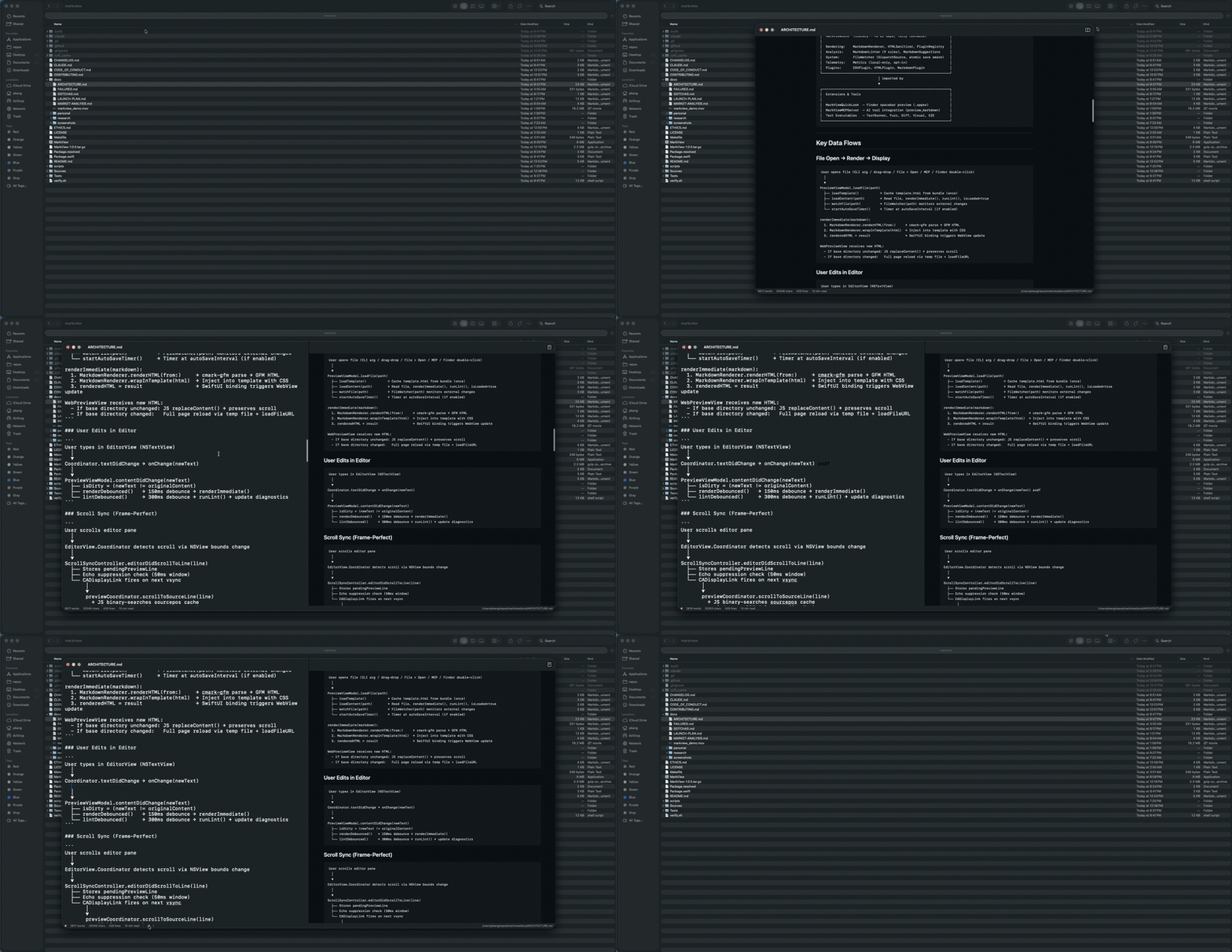
Claude Code를 위한 MCP 서버가 포함된 네이티브 macOS 마크다운 미리보기 도구입니다. Claude가 마크다운을 작성하면 MarkView가 작업하는 동안 실제 네이티브 창에서 실시간으로 렌더링합니다.
버전 정보: macOS 앱(app 배지)과 npm MCP 래퍼(npm 배지)는 독립적으로 버전이 관리됩니다. 앱 릴리스는 Swift 바이너리가 변경될 때 이루어지며, npm 패치는 MCP 서버 개선 사항에 대해 수행됩니다. 두 배지 모두 항상 최신 버전을 표시합니다.
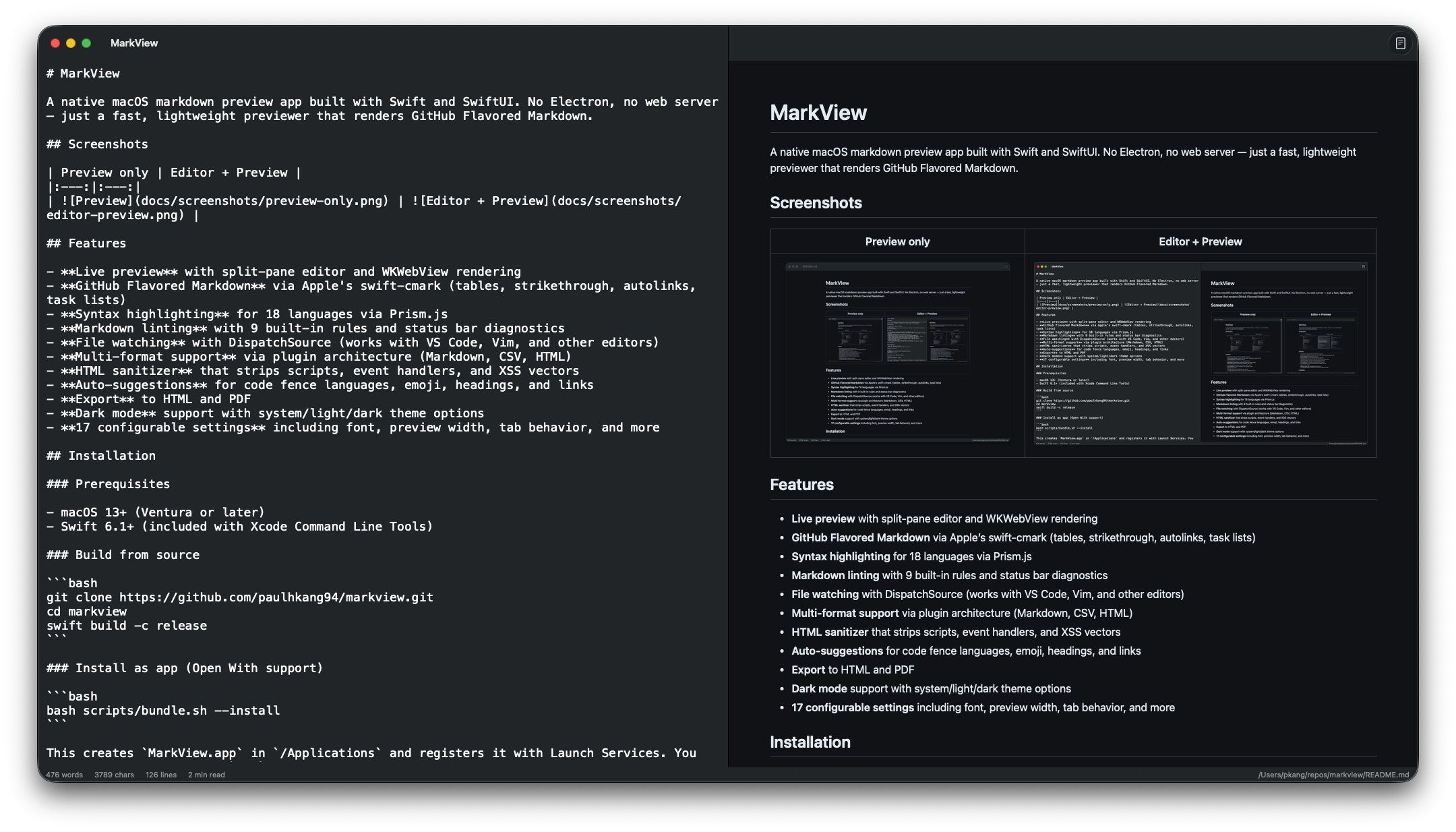
미리보기 전용 | 편집기 + 미리보기 |
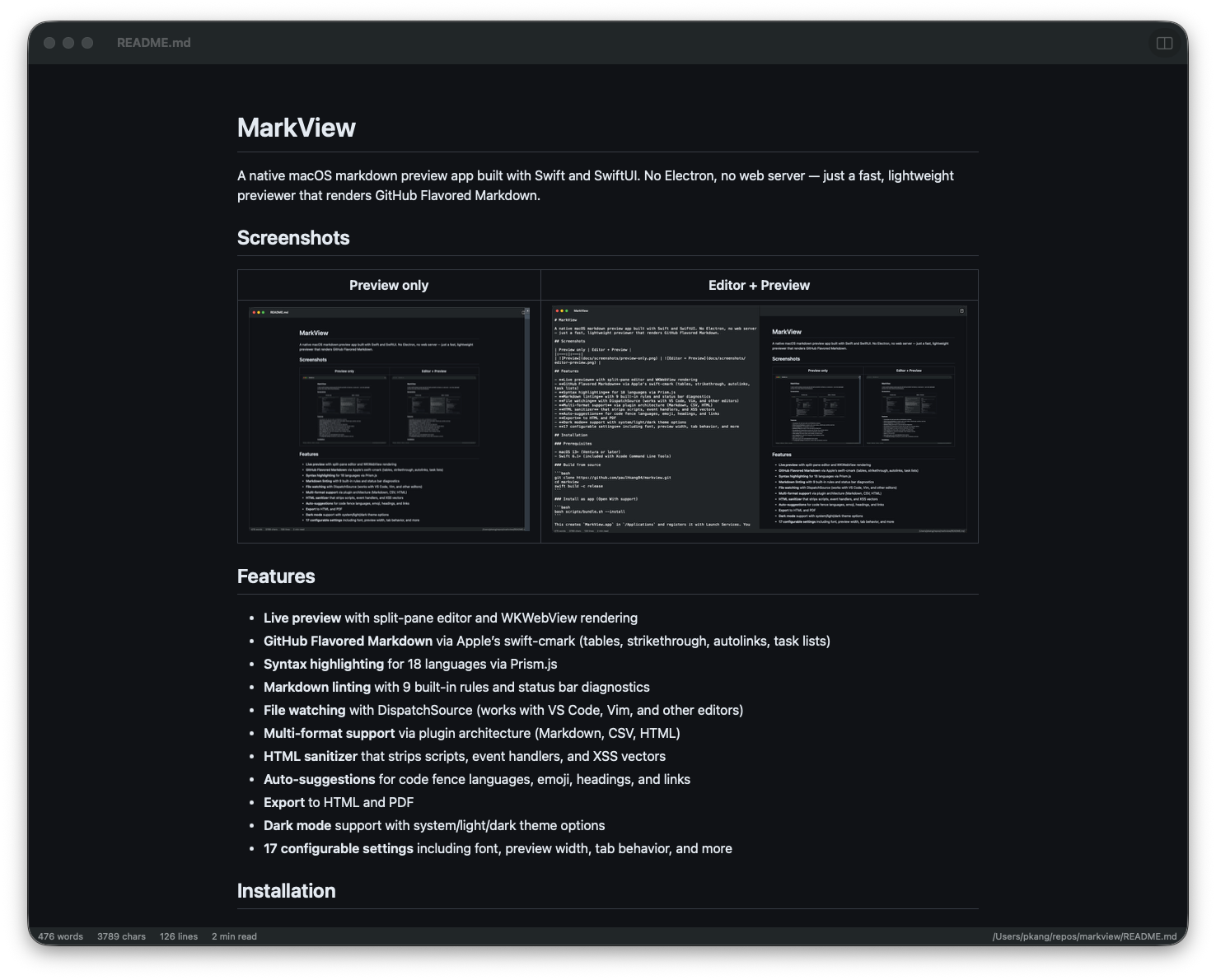
| 
|
빠른 시작 — Claude Code
한 번의 명령어로 모든 Claude Code 세션에 MarkView를 연결할 수 있습니다:
claude mcp add --transport stdio --scope user markview -- npx mcp-server-markview
이제 Claude는 preview_markdown을 호출하여 네이티브 macOS 창에 마크다운 문자열을 렌더링하거나, open_file을 호출하여 .md 파일을 직접 열 수 있습니다.
도구 | 기능 |
preview_markdown
| 실시간으로 새로고침되는 MarkView 창에 마크다운 콘텐츠 렌더링 |
open_file
| MarkView에서 기존 .md 파일 열기 |
Claude Desktop 설정
~/Library/Application Support/Claude/claude_desktop_config.json에 다음을 추가하세요:
{
  "mcpServers": {
    "markview": {
      "command": "npx",
      "args": ["mcp-server-markview"]
    }
  }
}
참고: MCP 서버는 ~/.claude/settings.json이 아니라 ~/.claude.json(Claude Code) 또는 claude_desktop_config.json(Claude Desktop)에 위치해야 합니다.
Related MCP server: Inkra MCP
설치
Homebrew (권장)
# Full .app with Quick Look extension — Apple notarized, Gatekeeper approved
brew install --cask paulhkang94/markview/markview

# CLI only (builds from source)
brew tap paulhkang94/markview
brew install markview
소스에서 빌드
전제 조건: macOS 14 이상, Swift 6.0 이상 (Xcode Command Line Tools)
git clone https://github.com/paulhkang94/markview.git
cd markview
swift build -c release
앱으로 설치 (Open With 지원)
bash scripts/bundle.sh --install
/Applications에 MarkView.app을 생성하고 Finder의 우클릭 > 다음으로 열기(Open With)에 등록합니다.
CLI 설치
bash scripts/install-cli.sh
~/.local/bin/에 mdpreview 및 md 심볼릭 링크를 생성합니다.
사용법
CLI
mdpreview README.md       # Open a file
mdpreview                 # Open empty editor
Finder
.md, .markdown, .mdown, .mkd 파일을 우클릭 > 다음으로 열기(Open With) > MarkView 선택
프로그래밍 방식
open -a MarkView README.md
기능
GitHub Flavored Markdown 지원 (swift-cmark 사용: 표, 취소선, 자동 링크, 작업 목록, 각주)
Mermaid 다이어그램 — 순서도, 시퀀스, 간트 차트, ER 다이어그램, 파이 차트
구문 강조 — Prism.js 사용 (18개 언어)
Quick Look 통합 — 앱을 열지 않고도 Finder에서 스페이스바를 눌러 .md 파일 미리보기
마크다운 린팅 — 9개의 내장 규칙 및 상태 표시줄 진단 기능
실시간 분할 창 편집기 — WKWebView 렌더링 및 양방향 스크롤 동기화
파일 감시 — DispatchSource 사용 (VS Code, Vim 및 기타 편집기와 호환)
로컬 이미지 렌더링 — 와 같은 상대 경로를 올바르게 인라인 처리
내보내기 — HTML 및 PDF 지원
HTML 살균(Sanitizer) — 스크립트, 이벤트 핸들러 및 XSS 벡터 제거
드래그 앤 드롭 — 창에 .md 파일을 드롭하여 열기
찾기 및 바꾸기 — Cmd+F / Cmd+Option+F
저장 시 서식 지정 — 린트 수정 사항 자동 적용
자동 저장, 단어 수, 줄 번호, 스크롤 위치 유지
다크 모드 — 시스템/라이트/다크 테마 옵션, 18개의 구성 가능한 설정
아키텍처
Sources/MarkViewCore/           # Library (no UI, fully testable)
  MarkdownRenderer.swift        # cmark-gfm C API wrapper
  FileWatcher.swift             # DispatchSource file monitoring
  MarkdownLinter.swift          # 9-rule pure Swift linting engine
  HTMLSanitizer.swift           # XSS prevention
  LanguagePlugin.swift          # Plugin protocol + registry
  Plugins/                      # CSV, HTML, Markdown plugins

Sources/MarkView/               # SwiftUI app (macOS 14+)
  ContentView.swift             # Split-pane editor + preview
  WebPreviewView.swift          # WKWebView with Prism.js
  ExportManager.swift           # HTML/PDF export

Sources/MarkViewMCPServer/      # MCP server for AI tool integration
  main.swift                    # stdio JSON-RPC (preview_markdown, open_file)

Tests/TestRunner/               # 403 standalone tests (no XCTest)
Tests/VisualTester/             # 5 visual regression tests + WCAG contrast
Tests/FuzzTester/               # 10K random input crash testing
Tests/DiffTester/               # Differential testing vs cmark-gfm CLI
자세한 내용은 docs/ARCHITECTURE.md를 참조하세요.
테스트
swift run MarkViewTestRunner    # 403 tests
bash verify.sh                  # Full verification (build + tests)
bash verify.sh --extended       # + fuzz + differential
bash scripts/test-mcp.sh        # MCP protocol tests
개발
swift build
swift run MarkView
swift run MarkView /path/to/file.md
지원
라이선스
MIT — LICENSE 참조.
