Godot MCP Server
An MCP (Model Context Protocol) server that integrates Godot game engine with Copilot MCP, allowing LLMs to create scenes, scripts, animations, and make other changes in Godot projects.
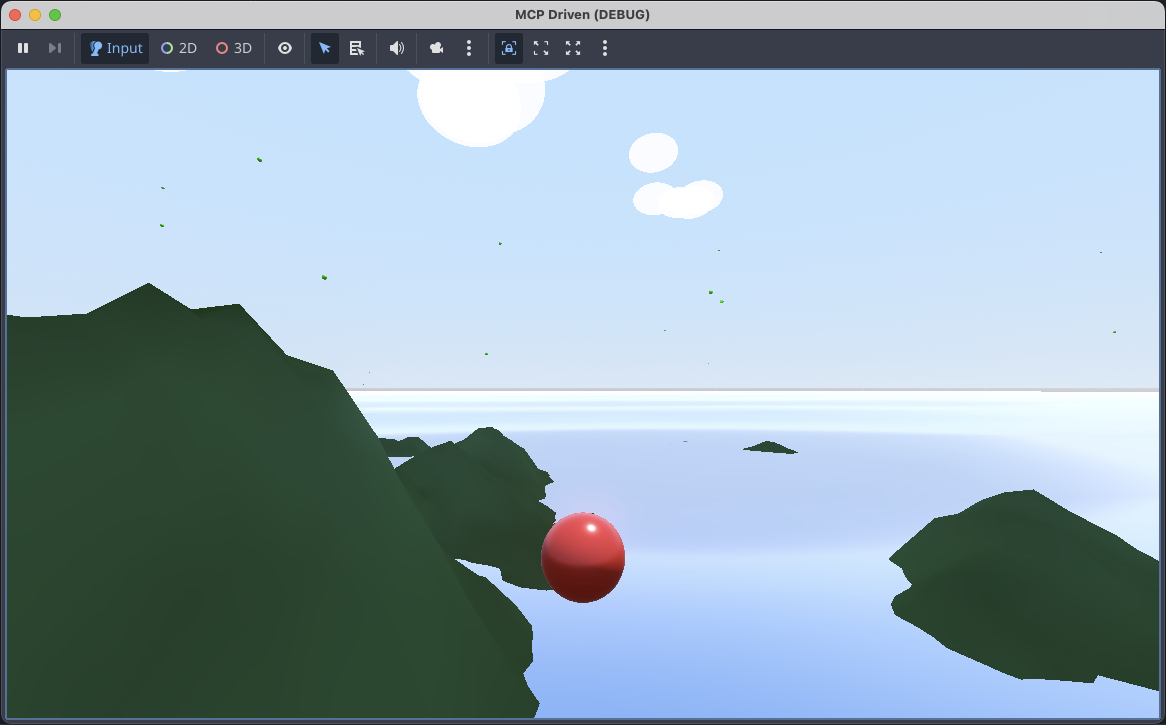
Features
MCP capabilities
The server advertises tools, resources, prompts, and logging. Tools are annotated (read-only / destructive / open-world), mutation tools emit resources/list_changed, project content is exposed as godot:// resources, and diagnostics are streamed over notifications/message. See the MCP capabilities section below for details.
Scene Management
create_scene - Create new Godot scenes (.tscn) with specified root node types
add_node - Add nodes to existing scenes (supports instancing child scenes via instance_scene_path)
remove_node - Remove nodes from scenes
modify_node - Modify node properties
apply_scene_changes - Apply ordered add/modify/remove operations transactionally with one scene load and save
read_scene - Read scene structure as JSON (includes groups, metadata, signal connections, and stored properties)
list_nodes - List all nodes in a scene
add_node_group / remove_node_group - Manage persistent node groups
set_node_meta / remove_node_meta - Set/remove node metadata
connect_signal / disconnect_signal - Wire signals between nodes (persisted with the scene)
Script Generation
create_script - Create GDScript files with templates or custom content
attach_script - Attach scripts to scene nodes
read_script - Read script file contents
edit_script - Edit existing scripts
list_scripts - List all scripts in project
check_script - Compile-check GDScript source without saving (returns errors/warnings with line+column)
Animation
create_animation - Create AnimationPlayer with animations
add_animation_track - Add animation tracks with keyframes. Supports all Godot track types: value, position_3d, rotation_3d, scale_3d, blend_shape, method, bezier, audio, animation
Project Management
init_project - Initialize new Godot projects
get_project_info - Get project information
list_open_projects - List projects currently opened in Godot editor processes
list_scenes - List all scene files
launch_editor - Launch Godot editor
run_project - Run the project
run_project_diagnostics - Run a project or selected scene headlessly for a bounded number of frames and return structured parser/runtime diagnostics, exit status, timing, and captured output
get_editor_state / read_editor_scene - Read live editor selection, play state, open scenes, and the active in-memory scene through the optional authenticated editor bridge
control_editor_play / get_editor_performance - Start/stop editor play sessions and read live timing, memory, object, node, rendering, and video-memory monitors
get_godot_version - Get Godot version info
create_resource - Create resource files (.tres)
list_resources / read_resource / update_resource / delete_resource - Inspect and manage .tres and .res resources; deletion is dependency-protected by default
run_godot_script - Run custom GDScript inside a project and return JSON-safe results
Project Configuration & Introspection
get_class_info - Introspect any Godot class via ClassDB (methods, properties, signals, enums, constants, default values, inheritance chain). Without a class name, lists all known classes.
get_project_settings / set_project_setting - Read/write any section/key in project.godot
list_autoloads / set_autoload / remove_autoload - Manage autoload singletons
list_input_actions - List InputMap actions with bound events (keys, buttons, joypad)
Build & Dependency Analysis
list_export_presets - Parse export_presets.cfg (no Godot spawn)
export_project - Run godot --headless --export-release for a preset (10-minute timeout)
upgrade_project - Run godot --headless --upgrade + --import to migrate to the current engine version
read_project_file - Read any text file inside the project root
get_dependency_graph - Forward + reverse dependency graph across scenes/scripts/resources/shaders; the cached filesystem scan is the default, while engine: true enriches binary, UID, and loader-reported dependencies through headless Godot
find_usages - Reverse dependency lookup: "what references res://foo.gd?" with the same optional engine enrichment
list_project_files - List tracked assets by kind
Project-targeted tools accept project_path, but it is optional when Godot has an opened project. If exactly one open project is detected, the server uses it by default. If multiple projects are open, provide project_name or project_path; ambiguous requests report the available open projects so the client can ask which one to use.
Engine-dependent operations are executed by headless Godot through the bundled godot_operations.gd script. Script reads/edits and scene/script inventories use containment-checked filesystem fast paths, avoiding a Godot startup for operations that do not require engine semantics.
For multi-step scene authoring, prefer apply_scene_changes over repeated add_node, modify_node, and remove_node calls. Changes are evaluated in order against one in-memory scene, packed once, and saved only when every change succeeds. Scene mutations are serialized per project and scene to prevent concurrent MCP calls from overwriting each other.
MCP capabilities
The server advertises the standard MCP capabilities and uses them alongside the tool surface:
tools — every tool is annotated with readOnlyHint, destructiveHint, idempotentHint, or openWorldHint (per the MCP spec) so clients can show appropriate confirmation prompts and badges. Mutation tools emit notifications/resources/list_changed after a successful change.
resources (with listChanged) — read-only Godot content is exposed as resources under the godot:// URI scheme:
godot://projects — registered projects and their stable IDs.
godot://project/{project_id} — metadata pinned to one canonical project.
godot://scene/{project_id}/{path} — serialized node tree pinned to a project; {path} is a percent-encoded res:// path.
godot://script/{project_id}/{path} — project-pinned GDScript source, read without spawning Godot.
Legacy unqualified URIs remain readable when exactly one project is resolvable, but are no longer listed.
Templates are exposed via resources/templates/list so clients can populate a resource picker.
prompts — workflow templates: new-2d-player, new-3d-player, gdscript-conventions, and audit-scene.
logging — diagnostic logs (headless spawn timing, parse warnings, non-zero exits) are streamed as notifications/message. Clients can change verbosity with logging/setLevel.
The server also sends an instructions payload during initialization so clients can guide the model on resource usage and project selection.
Related MCP server: Godot MCP Server
Prerequisites
Installation
# Clone the repository
git clone https://github.com/koltyakov/godot-mcp.git
cd godot-mcp

# Install dependencies
npm install

# Build
npm run build
Configuration
Optional live editor bridge
Copy addons/godot_mcp_bridge into the target project's addons directory, then enable Godot MCP Editor Bridge under Project Settings → Plugins. The plugin binds only to 127.0.0.1, generates a fresh 256-bit token for each editor session, and publishes a short-lived descriptor under .godot/godot_mcp_bridge/instances.
The bridge is read-mostly. It exposes the active in-memory scene, current selection, open scenes, play state, and performance without permitting arbitrary method calls. Live scene reads include ownership, instantiated-scene provenance, persistent signals, and conservative dirty-state confidence. Godot versions with an unsaved-scenes API provide exact scene status; Godot 4.3 reports tracked dirty transitions but leaves potentially clean scenes unknown because direct unsaved markers are not public. Inactive tabs and unsaved script buffers are not inspected. Explicit play controls may trigger Godot's normal run-bar autosave behavior, so they are scheduled as project mutations and emit resource invalidation. All existing disk/headless tools continue working when the plugin is absent.
VS Code / Copilot
Add to your VS Code settings (.vscode/mcp.json):
{
  "mcpServers": {
    "godot": {
      "command": "node",
      "args": ["/path/to/godot-mcp/dist/index.js"],
      "env": {
        "GODOT_PATH": "/Applications/Godot.app/Contents/MacOS/Godot"  // Adjust path as needed
      }
    }
  }
}
Usage Examples
Create a new project
Create a new Godot project called "MyGame" at /path/to/projects/MyGame
Create a player scene
Create a 2D player scene with a CharacterBody2D root,
add a Sprite2D and CollisionShape2D, and attach a movement script
Add animation
Add a jump animation to the player scene that modifies
the position.y property over 0.5 seconds
Validate a project at runtime
Run the project diagnostics for 120 frames and fix any script or runtime errors
run_project_diagnostics supports a specific scene_path, deterministic fixed_fps, bounded frame count and timeout, and output limits. Diagnostics include severity plus res:// file and line/column locations when Godot reports them.
Development
# Run directly from TypeScript
npm run dev

# Build for production
npm run build

# Run unit tests
npm test

# Run tests with coverage
npm run test:coverage

# Run the built server
npm start
Environment Variables
Tool calls support MCP cancellation. Queued work is removed immediately, running Godot process groups are terminated, and all managed children are cleaned up when the server or transport closes. Large operation payloads are passed through owner-only temporary request files instead of command-line arguments.
Supported Node Types
The server supports creating most common Godot node types including:
2D: Node2D, Sprite2D, Camera2D, CharacterBody2D, RigidBody2D, StaticBody2D, Area2D, CollisionShape2D, TileMap, etc.
3D: Node3D, MeshInstance3D, Camera3D, CharacterBody3D, RigidBody3D, DirectionalLight3D, etc.
UI: Control, Label, Button, TextureRect, Panel, etc.
Audio: AudioStreamPlayer, AudioStreamPlayer2D, AudioStreamPlayer3D
Animation: AnimationPlayer, AnimatedSprite2D
And many more...
Supported Resource Types
Shapes: CircleShape2D, RectangleShape2D, BoxShape3D, SphereShape3D, etc.
Meshes: BoxMesh, SphereMesh, CylinderMesh, PlaneMesh, etc.
Materials: StandardMaterial3D, ShaderMaterial, CanvasItemMaterial
Textures: GradientTexture1D, GradientTexture2D, NoiseTexture2D
And more...
License
MIT

