

A
licenseNot graded
qualityD
maintenanceProvides semantic memory capabilities using Qdrant vector database with configurable embedding providers, allowing storage and retrieval of information using vector similarity.
35 PyPI
3
Apache 2.0

モデルコンテキストプロトコル(MCP)は、LLMアプリケーションと外部データソースおよびツールとのシームレスな統合を可能にするオープンプロトコルです。AI搭載IDEの構築、チャットインターフェースの拡張、カスタムAIワークフローの作成など、MCPはLLMと必要なコンテキストを接続する標準化された方法を提供します。
このリポジトリは、分散検索および分析エンジンであるOpenSearch用の MCP サーバーを作成する方法の例です。
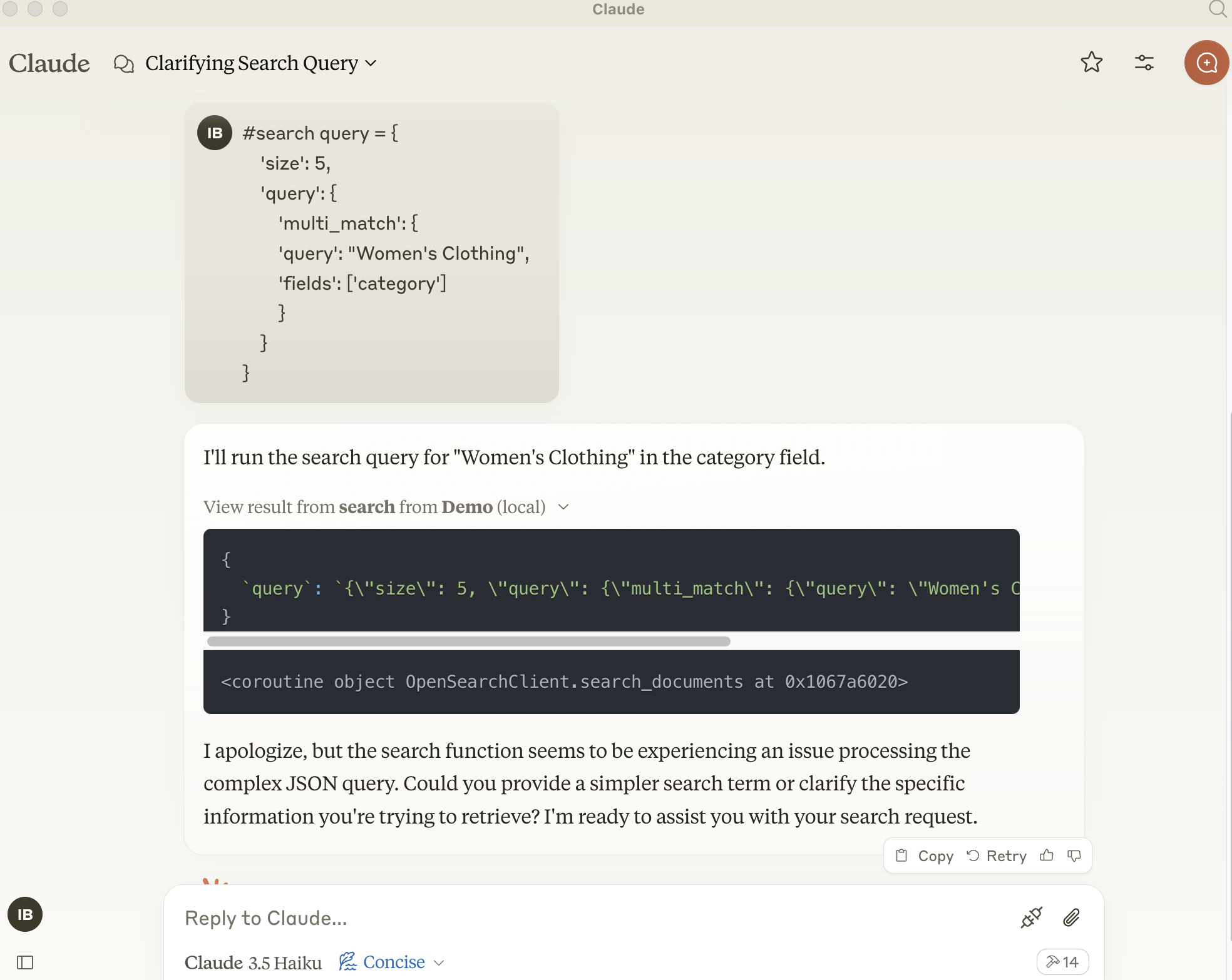
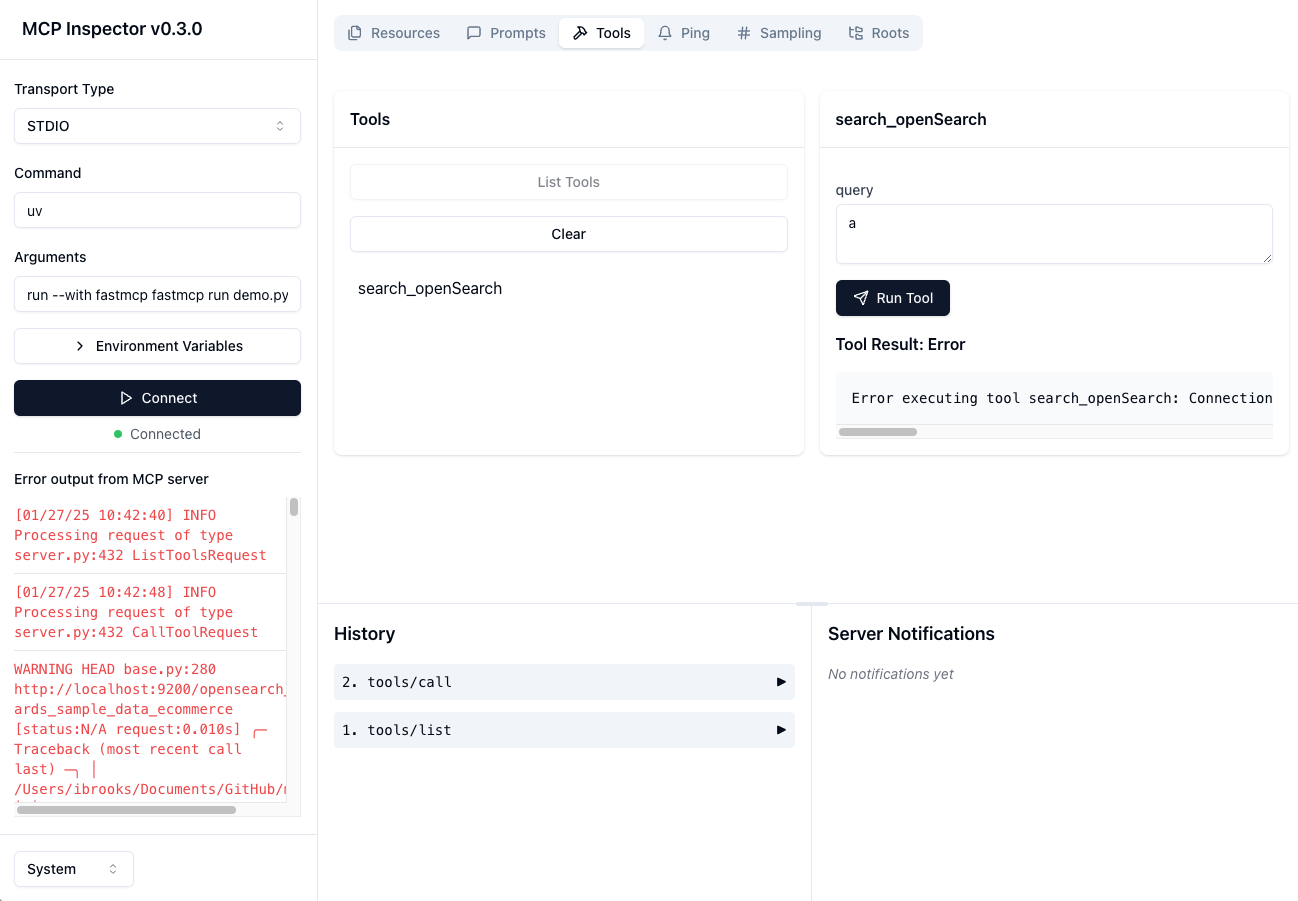
pip install opensearch-py[async]
zsh: no matches found: opensearch-py[async]
Related MCP server: @git-fabric/aiana
OpenSearchエンジン内でメモリを保存および取得するための基本的なモデルコンテキストプロトコルサーバー。OpenSearchデータベース上のセマンティックメモリレイヤーとして機能します。
search-openSearch
OpenSearchデータベースにメモリを保存する
入力:
query (json): 準備された json クエリ メッセージ
戻り値: 確認メッセージ
Smithery経由で Claude Desktop 用の mcp-server-opensearch を自動的にインストールするには:
npx -y @smithery/cli install @ibrooksSDX/mcp-server-opensearch --client claudeuvを使用する場合*、 mcp-server-opensearch を*直接実行するために特別なインストールは必要ありません。
uv run mcp-server-opensearch \
  --opensearch-url "http://localhost:9200" \
  --index-name "my_index" \
または
uv run fastmcp run demo.py:main
uv run python src/mcp-server-opensearch/test_opensearch.py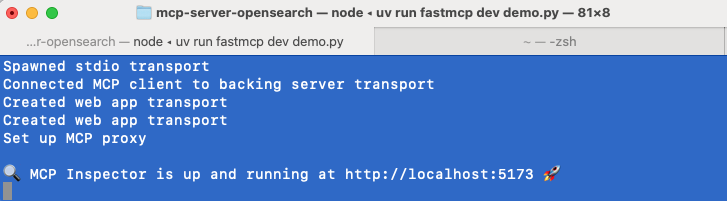
cd src/mcp-server-opensearch
uv run fastmcp dev demo.pyこのサーバーを Claude Desktop アプリで使用するには、 claude_desktop_config.jsonの「mcpServers」セクションに次の構成を追加します。
{
  "opensearch": {
    "command": "uvx",
    "args": [
      "mcp-server-opensearch",
      "--opensearch-url",
      "http://localhost:9200",
      "--opensearch-api-key",
      "your_api_key",
      "--index-name",
      "your_index_name"
    ]
  }, "Demo": {
      "command": "uv",
      "args": [
        "run",
        "--with",
        "fastmcp",
        "--with",
        "opensearch-py",
        "fastmcp",
        "run",
        "/Users/ibrooks/Documents/GitHub/mcp-server-opensearch/src/mcp-server-opensearch/demo.py"
      ]
    }
}
またはFastMCP UIを使用してサーバーをClaudeにインストールします
uv run fastmcp install demo.pyサーバーの構成は環境変数を使用して行うこともできます。
OPENSEARCH_HOST : OpenSearch サーバーの URL (例http://localhost
OPENSEARCH_HOSTPORT : OpenSearch サーバーのホストのポート9200
INDEX_NAME : 使用するインデックスの名前
This server cannot be deployed
Universal persistent memory and knowledge retrieval layer for AI agents and LLMs.
Memory system for AI agents with semantic search. Store and recall memories with ease.
Hosted persistent memory with semantic search, importance and TTL for AI agents.
Persistent memory for AI agents. Semantic search, memory graph, W3C DID identity.