

A
licenseNot graded
qualityD
maintenanceProvides semantic memory capabilities using Qdrant vector database with configurable embedding providers, allowing storage and retrieval of information using vector similarity.
29 PyPI
3
Apache 2.0

Provides a semantic memory layer on top of OpenSearch database, allowing storage and retrieval of memories using the Model Context Protocol. Supports storing memories and searching through them with prepared JSON queries.
Click on "Deploy Server".
Wait a few minutes for the server to deploy. Once ready, it will show a "Started" state.
In the chat, type @ followed by the MCP server name and your instructions, e.g., "@MCP Server for OpenSearch search for memories about project planning from last quarter"
That's it! The server will respond to your query, and you can continue using it as needed.
Here is a step-by-step guide with screenshots.
The Model Context Protocol (MCP) is an open protocol that enables seamless integration between LLM applications and external data sources and tools. Whether you’re building an AI-powered IDE, enhancing a chat interface, or creating custom AI workflows, MCP provides a standardized way to connect LLMs with the context they need.
This repository is an example of how to create a MCP server for OpenSearch, a distributed search and analytics engine.
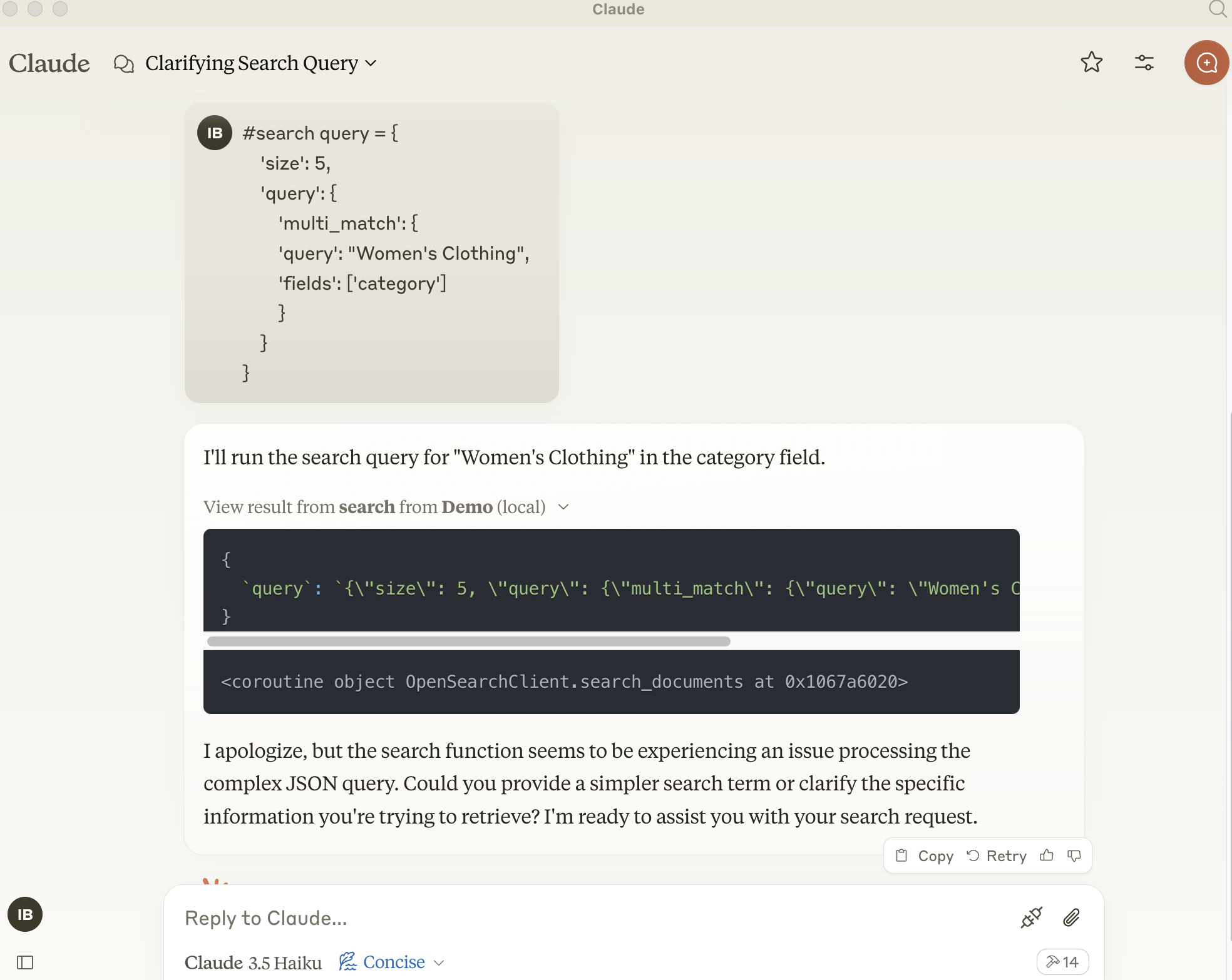
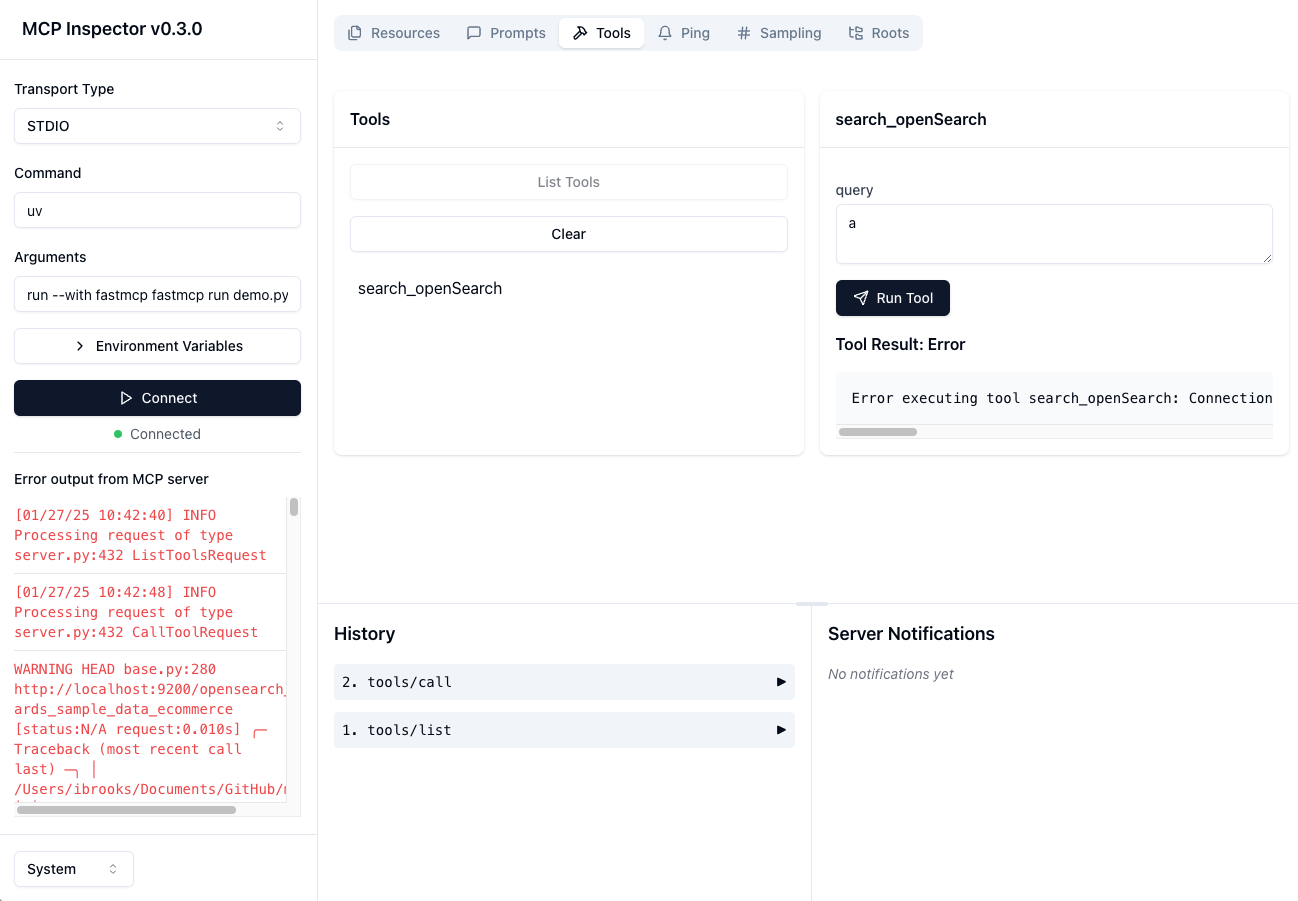
pip install opensearch-py[async]
zsh: no matches found: opensearch-py[async]
Related MCP server: @git-fabric/aiana
A basic Model Context Protocol server for keeping and retrieving memories in the OpenSearch engine. It acts as a semantic memory layer on top of the OpenSearch database.
search-openSearch
Store a memory in the OpenSearch database
Input:
query (json): prepared json query message
Returns: Confirmation message
To install mcp-server-opensearch for Claude Desktop automatically via Smithery:
npx -y @smithery/cli install @ibrooksSDX/mcp-server-opensearch --client claudeWhen using uv no specific installation is needed to directly run mcp-server-opensearch.
uv run mcp-server-opensearch \
  --opensearch-url "http://localhost:9200" \
  --index-name "my_index" \
or
uv run fastmcp run demo.py:main
uv run python src/mcp-server-opensearch/test_opensearch.py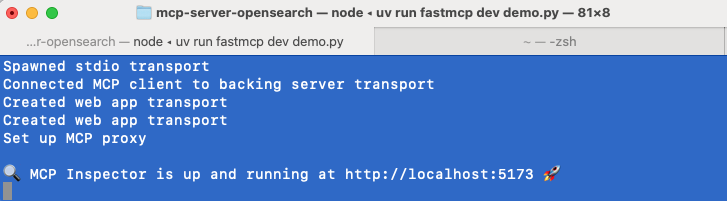
cd src/mcp-server-opensearch
uv run fastmcp dev demo.pyTo use this server with the Claude Desktop app, add the following configuration to the "mcpServers" section of your claude_desktop_config.json:
{
  "opensearch": {
    "command": "uvx",
    "args": [
      "mcp-server-opensearch",
      "--opensearch-url",
      "http://localhost:9200",
      "--opensearch-api-key",
      "your_api_key",
      "--index-name",
      "your_index_name"
    ]
  }, "Demo": {
      "command": "uv",
      "args": [
        "run",
        "--with",
        "fastmcp",
        "--with",
        "opensearch-py",
        "fastmcp",
        "run",
        "/Users/ibrooks/Documents/GitHub/mcp-server-opensearch/src/mcp-server-opensearch/demo.py"
      ]
    }
}
Or use the FastMCP UI to install the server to Claude
uv run fastmcp install demo.pyThe configuration of the server can be also done using environment variables:
OPENSEARCH_HOST: URL of the OpenSearch server, e.g. http://localhost
OPENSEARCH_HOSTPORT: Port of the host of the OpenSearch server 9200
INDEX_NAME: Name of the index to use
This server cannot be deployed
Universal persistent memory and knowledge retrieval layer for AI agents and LLMs.
Memory system for AI agents with semantic search. Store and recall memories with ease.
Hosted persistent memory with semantic search, importance and TTL for AI agents.
Persistent memory for AI agents. Semantic search, memory graph, W3C DID identity.