
AGPL 3.0

LinkedIn MCP Assistant
by ertiqah
LiGo + LinkedIn MCP ランナー

実際の LinkedIn コンテンツでトレーニングされた、初の GPT 搭載クリエイティブ副操縦士。
投稿を作成し、何が効果的かを分析し、自分の言葉で書き直しましょう。これらはすべて、Claude または ChatGPT から、過去の投稿に基づいて作成されます。
これは何ですか?
これは**LiGoのModel Context Protocol(MCP)**の公式ランナーリポジトリです。これはGPTベースのアシスタントがLinkedInのコンテキストを取得し、戦略家のように応答できるようにするプロトコルです。ClaudeとChatGPTの両方で動作します。
MCP を使用すると、アシスタントは次のような質問に答えることができます。
最近の投稿の中で、最も注目を集めたのはどれですか?
あなたの文章のトーンは実際どのように聞こえるか
創業者のように投稿、書き直し、ブレインストーミングを行う方法
普通に話しかけるだけです(やり方がわかっているなら。ちなみに、わからないからといって批判はしません)。あなたの公開LinkedInデータすべてにアクセスできます(もちろん、あなたの同意が必要です)。
Related MCP server: linkedctl
始め方
クロード・セットアップ
「インストールコマンドの生成」をクリックします
ログインしていない場合は、LiGoで認証するように誘導されます。
コマンドをコピーしてターミナルで実行します
Claudeを開いてチャットを始める
プロンプトの例:
過去5件の投稿を分析してください。何が効果的ですか?次に何を書くべきか、アイデアをください。
ChatGPT(カスタムGPT)
インストールは必要ありません。
ligo.ertiqah.com/integrations/chatgptにアクセスしてください
プロンプトが表示されたらLiGoで認証する
CustomGPTの使用を開始する
プロンプトの例:
これを書き直して、私の最近の投稿に似せて、フックをもっと面白くしてください。
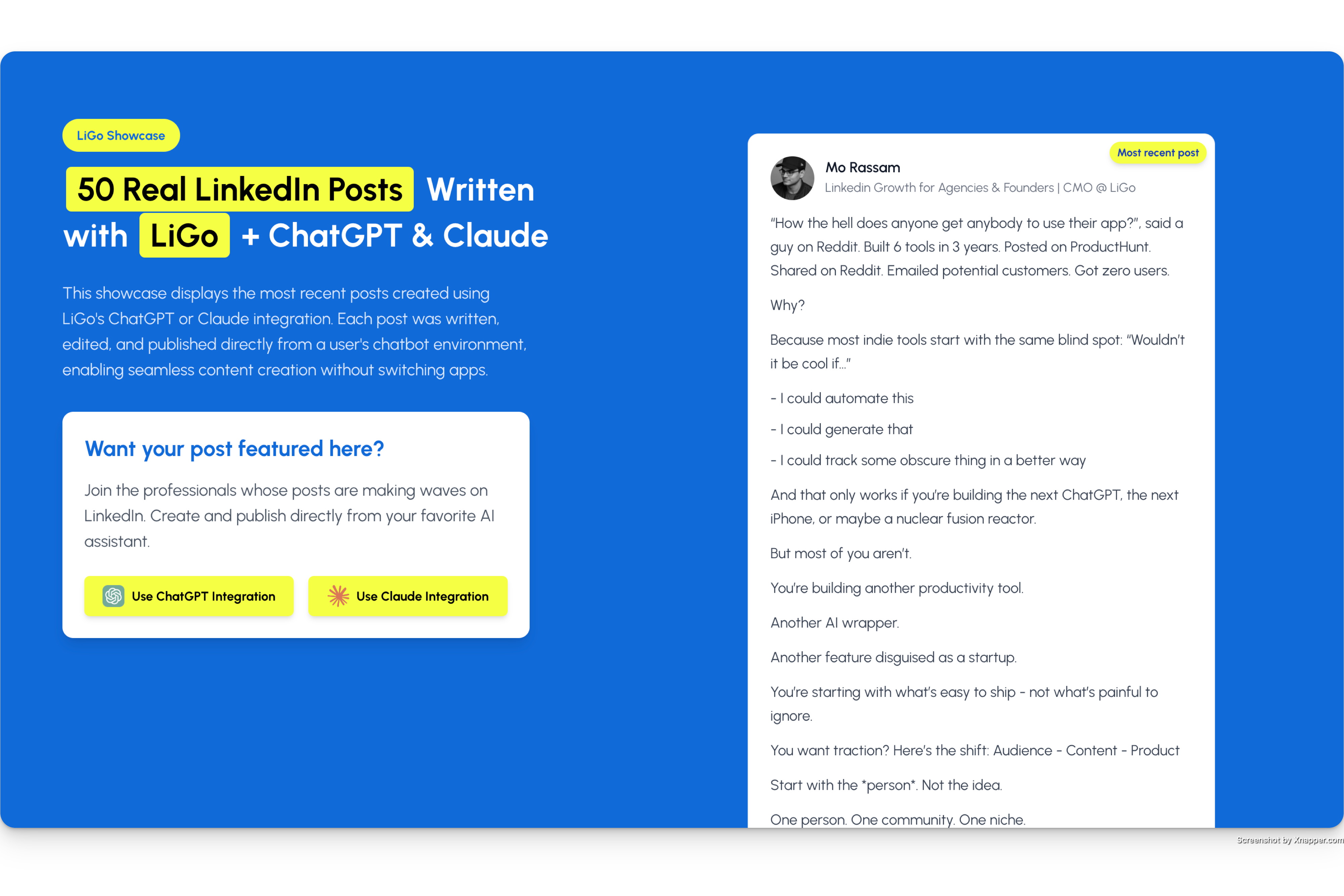
実際の事例を見る: MCP リーダーボード
MCP 統合を使用して作成された最新の 50 件の投稿を次の内容とともに紹介します。
記事全文
オリジナルのLinkedIn投稿へのリンク
著者名
これは公開フィードのような機能です。ライブデモです。そして、健全なFOMO(孤立感)を生み出し、投稿への永続的なバックリンクを獲得できます。SEOが一気に盛り上がります。
なぜそれが重要なのか
正直に言うと、GPT/Claude プロジェクトを Linkedin アクティビティ (Linkedin アクティビティがある場合) に合わせて最新の状態に保つのは、少し面倒です。
私たちは、「GPT が Linkedin プロフィールに接続して、それを見に行くように指示できたら便利だと思いませんか?」と考えました。
そしてこれが起こりました。
しかし、それだけではありません。
これは、コメント機能、分析機能、CRM機能などを含む、より広範なLiGoプラットフォームの一部です。ぜひお試しください。

こちらもご覧ください
Chrome 拡張機能: LinkedIn から直接コメントや投稿ができます。
投稿書き換えツール: 下書きを LinkedIn 対応の投稿に変換します。
LiGo とは何ですか? : 完全な製品概要。
最新情報を入手
この README は、MCP ランナーの更新の標準ソースになります。
フィードバック、改善、統合のアイデアについては、問題を開くか、 ligo.ertiqah.com/ contact からお問い合わせください。
Available Tools
10 toolsanalyze_linkedin_chatA
Ask questions about the user's LinkedIn profile, content, or network, with support for multi-turn conversations.
Inputs: query (required), conversation_history.
generate_linkedin_postA
Generate three LinkedIn post variants from any content (article, newsletter, notes, etc.) to optimize engagement.
Inputs: content (required), content_type.
get_linkedin_postsB
Retrieve the user's recent LinkedIn posts with engagement metrics.
Inputs: limit.
get_linkedin_profileA
Retrieve the user's LinkedIn profile information including headline, summary, experience, and education.
Inputs: no named parameters.
publish_linkedin_postB
Publish a text post to LinkedIn, optionally including media (images/videos) specified by URL.
Inputs: post_text (required), media.
publish_twitter_postC
Publish a text post (tweet) to Twitter.
Inputs: post_text (required).
refresh_linkedin_postsA
Force a refresh of LinkedIn posts data to capture recently published content.
Inputs: no named parameters.
refresh_linkedin_profileA
Force a refresh of the LinkedIn profile data to update any recent changes.
Inputs: no named parameters.
schedule_linkedin_postA
Schedule a text post for LinkedIn at a specific future date and time, optionally including media (images/videos) specified by URL.
Inputs: post_text (required), scheduled_date (required), media.
set_linkedin_urlA
Set or update the LinkedIn profile URL to analyze. Required before using profile/posts retrieval tools if not set previously.
Inputs: linkedin_url (required).
Tool Schema Changelog
Recent tool additions, removals, and schema changes observed during successful MCP inspections.
Loading tool schema changelog…
TDQS
A3.8/5.0
Scored across 10 tools
Disambiguation5/5
Each tool has a clearly distinct purpose: profile retrieval, post retrieval, post generation, publishing, scheduling, refreshing, URL setting, and chat analysis. There is no overlap or ambiguity between them.
Naming Consistency5/5
All tool names follow a consistent verb_noun pattern in snake_case (e.g., generate_linkedin_post, refresh_linkedin_profile). The naming is predictable and uniform, with the only minor outlier being publish_twitter_post, which still adheres to the same pattern.
Tool Count5/5
With 10 tools, the set is well-scoped for a LinkedIn assistant. It covers essential operations without being overwhelming or too sparse. Each tool earns its place.
Completeness5/5
The tool set covers the core LinkedIn workflows: profile retrieval, post listing, generation, publishing, scheduling, refreshing, and interactive chat. The inclusion of a Twitter publishing tool is a slight extension but does not create a gap in LinkedIn functionality.
Related MCP Connectors
LinkedIn MCP for Claude, ChatGPT, Grok, Hermes: triage inbox, comment, find people, live profiles
MCP server for LeadDelta — manage LinkedIn connections and CRM data via AI assistants.
The safest LinkedIn MCP: your Agents read DMs, search your network and draft messages you send.
Related MCP Servers
- AlicenseNot gradedqualityBmaintenanceMCP for what few things LinkedIn allows via API2AGPL 3.0
- AlicenseAqualityBmaintenanceReleased 3.0.0: 22 MCP tools, guided offline setup, local stdio, Chrome and manual login. No hosted deployment or job-research brief. Writes need opt-in, reviewed preview and human approval. Unofficial; provider compatibility, first-use cohorts, coordinated erasure and Windows privacy proof remain unverified. No mandatory paid service.22137 npm12MIT
- AlicenseNot gradedqualityDmaintenanceAn MCP server that enables AI assistants to interact with LinkedIn, including job search, profile viewing, resume/cover letter generation, and application tracking.MIT