
LinkedIn MCP Assistant
# LiGo + LinkedIn MCP Runner
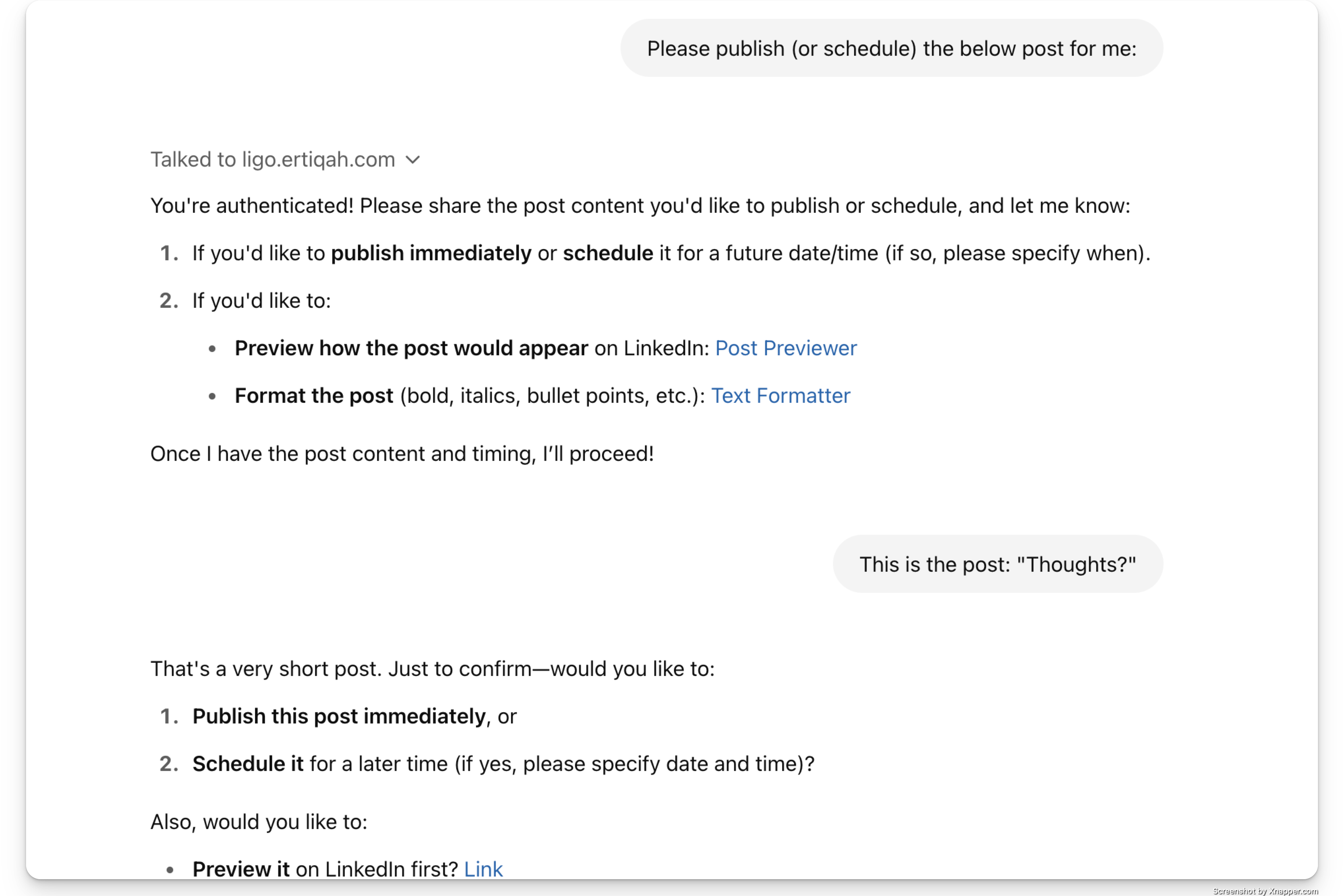
**The first GPT-powered creative co-pilot trained on your actual LinkedIn content.**
<a href="https://glama.ai/mcp/servers/@ertiqah/linkedin-mcp-runner">
<img width="380" height="200" src="https://glama.ai/mcp/servers/@ertiqah/linkedin-mcp-runner/badge" alt="LinkedIn Assistant MCP server" />
</a>
Create posts. Analyze what’s working. Rewrite in your voice.
All from Claude or ChatGPT, powered by your own past posts.
---
## What is this?
This is the official runner repo for **LiGo’s Model Context Protocol (MCP)** - a protocol that lets GPT-based assistants pull your LinkedIn context and respond like a strategist. It works with both Claude and ChatGPT.
With MCP, your assistant can answer things like:
- Which of your last posts got the most traction
- What your writing tone actually sounds like
- How to help you post, rewrite, or brainstorm like a founder
Just talk to it normally (if you know how to do that - no judging if you don't, btw). It has access to all your PUBLIC Linkedin data (with your consent, of course).
---
## How to Get Started
### Claude Setup
1. [Download the Claude desktop app](https://claude.ai/download).
2. Visit [ligo.ertiqah.com/integrations/claude](https://ligo.ertiqah.com/integrations/claude)
3. Click **"Generate Installation Command"**
- If not logged in, you’ll be routed to authenticate with LiGo
4. Copy the command and run it in your terminal
5. Open Claude and start chatting
Example prompt:
> Analyze my last 5 posts. What’s working? Give me ideas on what I should write next.
### ChatGPT (CustomGPT)
No installation needed.
1. Go to [ligo.ertiqah.com/integrations/chatgpt](https://ligo.ertiqah.com/integrations/chatgpt)
2. Authenticate with LiGo when prompted
3. Start using the CustomGPT
Example prompt:
> Rewrite this to sound more like my recent posts and make the hook spicier.
---
## See It in Action: [MCP Leaderboard](https://ligo.ertiqah.com/mcp-leaderboard)
We showcase the **latest 50 posts** made using the MCP integration, complete with:
- The full post
- A link to the original LinkedIn post
- The author’s name
This acts like a public feed. It’s a live demo. And yes, it creates some healthy FOMO + you get a permanent backlink to your post. SEO goes brrrr.
---
## Why It Matters
Honestly, it's a bit of a pain keeping your GPT/Claude Project up to date with your Linkedin activity (assuming you even have one).
We thought: "Wouldn't it be nice if GPT could connect to our Linkedin profile so I could just tell it to go look at it?"
And then this happened.
But, that's not all.
It’s part of the broader [LigoSocial platform](https://ligosocial.com), which covers commenting, analytics, CRM, and more. Go check it out.
---
## Also Check Out
- [Chrome Extension](https://chromewebstore.google.com/detail/ligo-for-linkedin%C2%AE/dlclgkldbjggemolgmajabobdcofgjof): Comment and post directly from LinkedIn.
- [Post Rewriter Tool](https://ligo.ertiqah.com/tools/linkedin-post-rewriter): Turn rough drafts into LinkedIn-ready posts.
- [What is LiGo?](https://ligo.ertiqah.com/what-is-ligo): Full product overview.
---
## Stay Updated
This README will be the canonical source for MCP runner updates.
For feedback, improvements, or integration ideas, open an issue or reach out via [ligo.ertiqah.com/contact](https://ligo.ertiqah.com/contact).
TDQS
Scored across 10 tools
Each tool has a clearly distinct purpose: profile retrieval, post retrieval, post generation, publishing, scheduling, refreshing, URL setting, and chat analysis. There is no overlap or ambiguity between them.
All tool names follow a consistent verb_noun pattern in snake_case (e.g., generate_linkedin_post, refresh_linkedin_profile). The naming is predictable and uniform, with the only minor outlier being publish_twitter_post, which still adheres to the same pattern.
With 10 tools, the set is well-scoped for a LinkedIn assistant. It covers essential operations without being overwhelming or too sparse. Each tool earns its place.
The tool set covers the core LinkedIn workflows: profile retrieval, post listing, generation, publishing, scheduling, refreshing, and interactive chat. The inclusion of a Twitter publishing tool is a slight extension but does not create a gap in LinkedIn functionality.