

A
licenseC
qualityD
maintenanceEasily find MCP servers using our MCP registry. Search with natural language.
1
6
MIT

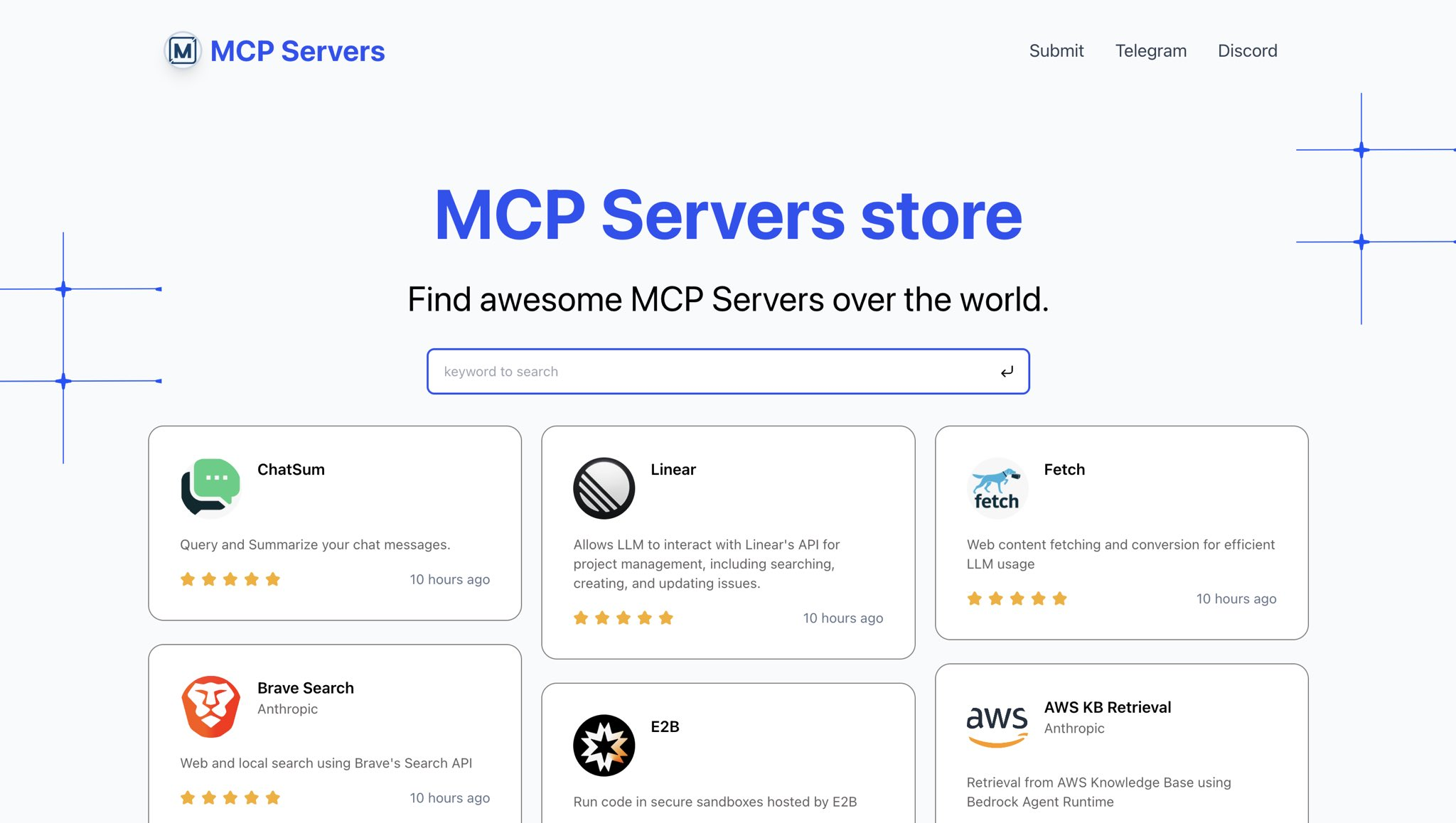
Awesome MCP 服务器的目录。
实时预览: https://mcp.so
Related MCP server: MCP Recommender
克隆 repo
git clone https://github.com/chatmcp/mcp-directory.git
cd mcp-directory
安装依赖项
pnpm install准备数据库
使用Supabase创建数据库
运行data/install.sql中的 sql 文件
设置环境变量
将 .env 文件放在根目录中
使用环境变量:
SUPABASE_URL=""
SUPABASE_ANON_KEY=""

NEXT_PUBLIC_WEB_URL="http://localhost:3000"
运行开发服务器
pnpm dev预览网站
在浏览器中打开http://localhost:3000
This server cannot be deployed
Search a directory of 800+ open-source MCP servers: find, compare and get install configs.
Directory of 53,000+ MCP servers: find one for any task and get its exact setup. No account.
MCP server for accessing curated awesome list documentation
Curated, trust-first index of vetted MCP servers — scored tiers, monthly re-verified. Read-only.