

A
licenseC
qualityD
maintenanceEasily find MCP servers using our MCP registry. Search with natural language.
1
6
MIT

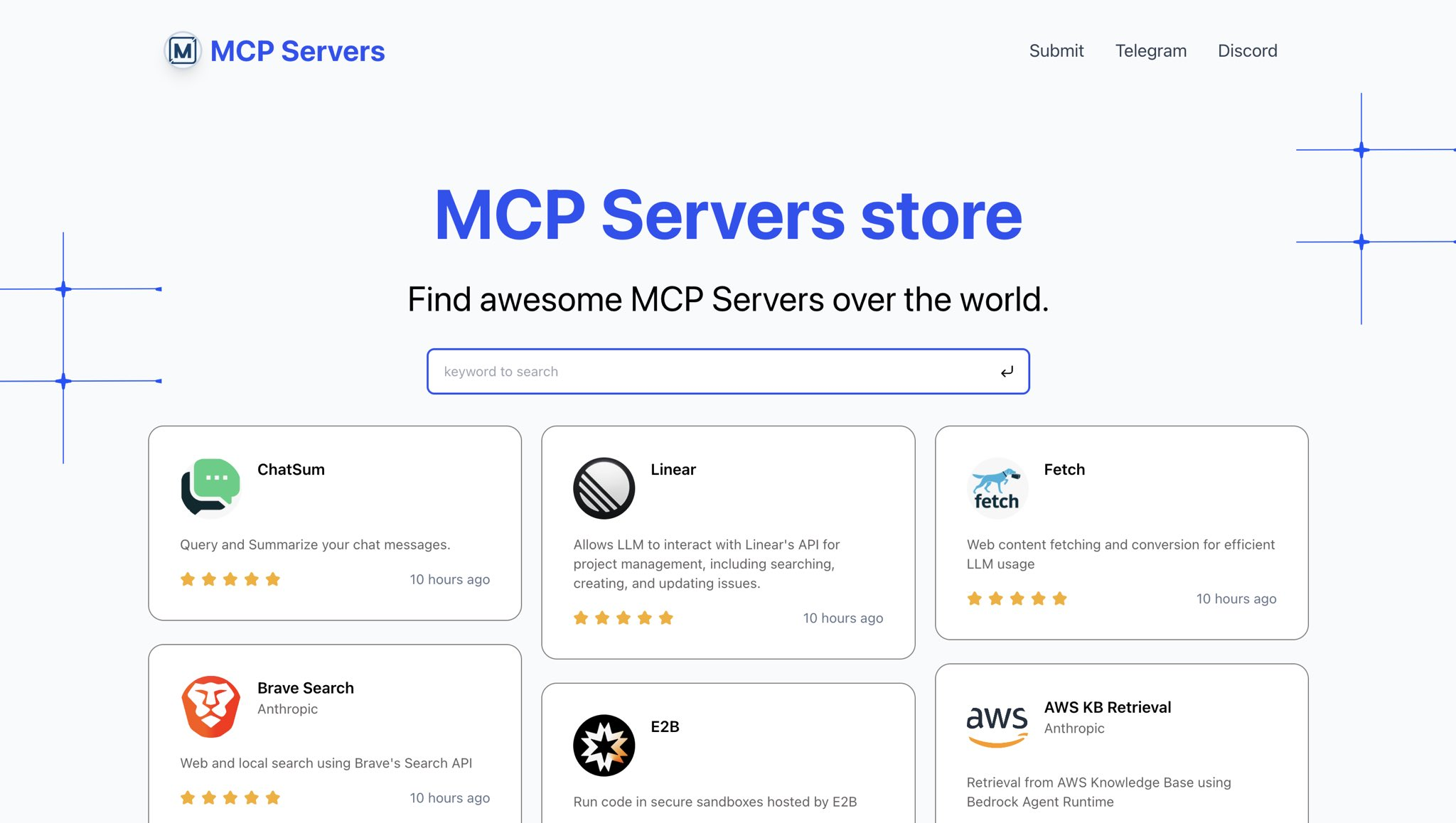
Awesome MCP Servers에 대한 디렉토리입니다.
라이브 미리보기: https://mcp.so
Related MCP server: MCP Recommender
저장소를 복제하다
지엑스피1
종속성 설치
pnpm install데이터베이스 준비
Supabase 로 데이터베이스 생성
data/install.sql 에 있는 sql 파일을 실행하세요
환경 변수 설정
루트 디렉토리에 .env 파일을 넣으세요
env 변수 포함:
SUPABASE_URL=""
SUPABASE_ANON_KEY=""

NEXT_PUBLIC_WEB_URL="http://localhost:3000"
개발 서버를 실행하다
pnpm dev사이트 미리보기
브라우저에서 http://localhost:3000을 엽니다.
This server cannot be deployed
Search a directory of 800+ open-source MCP servers: find, compare and get install configs.
Directory of 53,000+ MCP servers: find one for any task and get its exact setup. No account.
MCP server for accessing curated awesome list documentation
Curated, trust-first index of vetted MCP servers — scored tiers, monthly re-verified. Read-only.