
A
licenseB
qualityD
maintenanceMCP server for npm — search packages, check bundle sizes, scan vulnerabilities, compare downloads, inspect dependencies.
8
47 npm
1
MIT

npm searchコマンドを呼び出して npm パッケージを検索できるモデル コンテキスト プロトコル サーバー。
search_npm_packages - npm パッケージを検索します。
必要な引数:
query (文字列): 検索クエリ。
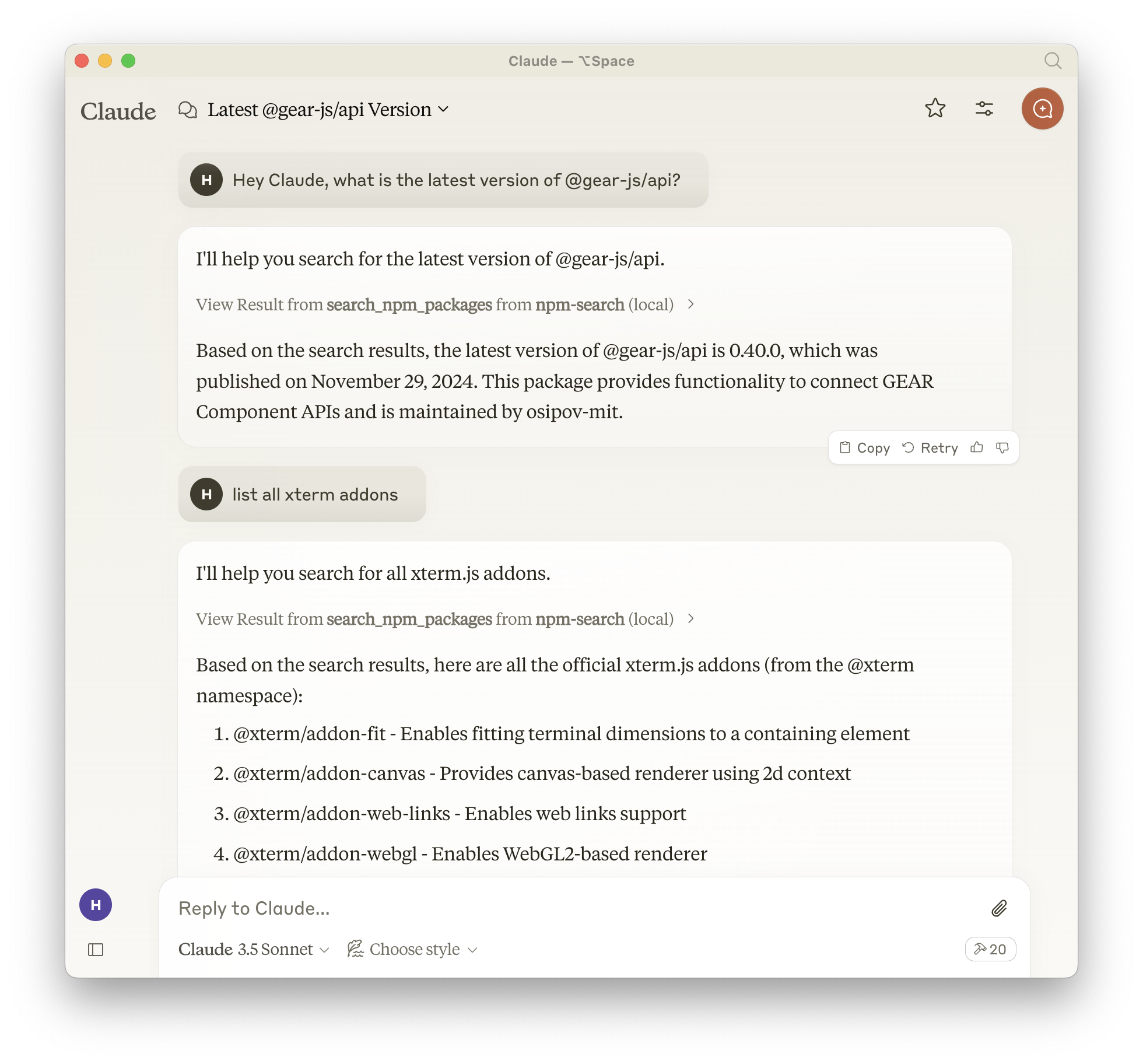
Smithery経由で Claude Desktop の npm-search を自動的にインストールするには:
npx -y @smithery/cli install npm-search-mcp-server --client claudeあるいは、npm 経由でnpm-search-mcp-serverをインストールすることもできます。
npm install -g npm-search-mcp-serverインストール後、次のコマンドを使用してコマンドとして実行できます。
npm-search-mcp-serveruvを使用する場合、特別なインストールは必要ありません。uvx uvx使用してnpm-search-mcp-serverを直接実行します。
Related MCP server: mcp-server-npm
Claude 設定に追加:
"mcpServers": {
  "npm-search": {
    "command": "npx",
    "args": ["-y", "npm-search-mcp-server"]
  }
}
"mcpServers": {
"npm-search": {
"command": "uvx",
"args": ["npm-search-mcp-server"]
}
}Zed のsettings.jsonに追加します:
"context_servers": {
  "npm-search-mcp-server": {
    "command": "npx",
    "args": ["-y", "npm-search-mcp-server"]
  }
},
"context_servers": [
"npm-search-mcp-server": {
"command": "uvx",
"args": ["npm-search-mcp-server"]
}
],npm パッケージを検索:
{
  "name": "search_npm_packages",
  "arguments": {
    "query": "express"
  }
}
応答:
{
  "results": [
    {
      "name": "express",
      "description": "Fast, unopinionated, minimalist web framework",
      "version": "4.17.1",
      "author": "TJ Holowaychuk",
      "license": "MIT"
    },
    ...
  ]
}MCPインスペクタを使用してサーバーをデバッグできます。UVXインストールの場合:
npx @modelcontextprotocol/inspector npx -y npm-search-mcp-serverまたは、パッケージを特定のディレクトリにインストールした場合や、そのディレクトリで開発している場合は、次のようにします。
cd path/to/servers/src/npm-search
npx @modelcontextprotocol/inspector uv run npm-search-mcp-server「npmでExpressパッケージを検索」
「Reactに関連するパッケージを見つける」
「Web開発用のnpmパッケージを表示」
Dockerビルド:
cd src/npm-search
docker build -t mcp/npm-search .npm-search-mcp-server の拡張と改善のための貢献を歓迎します。npm 関連の新しいツールの追加、既存の機能の強化、ドキュメントの改善など、皆様からのご意見は大変貴重です。
他の MCP サーバーと実装パターンの例については、https: //github.com/modelcontextprotocol/serversを参照してください。
プルリクエストを歓迎します。npm-search-mcp-server をさらに強力で便利なものにするために、新しいアイデア、バグ修正、機能強化などをお気軽にご提供ください。
npm-search-mcp-server は MIT ライセンスに基づきます。つまり、MIT ライセンスの条件に従って、ソフトウェアを自由に使用、改変、配布できます。詳細については、プロジェクトリポジトリの LICENSE ファイルをご覧ください。
Search for npm packages
| Name | Required | Description | Default |
|---|---|---|---|
| query | Yes | Search query |
Does the description disclose side effects, auth requirements, rate limits, or destructive behavior?
No annotations are provided, so the description carries the full burden of behavioral disclosure. It only states the action ('Search for npm packages') without detailing traits like rate limits, authentication needs, pagination, or response format. This leaves significant gaps in understanding how the tool behaves in practice.
Agents need to know what a tool does to the world before calling it. Descriptions should go beyond structured annotations to explain consequences.
Is the description appropriately sized, front-loaded, and free of redundancy?
The description is a single, efficient sentence with no wasted words, making it appropriately concise. However, it lacks front-loaded critical information and could benefit from more structure to enhance clarity, but it avoids unnecessary verbosity.
Shorter descriptions cost fewer tokens and are easier for agents to parse. Every sentence should earn its place.
Given the tool's complexity, does the description cover enough for an agent to succeed on first attempt?
Given the tool's simplicity (1 parameter, no output schema, no annotations), the description is incomplete. It fails to address behavioral aspects like search result format, limitations, or error handling, which are essential for an agent to use the tool effectively despite the low complexity.
Complex tools with many parameters or behaviors need more documentation. Simple tools need less. This dimension scales expectations accordingly.
Does the description clarify parameter syntax, constraints, interactions, or defaults beyond what the schema provides?
The input schema has 100% description coverage, with the 'query' parameter documented as 'Search query'. The description does not add any meaning beyond this, such as examples or constraints on the query format. With high schema coverage, the baseline score of 3 is appropriate as the schema handles the parameter documentation adequately.
Input schemas describe structure but not intent. Descriptions should explain non-obvious parameter relationships and valid value ranges.
Does the description clearly state what the tool does and how it differs from similar tools?
The description 'Search for npm packages' clearly states the verb (search) and resource (npm packages), making the basic purpose understandable. However, it lacks specificity about what kind of search this is (e.g., keyword search, advanced filtering) and doesn't differentiate from potential siblings since none exist, though it remains somewhat vague in scope.
Agents choose between tools based on descriptions. A clear purpose with a specific verb and resource helps agents select the right tool.
Does the description explain when to use this tool, when not to, or what alternatives exist?
The description provides no guidance on when to use this tool versus alternatives, prerequisites, or context for its application. With no sibling tools, this is less critical, but it still offers no usage instructions, leaving the agent to infer based on the tool name alone.
Agents often have multiple tools that could apply. Explicit usage guidance like "use X instead of Y when Z" prevents misuse.
Recent tool additions, removals, and schema changes observed during successful MCP inspections.
v1.0.0search_npm_packagesScored across 1 tool
With only one tool, there is no possibility of confusion or overlap between tools. The tool's purpose is clearly defined and distinct by default.
A single tool inherently has perfect naming consistency, as there are no other tools to compare against. The name 'search_npm_packages' follows a clear verb_noun pattern.
One tool is too few for a server named 'npm-search-mcp-server', which suggests a broader npm-related scope. A single search tool feels thin and incomplete for interacting with npm packages beyond basic searches.
The tool surface is severely incomplete for npm package management. It only provides search functionality, lacking essential operations like getting package details, checking versions, or managing dependencies, which are core to the domain.
MCP server for hex.pm and hexdocs.pm: search, inspect, compare, and audit Elixir packages
Publish and discover MCP servers via the official MCP Registry. Powered by HAPI MCP server.