

A
licenseC
qualityD
maintenanceA Message Control Protocol server that enables Claude Desktop to interact with NotePlan.co, allowing users to query, search, create, and update notes directly from Claude conversations.
7
12
MIT

Allows interaction with Apple Notes on macOS, providing tools for retrieving folders, managing notes, and creating new content within the Apple Notes app.
Connects with the Apple Notes application on macOS, enabling retrieval, creation, and management of notes and folders through the macOS Notes ecosystem.
Click on "Deploy Server".
Wait a few minutes for the server to deploy. Once ready, it will show a "Started" state.
In the chat, type @ followed by the MCP server name and your instructions, e.g., "@Notes MCP create a note titled 'Meeting Notes' with today's discussion points"
That's it! The server will respond to your query, and you can continue using it as needed.
Here is a step-by-step guide with screenshots.
An MCP server that connects with your Apple Notes on macOS.
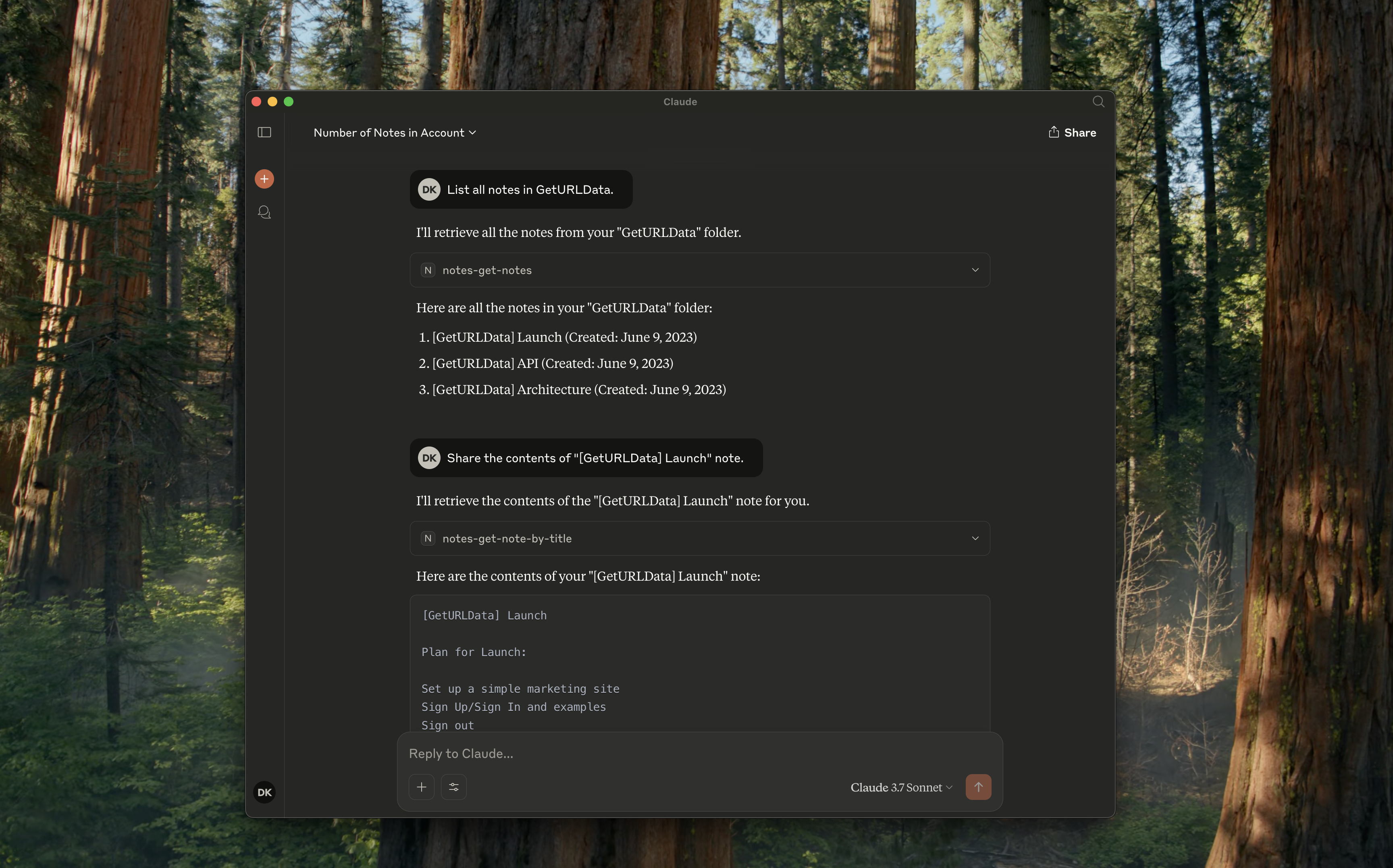
notes-get-folders: Get all folders.
notes-get-notes: Get all notes in a folder.
notes-create-note: Create a new note with title and content.
notes-get-note-by-id: Get a note by its identifier.
notes-get-note-by-title: Find a note by exact match of title.
notes-get-note-count: Get the total number of notes.
Related MCP server: apple-notes-mcp
Always install dependencies and build it first:
npm install && npm run buildAdd the following to your ~/Library/Application\ Support/Claude/claude_desktop_config.json:
{
    "mcpServers": {
        "notes": {
            "command": "node",
            "args": ["path/to/notes/mcp/dist/index.js"]
        }
    }
}
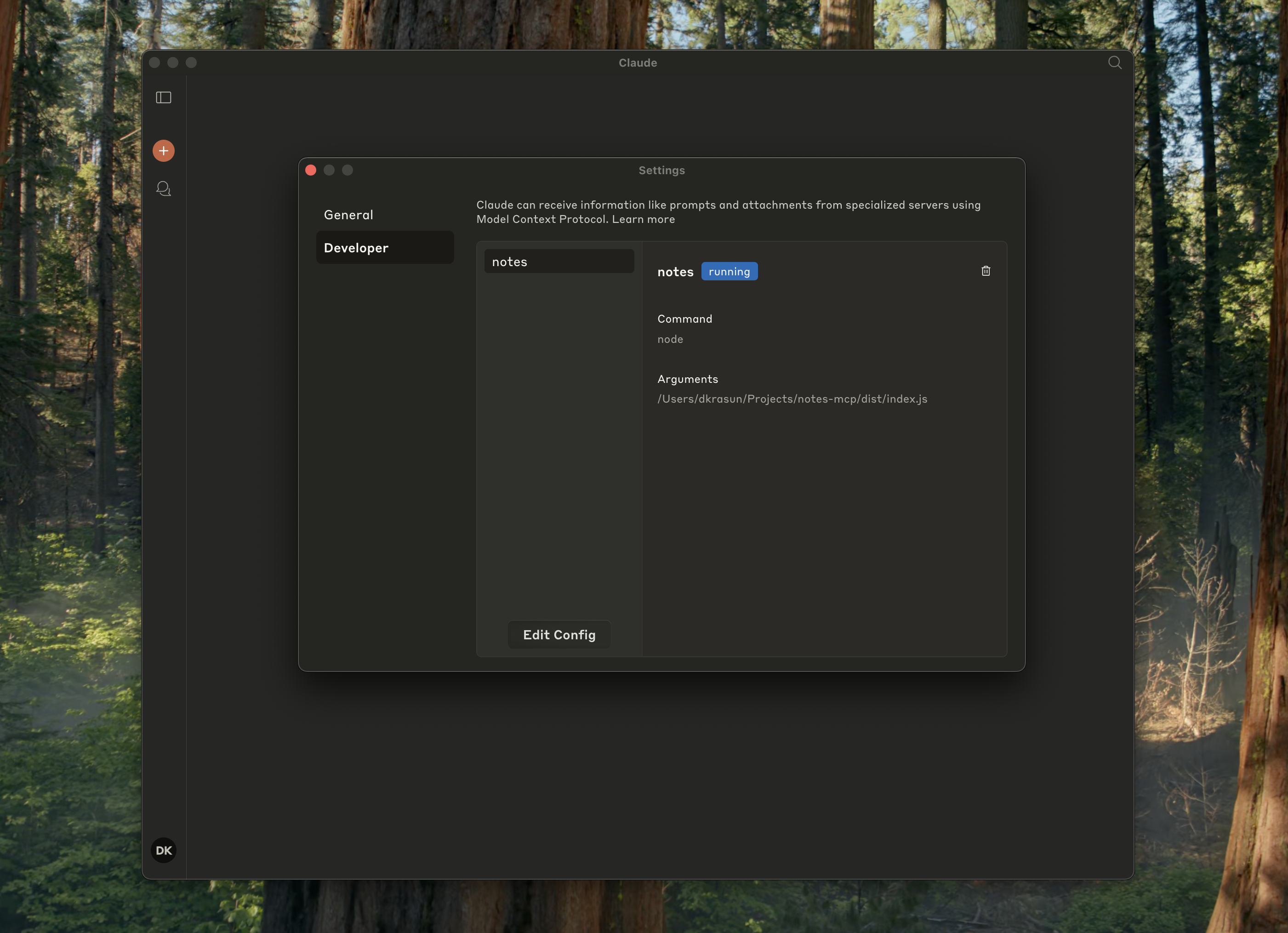
And check it is running in Claude settings:
{
    "mcpServers": {
        "notes": {
            "command": "node",
            "args": ["path/to/notes/mcp/dist/index.js"]
        }
    }
}
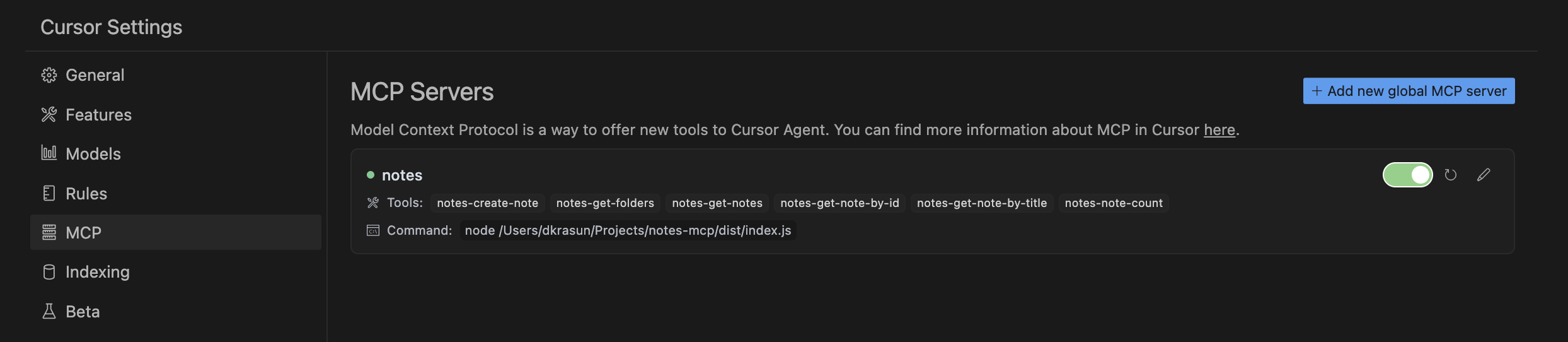
And then check Cursor MCP settings:
node dist/index.jsNotes MCP is licensed under the MIT License.
This server cannot be deployed
Search, read, and write your Apple Notes from ChatGPT/Claude via a local Mac agent + MCP relay.
Google Keep-style notes app with an MCP server for AI agents to read/write notes.
Persistent memory layer for AI tools. Save and recall notes across Claude and other MCP clients.
Markdown-based note-taking with a hosted MCP server. Your notes serve you and your AI.