


A
licenseB
qualityD
maintenanceEnables seamless interaction with Figma via the Model Context Protocol, allowing LLM applications to access, manipulate, and track Figma files, components, and variables.
2
2,332 npm
150
MIT

使用此模型上下文协议服务器,让Cursor和其他 AI 驱动的编码工具访问您的 Figma 文件。
当 Cursor 可以访问 Figma 设计数据时,它比粘贴屏幕截图等其他方法更能准确地一次性完成设计。
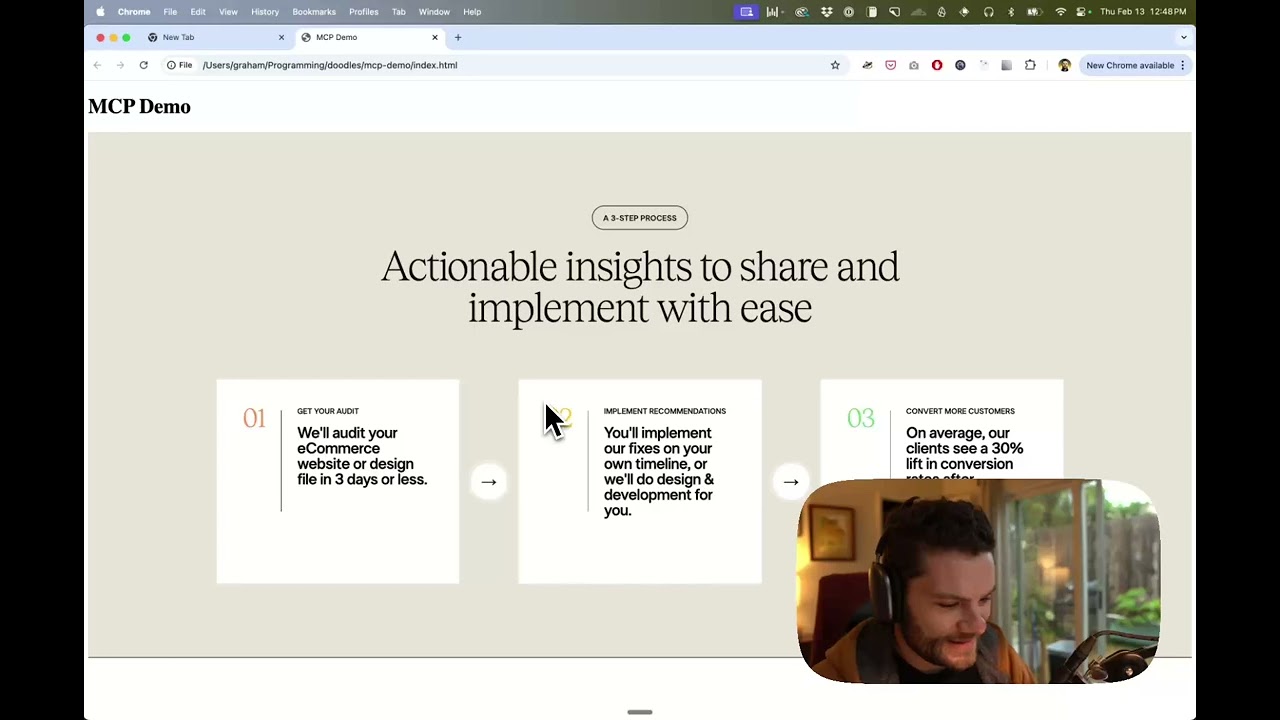
观看使用 Figma 设计数据在 Cursor 中构建 UI 的演示
Related MCP server: Figma MCP Server
打开您的 IDE 的聊天(例如 Cursor 中的代理模式)。
将链接粘贴到 Figma 文件、框架或组。
要求 Cursor 对 Figma 文件执行某些操作 - 例如实现设计。
Cursor 将从 Figma 获取相关元数据并使用它来编写代码。
此 MCP 服务器专为与 Cursor 配合使用而设计。在通过Figma API响应上下文之前,它会简化并转换响应,以便仅向模型提供最相关的布局和样式信息。
减少提供给模型的上下文量有助于提高人工智能的准确性和响应的相关性。
许多代码编辑器和其他 AI 客户端使用配置文件来管理 MCP 服务器。
可以通过将以下内容添加到配置文件来配置figma-developer-mcp服务器。
注意:您需要创建 Figma 访问令牌才能使用此服务器。有关如何创建 Figma API 访问令牌的说明,请参见此处。
{
  "mcpServers": {
    "Framelink Figma MCP": {
      "command": "npx",
      "args": ["-y", "figma-developer-mcp", "--figma-api-key=YOUR-KEY", "--stdio"]
    }
  }
}{
"mcpServers": {
"Framelink Figma MCP": {
"command": "cmd",
"args": ["/c", "npx", "-y", "figma-developer-mcp", "--figma-api-key=YOUR-KEY", "--stdio"]
}
}
}或者您可以在env字段中设置FIGMA_API_KEY和PORT 。
如果您需要有关如何配置 Framelink Figma MCP 服务器的更多信息,请参阅Framelink 文档。
Framelink Figma MCP 服务器简单易用,但功能强大。访问Framelink网站了解更多信息,充分利用它。
This server cannot be deployed
The Figma MCP server brings Figma design context directly into your AI workflow.
Access and maintain design system docs, tokens, components, skills, and contexts across any project.
Enable secure connectivity between Sentry issues and debugging data, and LLM clients, using a Model Context Protocol (MCP) server.
Mac & Windows: let ChatGPT, Claude & Cursor use your email, calendar, iMessage, Teams, files. Free.