


A
licenseB
qualityD
maintenanceEnables seamless interaction with Figma via the Model Context Protocol, allowing LLM applications to access, manipulate, and track Figma files, components, and variables.
2
2,332 npm
150
MIT

このモデル コンテキスト プロトコルサーバーを使用して、 Cursorやその他の AI 搭載コーディング ツールに Figma ファイルへのアクセスを許可します。
Cursor が Figma のデザイン データにアクセスできる場合、スクリーンショットを貼り付けるなどの他の方法よりも、デザインをワンショットで正確に作成する方がはるかに優れています。
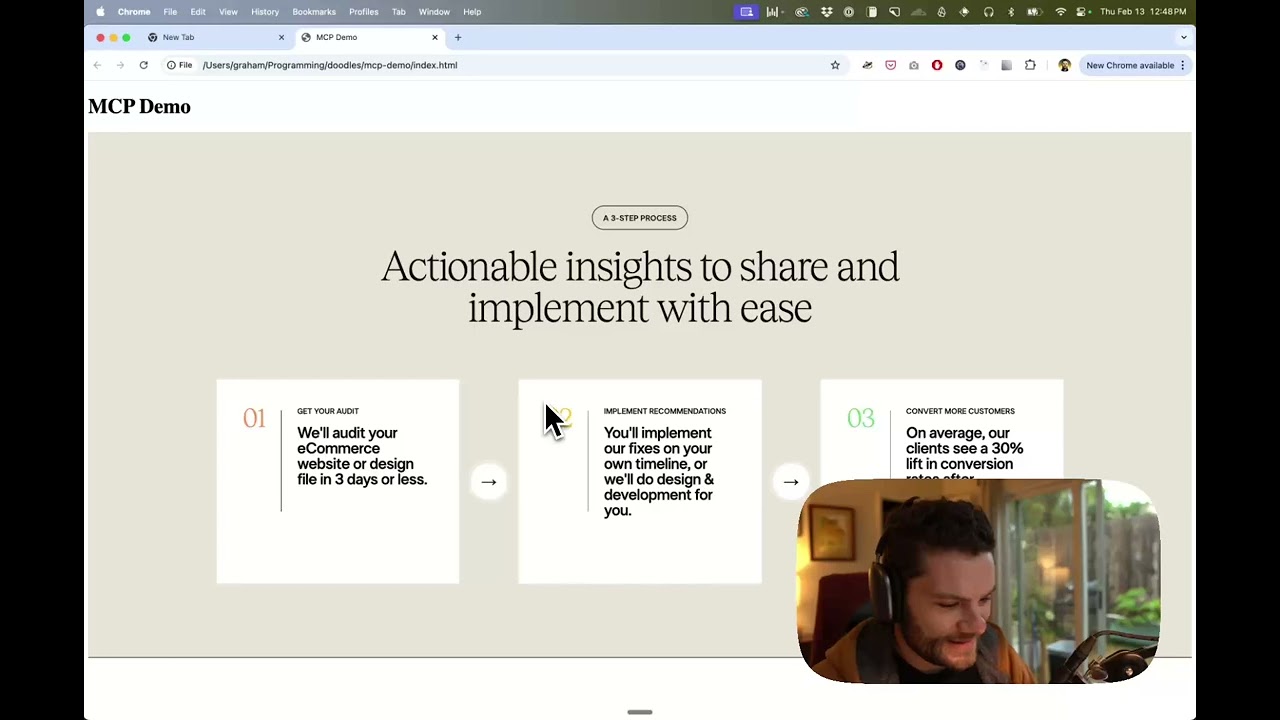
Figmaのデザインデータを使ってCursorでUIを構築するデモをご覧ください
Related MCP server: Figma MCP Server
IDE のチャットを開きます (例: カーソルのエージェント モード)。
Figma ファイル、フレーム、またはグループへのリンクを貼り付けます。
Cursor に Figma ファイルで何かを実行するように指示します (例: デザインの実装)。
カーソルは Figma から関連するメタデータを取得し、それを使用してコードを記述します。
このMCPサーバーは、Cursorとの使用に特化して設計されています。Figma APIからのコンテキストを返す前に、レスポンスを簡素化および変換し、最も関連性の高いレイアウトとスタイル情報のみがモデルに提供されます。
モデルに提供されるコンテキストの量を減らすと、AI の精度が向上し、応答の関連性が高まります。
多くのコード エディターやその他の AI クライアントは、構成ファイルを使用して MCP サーバーを管理します。
figma-developer-mcpサーバーは、設定ファイルに以下を追加することで設定できます。
注意:このサーバーを使用するには、Figma アクセストークンを作成する必要があります。Figma API アクセストークンの作成方法については、こちらをご覧ください。
{
  "mcpServers": {
    "Framelink Figma MCP": {
      "command": "npx",
      "args": ["-y", "figma-developer-mcp", "--figma-api-key=YOUR-KEY", "--stdio"]
    }
  }
}{
"mcpServers": {
"Framelink Figma MCP": {
"command": "cmd",
"args": ["/c", "npx", "-y", "figma-developer-mcp", "--figma-api-key=YOUR-KEY", "--stdio"]
}
}
}または、 envフィールドにFIGMA_API_KEYとPORT設定することもできます。
Framelink Figma MCP サーバーの設定方法について詳しくは、 Framelink のドキュメントを参照してください。
Framelink Figma MCPサーバーはシンプルながらも強力です。Framelink のサイトで詳細をご確認いただき、最大限に活用してください。
This server cannot be deployed
The Figma MCP server brings Figma design context directly into your AI workflow.
Access and maintain design system docs, tokens, components, skills, and contexts across any project.
Enable secure connectivity between Sentry issues and debugging data, and LLM clients, using a Model Context Protocol (MCP) server.
Mac & Windows: let ChatGPT, Claude & Cursor use your email, calendar, iMessage, Teams, files. Free.