


A
licenseB
qualityD
maintenanceEnables seamless interaction with Figma via the Model Context Protocol, allowing LLM applications to access, manipulate, and track Figma files, components, and variables.
2
919 npm
149
MIT

The Framelink Figma MCP Server integrates Figma design data with AI-powered coding tools like Cursor, allowing you to:
Add Figma Files: Incorporate Figma files into your coding context by providing the file's URL
View Node Thumbnails: Retrieve thumbnails for specific nodes within a Figma file
Read Comments: Access all comments on a Figma file
Post Comments: Add comments to specific locations or nodes in a Figma file
Reply to Comments: Respond to existing comments in a Figma file
This server does not currently have a deployable release on Glama. Follow the repository's setup instructions to install and configure it for your MCP client, including any required credentials and local dependencies.
Give Cursor and other AI-powered coding tools access to your Figma files with this Model Context Protocol server.
When Cursor has access to Figma design data, it's way better at one-shotting designs accurately than alternative approaches like pasting screenshots.
Watch a demo of building a UI in Cursor with Figma design data
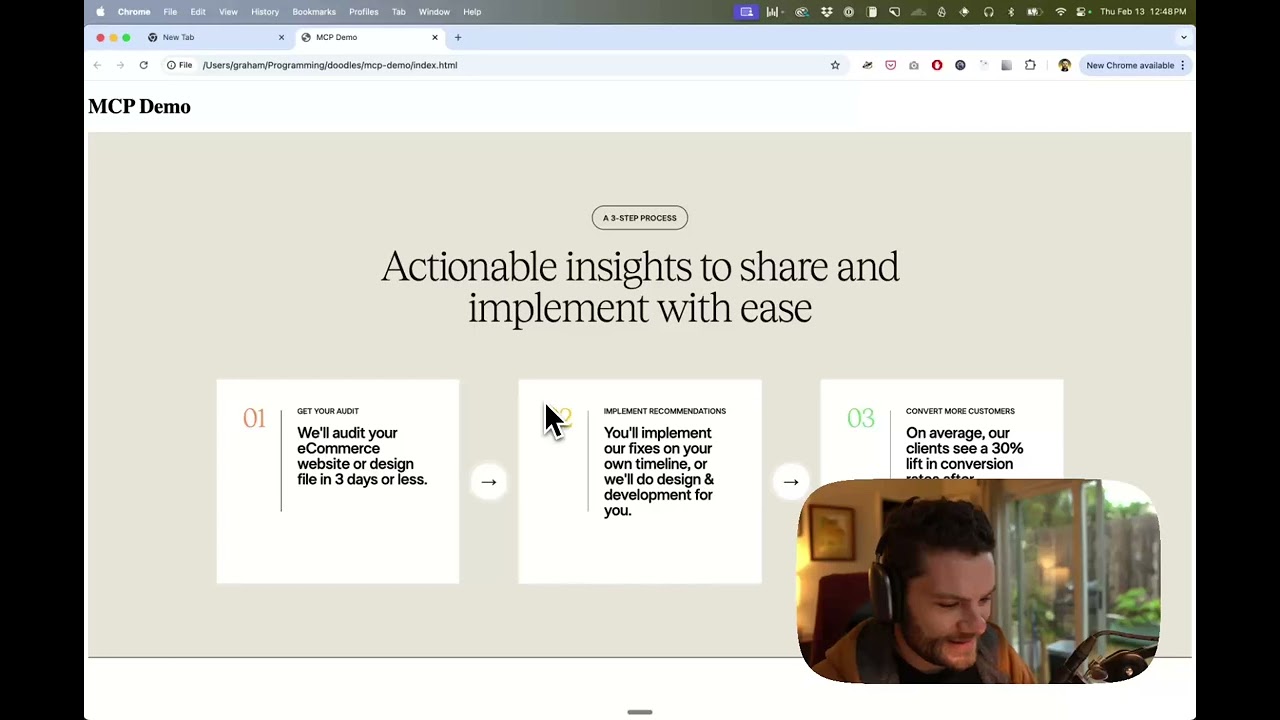
Related MCP server: Figma MCP Server
Open your IDE's chat (e.g. agent mode in Cursor).
Paste a link to a Figma file, frame, or group.
Ask Cursor to do something with the Figma file—e.g. implement the design.
Cursor will fetch the relevant metadata from Figma and use it to write your code.
This MCP server is specifically designed for use with Cursor. Before responding with context from the Figma API, it simplifies and translates the response so only the most relevant layout and styling information is provided to the model.
Reducing the amount of context provided to the model helps make the AI more accurate and the responses more relevant.
Many code editors and other AI clients use a configuration file to manage MCP servers.
The figma-developer-mcp server can be configured by adding the following to your configuration file.
NOTE: You will need to create a Figma access token to use this server. Instructions on how to create a Figma API access token can be found here.
{
  "mcpServers": {
    "Framelink MCP for Figma": {
      "command": "npx",
      "args": ["-y", "figma-developer-mcp", "--figma-api-key=YOUR-KEY", "--stdio"]
    }
  }
}{
"mcpServers": {
"Framelink MCP for Figma": {
"command": "cmd",
"args": ["/c", "npx", "-y", "figma-developer-mcp", "--figma-api-key=YOUR-KEY", "--stdio"]
}
}
}Or you can set FIGMA_API_KEY and PORT in the env field.
If you need more information on how to configure the Framelink MCP for Figma, see the Framelink docs.
The Framelink MCP for Figma is simple but powerful. Get the most out of it by learning more at the Framelink site.
Recent tool additions, removals, and schema changes observed during successful MCP inspections.
Loading tool schema changelog…
This server cannot be deployed
The Figma MCP server brings Figma design context directly into your AI workflow.
Access and maintain design system docs, tokens, components, skills, and contexts across any project.
Run accessibility, contrast, and design token audits and file QA issues from your AI coding tool.
Mac & Windows: let ChatGPT, Claude & Cursor use your email, calendar, iMessage, Teams, files.