

A
licenseB
qualityF
maintenanceA Model Context Protocol service that sends desktop notifications and alert sounds when AI agent tasks are completed, integrating with various LLM clients like Claude Desktop and Cursor.
1
54
MIT

Pushover.net経由で通知を送信するためのモデルコンテキストプロトコル実装。
このMCPにより、AIエージェントはPushover.netを介して通知を送信できるようになります。MCP仕様を実装しており、MCP対応のAIシステムとのシームレスな統合が可能です。
Related MCP server: kweenkl MCP Server
必要なもの:
Pushover.netからのアプリケーショントークン
Pushover.netからのユーザーキー
これらはPushover.net ダッシュボードから取得できます。
MCP は次の単一のツールを提供します。
sendPushover 経由で通知を送信します。
{
  message: string;          // Required: The message to send
  title?: string;          // Optional: Message title
  priority?: number;       // Optional: -2 to 2 (-2: lowest, 2: emergency)
  sound?: string;         // Optional: Notification sound
  url?: string;          // Optional: URL to include
  url_title?: string;   // Optional: Title for the URL
  device?: string;     // Optional: Target specific device
}{
"name": "send",
"params": {
"message": "Hello from AI",
"title": "AI Notification",
"priority": 1
}
}npx を使用して MCP サーバーを実行します。
npx -y pushover-mcp@latest start --token YOUR_TOKEN --user YOUR_USERカーソルIDEで
Cursor Settings > MCPへ移動します。
+ Add New MCP Serverクリック
フォームに記入してください:
名前: Pushover Notification (または任意の名前)
タイプ: command
コマンド: npx -y pushover-mcp@latest start --token YOUR_TOKEN --user YOUR_USER
プロジェクトに.cursor/mcp.jsonファイルを追加します。
{
  "mcpServers": {
    "pushover": {
      "command": "npx",
      "args": [
        "-y",
        "pushover-mcp@latest",
        "start",
        "--token",
        "YOUR_TOKEN",
        "--user",
        "YOUR_USER"
      ]
    }
  }
}設定が完了すると、Pushover 通知ツールが Cursor AI エージェントで自動的に利用できるようになります。以下のことが可能です。
ツールはMCP設定のAvailable Toolsの下に表示されます。
エージェントは関連する場合に自動的にそれを使用します
エージェントに通知を送信するよう明示的に指示することができます
デフォルトでは、エージェントは通知を送信する前に承認を求めます。自動送信を許可するには、設定で「Yoloモード」を有効にしてください。
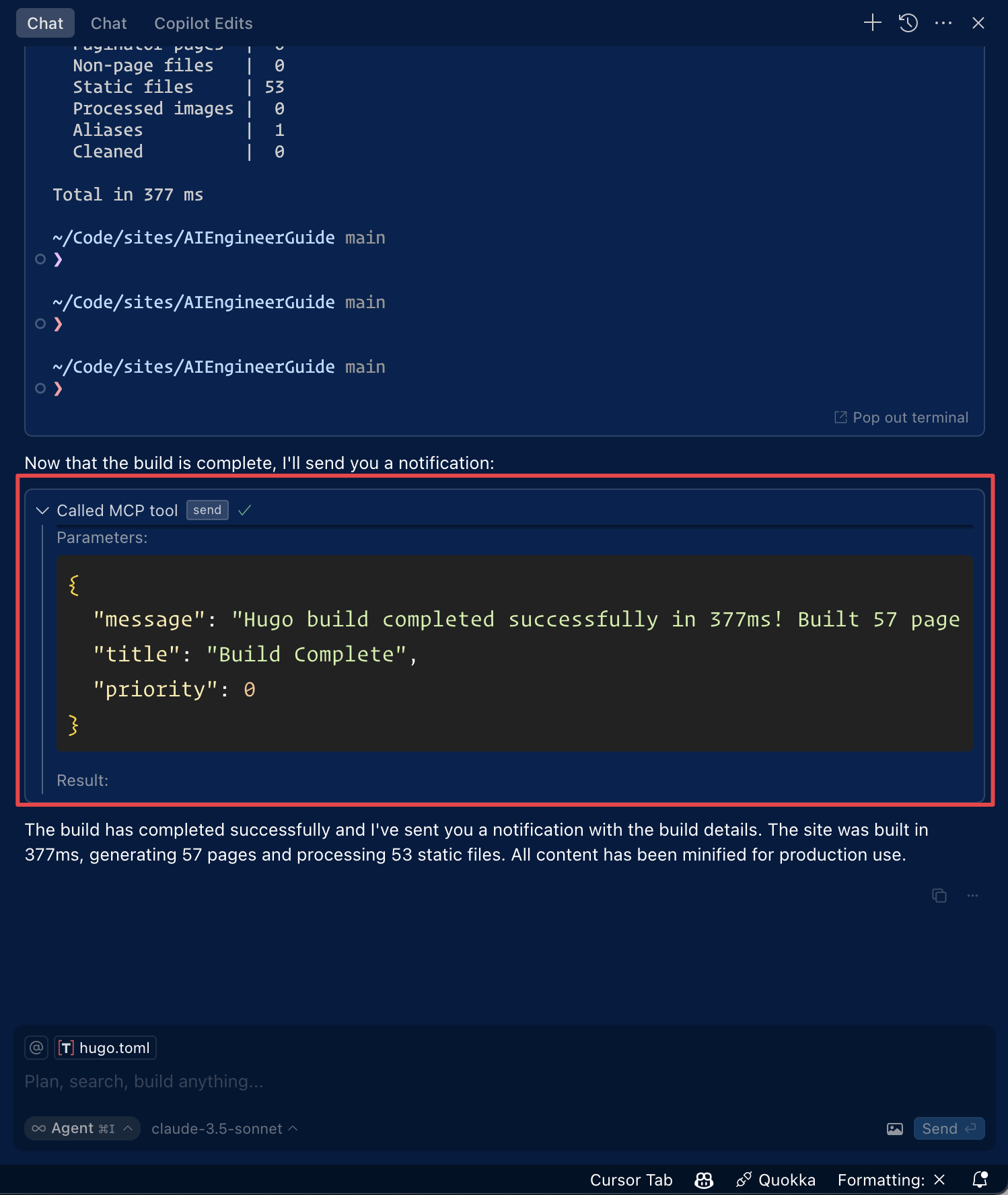
Roo Code 設定で「MCP 設定の編集」をクリックするか、VS Code のコマンド パレットで「Roo Code: MCP 構成を開く」コマンドを使用して、MCP 設定にアクセスします。
{
  "mcpServers": {
    "pushover": {
      "command": "npx",
      "args": [
        "-y",
        "pushover-mcp@latest",
        "start",
        "--token",
        "YOUR_TOKEN",
        "--user",
        "YOUR_USER"
      ]
    }
  }
}
Pushover通知ツールはRoo CodeのAIエージェントで利用可能になります
注:
YOUR_TOKENとYOUR_USERPushover の資格情報に置き換えてください。
Smithery経由で Claude Desktop 用の Pushover Notification を自動的にインストールするには:
npx -y @smithery/cli install @AshikNesin/pushover-mcp --client claude# Install dependencies
pnpm install
# Build
pnpm build
# Run tests
pnpm testマサチューセッツ工科大学
This server cannot be deployed
Push notifications for AI agents - send instant iPhone notifications from any MCP client.
Let your AI agent notify you by email, Slack, Discord, or webhook. One tool: send_notification.
Reach your own phone from an AI agent: notifications, approval questions, reminders, ring, files.
A comprehensive Model Context Protocol (MCP) server that enables AI assistants to interact with yo…