

A
licenseB
qualityF
maintenanceA Model Context Protocol service that sends desktop notifications and alert sounds when AI agent tasks are completed, integrating with various LLM clients like Claude Desktop and Cursor.
1
54
MIT

通过Pushover.net发送通知的模型上下文协议实现。
该 MCP 使 AI 代理能够通过 Pushover.net 发送通知。它实现了 MCP 规范,可与兼容 MCP 的 AI 系统无缝集成。
Related MCP server: kweenkl MCP Server
你需要:
Pushover.net 的应用程序令牌
您从 Pushover.net 获取的用户密钥
从您的Pushover.net 仪表板获取这些。
MCP 提供了一个单一工具:
send通过 Pushover 发送通知。
{
  message: string;          // Required: The message to send
  title?: string;          // Optional: Message title
  priority?: number;       // Optional: -2 to 2 (-2: lowest, 2: emergency)
  sound?: string;         // Optional: Notification sound
  url?: string;          // Optional: URL to include
  url_title?: string;   // Optional: Title for the URL
  device?: string;     // Optional: Target specific device
}{
"name": "send",
"params": {
"message": "Hello from AI",
"title": "AI Notification",
"priority": 1
}
}使用 npx 运行 MCP 服务器:
npx -y pushover-mcp@latest start --token YOUR_TOKEN --user YOUR_USER在你的 Cursor IDE 中
前往Cursor Settings > MCP
点击+ Add New MCP Server
填写表格:
名称: Pushover Notification (或您喜欢的任何名称)
类型: command
命令: npx -y pushover-mcp@latest start --token YOUR_TOKEN --user YOUR_USER
将.cursor/mcp.json文件添加到您的项目:
{
  "mcpServers": {
    "pushover": {
      "command": "npx",
      "args": [
        "-y",
        "pushover-mcp@latest",
        "start",
        "--token",
        "YOUR_TOKEN",
        "--user",
        "YOUR_USER"
      ]
    }
  }
}配置完成后,Pushover 通知工具将自动供 Cursor AI Agent 使用。您可以:
该工具将在 MCP 设置中的Available Tools下列出
代理将在相关时自动使用它
您可以明确要求代理发送通知
默认情况下,代理会在发送通知前征求您的批准。请在设置中启用“Yolo 模式”以允许自动发送通知。
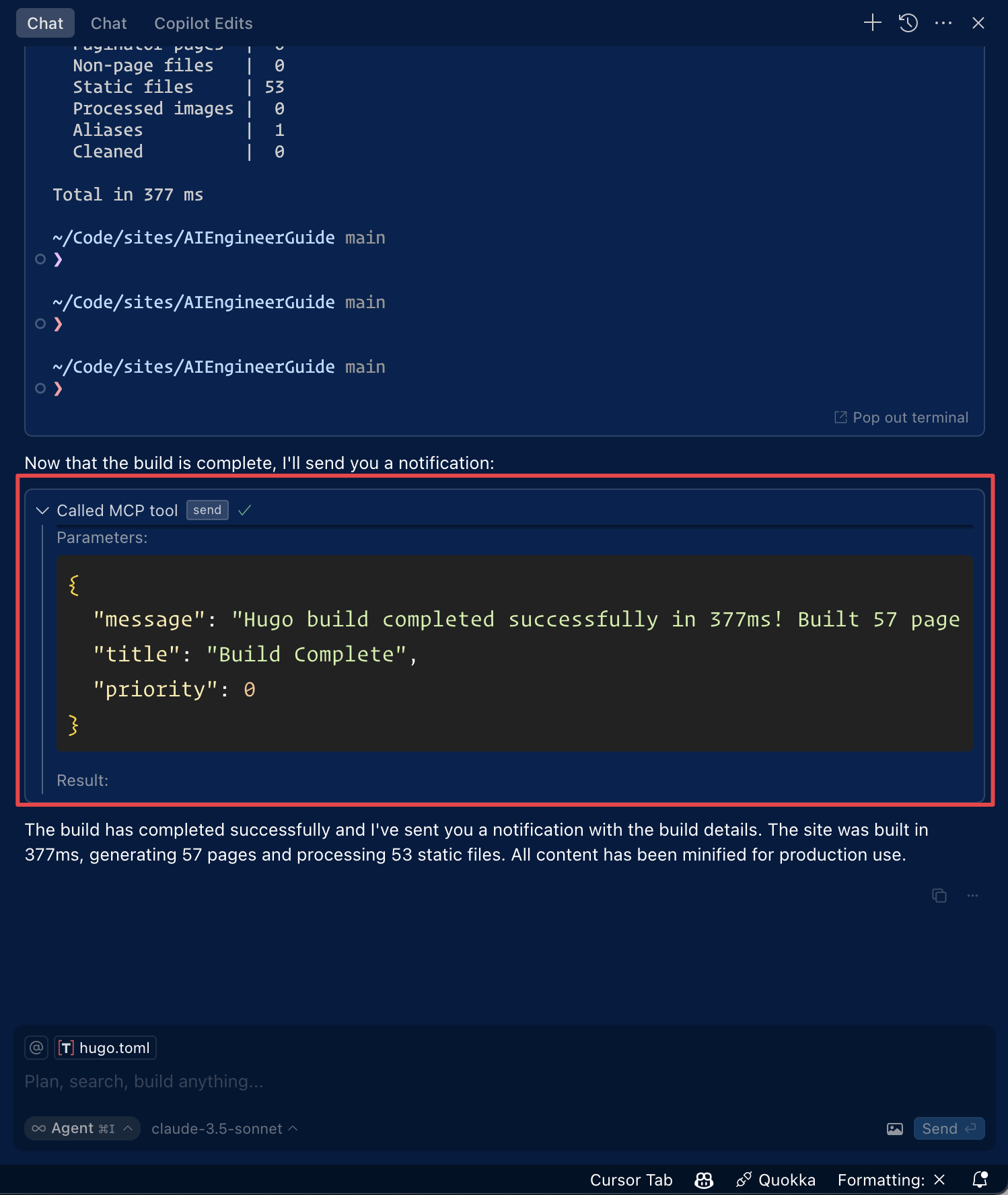
通过单击 Roo Code 设置中的“编辑 MCP 设置”或使用 VS Code 命令面板中的“Roo Code:打开 MCP 配置”命令来访问 MCP 设置。
{
  "mcpServers": {
    "pushover": {
      "command": "npx",
      "args": [
        "-y",
        "pushover-mcp@latest",
        "start",
        "--token",
        "YOUR_TOKEN",
        "--user",
        "YOUR_USER"
      ]
    }
  }
}
Pushover 通知工具将提供给 Roo Code 的 AI 代理
**注意:**用您的 Pushover 凭证替换
YOUR_TOKEN和YOUR_USER。
要通过Smithery自动为 Claude Desktop 安装 Pushover 通知:
npx -y @smithery/cli install @AshikNesin/pushover-mcp --client claude# Install dependencies
pnpm install
# Build
pnpm build
# Run tests
pnpm test麻省理工学院
This server cannot be deployed
Push notifications for AI agents - send instant iPhone notifications from any MCP client.
Let your AI agent notify you by email, Slack, Discord, or webhook. One tool: send_notification.
Reach your own phone from an AI agent: notifications, approval questions, reminders, ring, files.
A comprehensive Model Context Protocol (MCP) server that enables AI assistants to interact with yo…