Utilizes OpenAI API for functionality, likely for embedding generation to support vector search operations with the Weaviate database.
Click on "Install Server".
Wait a few minutes for the server to deploy. Once ready, it will show a "Started" state.
In the chat, type
@followed by the MCP server name and your instructions, e.g., "@Weaviate MCP Serversearch for documents about machine learning"
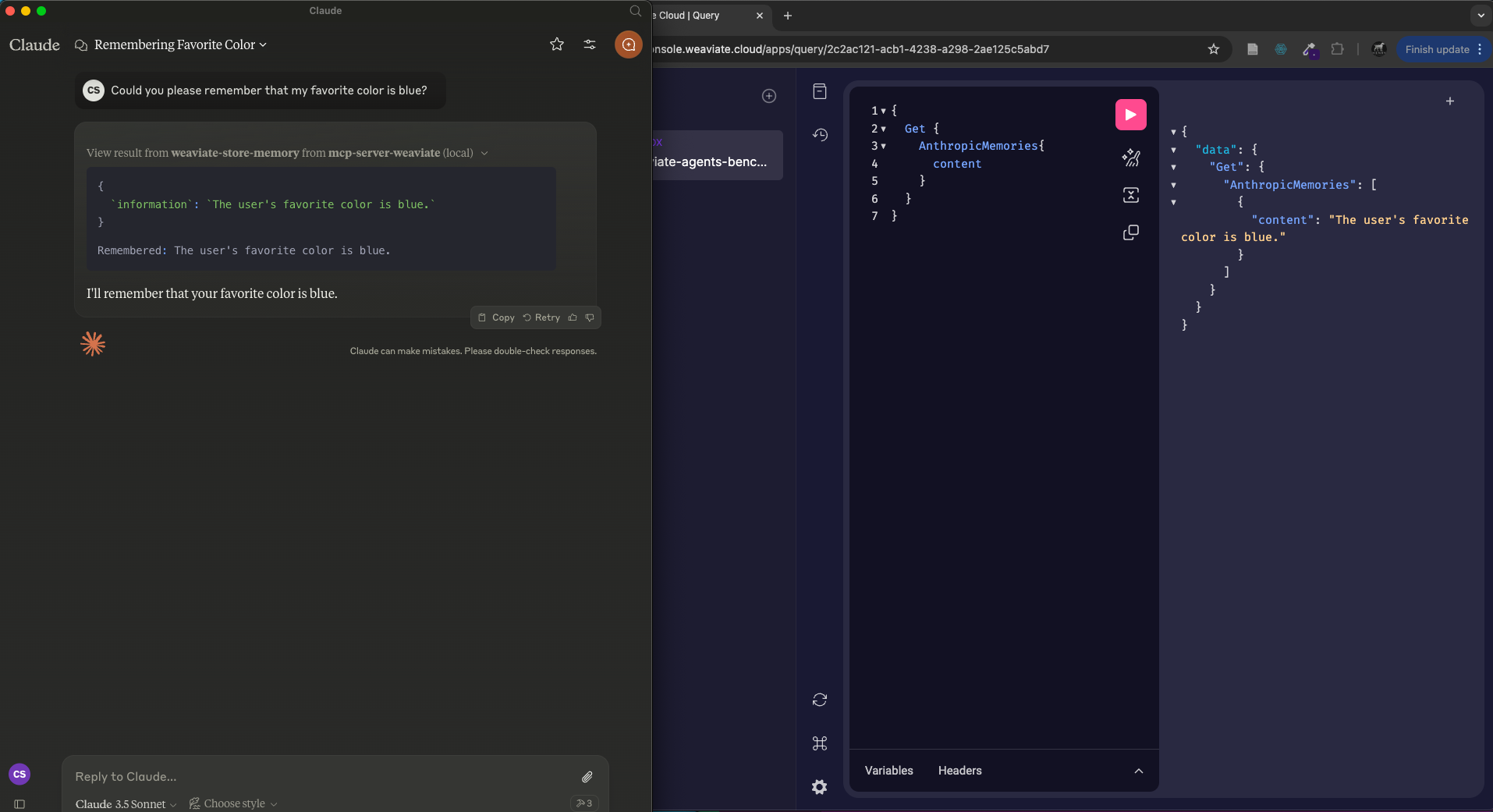
That's it! The server will respond to your query, and you can continue using it as needed.
Here is a step-by-step guide with screenshots.
mcp-server-weaviate
MCP server for Weaviate
🏎️ Quickstart
Prerequisites
Ensure you have
uvinstalled (see the docs for details)Clone this repository
Install
Installing via Smithery
To install Weaviate MCP Server for Claude Desktop automatically via Smithery:
Claude Desktop
On MacOS: ~/Library/Application\ Support/Claude/claude_desktop_config.json
On Windows: %APPDATA%/Claude/claude_desktop_config.json
Development/Unpublished Servers Configuration