
MCP 法学硕士
使用 LlamaIndexTS 库提供对 LLM 的访问的 MCP 服务器。

特征
该 MCP 服务器提供以下工具:
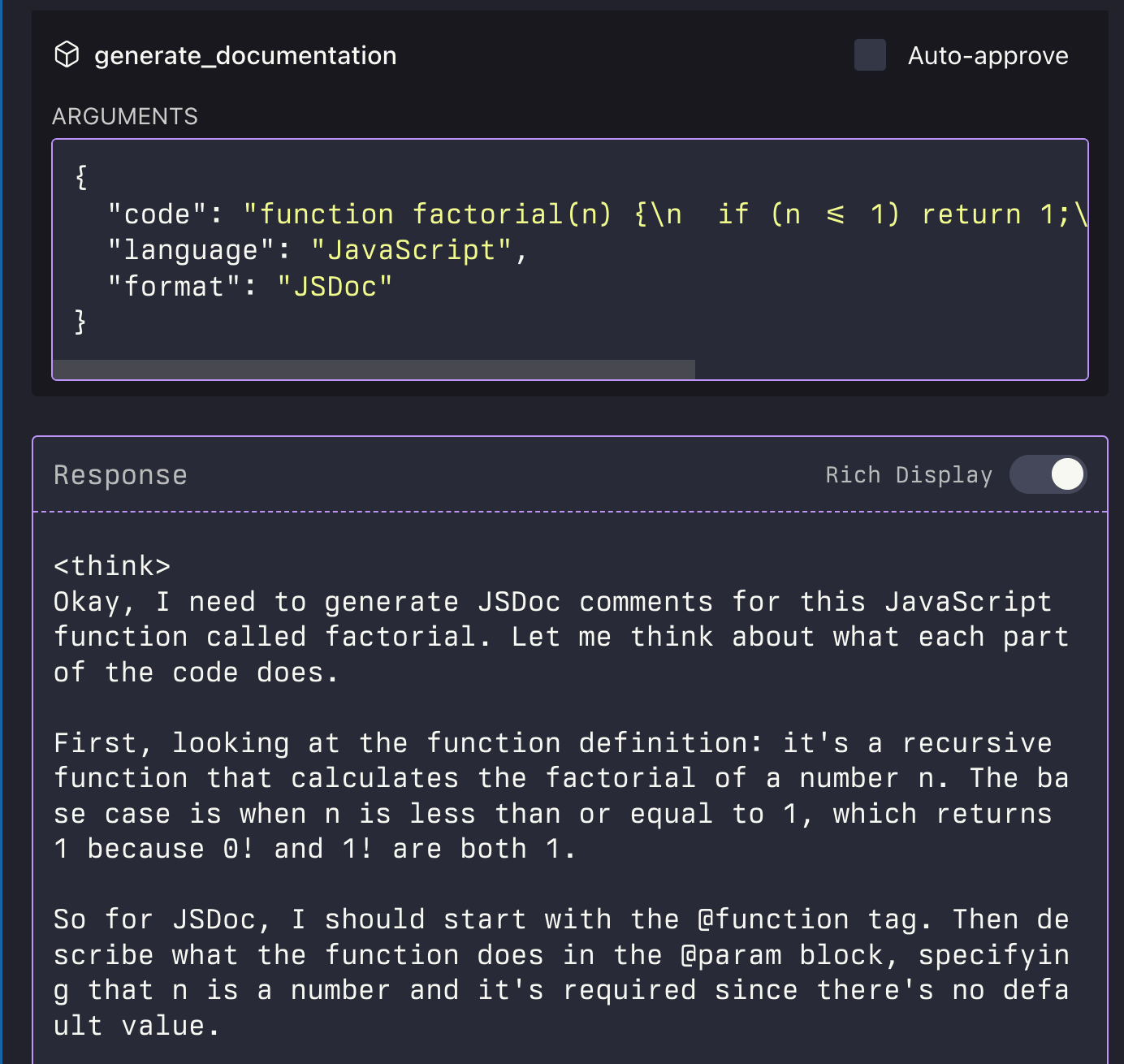
generate_code:根据描述生成代码generate_code_to_file:生成代码并将其直接写入特定行号的文件中generate_documentation:生成代码文档ask_question:向 LLM 提问

Related MCP server: MCP LLMS-TXT Documentation Server
安装
通过 Smithery 安装
要通过Smithery自动为 Claude Desktop 安装 LLM 服务器:
npx -y @smithery/cli install @sammcj/mcp-llm --client claude从源手动安装
克隆存储库
安装依赖项:
npm install构建项目:
npm run build更新您的 MCP 配置
使用示例脚本
该存储库包含一个示例脚本,演示如何以编程方式使用 MCP 服务器:
node examples/use-mcp-server.js该脚本启动 MCP 服务器并使用 curl 命令向其发送请求。
示例
生成代码
{
  "description": "Create a function that calculates the factorial of a number",
  "language": "JavaScript"
}
生成代码到文件
{
  "description": "Create a function that calculates the factorial of a number",
  "language": "JavaScript",
  "filePath": "/path/to/factorial.js",
  "lineNumber": 10,
  "replaceLines": 0
}generate_code_to_file工具支持相对路径和绝对路径。如果提供了相对路径,则会根据 MCP 服务器的当前工作目录进行解析。
生成文档
{
  "code": "function factorial(n) {\n  if (n <= 1) return 1;\n  return n * factorial(n - 1);\n}",
  "language": "JavaScript",
  "format": "JSDoc"
}
提问
{
  "question": "What is the difference between var, let, and const in JavaScript?",
  "context": "I'm a beginner learning JavaScript and confused about variable declarations."
}

