
노트 MCP
macOS에서 Apple Notes에 연결되는 MCP 서버입니다.
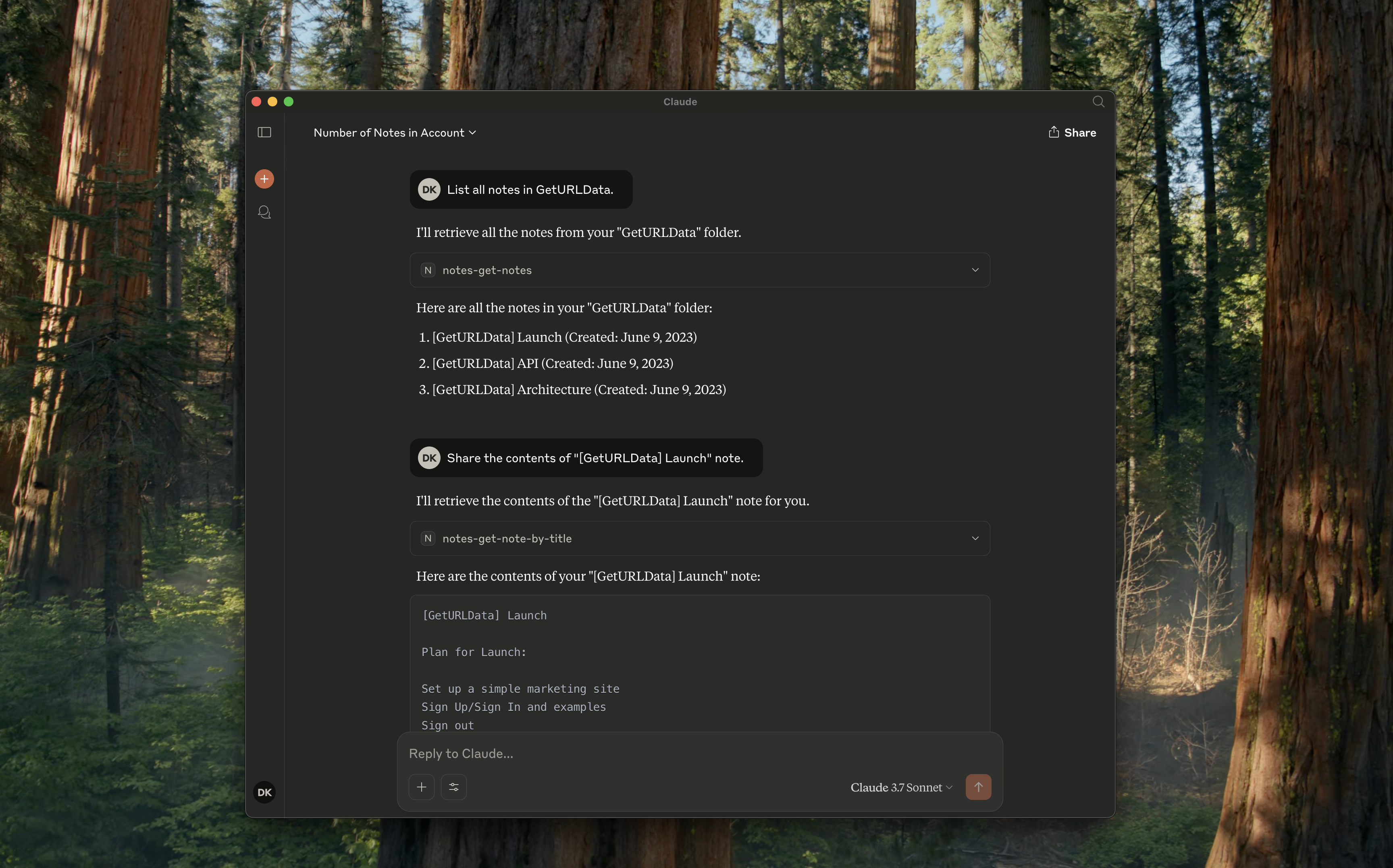
지원되는 도구
notes-get-folders: 모든 폴더를 가져옵니다.notes-get-notes: 폴더에 있는 모든 노트를 가져옵니다.notes-create-note: 제목과 내용을 입력하여 새로운 노트를 만듭니다.notes-get-note-by-id: 식별자로 노트를 가져옵니다.notes-get-note-by-title: 제목과 정확히 일치하는 항목으로 노트를 찾습니다.notes-get-note-count: 총 노트 수를 가져옵니다.
Related MCP server: mcp-my-apple-remembers
용법
그것을 만들어라
항상 종속성을 설치하고 먼저 빌드하세요.
지엑스피1
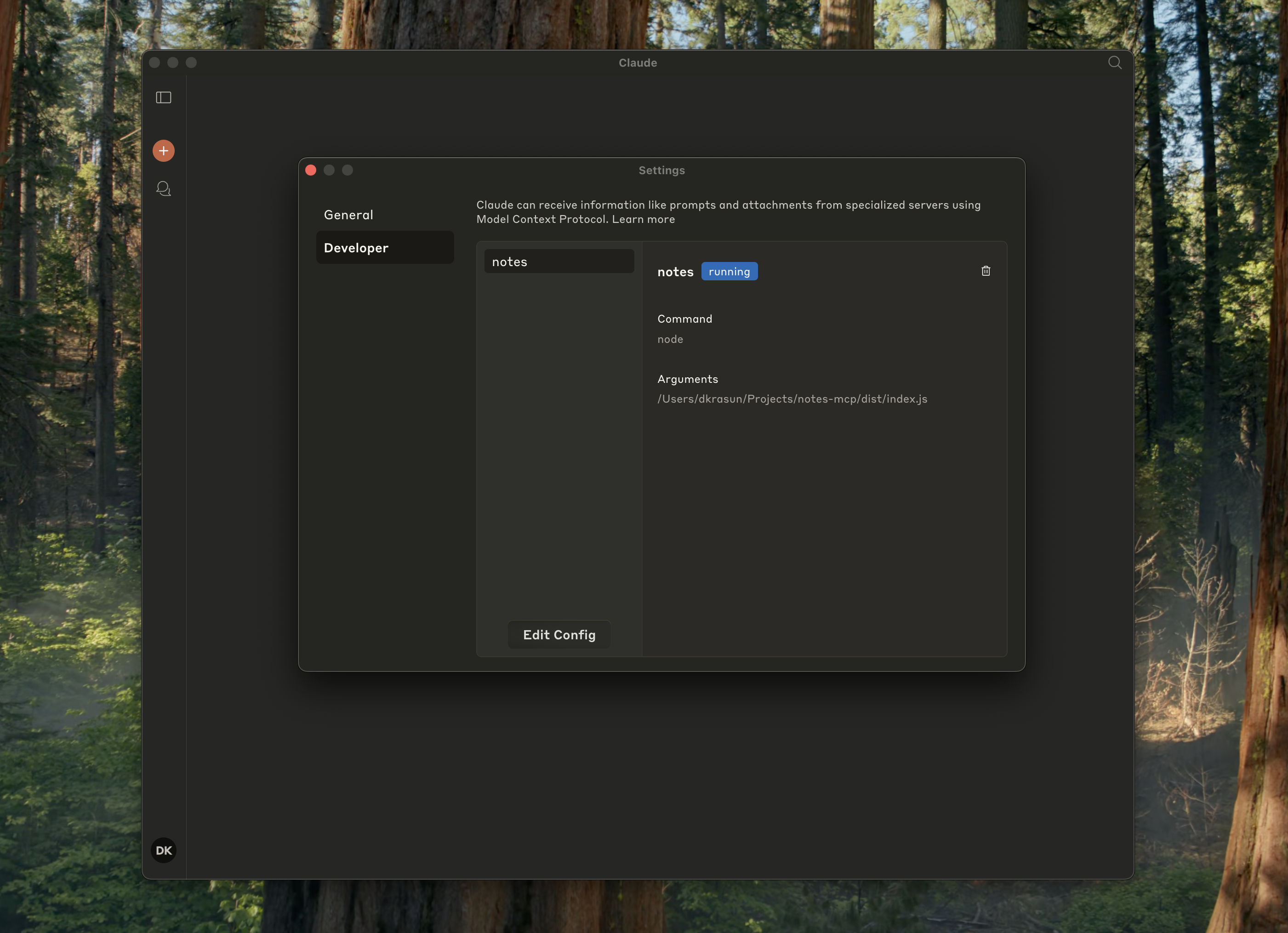
데스크톱용 Claude와 함께
~/Library/Application\ Support/Claude/claude_desktop_config.json 에 다음을 추가하세요.
{
"mcpServers": {
"notes": {
"command": "node",
"args": ["path/to/notes/mcp/dist/index.js"]
}
}
}
Claude 설정에서 실행 중인지 확인하세요.
커서 포함
{
"mcpServers": {
"notes": {
"command": "node",
"args": ["path/to/notes/mcp/dist/index.js"]
}
}
}
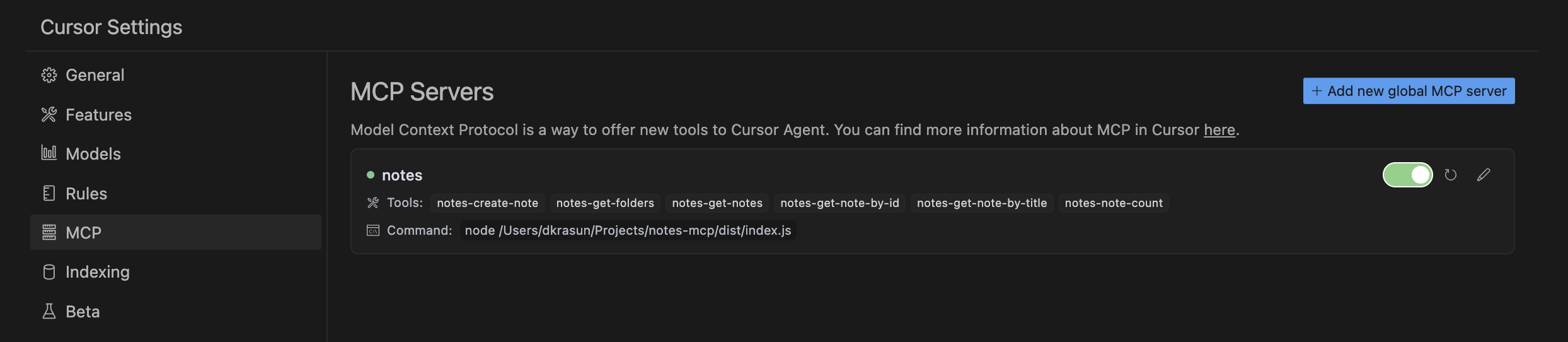
그런 다음 커서 MCP 설정을 확인하세요.
독립형 또는 다른 프로젝트용
node dist/index.js
특허
Notes MCP MIT 라이선스에 따라 라이선스가 부여되었습니다.


