
Notizen MCP
Ein MCP-Server, der eine Verbindung mit Ihren Apple Notes auf macOS herstellt.
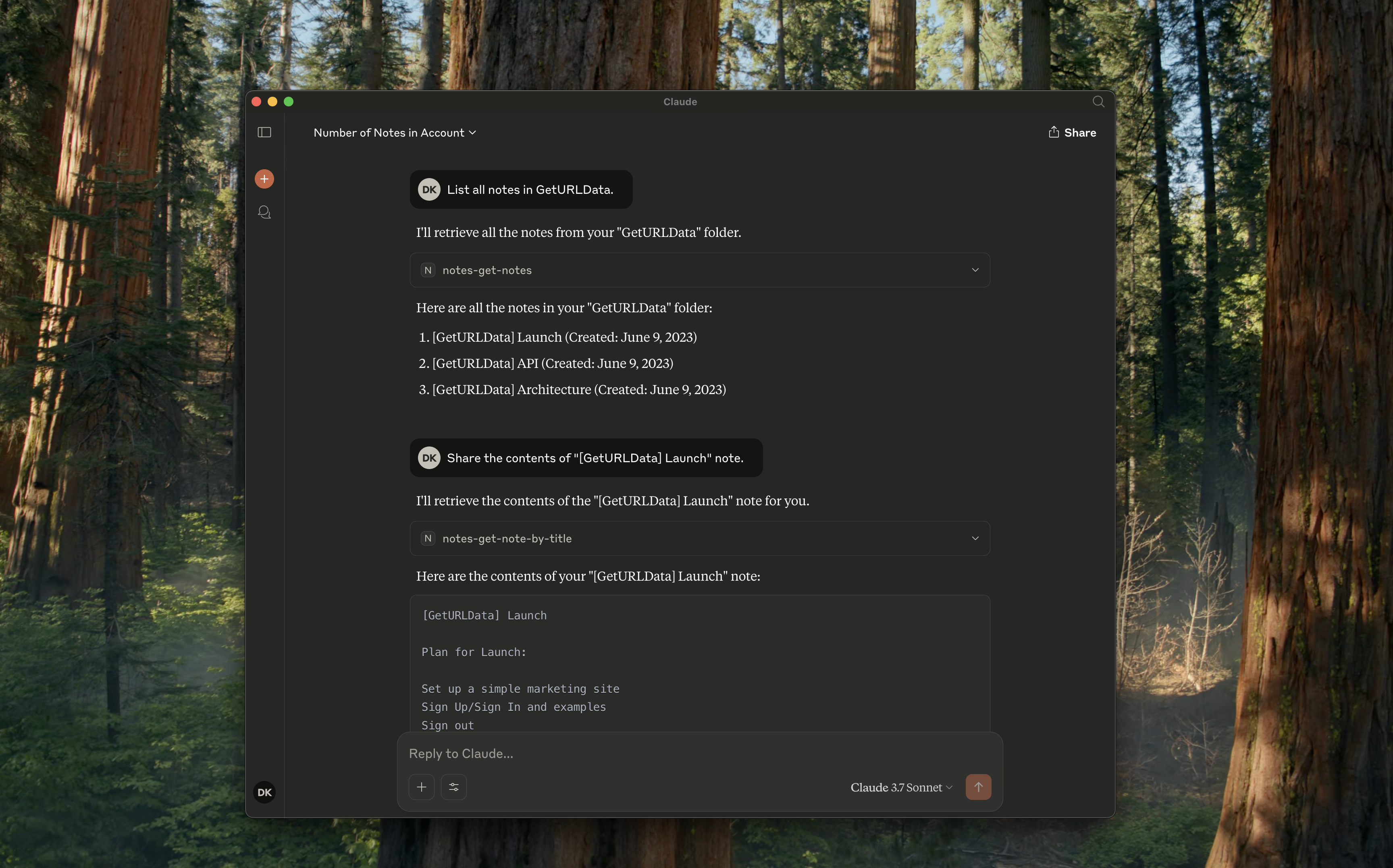
Unterstützte Tools
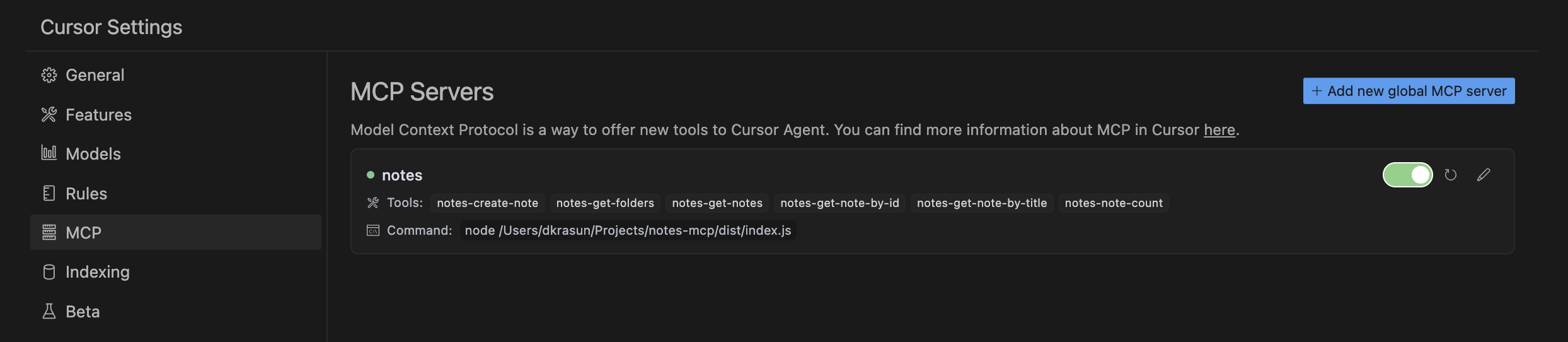
notes-get-folders: Alle Ordner abrufen.notes-get-notes: Alle Notizen in einem Ordner abrufen.notes-create-note: Erstellen Sie eine neue Notiz mit Titel und Inhalt.notes-get-note-by-id: Ruft eine Notiz anhand ihrer Kennung ab.notes-get-note-by-title: Suchen Sie eine Notiz anhand der genauen Übereinstimmung des Titels.notes-get-note-count: Ruft die Gesamtzahl der Notizen ab.
Related MCP server: mcp-my-apple-remembers
Verwendung
Bauen Sie es
Installieren Sie immer zuerst Abhängigkeiten und erstellen Sie sie:
Mit Claude für Desktop
Fügen Sie Folgendes zu Ihrer ~/Library/Application\ Support/Claude/claude_desktop_config.json hinzu:
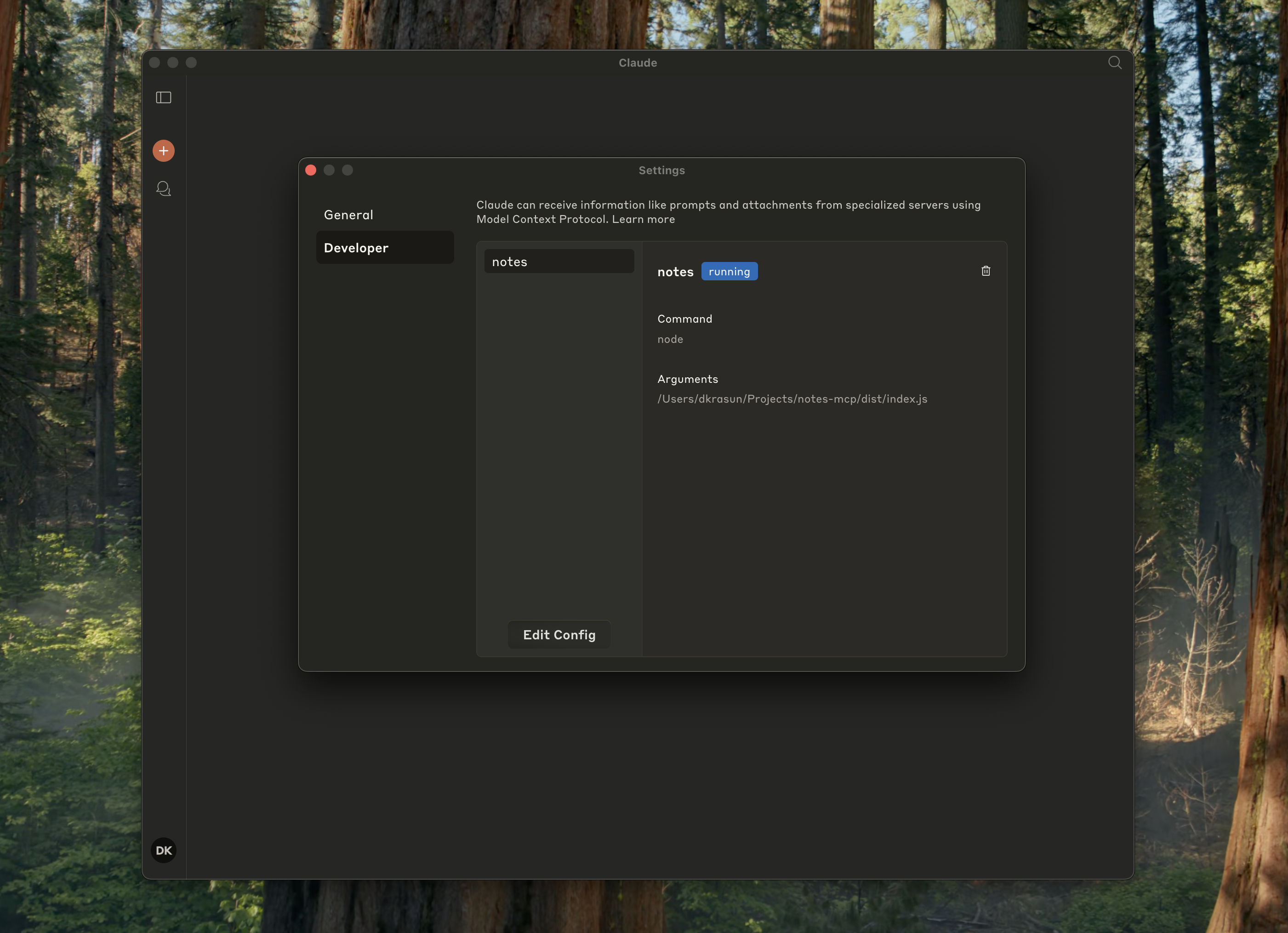
Und überprüfen Sie, ob es in den Claude-Einstellungen ausgeführt wird:
Mit Cursor
Und überprüfen Sie dann die Cursor-MCP-Einstellungen:
Standalone oder für andere Projekte
Lizenz
Notes MCP ist unter der MIT-Lizenz lizenziert.


