A
licenseNot graded
qualityD
maintenanceAn MCP server for AI agents to automate token swaps on Uniswap DEX across multiple blockchains.
3 npm
40
MIT

This server does not currently have a deployable release on Glama. Follow the repository's setup instructions to install and configure it for your MCP client, including any required credentials and local dependencies.
A tool for executing cross-chain token swaps using 1inch Fusion+ and Model Context Protocol (MCP).
Related MCP server: Armor Crypto MCP
This tool facilitates cross-chain token swaps between different blockchains (Arbitrum, Base, Polygon, etc.) using the 1inch Fusion+ API. It handles the entire swap process, from initiating orders to monitoring their execution status through a background worker system.
Dependencies must be installed using pnpm or yarn and not npm:
pnpm install
# or
yarn installThe project must be setup as a CommonJS project. The design of the library does not work in its current form if you import it as ESM.
Create a .env file in the root directory and populate it with the following variables:
DEV_PORTAL_KEY=replace_with_developer_portal_api_key
WALLET_ADDRESS=replace_with_wallet_address
WALLET_KEY=replace_with_wallet_private_key
RPC_URL_ETHEREUM=replace_with_ethereum_rpc_url
RPC_URL_BASE=replace_with_base_rpc_url
INCH_API_KEY=replace_with_1inch_api_keynpm startThis starts the Model Context Protocol server which exposes tools for cross-chain swapping and portfolio management.
The tool provides the following MCP functions that can be used with Claude or other MCP-compatible assistants:
swap: Initiates a cross-chain token swap
Parameters:
- srcChainId: Source chain ID (default: 8453/Base)
- dstChainId: Destination chain ID (default: 42161/Arbitrum)
- srcTokenAddress: Source token address
- dstTokenAddress: Destination token address
- amount: Amount to swap (in base units or human-readable format)
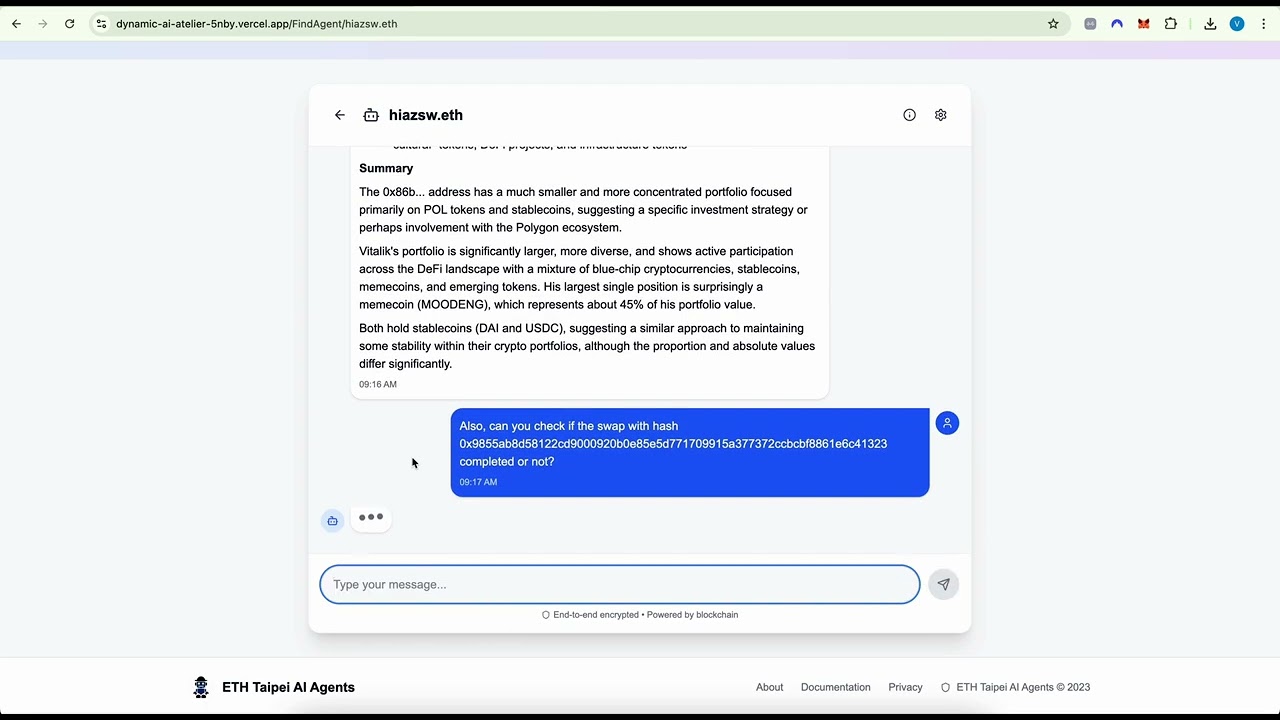
- invert: Swap direction toggle (default: false)swap-status: Checks the status of swap orders
Parameters:
- orderHash: (Optional) Specific order hash to checkportfolio-protocols-value: Gets the value of protocols in your portfolio
Parameters:
- chainId: Blockchain ID (default: 1/Ethereum)portfolio-tokens-details: Gets detailed information about tokens in your portfolio
Parameters:
- chainId: Blockchain ID (default: 1/Ethereum)
- closed: Include closed positions (default: true)
- closedThreshold: Threshold for considering positions closed (default: 1)portfolio-general-value: Gets the general value of your portfolio
Parameters:
- chainId: Blockchain ID (default: 1/Ethereum)portfolio-value-chart: Gets chart data for portfolio value over time
Parameters:
- chainId: Blockchain ID (default: 1/Ethereum)The application includes a background worker system that monitors and processes swap orders:
# Start the monitor daemon
npm run monitor:start

# Check status of all orders
npm run status

# Check status of monitor daemon
npm run monitor:status

# Stop the monitor daemon
npm run monitor:stopWhen a swap is initiated, the order information is saved to order-status.json
The monitor daemon continuously checks for new orders that need monitoring
For each new order, a dedicated worker process is spawned
The worker monitors the order status and submits secrets when needed to complete the swap
Once an order is executed, the worker is terminated and the status is updated
Built with the 1inch Cross-Chain SDK for secure cross-chain swaps
Uses Model Context Protocol for AI-assistant integration
PrivateKeyProviderConnector in the Fusion SDK supports BlockchainProviderConnector
The tool handles secret management for cross-chain swap verification
This server cannot be deployed
Non-custodial cross-chain crypto swap MCP — 1288+ assets, no KYC. Solana/EVM/Monero, RPC, oracle.
MCP server connecting AI agents to non-custodial staking data across 130+ networks.
MCP server with quote and live cryptocurrency price tools, local and cloud-deployed transports.
Li.Fi tools over MCP: cross-chain quotes, routes, execution status, chains, tokens, balances.