SeekCode
Click on "Install Server".
Wait a few minutes for the server to deploy. Once ready, it will show a "Started" state.
In the chat, type
@followed by the MCP server name and your instructions, e.g., "@SeekCodefind Python snippets for data visualization"
That's it! The server will respond to your query, and you can continue using it as needed.
Here is a step-by-step guide with screenshots.
SeekCode
Introduction
SeekCode is a modern desktop app for code management. It combines efficient code snippet organization with clipboard management, featuring tag-based search, syntax highlighting, and seamless clipboard-to-snippet conversion. It also ships with a built-in MCP server, enabling AI assistants and compatible tools to securely access and automate your snippets and clipboard via the Model Context Protocol (MCP).
Related MCP server: Code Snippet Server
Features
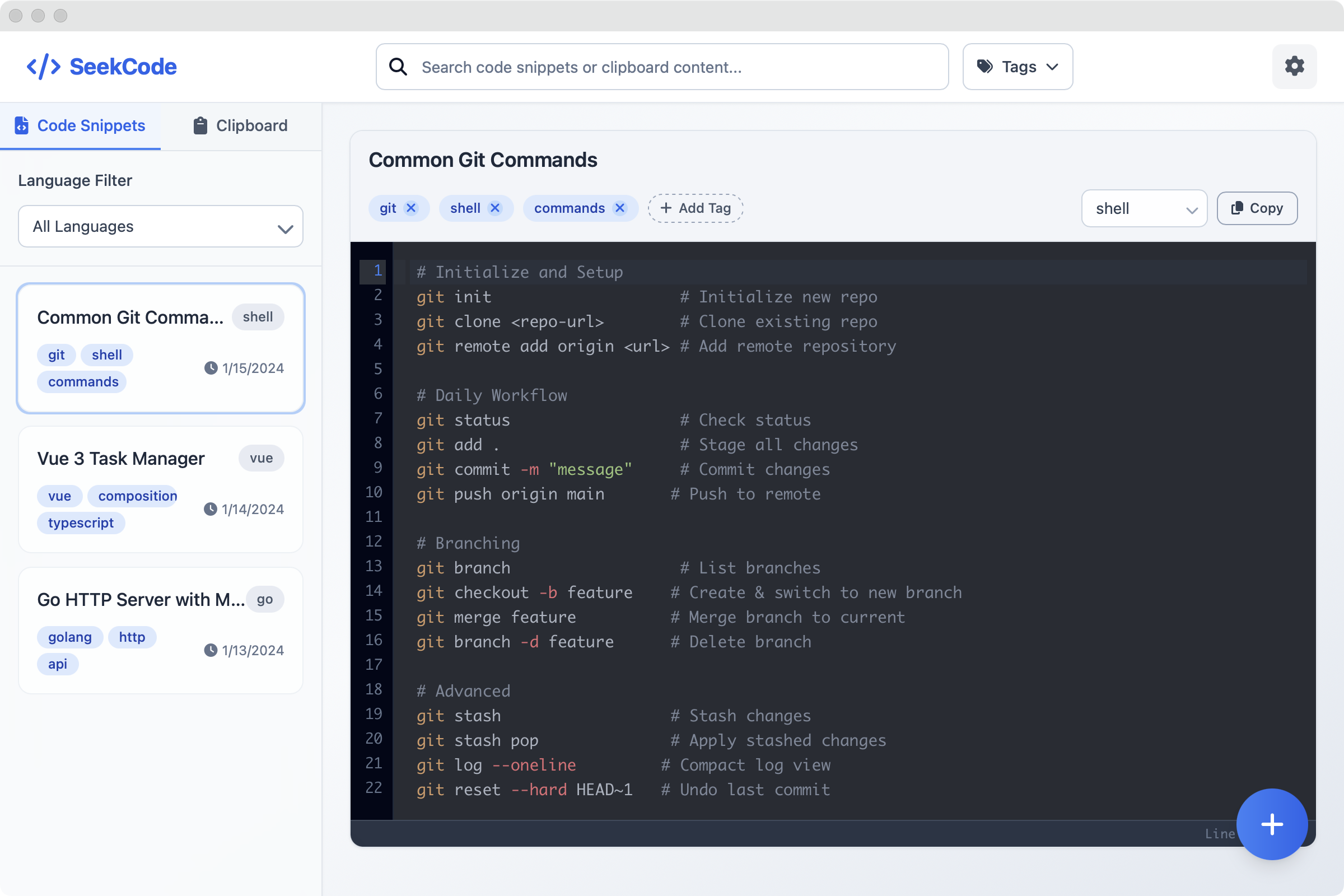
Code Snippet Management: Store and organize code snippets for multiple programming languages with syntax highlighting and tagging support
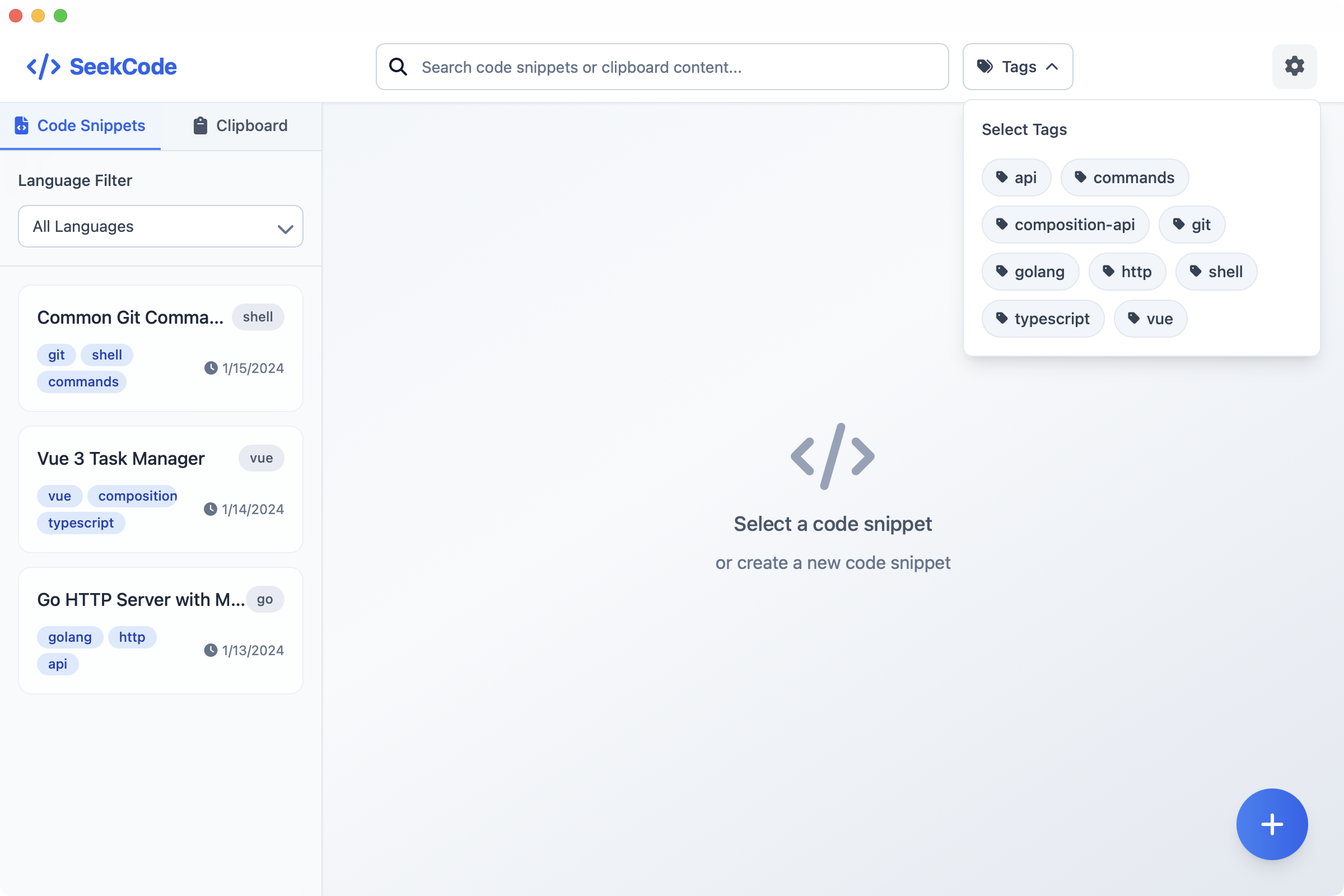
Smart Search: Quickly search and filter code snippets with powerful tag-based capabilities
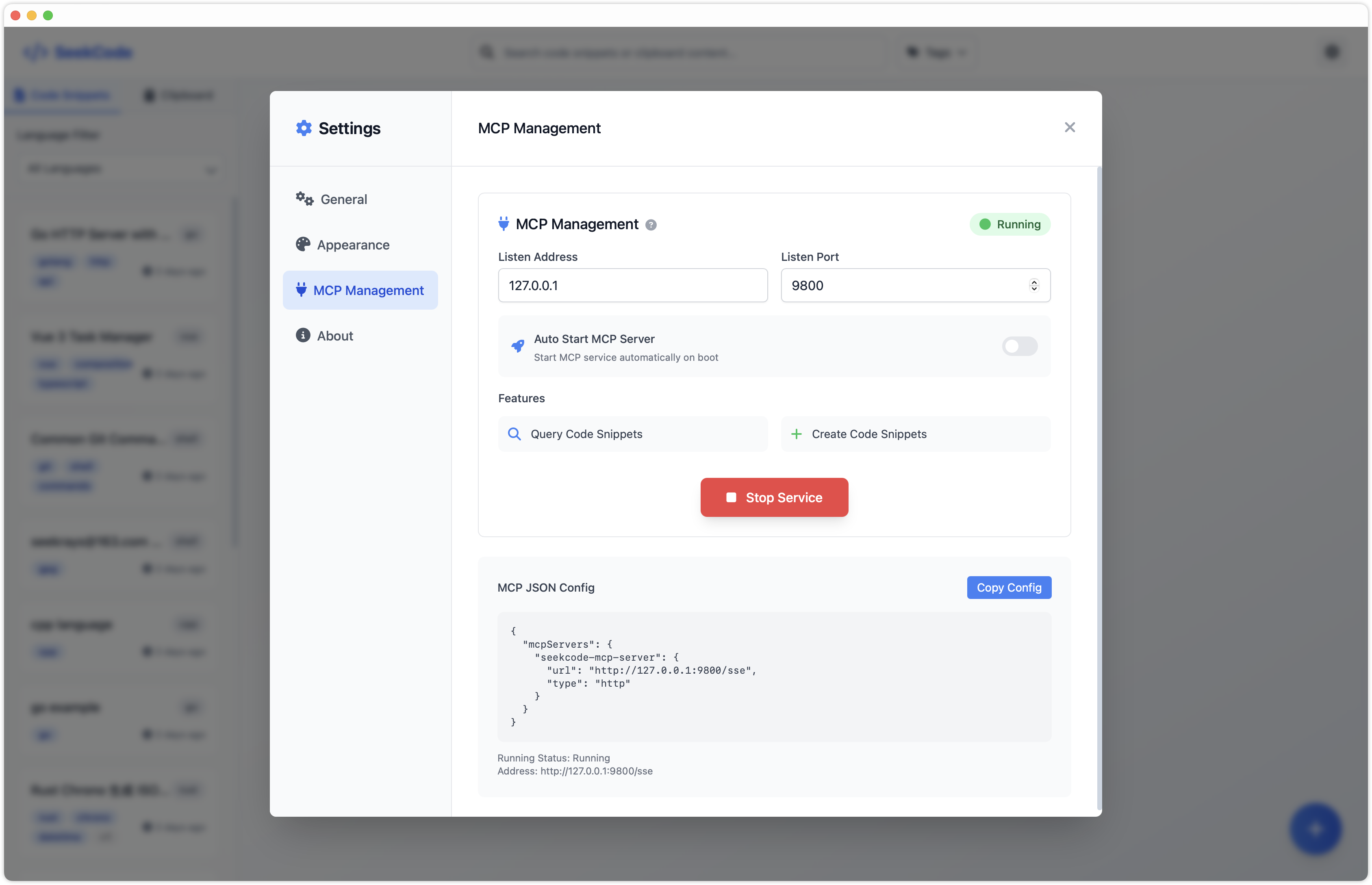
Built-in MCP Server: Enable AI assistants and compatible tools to securely access and automate your snippets and clipboard via the Model Context Protocol (MCP)
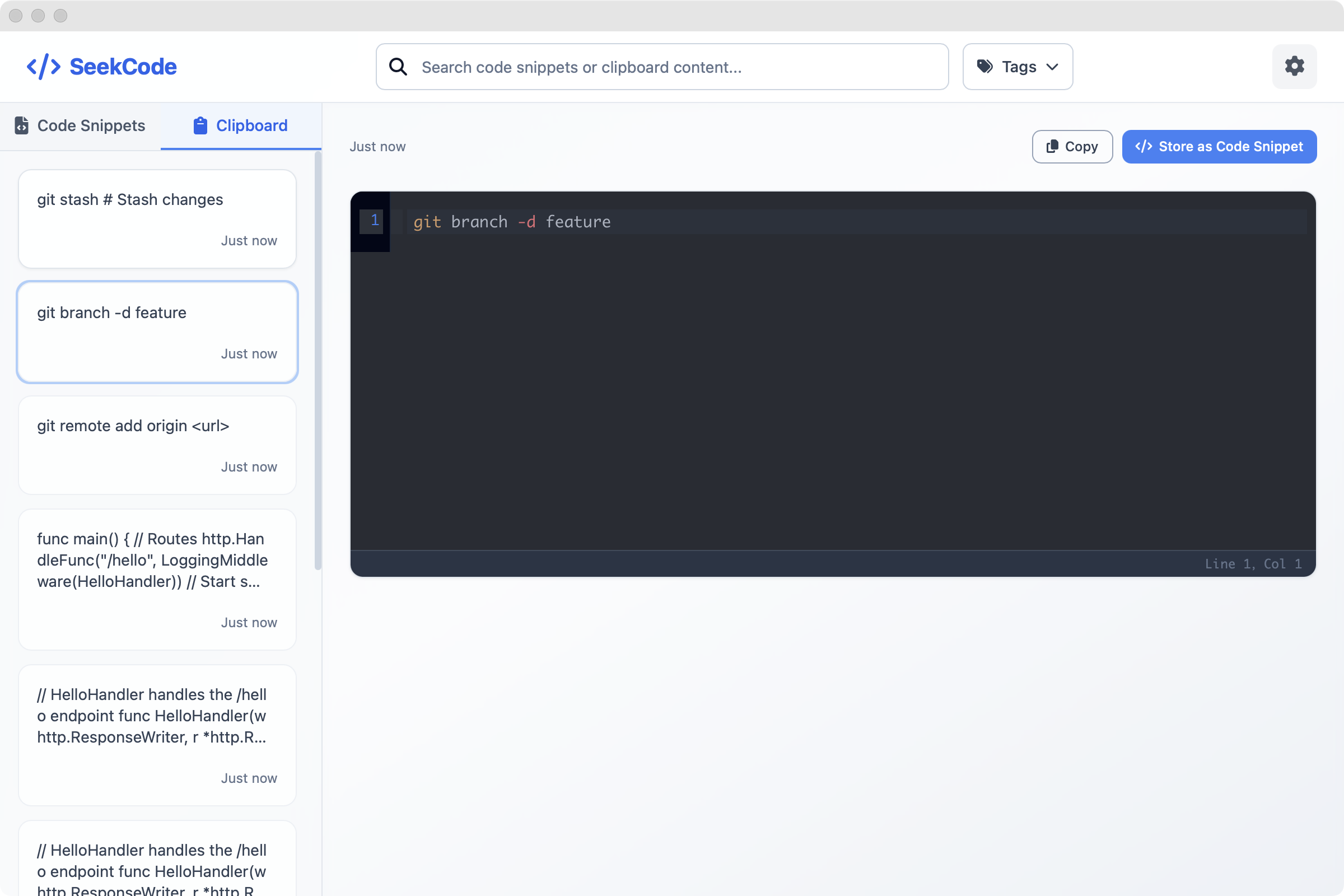
Clipboard Integration: Support one-click storage from clipboard to code snippets
Multi-Language Support: Support for JavaScript, TypeScript, Python, Rust, Go, and many other programming languages
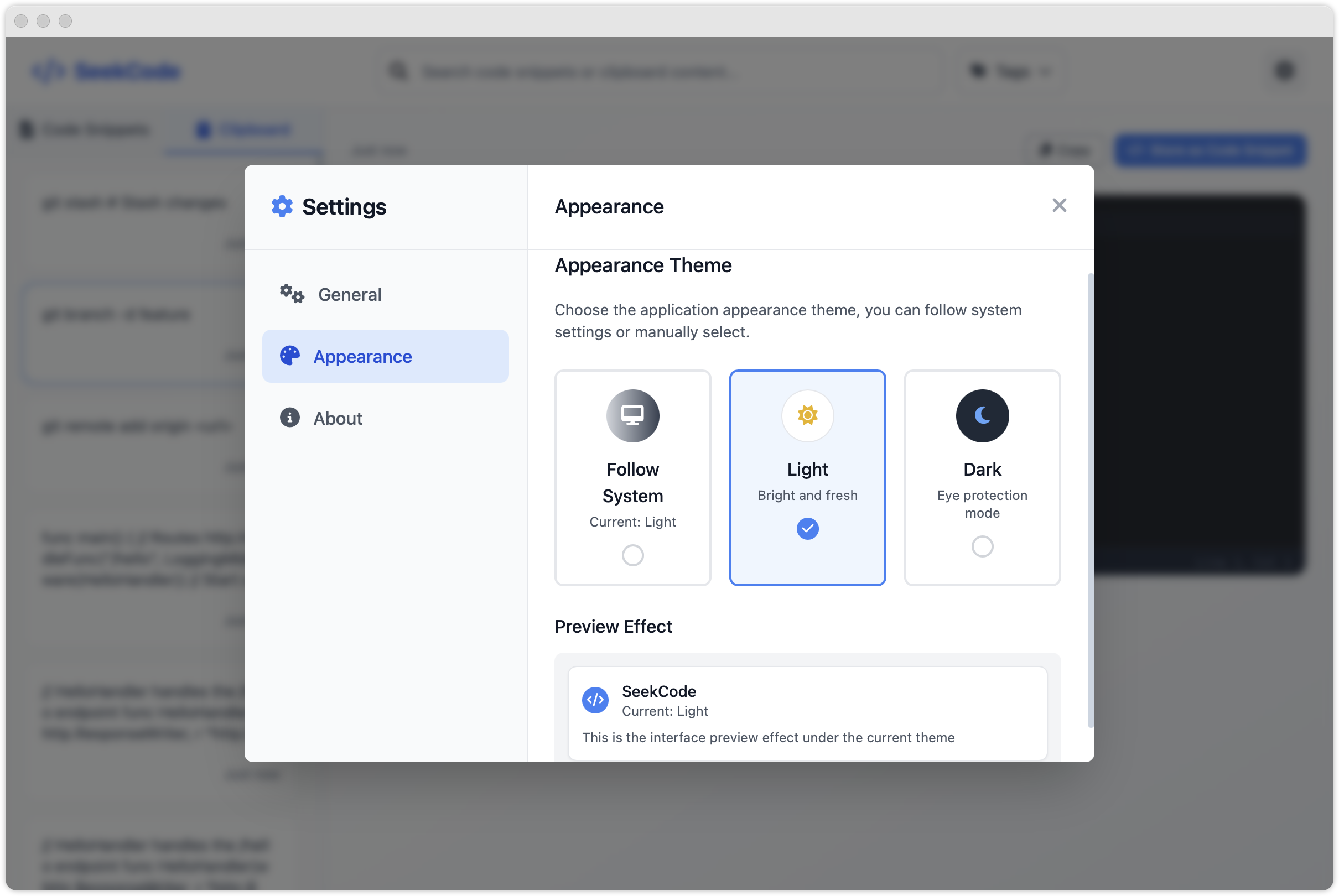
Theme Switching: Support for light, dark themes and automatic system theme following
Cross-Platform: Available for macOS and Windows with native performance and system integration
Screenshots
Code Snippets Management

Clipboard Integration

MCP Server Support

Tag-based Search

Theme Settings

Download
macOS
Windows
Contributing
Contributions are welcome! Please feel free to submit a Pull Request.
Contact Us
Email: seekrays.bot@gmail.com
Discord: seecode
微信交流群(添加小助理,拉你进群):
This server cannot be installed
Maintenance
Resources
Unclaimed servers have limited discoverability.
Looking for Admin?
If you are the server author, to access and configure the admin panel.
Appeared in Searches
Latest Blog Posts
MCP directory API
We provide all the information about MCP servers via our MCP API.
curl -X GET 'https://glama.ai/api/mcp/v1/servers/seekrays/seekcode'
If you have feedback or need assistance with the MCP directory API, please join our Discord server