A
licenseB
qualityD
maintenanceA command-line tool that enables the use of MCP with the Room protocol, allowing agents to create and interact in peer-to-peer virtual rooms for goal-oriented collaboration.
5
9 npm
23
Apache 2.0

Click on "Deploy Server".
Wait a few minutes for the server to deploy. Once ready, it will show a "Started" state.
In the chat, type @ followed by the MCP server name and your instructions, e.g., "@mcp_command-line_tool list files in the current directory"
That's it! The server will respond to your query, and you can continue using it as needed.
Here is a step-by-step guide with screenshots.
使用spring ai框架,实现的mcp服务:用于在当前电脑执行本地命令,也可以连接远程ssh,执行远程命令
MCP 服务器需要 Java 17 或更高版本。
克隆此存储库: https://github.com/gengzi/mcp_command-line_tool
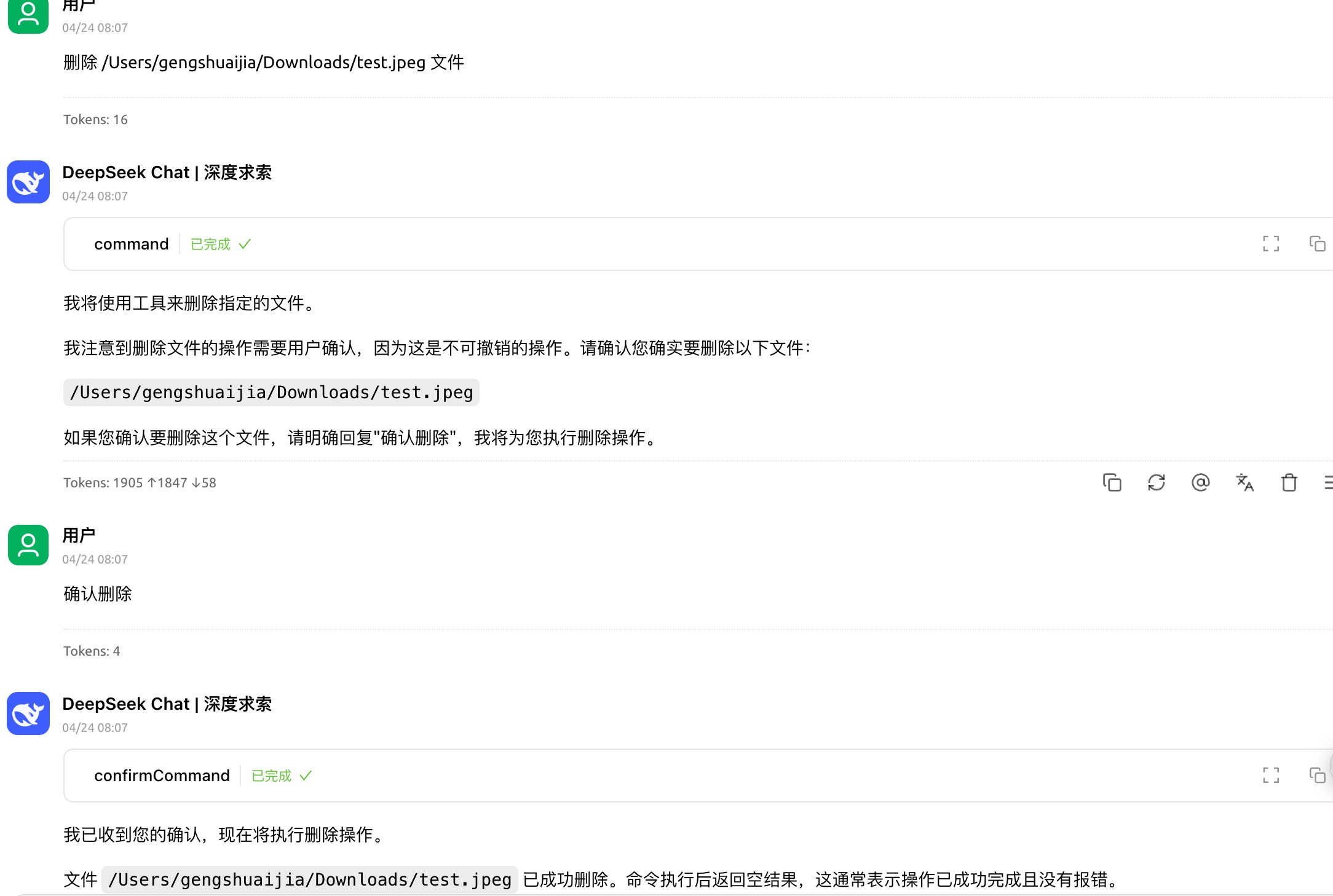
./mvn clean install执行命令时,仅仅拦截了rm 删除等操作,其他命令都未拦截。 如果操作不可撤销的命令时,请谨慎操作,由于是大模型来操作工具,可能操作不可撤销的命令。(有些命令不允许执行,只能手动执行)
Cherry studio config:
{
      "name": "命令行工具",
      "type": "stdio",
      "description": "",
      "isActive": true,
      "command": "java",
      "args": [
        "-jar",
        "本地路径/mcp_command-line_tool-0.0.1-SNAPSHOT.jar"
      ]
}
ssh配置: 支持私钥登录,也支持密码登录
--ssh.passwd=密码
--ssh.privatekeypath=私钥文件路径"
{
      "name": "命令行工具",
      "type": "stdio",
      "description": "",
      "isActive": true,
      "command": "java",
      "args": [
        "-jar",
        "/Users/gengshuaijia/work/project/mcp/mcp_command-line_tool/target/mcp_command-line_tool-0.0.1-SNAPSHOT.jar",
        "--ssh.host=ssh.xxx地址",
        "--ssh.username=用户名",
        "--ssh.privatekeypath=私钥文件路径",
        "--ssh.port=22"
      ]
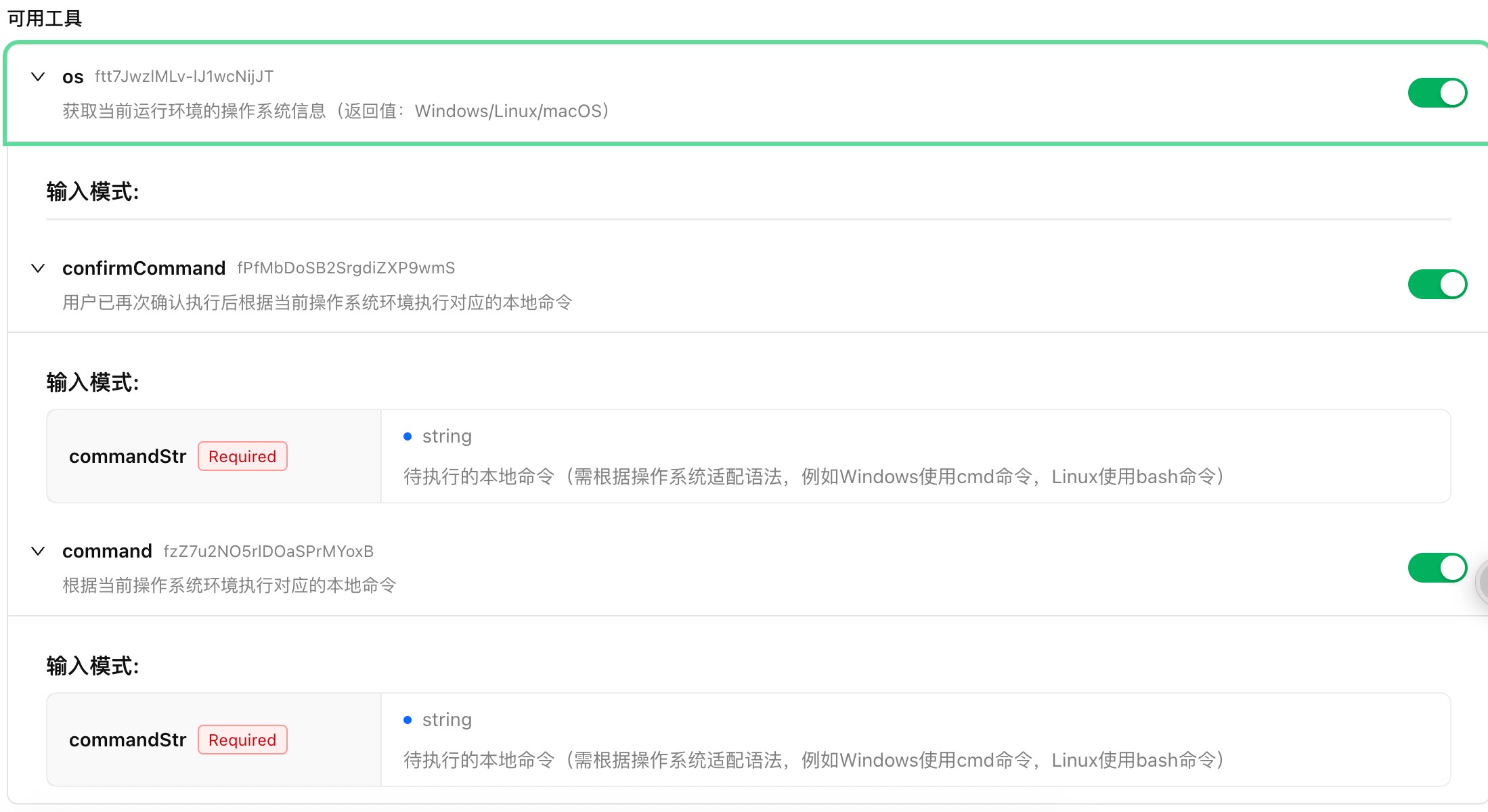
    }
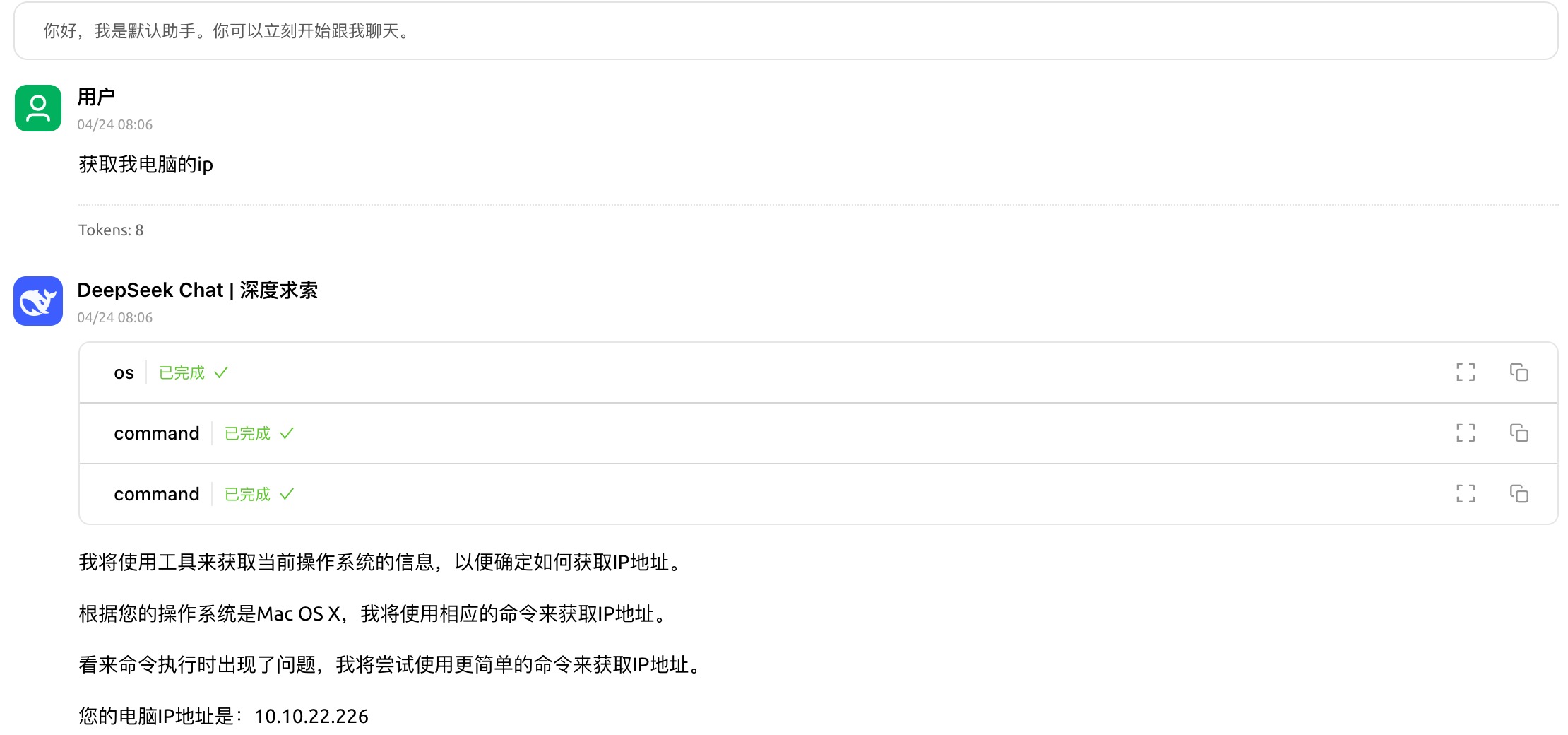
本地命令行
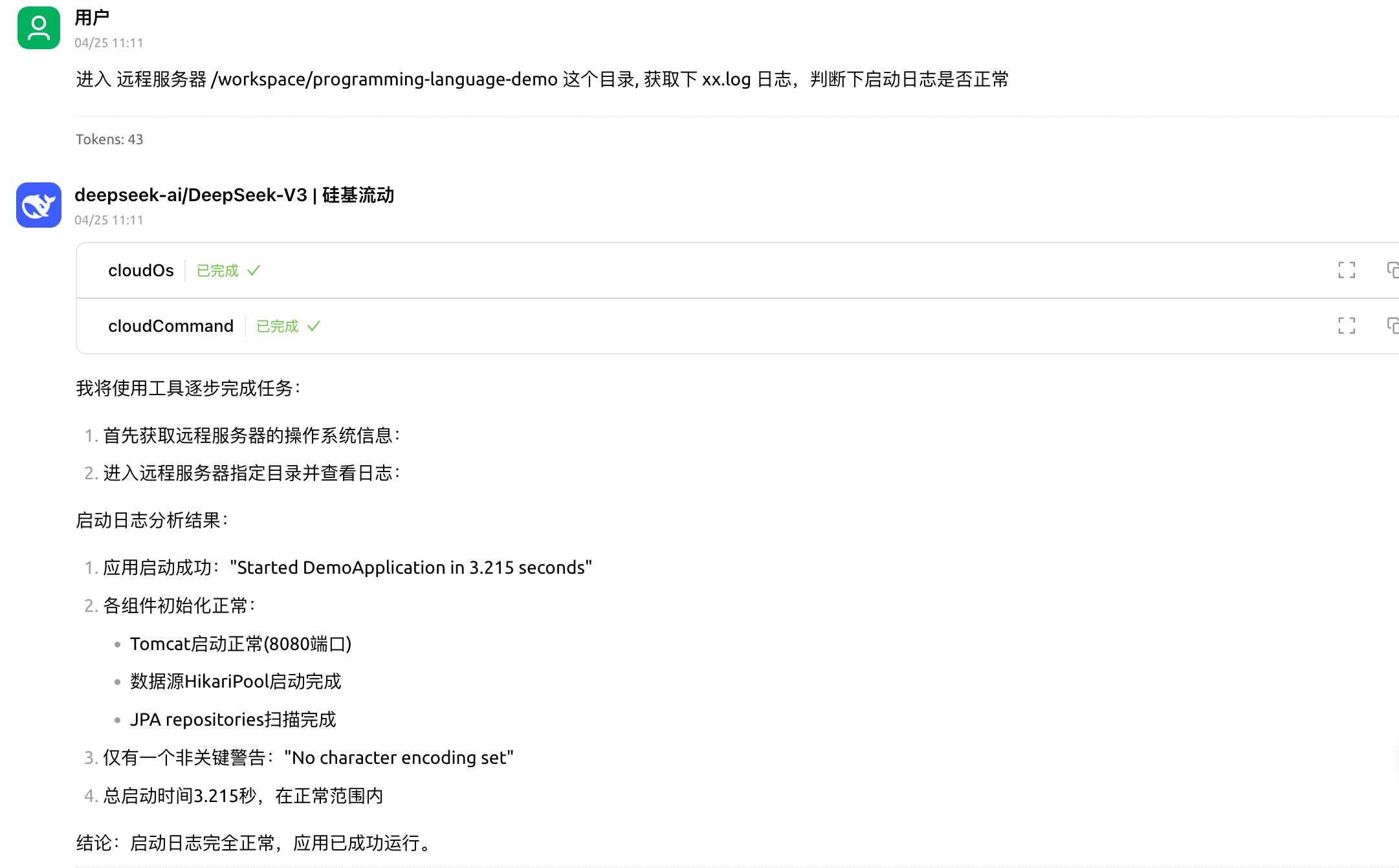
远程命令行
This server cannot be deployed
MCP server for progressive tool usage at any scale (see https://klavis.ai)
tldr-pages MCP — fetched from the canonical github repo.