Glama
Apple MCP
by jxnl

Apple MCP 도구

대장간 배지

이는 MCP 프로토콜을 위한 Apple 네이티브 도구 모음입니다.

다음은 이를 설정하는 방법에 대한 단계별 설명 영상입니다. 데모도 함께 제공됩니다. - https://x.com/DhravyaShah/status/1892694077679763671
영상

지엑스피1

빠른 설치

Smithery를 통해 Claude Desktop용 Apple MCP를 자동으로 설치하려면:

npx -y @smithery/cli@latest install @Dhravya/apple-mcp --client claude

... 커서의 경우 다음을 수행할 수 있습니다.

npx -y @smithery/cli@latest install @Dhravya/apple-mcp --client cursor

특징

  • 메시지:

    • Apple 메시지 앱을 사용하여 메시지 보내기

    • 메시지 읽기

  • 참고사항:

    • 목록 노트

    • Apple Notes 앱에서 메모 검색 및 읽기

  • 콘택트 렌즈:

    • 메시지를 보낼 연락처 검색

  • 이메일:

    • 여러 수신자(받는 사람, 참조, 숨은 참조)와 파일 첨부를 포함한 이메일 보내기

    • 사용자 정의 쿼리, 사서함 선택 및 결과 제한을 사용하여 이메일 검색

    • 향후 배송을 위한 이메일 예약

    • 예약된 이메일 나열 및 관리

    • 읽지 않은 이메일 수를 전역적으로 또는 사서함별로 확인하세요.

  • 알림:

    • 모든 알림 및 알림 목록을 나열합니다

    • 문자로 알림 검색

    • 선택 가능한 마감일 및 메모로 새로운 알림을 만듭니다.

    • 특정 알림을 보려면 알림 앱을 엽니다.

  • 달력:

    • 사용자 정의 가능한 날짜 범위로 캘린더 이벤트 검색

    • 예정된 이벤트 목록

    • 제목, 위치, 메모 등의 세부 정보를 사용하여 새 캘린더 이벤트를 만듭니다.

    • 캘린더 앱에서 캘린더 이벤트 열기

  • 웹 검색:

    • DuckDuckGo를 사용하여 웹 검색

    • 검색 결과에서 콘텐츠 검색 및 처리

  • 지도:

    • 위치 및 주소 검색

    • 즐겨찾기에 위치 저장

    • 위치 간 길찾기

    • 지도에 핀 놓기

    • 가이드 만들기 및 목록 작성

    • 가이드에 장소 추가

  • TODO: Apple Photos 앱에서 사진 검색 및 열기

  • TODO: Apple Music 앱에서 음악 검색 및 열기

명령을 데이지 체인 방식으로 연결하여 워크플로를 만들 수도 있습니다. 예를 들어, "컨퍼런스에서 만난 사람들의 메모를 읽어주시고, 연락처와 이메일을 찾아주셔서 감사하다는 메시지를 보내주시겠어요?"와 같은 명령입니다.

(작동합니다!)

수동 설치

빵만 있으면 됩니다. brew install oven-sh/bun/bun 으로 설치하세요.

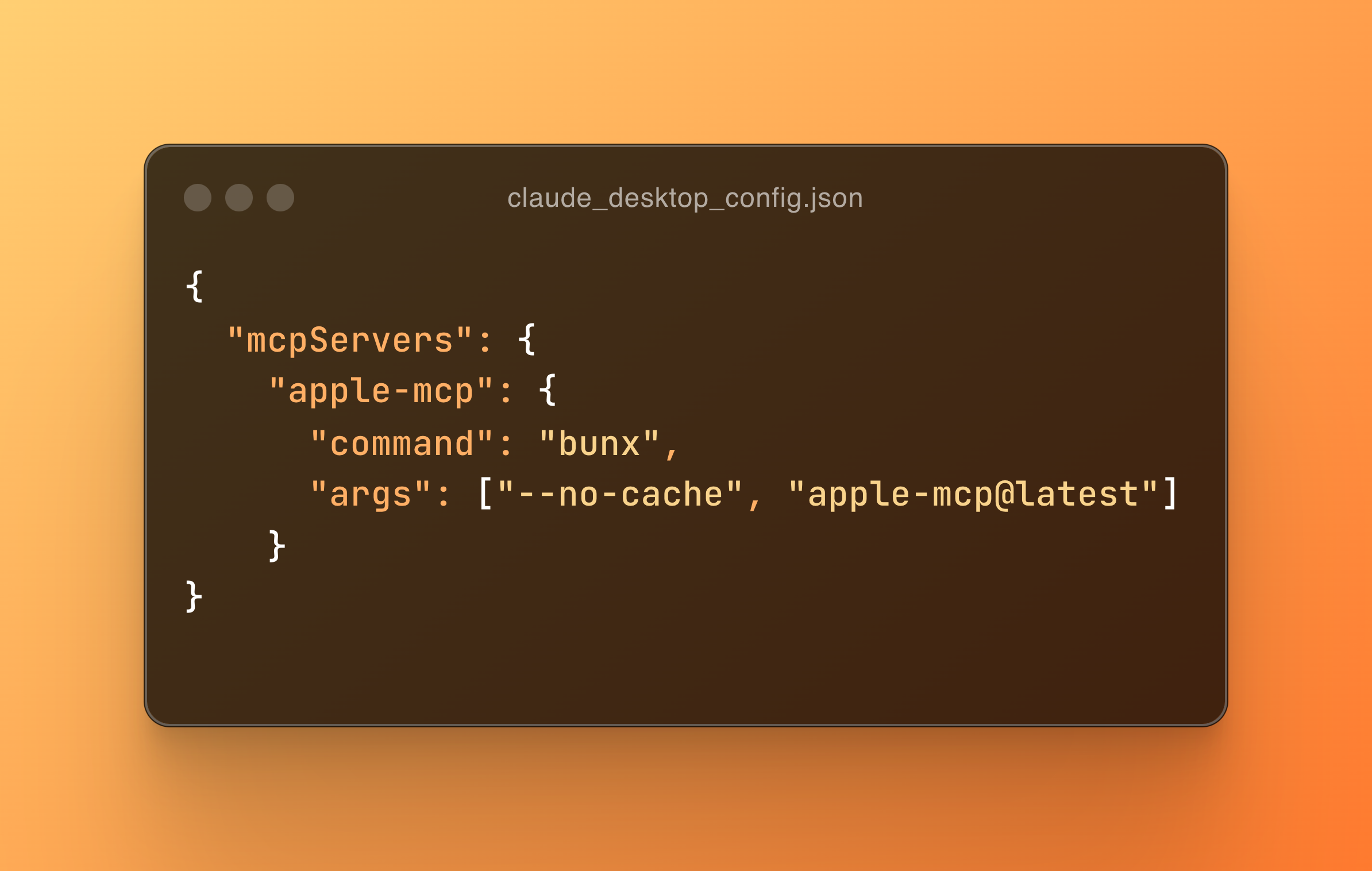
이제 다음과 같이 claude_desktop_config.json 편집하세요.

{
  "mcpServers": {
    "apple-mcp": {
      "command": "bunx",
      "args": ["@dhravya/apple-mcp@latest"]
    }
  }
}

용법

이제 Claude에게 apple-mcp 도구를 사용하도록 요청하세요.

Can you send a message to John Doe?
find all the notes related to AI and send it to my girlfriend
create a reminder to "Buy groceries" for tomorrow at 5pm

Related MCP server: Local MCP

지역 개발

git clone https://github.com/dhravya/apple-mcp.git
cd apple-mcp
bun install
bun run index.ts

즐기다!

Available Tools

7 tools
calendarC

Search, create, and open calendar events in Apple Calendar app

Inputs: operation (required), searchText, eventId, limit, +9 more.

contactsB

Search and retrieve contacts from Apple Contacts app

Inputs: name.

mailC

Interact with Apple Mail app - read unread emails, search emails, and send emails

Inputs: operation (required), account, mailbox, limit, +6 more.

mapsC

Search locations, manage guides, save favorites, and get directions using Apple Maps

Inputs: operation (required), query, limit, name, +5 more.

messagesC

Interact with Apple Messages app - send, read, schedule messages and check unread messages

Inputs: operation (required), phoneNumber, message, limit, +1 more.

notesC

Search, retrieve and create notes in Apple Notes app

Inputs: operation (required), searchText, title, body, +1 more.

remindersC

Search, create, and open reminders in Apple Reminders app

Inputs: operation (required), searchText, name, listName, +4 more.

Tool Schema Changelog

Recent tool additions, removals, and schema changes observed during successful MCP inspections.

Loading tool schema changelog…

    TDQS

    A3.5/5.0

    Scored across 7 tools

    Disambiguation5/5

    Each tool corresponds to a distinct Apple app (Calendar, Contacts, Mail, Maps, Messages, Notes, Reminders) with clearly separated purposes. There is no overlap in functionality, as each tool handles a specific domain like events, contacts, emails, locations, messages, notes, or reminders, making tool selection straightforward for an agent.

    Naming Consistency5/5

    All tool names are singular nouns (calendar, contacts, mail, maps, messages, notes, reminders) that directly reference the Apple apps they interact with. This consistent naming pattern is simple, predictable, and enhances readability across the tool set.

    Tool Count5/5

    With 7 tools, the server is well-scoped for its purpose of interacting with Apple's core productivity apps. Each tool earns its place by covering a major app, avoiding bloat while providing comprehensive coverage across common user workflows like communication, organization, and navigation.

    Completeness4/5

    The tool set offers strong coverage for basic CRUD operations across key Apple apps, such as searching, creating, and retrieving items. Minor gaps exist, like no explicit update or delete operations in some tools (e.g., notes, reminders), but agents can likely work around this using create and search functions for most use cases.

    Related MCP Connectors

    Related MCP Servers

    • F
      license
      B
      quality
      Not graded
      maintenance
      A collection of tools that enable AI assistants to interact with Apple applications and services including Contacts, Notes, Messages, Mail, Reminders, Calendar, Maps, and Web Search through the Model Context Protocol.
      8
      1
      -
    • A
      license
      C
      quality
      B
      maintenance
      Local tools that let your AI use Mail, Calendar, Contacts, Teams, Slack, WhatsApp, OneDrive, Google Drive, Notion, Outlook and Office files on Mac and Windows. Runs on your computer. Works with Claude, ChatGPT, Codex, Cursor and other MCP clients.
      404
      85
      MIT
    • A
      license
      Not graded
      quality
      D
      maintenance
      Enables Claude or any MCP client to read Apple Mail, Calendar, Photos, and create Apple Notes locally on macOS, without any data leaving the machine.
      MIT