Glama
Apple MCP
by jxnl

Apple MCPツール

鍛冶屋のバッジ

これは、MCP プロトコル用の Apple ネイティブ ツールのコレクションです。

設定方法を説明したステップバイステップのビデオとデモはこちらです。 - https://x.com/DhravyaShah/status/1892694077679763671
画像

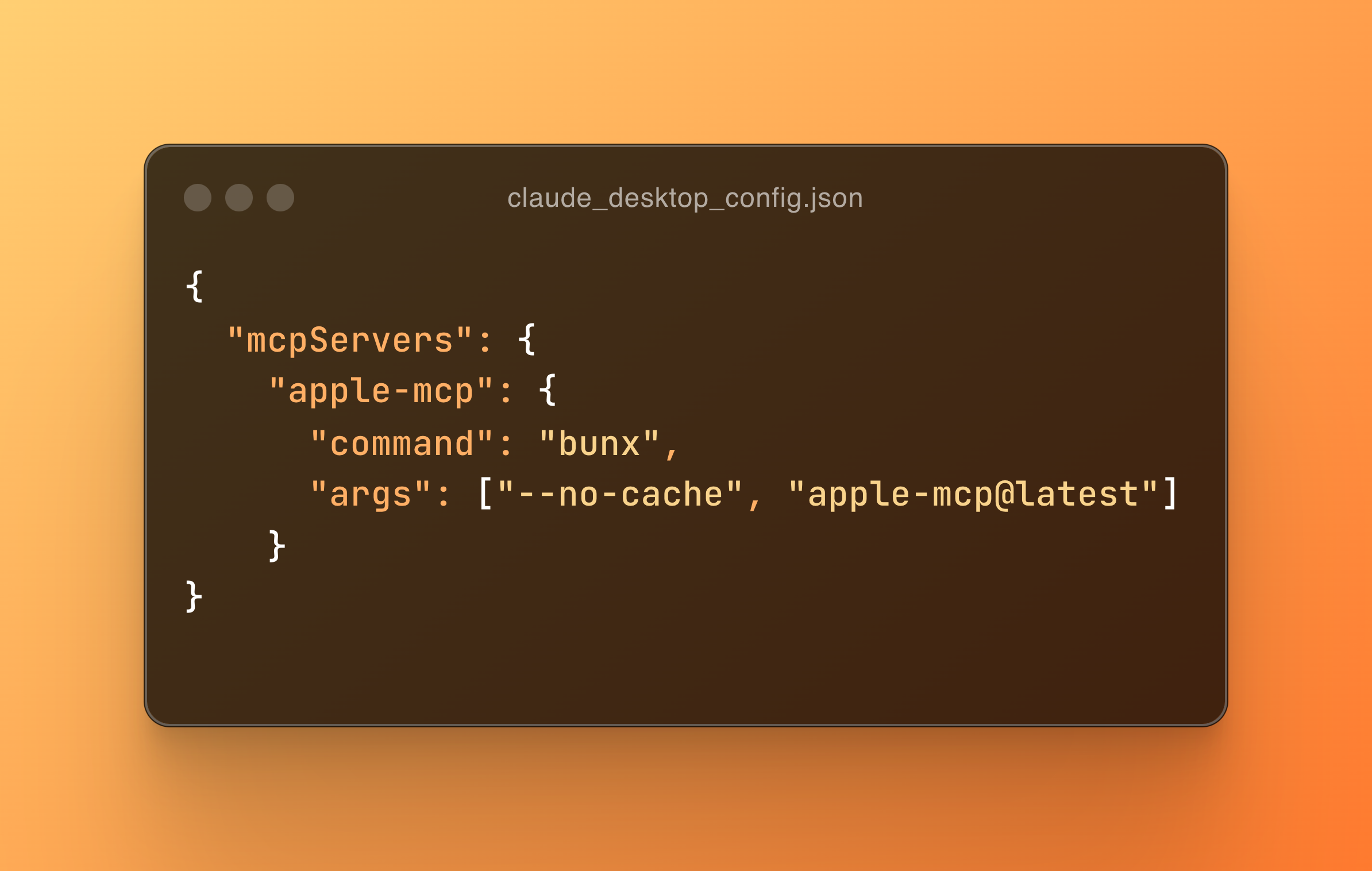
{
  "mcpServers": {
    "apple-mcp": {
      "command": "bunx",
      "args": ["--no-cache", "apple-mcp@latest"]
    }
}

クイックインストール

Smithery経由で Claude Desktop 用の Apple MCP を自動的にインストールするには:

npx -y @smithery/cli@latest install @Dhravya/apple-mcp --client claude

...カーソルの場合は次のようにします。

npx -y @smithery/cli@latest install @Dhravya/apple-mcp --client cursor

特徴

  • メッセージ:

    • Apple メッセージアプリを使用してメッセージを送信する

    • メッセージを読み上げる

  • 注記:

    • メモをリストする

    • Apple Notesアプリでメモを検索して読む

  • 連絡先:

    • メッセージを送信するための連絡先を検索する

  • メール:

    • 複数の受信者(宛先、CC、BCC)と添付ファイル付きのメールを送信する

    • カスタムクエリ、メールボックスの選択、結果の制限を使用してメールを検索します

    • 今後の配信用にメールをスケジュールする

    • スケジュールされたメールの一覧と管理

    • 未読メール数を全体またはメールボックスごとに確認する

  • リマインダー:

    • すべてのリマインダーとリマインダーリストを一覧表示する

    • テキストでリマインダーを検索する

    • オプションの期限とメモ付きの新しいリマインダーを作成する

    • 特定のリマインダーを表示するには、リマインダーアプリを開きます

  • カレンダー:

    • カスタマイズ可能な日付範囲でカレンダーイベントを検索

    • 今後のイベントをリストする

    • タイトル、場所、メモなどの詳細を含む新しいカレンダーイベントを作成します

    • カレンダーアプリでカレンダーイベントを開く

  • ウェブ検索:

    • DuckDuckGoを使ってウェブを検索する

    • 検索結果からコンテンツを取得して処理する

  • マップ:

    • 場所と住所を検索する

    • 場所をお気に入りに保存する

    • 場所間の道順を取得する

    • 地図にピンをドロップする

    • ガイドを作成してリストする

    • ガイドに場所を追加する

  • TODO: Appleの写真アプリで写真を検索して開く

  • TODO: Apple Music アプリで音楽を検索して開く

コマンドを連結してワークフローを作成することもできます。例えば、「会議で会った人たちについてのメモを読んで、連絡先とメールアドレスを見つけて、お時間を割いてくれたことへの感謝のメッセージを送ってください。」といった具合です。

(それは動作します!)

手動インストール

必要なのはbunだけです。brew brew install oven-sh/bun/bunでインストールしてください。

次に、 claude_desktop_config.json次のように編集します。

{
  "mcpServers": {
    "apple-mcp": {
      "command": "bunx",
      "args": ["@dhravya/apple-mcp@latest"]
    }
  }
}

使用法

ここで、Claude にapple-mcpツールを使用するように依頼します。

Can you send a message to John Doe?
find all the notes related to AI and send it to my girlfriend
create a reminder to "Buy groceries" for tomorrow at 5pm

Related MCP server: Local MCP

地域開発

git clone https://github.com/dhravya/apple-mcp.git
cd apple-mcp
bun install
bun run index.ts

楽しむ!

Available Tools

7 tools
calendarC

Search, create, and open calendar events in Apple Calendar app

Inputs: operation (required), searchText, eventId, limit, +9 more.

contactsB

Search and retrieve contacts from Apple Contacts app

Inputs: name.

mailC

Interact with Apple Mail app - read unread emails, search emails, and send emails

Inputs: operation (required), account, mailbox, limit, +6 more.

mapsC

Search locations, manage guides, save favorites, and get directions using Apple Maps

Inputs: operation (required), query, limit, name, +5 more.

messagesC

Interact with Apple Messages app - send, read, schedule messages and check unread messages

Inputs: operation (required), phoneNumber, message, limit, +1 more.

notesC

Search, retrieve and create notes in Apple Notes app

Inputs: operation (required), searchText, title, body, +1 more.

remindersC

Search, create, and open reminders in Apple Reminders app

Inputs: operation (required), searchText, name, listName, +4 more.

Tool Schema Changelog

Recent tool additions, removals, and schema changes observed during successful MCP inspections.

Loading tool schema changelog…

    TDQS

    A3.5/5.0

    Scored across 7 tools

    Disambiguation5/5

    Each tool corresponds to a distinct Apple app (Calendar, Contacts, Mail, Maps, Messages, Notes, Reminders) with clearly separated purposes. There is no overlap in functionality, as each tool handles a specific domain like events, contacts, emails, locations, messages, notes, or reminders, making tool selection straightforward for an agent.

    Naming Consistency5/5

    All tool names are singular nouns (calendar, contacts, mail, maps, messages, notes, reminders) that directly reference the Apple apps they interact with. This consistent naming pattern is simple, predictable, and enhances readability across the tool set.

    Tool Count5/5

    With 7 tools, the server is well-scoped for its purpose of interacting with Apple's core productivity apps. Each tool earns its place by covering a major app, avoiding bloat while providing comprehensive coverage across common user workflows like communication, organization, and navigation.

    Completeness4/5

    The tool set offers strong coverage for basic CRUD operations across key Apple apps, such as searching, creating, and retrieving items. Minor gaps exist, like no explicit update or delete operations in some tools (e.g., notes, reminders), but agents can likely work around this using create and search functions for most use cases.

    Related MCP Connectors

    Related MCP Servers

    • F
      license
      B
      quality
      Not graded
      maintenance
      A collection of tools that enable AI assistants to interact with Apple applications and services including Contacts, Notes, Messages, Mail, Reminders, Calendar, Maps, and Web Search through the Model Context Protocol.
      8
      1
      -
    • A
      license
      C
      quality
      B
      maintenance
      Local tools that let your AI use Mail, Calendar, Contacts, Teams, Slack, WhatsApp, OneDrive, Google Drive, Notion, Outlook and Office files on Mac and Windows. Runs on your computer. Works with Claude, ChatGPT, Codex, Cursor and other MCP clients.
      404
      85
      MIT
    • A
      license
      Not graded
      quality
      D
      maintenance
      Enables Claude or any MCP client to read Apple Mail, Calendar, Photos, and create Apple Notes locally on macOS, without any data leaving the machine.
      MIT