

F
licenseNot graded
qualityF
maintenanceServer for using Dify. It achieves the invocation of the Dify workflow by calling the tools of MCP.
280
-

作者: hjlarry
版本: 0.0.3
**类型:**扩展
仓库: https ://github.com/hjlarry/dify-plugin-mcp_server
功能请求:问题
Dify 端点插件可将 dify 应用程序更改为 mcp 服务器。
为了保证数据安全,请在您的私人网络中专门使用此插件。
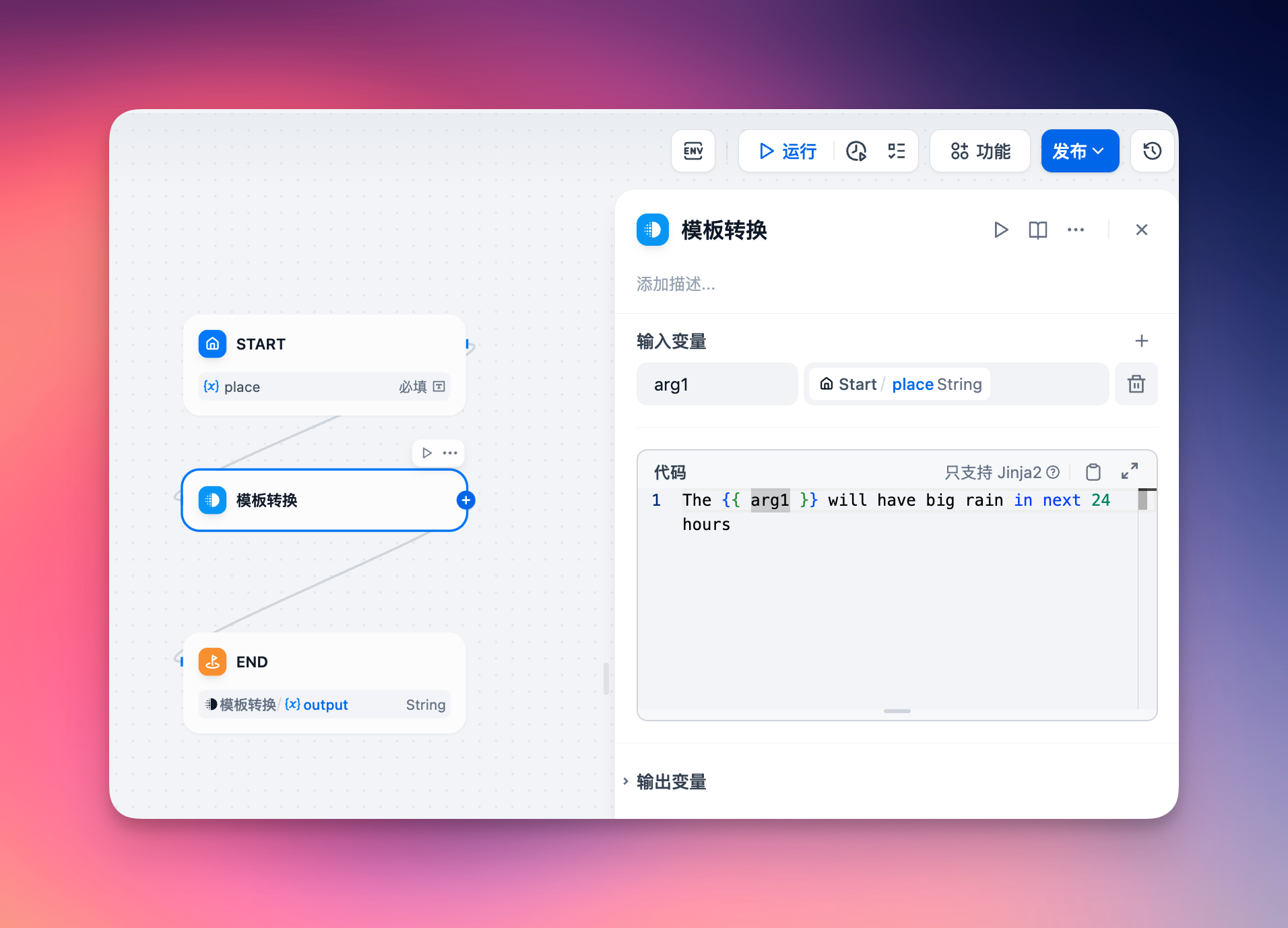
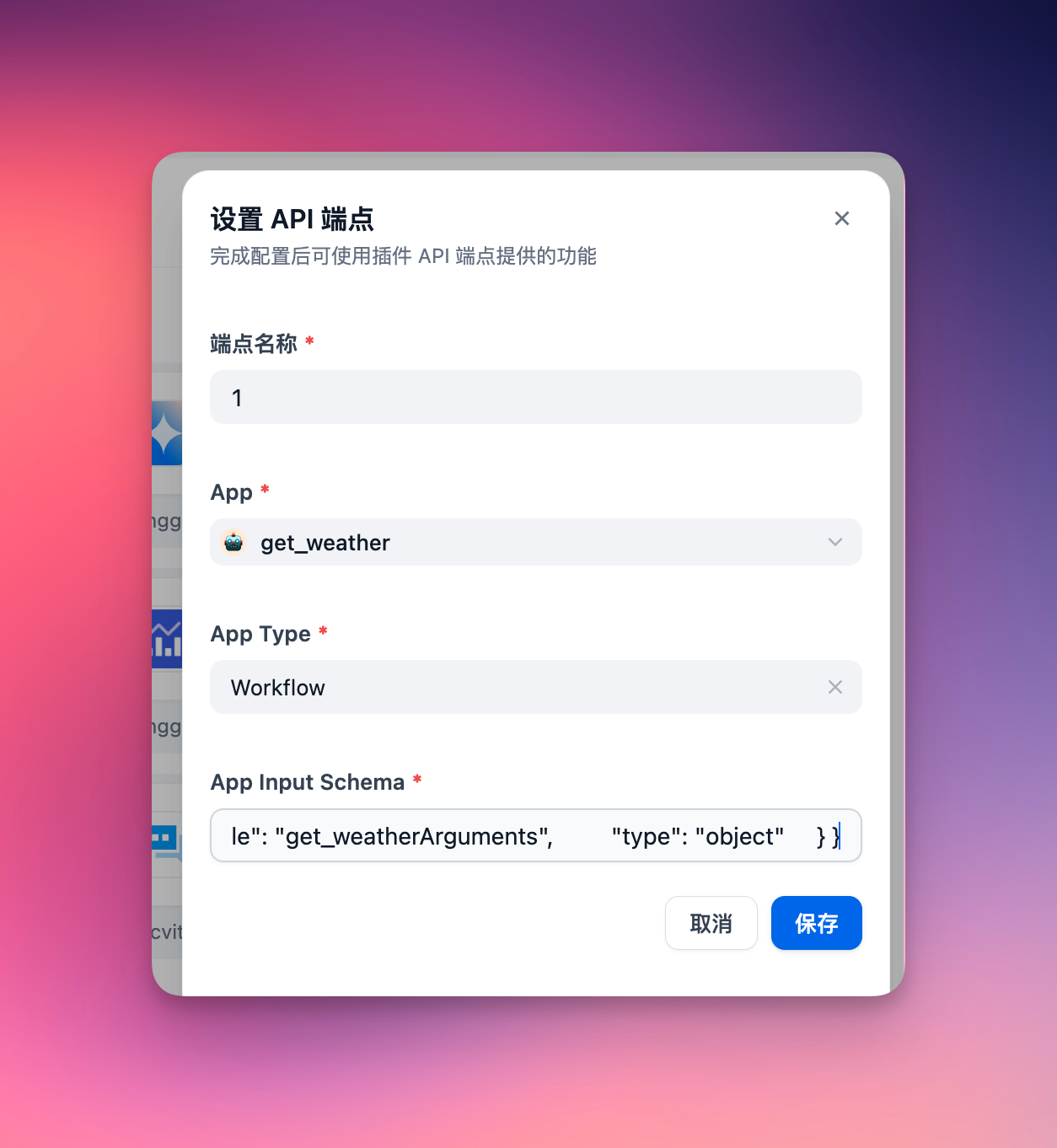
应用的输入架构必须定义其输入参数。对于聊天应用,请确保在输入架构中包含query字段,格式如下:
{
    "name": "get_weather",
    "description": "Get weather status for a place.",
    "inputSchema": {
        "properties": {
            "place": {"title": "Place", "type": "string"}
        },
        "required": ["place"],
        "title": "get_weatherArguments",
        "type": "object"
    }
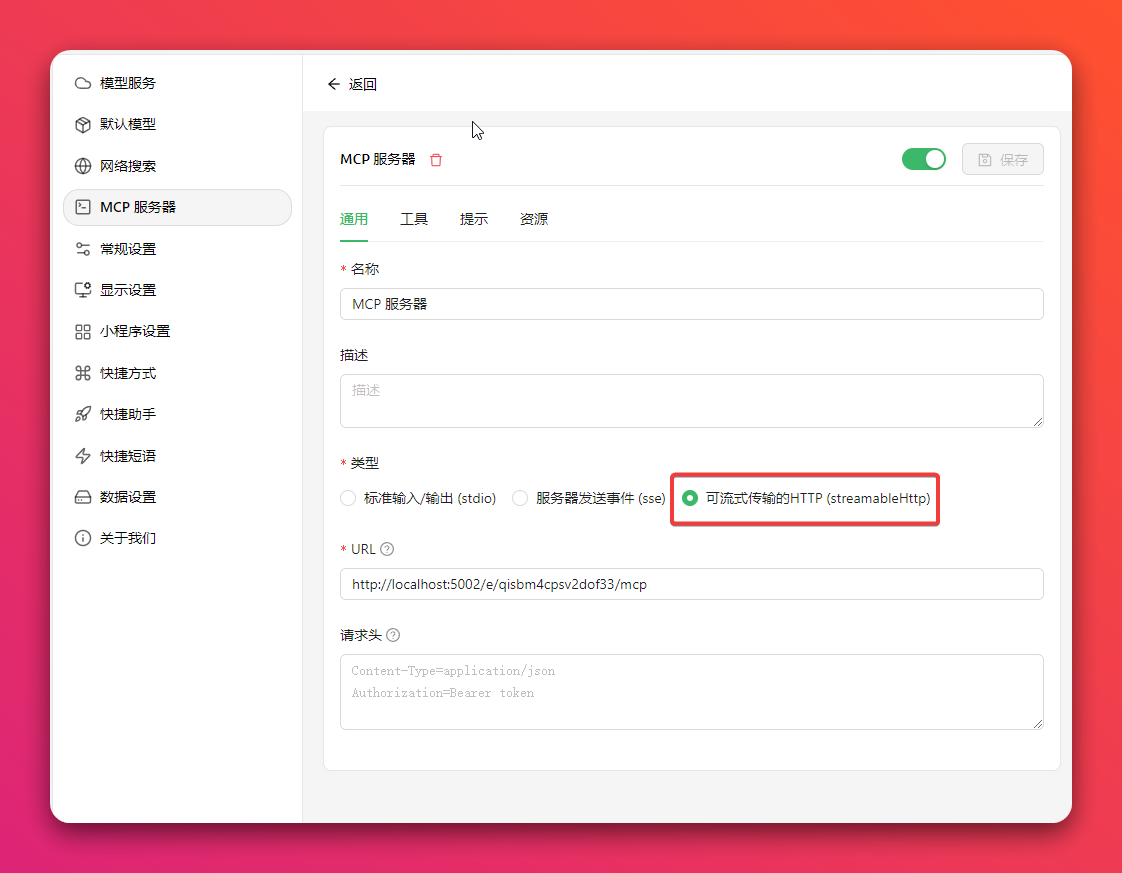
}Cherry Studio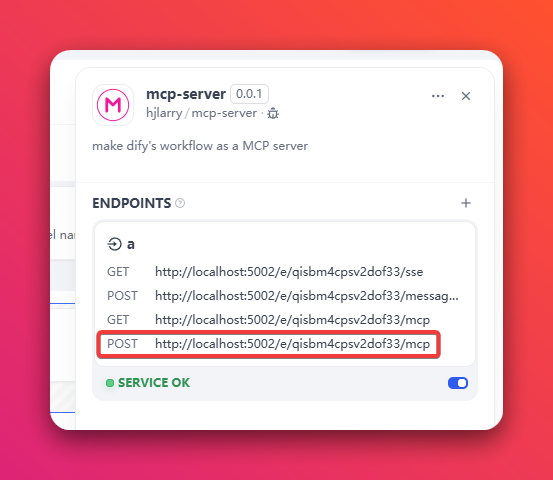
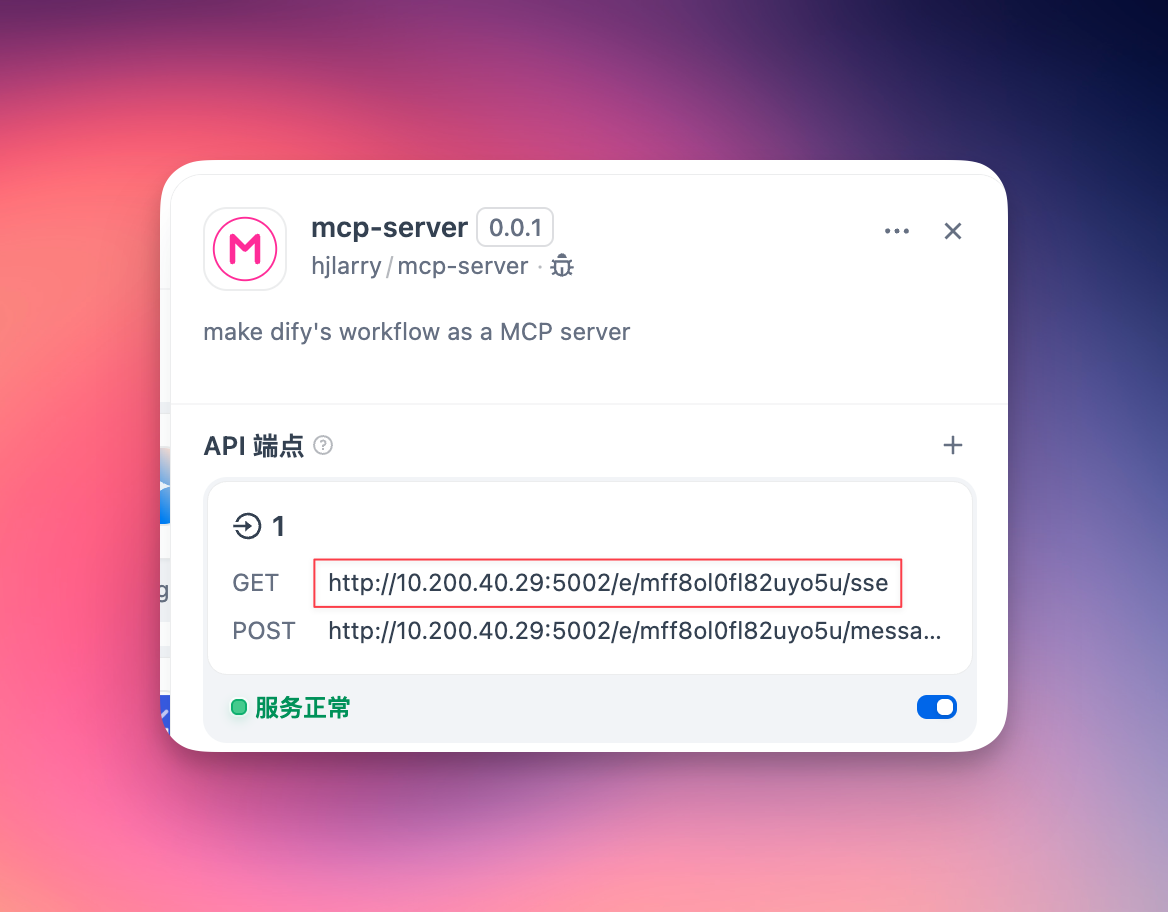
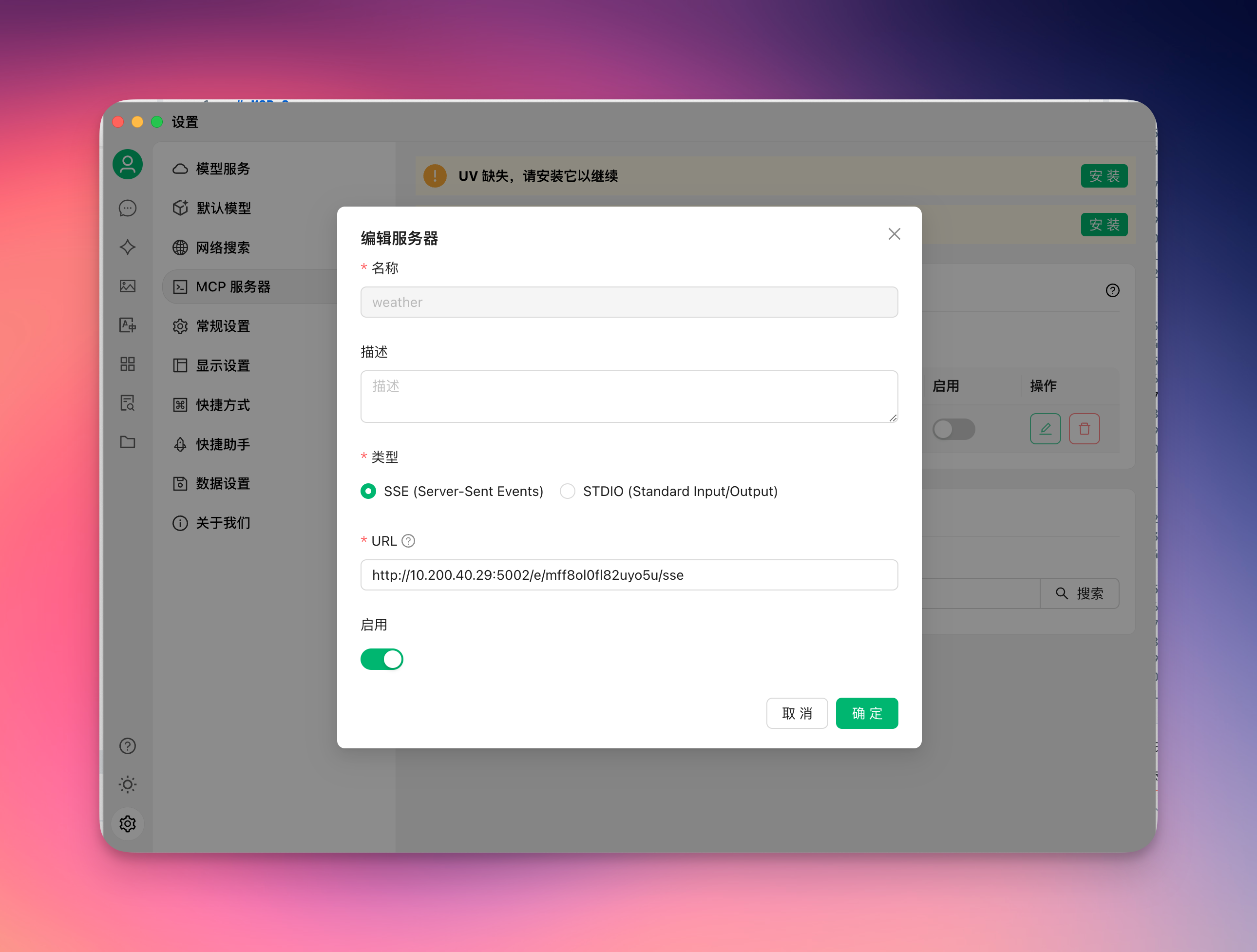
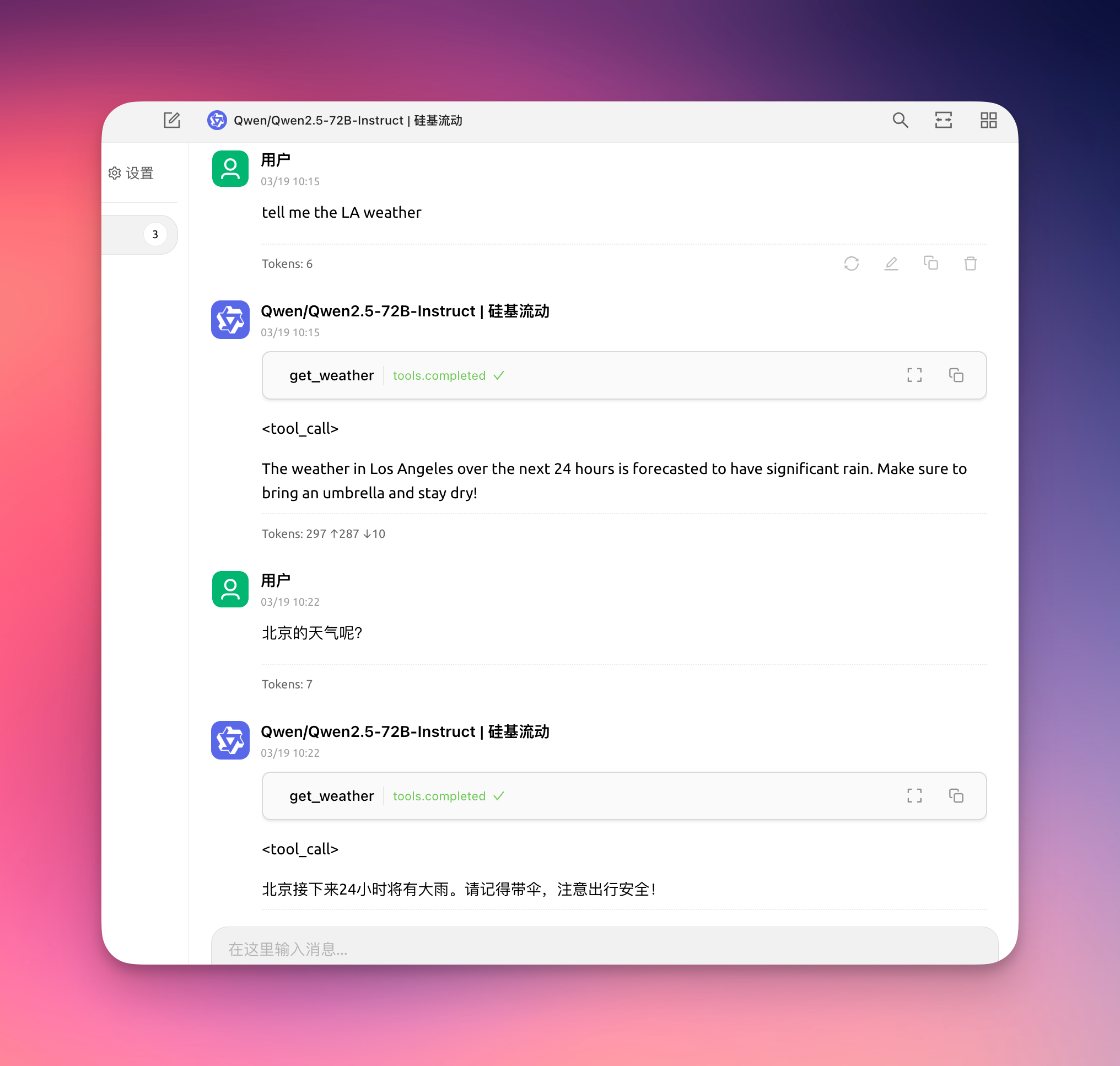
Related MCP server: Dify Workflows MCP Server
要修复 sse 获取不存在的密钥,请在插件守护进程上获取大量错误日志。
添加新的 Streamable HTTP 协议。
更新 dify-plugin-sdk 版本。
This server cannot be deployed
Zero-setup MCP gateway securely connecting AI to your tools with authentication and workflows
Talk to your public-facing AI from any MCP client — Claude, ChatGPT, Cursor, Cline, Windsurf.
A comprehensive Model Context Protocol (MCP) server that enables AI assistants to interact with yo…
Real-time chat for AI agents. Claude Code, Cursor, Cline and Codex join channels over MCP.