


A
licenseNot graded
qualityD
maintenanceFacilitates access and management of Langfuse prompts through the Model Context Protocol, enabling prompt discovery, retrieval, and integration within clients like Claude Desktop and Cursor.
173
MIT

Connects to MLflow Prompt Registry, allowing access to managed prompt templates through MCP, with tools for listing available prompts and retrieving specific prompts with variable arguments.
Click on "Deploy Server".
Wait a few minutes for the server to deploy. Once ready, it will show a "Started" state.
In the chat, type @ followed by the MCP server name and your instructions, e.g., "@MLflow Prompt Registry MCP Server get the 'code-review' prompt template with my latest changes"
That's it! The server will respond to your query, and you can continue using it as needed.
Here is a step-by-step guide with screenshots.
Model Context Protocol (MCP) Server for MLflow Prompt Registry, enabling access to prompt templates managed in MLflow.
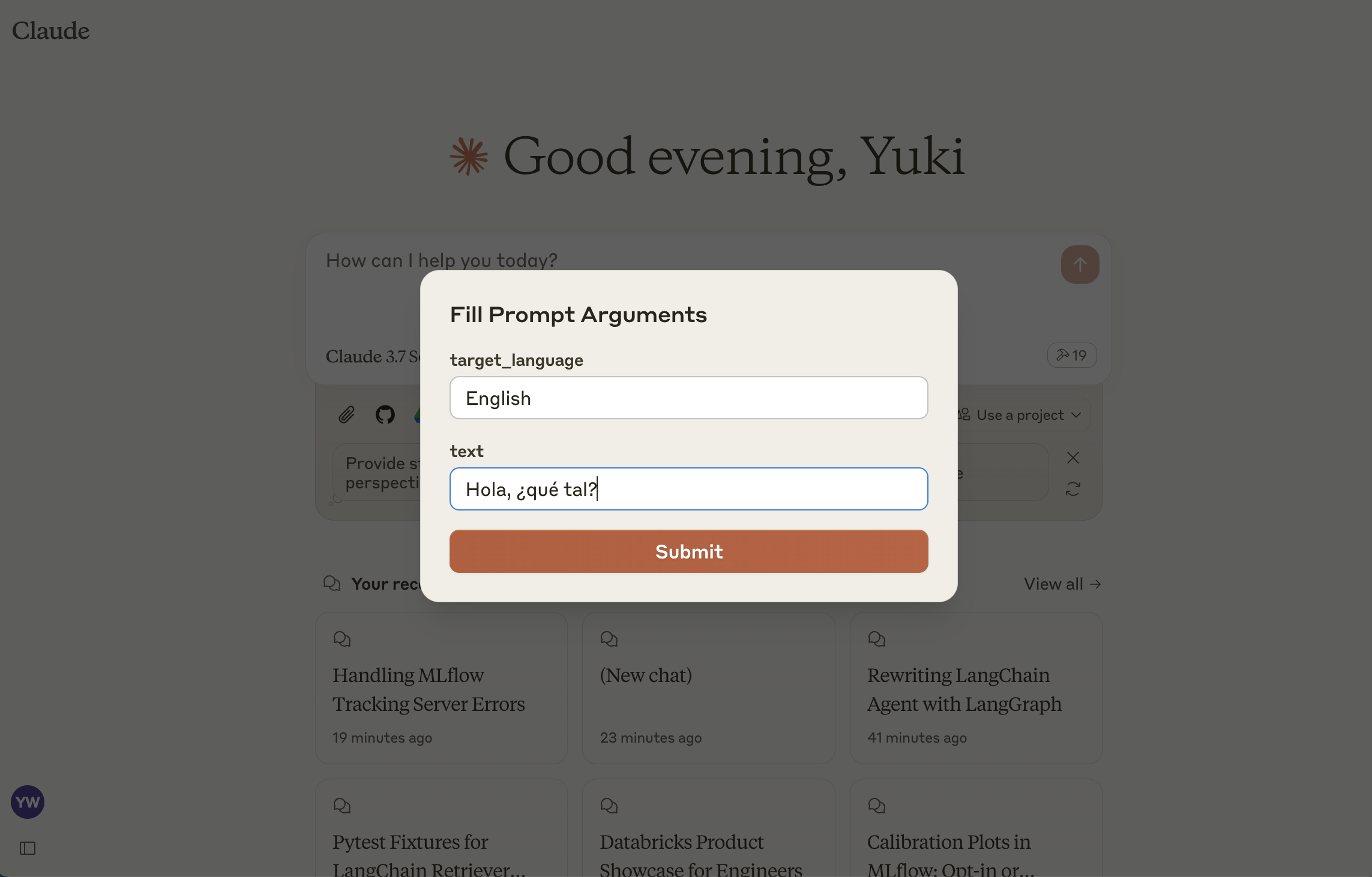
This server implements the MCP Prompts specification for discovering and using prompt templates from MLflow Prompt Registry. The primary use case is to load prompt templates from MLflow in Claude Desktop, allowing users to instruct Claude conveniently for repetitive tasks or common workflows.
list-prompts
List available prompts
Inputs:
cursor (optional string): Cursor for pagination
filter (optional string): Filter for prompts
Returns: List of prompt objects
get-prompt
Retrieve and compile a specific prompt
Inputs:
name (string): Name of the prompt to retrieve
arguments (optional object): JSON object with prompt variables
Returns: Compiled prompt object
Related MCP server: PromStack MCP Server
Install and start an MLflow server if you haven't already to host the Prompt Registry:
pip install mlflow>=2.21.1
mlflow server --port 5000If you haven't already, create a prompt template in MLflow following this guide.
npm install
npm run buildConfigure Claude for Desktop by editing claude_desktop_config.json:
{
  "mcpServers": {
    "mlflow": {
      "command": "node",
      "args": ["<absolute-path-to-this-repository>/dist/index.js"],
      "env": {
        "MLFLOW_TRACKING_URI": "http://localhost:5000"
      }
    }
  }
}
Make sure to replace the MLFLOW_TRACKING_URI with your actual MLflow server address.
This server cannot be deployed
Connect Claude to your Platform7n workspaces — chat, links, and tasks. One-click OAuth.
Your prompt library inside your AI: 1,000+ pro templates, frameworks, vocab & pipelines.
Manage, version, and publish LLM prompts with blocks, variables, and evaluations.
Manage your IoT device fleet directly from Claude. Create device templates with datastreams and events, provision new devices, read live sensor data, and control outputs. The Blynk connector integrates with the Blynk IoT platform, enabling direct configuration and monitoring of connected devices and infrastructure.