Glama

铬 MCP

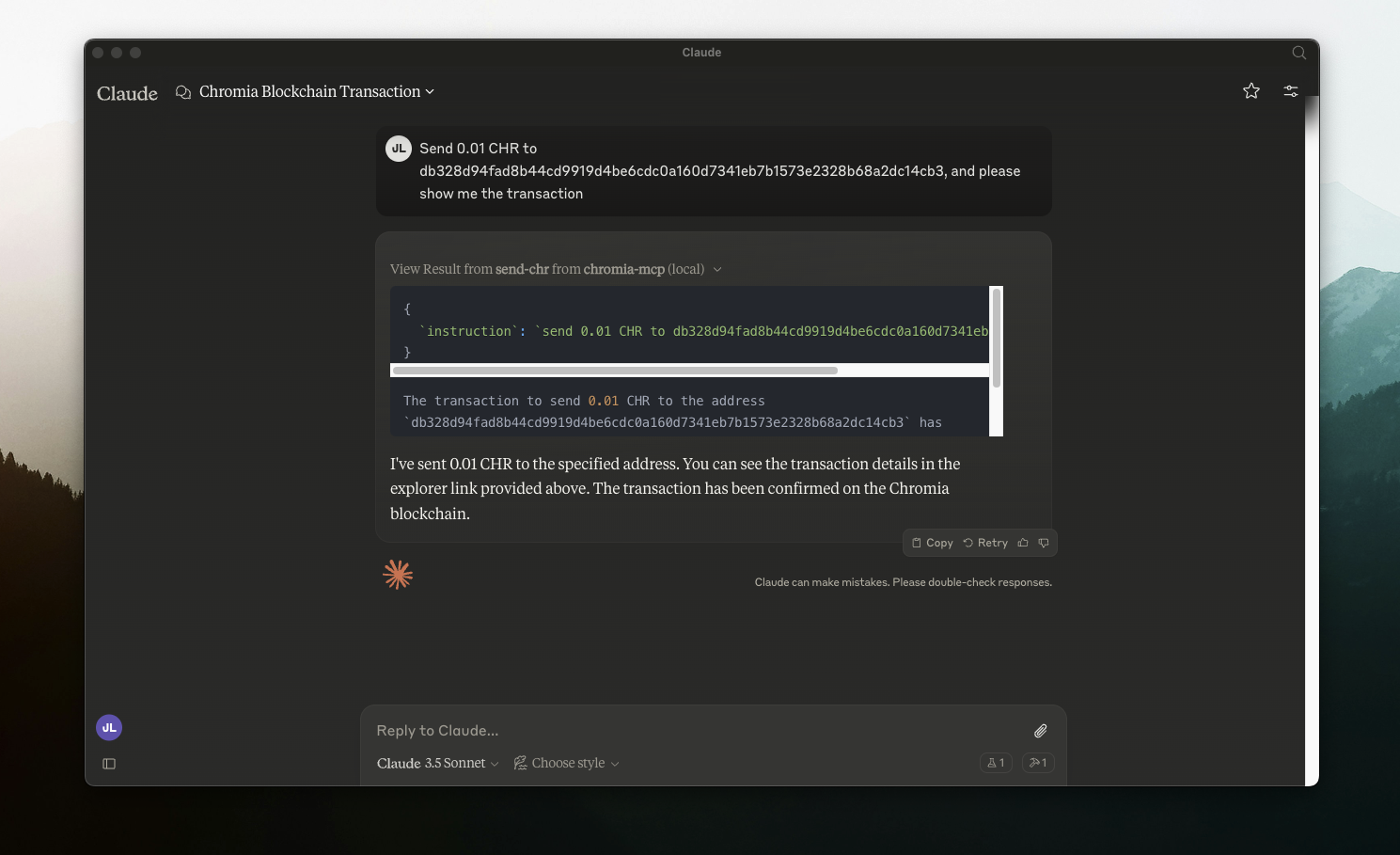
该工具使 Claude AI 能够与 Chromia Wallet 交互以发送 $CHR 交易。

MCP 介绍: https://modelcontextprotocol.io/quickstart

设置

  1. git clone 这个仓库

  2. 设置.env并安装

cp .env.sample .env
npm i
npm run build
  1. 设置 Claude 的桌面应用程序(mac 设置)

nano ~/Library/Application\ Support/Claude/claude_desktop_config.json
{
    "mcpServers": {
        "chromia-mcp": {
            "command": "node",
            "args": [
                "/PATH_TO_FOLDER/chromia-mcp/build/index.js"
            ]
        }
    }
}
  1. 重启 Claude 桌面应用程序

F
license - not found
-
quality - not tested
C
maintenance

Resources

Unclaimed servers have limited discoverability.

Looking for Admin?

If you are the server author, to access and configure the admin panel.

Latest Blog Posts

MCP directory API

We provide all the information about MCP servers via our MCP API.

curl -X GET 'https://glama.ai/api/mcp/v1/servers/chromindscan/chromia-mcp'

If you have feedback or need assistance with the MCP directory API, please join our Discord server